 PluginStats
znc has 28,557,803 recorded pulls on Docker Hub.
It ranks #85 of 1,263 tracked Docker Hub listings by pulls.
PluginStats has 3 daily observations since Oct 16, 2026; the latest is from Oct 18, 2026.
About znc
Quick reference
• Maintained by: the ZNC Community • Where to get help: the Docker Community Slack, Server Fault, Unix & Linux, or Stack Overflow
Supported tags and respective Dockerfile links
• 1.10.3, 1.10, latest • 1.10.3-slim, 1.10-slim, slim
Quick reference (cont.)
• Where to file issues: https://github.com/znc/znc-docker/issues • Supported architectures: (more info) amd64, arm32v6, arm64v8 • Published image artifact details: repo-info repo's repos/znc/ directory (history) (image metadata, transfer size, etc) • Image updates: official-images repo's library/znc label official-images repo's library/znc file (history) • Source of this description: docs repo's znc/ directory (history)
What is ZNC?
ZNC is an IRC network bouncer (BNC). It can detach the client from the actual IRC server, and also from selected channels. Multiple clients from different locations can connect to a single ZNC account simultaneously and therefore appear under the same nickname on IRC.
ZNC Wiki
How to use this image
ZNC in this image stores its configuration in /znc-data. If you have existing configuration, you can reuse it with -v $HOME/.znc:/znc-data. Alternatively, you can create a new config in a volume or in a local dir. The examples below assumes a volume named znc-cfg.
To run ZNC:
The port (12345 in the example above) should match the port you used during --makeconf. Note that 6667 and 6697 are often blocked by web browsers, and therefore are not recommended for ZNC.
If you use any external module, put the .cpp, .py or .pm file to /znc-data/modules (you may need to create that directory).
This image contains the latest released version. If you want the bleeding edge (unstable) version, it's at zncbouncer/znc-git.
Image Variants
The znc images come in many flavors, each designed for a specific use case.
znc:
This is the defacto image. If you are unsure about what your needs are, you probably want to use this one. It is designed to be used both as a throw away container (mount your source code and start the container to start your app), as well as the base to build other images off of.
znc:-slim
This image is smaller, but it doesn't support external modules. If you need any external C++, Perl or Python module, use latest instead of slim.
License
View license information for the software contained in this image.
As with all Docker images, these likely also contain other software which may be under other licenses (such as Bash, etc from the base distribution, along with any direct or indirect dependencies of the primary software being contained).
Some additional license information which was able to be auto-detected might be found in the repo-info repository's znc/ directory.
As for any pre-built image usage, it is the image user's responsibility to ensure that any use of this image complies with any relevant licenses for all software contained within.
Description from the Docker Hub listing.
Where znc sits in the listing
Each band is one page of 20. Pulls on a log scale. Placement is projected from pulls, so it can differ from the marketplace's own sort order. Hover a dot to see the listing.


Charts
Images: 30d · 1y · all time · 1600×900 dark
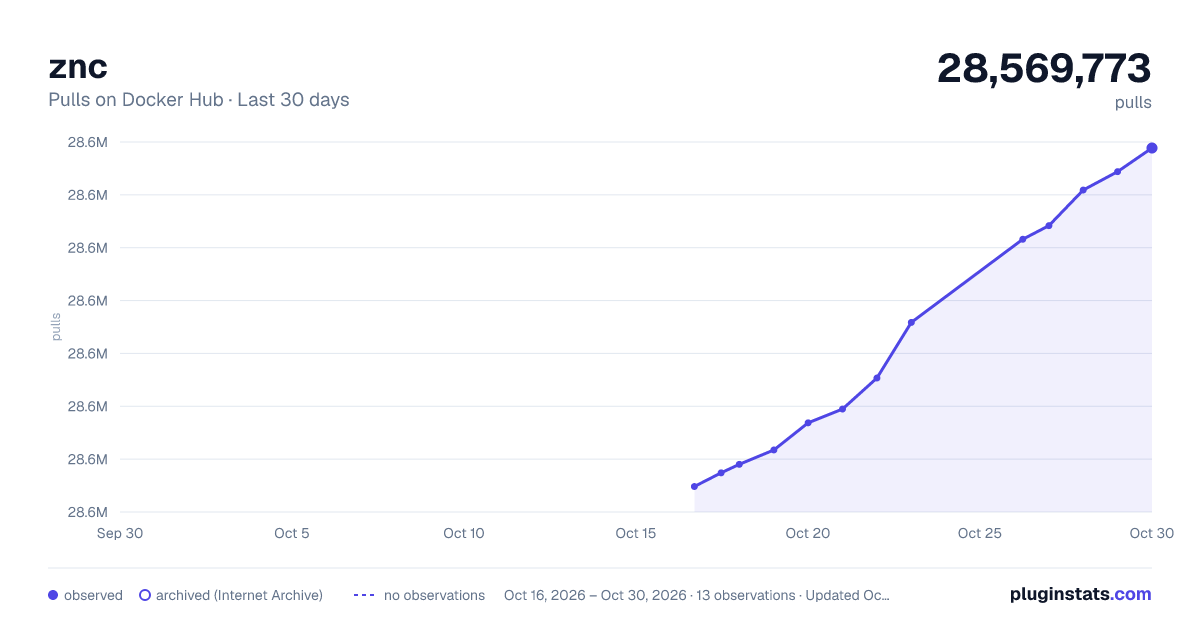
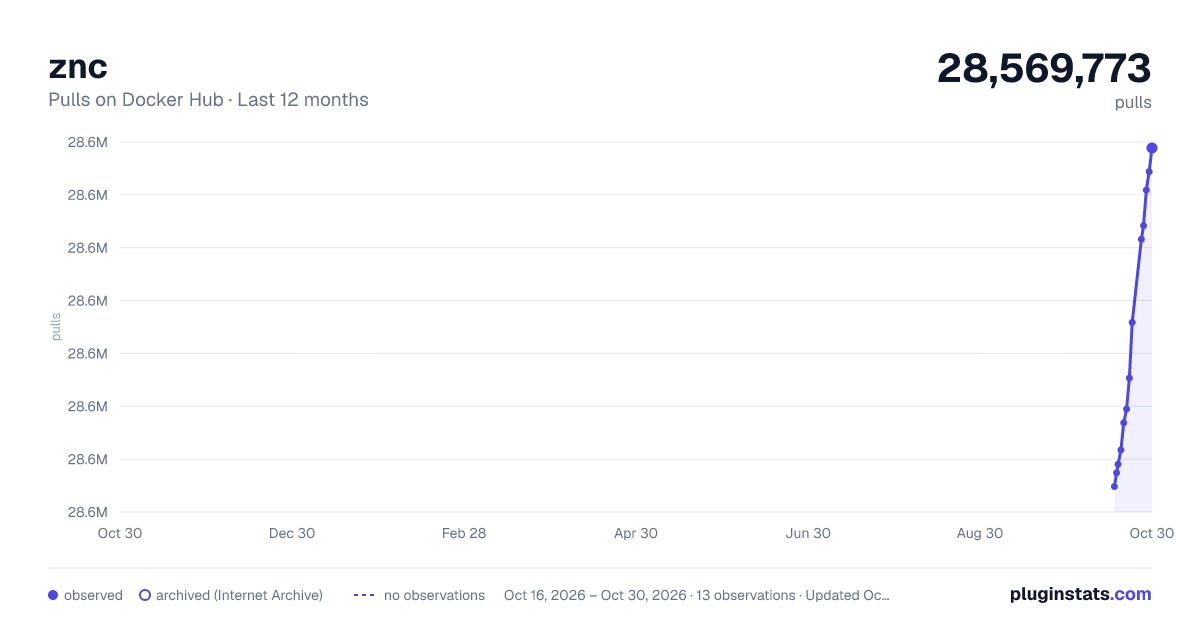
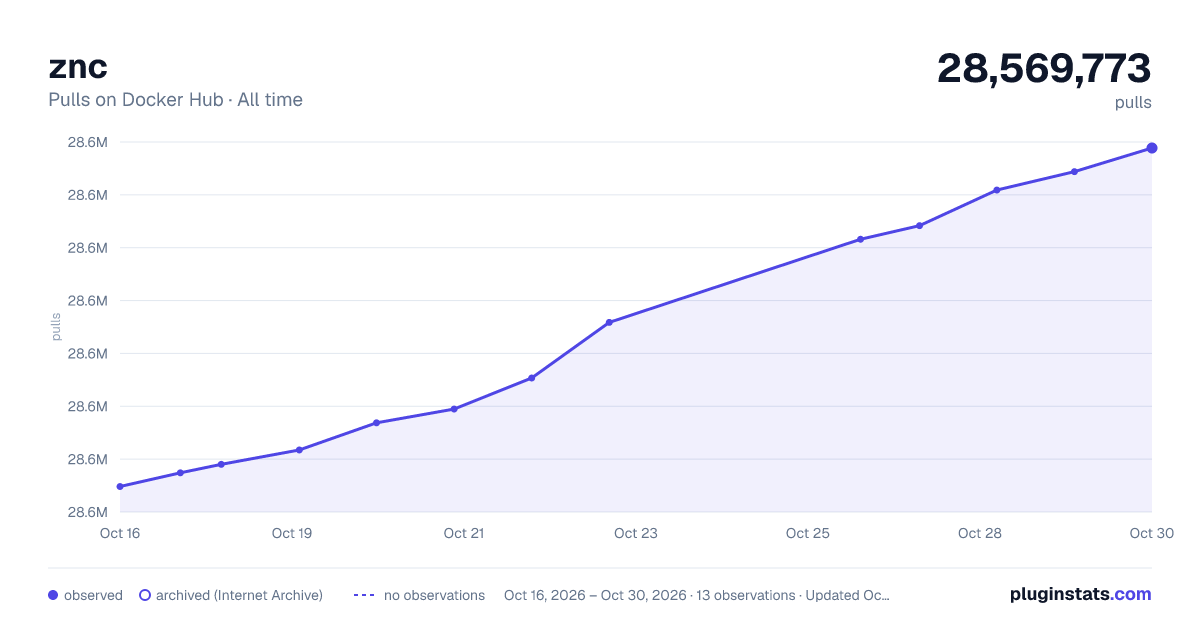

Adoption over time


7/30/90-day growth


Filled points are observed values; hollow points come from Internet Archive snapshots of the listing page. Dashed segments span periods with no observations — values between points are not interpolated.
Recent observations
Full history (3)Similar Docker Hub plugins
Data source
Cumulative pull counts and stars come from the public Docker Hub API. Pulls count image downloads (including automated CI pulls), not installs or users.
Listing: https://hub.docker.com/_/znc. First seen Oct 16, 2026; last successful collection Oct 18, 2026. See the methodology.