 PluginStats
ibmjava pulls statistics
Docker Hub · Languages & frameworks
Official IBM® SDK, Java™ Technology Edition Docker Image.
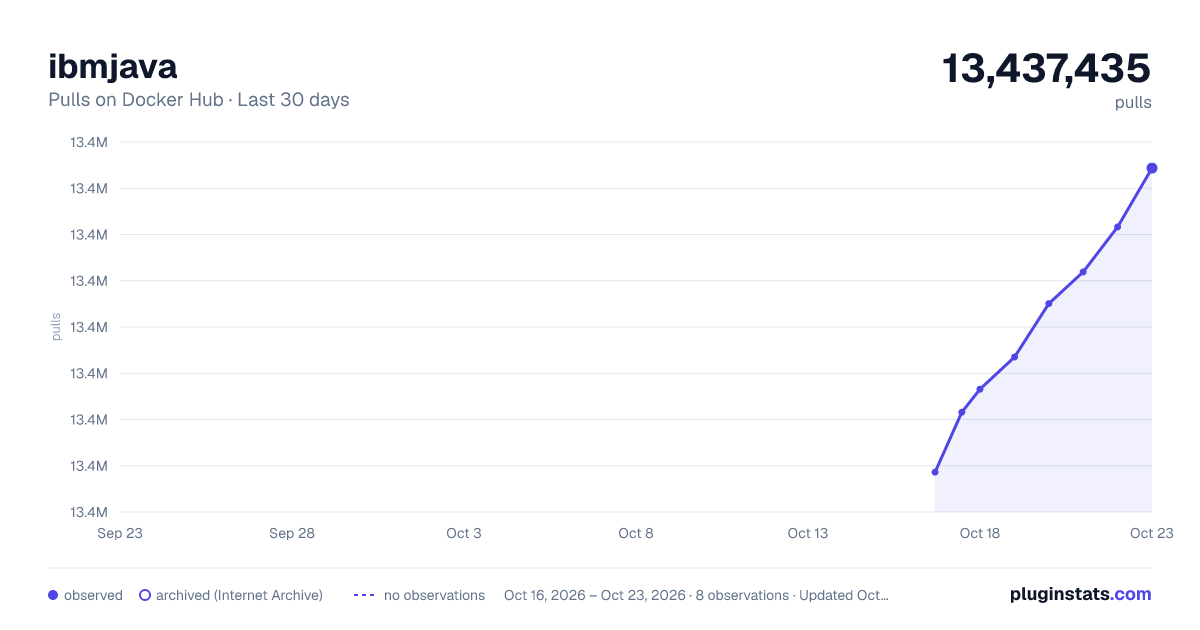
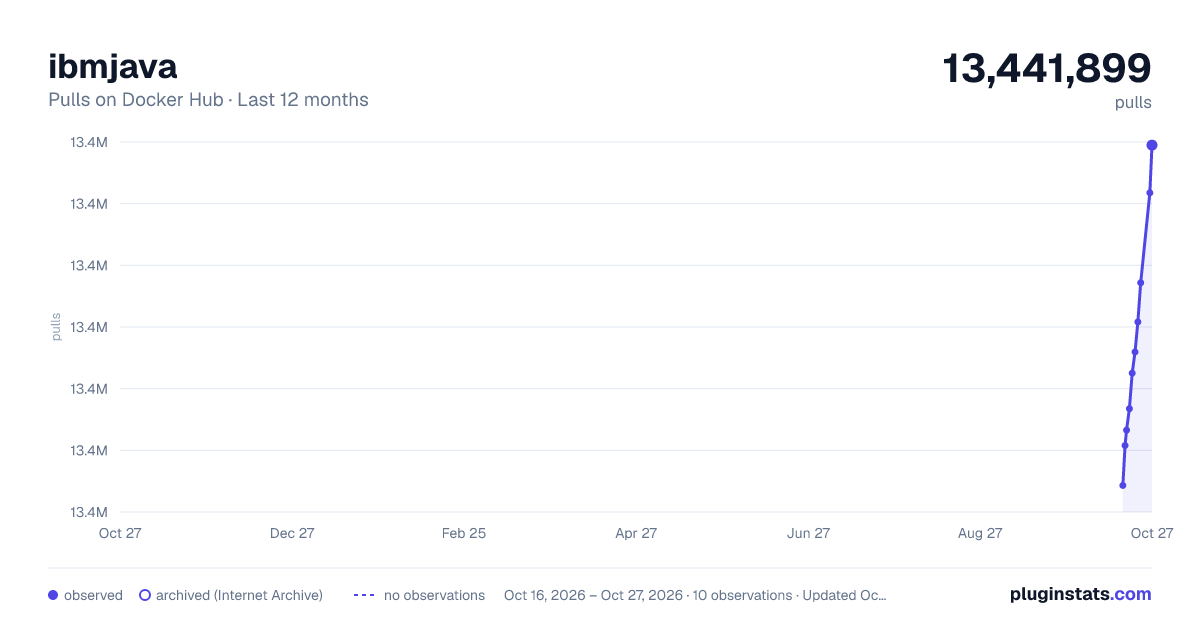
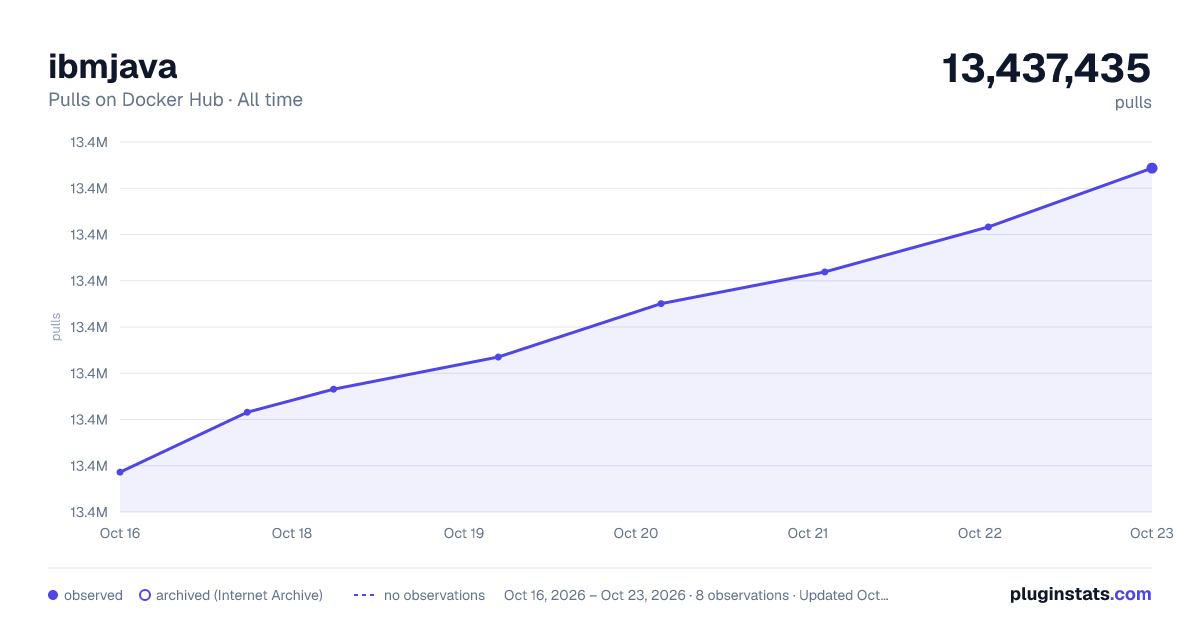
ibmjava has 13,432,655 recorded pulls on Docker Hub.
It ranks #123 of 1,263 tracked Docker Hub listings by pulls.
PluginStats has 3 daily observations since Oct 16, 2026; the latest is from Oct 18, 2026.
About ibmjava
Quick reference
• Maintained by: IBM Runtime Technologies • Where to get help: the developerWorks forum for IBM Java Runtimes and SDKs
Supported tags and respective Dockerfile links
• 8-jre, jre, 8, latest • 8-sfj, sfj • 8-sdk, sdk
Quick reference (cont.)
• Where to file issues: GitHub; for troubleshooting, see our How Do I ...? page • Supported architectures: (more info) amd64, ppc64le, s390x • Published image artifact details: repo-info repo's repos/ibmjava/ directory (history) (image metadata, transfer size, etc) • Image updates: official-images repo's library/ibmjava label official-images repo's library/ibmjava file (history) • Source of this description: docs repo's ibmjava/ directory (history)
Overview
The images in this repository contain IBM® SDK, Java™ Technology Edition. For more information on the latest version and what's new, see sdk8 on IBM developerWorks and jdk11 on IBM developerWorks. See the license section for restrictions that relate to the use of this image. For more information about IBM® SDK, Java™ Technology Edition and API documentation as well as tutorials, recipes, and Java usage in IBM Cloud, see IBM developerWorks.
Java and all Java-based trademarks and logos are trademarks or registered trademarks of Oracle and/or its affiliates.
Eclipse OpenJ9 Images
Eclipse OpenJ9 is a high performance, scalable, Java virtual machine (JVM) implementation that represents hundreds of person-years of effort. Contributed to the Eclipse project by IBM, the OpenJ9 JVM underpins the IBM SDK, Java Technology Edition product that is a core component of many IBM Enterprise software products. Continued development of OpenJ9 at the Eclipse foundation ensures wider collaboration, fresh innovation, and the opportunity to influence the development of OpenJ9 for the next generation of Java applications. The Eclipse OpenJ9 Docker images are available through AdoptOpenJDK. They are available from here.
Images
There are three types of Docker images here: the Software Developers Kit (SDK), and the Java Runtime Environment (JRE) and a small footprint version of the JRE (SFJ). These images can be used as the basis for custom built images for running your applications.
Small Footprint JRE
The Small Footprint JRE (SFJ) is designed specifically for web developers who want to develop and deploy cloud-based Java applications. Java tools and functions that are not required in the cloud environment, such as the Java control panel, are removed. The runtime environment is stripped down to provide core, essential function that has a greatly reduced disk and memory footprint.
Alpine Linux
Consider using Alpine Linux if you are concerned about the size of the overall image. Alpine Linux is a stripped down version of Linux that is based on musl libc and Busybox, resulting in a Docker image size of approximately 5 MB. Due to its extremely small size and reduced number of installed packages, it has a much smaller attack surface which improves security. IBM SDK has a dependency on gnu glibc, the sources can be found here. Installing this library adds an extra 8 MB to the image size. The following table compares Docker Image sizes based on the JRE version 8.0-3.10.
| JRE | JRE | SFJ | SFJ |
| Ubuntu | Alpine | Ubuntu | Alpine | | 305 MB | 184 MB | 220 MB | 101 MB |
Note: Alpine Linux is not an officially supported operating system for IBM® SDK, Java™ Technology Edition.
Multi-Arch Image
Docker Images for the following architectures are now available:
• x86\_64 • i386 • ppc64le • s390x
ibmjava now has multi-arch support and so the exact same commands as below works on all supported architectures. This also means that it is no longer necessary to prefix the arch with the image name as that happens auto-magically.
How to use this Image
To run a pre-built jar file with the JRE image, use the following commands:
You can build and run the Docker Image as shown in the following example:
If you want to place the jar file on the host file system instead of inside the container, you can mount the host path onto the container by using the following commands:
Using the Class Data Sharing feature
IBM SDK, Java Technology Edition provides a feature called Class data sharing. This mechanism offers transparent and dynamic sharing of data between multiple Java virtual machines (JVMs) running on the same host thereby reducing the amount of physical memory consumed by each JVM instance. By providing partially verified classes and possibly pre-loaded classes in memory, this mechanism also improves the start up time of the JVM.
To enable class data sharing between JVMs that are running in different containers on the same host, a common location must be shared between containers. This requirement can be satisfied through the host or a data volume container. When enabled, class data sharing creates a named "class cache", which is a memory-mapped file, at the common location. This feature is enabled by passing the -Xshareclasses option to the JVM as shown in the following Dockerfile example:
The cacheDir sub-option specifies the location of the class cache. For example /opt/sharedclasses. When sharing through the host, a host path must be mounted onto the container at the location the JVM expects to find the class cache. For example:
When sharing through a data volume container, create a named data volume container that shares a volume.
Then start your JVM container by using --volumes-from flag to mount the shared volume, as shown in the following example:
See Also
See the Websphere-Liberty image, which builds on top of this IBM docker image for Java.
License
The Dockerfiles and associated scripts are licensed under the Apache License 2.0.
Licenses for the products installed within the images:…
Description from the Docker Hub listing.
Where ibmjava sits in the listing
Each band is one page of 20. Pulls on a log scale. Placement is projected from pulls, so it can differ from the marketplace's own sort order. Hover a dot to see the listing.


Charts
Images: 30d · 1y · all time · 1600×900 dark

Adoption over time


7/30/90-day growth


Filled points are observed values; hollow points come from Internet Archive snapshots of the listing page. Dashed segments span periods with no observations — values between points are not interpolated.
Recent observations
Full history (3)Similar Docker Hub Languages & frameworks plugins
Data source
Cumulative pull counts and stars come from the public Docker Hub API. Pulls count image downloads (including automated CI pulls), not installs or users.
Listing: https://hub.docker.com/_/ibmjava. First seen Oct 16, 2026; last successful collection Oct 18, 2026. See the methodology.