 PluginStats
localstack/snowflake pulls statistics
By localstack (61 listings) · Docker Hub · Databases & storage
LocalStack is a cloud software development platform to develop and test your Snowflake data pipeline
localstack/snowflake has 172,375 recorded pulls on Docker Hub, ranking #346 of 1,263 tracked listings.
About localstack/snowflake
Overview • Installation • Quickstart • Releases • Support • License 📖 Docs • ☑️ Function coverage
Overview
LocalStack for Snowflake helps software and data teams save on Snowflake Cloud costs by running dev and staging workflows on locally deployable, Snowflake-compatible development and CI environments.
LocalStack for Snowflake supports the following features:
• Query operations on warehouses, databases, schemas, and tables • Storage and persistence with user/data/named stages • Client support for tools like SnowPark, DBeaver, and Flyway • Streaming with Snowpipe support • JavaScript and Python UDFs • External volumes, including Iceberg tables • … and more!
Installation
The easiest way to get started with LocalStack for Snowflake is to download and run the LocalStack for Snowflake Docker image, available on Docker Hub:
NOTE: LocalStack for Snowflake requires a valid LocalStack auth token, configured as environment variable LOCALSTACK_AUTH_TOKEN, to work. Refer to the LocalStack auth token guide for more details.
Start LocalStack for Snowflake - localstack
Assuming the localstack CLI is installed and configured correctly, you can start the LocalStack for Snowflake instance via the following command:
Start LocalStack for Snowflake - docker
Assuming the docker CLI is installed and correctly configured, you can start the LocalStack for Snowflake instance via the following command:
Start LocalStack for Snowflake - docker-compose
Create a docker-compose.yml file with the specified content:
Assuming the docker CLI command is installed and configured correctly, start the Snowflake Docker container with the following command:
Quickstart
After starting the LocalStack for Snowflake instance, you can use the Snowflake Python Connector to interact with the LocalStack Snowflake emulator. The following example demonstrates how to create a Snowflake table using the Snowflake Python Connector:
Check out our documentation for more examples and guides.
Releases
Refer to the online changelog to see the complete list of changes for each release.
Support
To get in touch with LocalStack to report issues and request new features, reach out on the following channels:
• LocalStack Slack Community • LocalStack Discussion Page • LocalStack Support email
License
© 2025 LocalStack - All Rights Reserved
The LocalStack for Snowflake image is proprietary software and is subject to the LocalStack terms and conditions. Unauthorized use, reproduction, or distribution is prohibited.
Description from the Docker Hub listing.
README badge
Show your rank in a README or on your website. The badge updates automatically.
Charts
Images: 30d · 1y · all time · 1600×900 dark
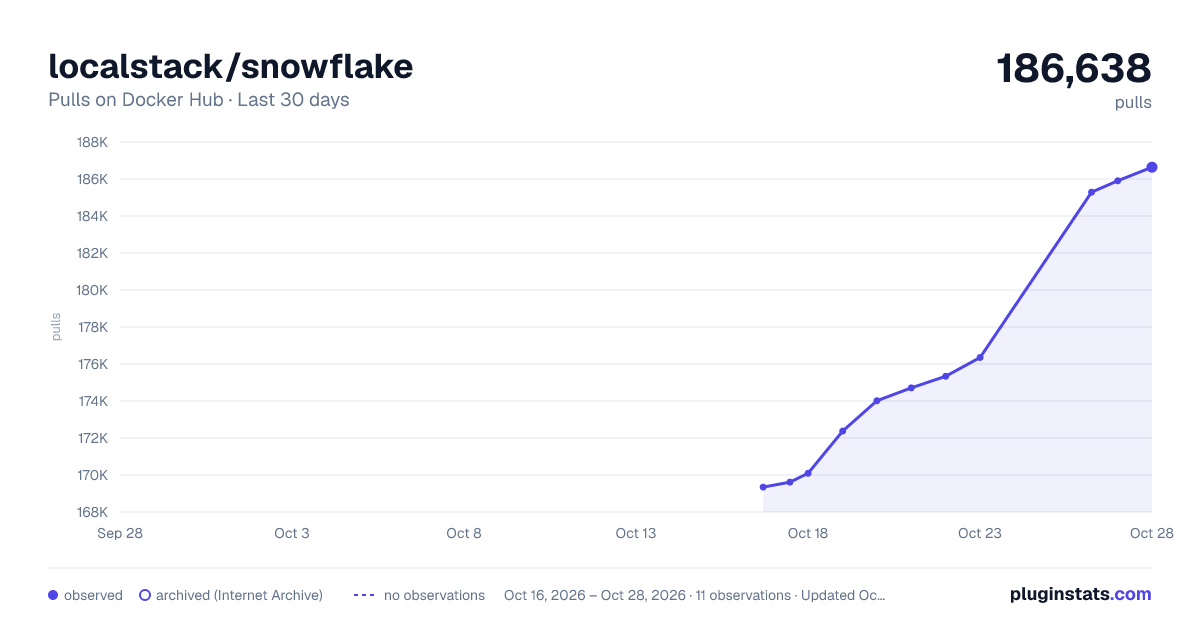
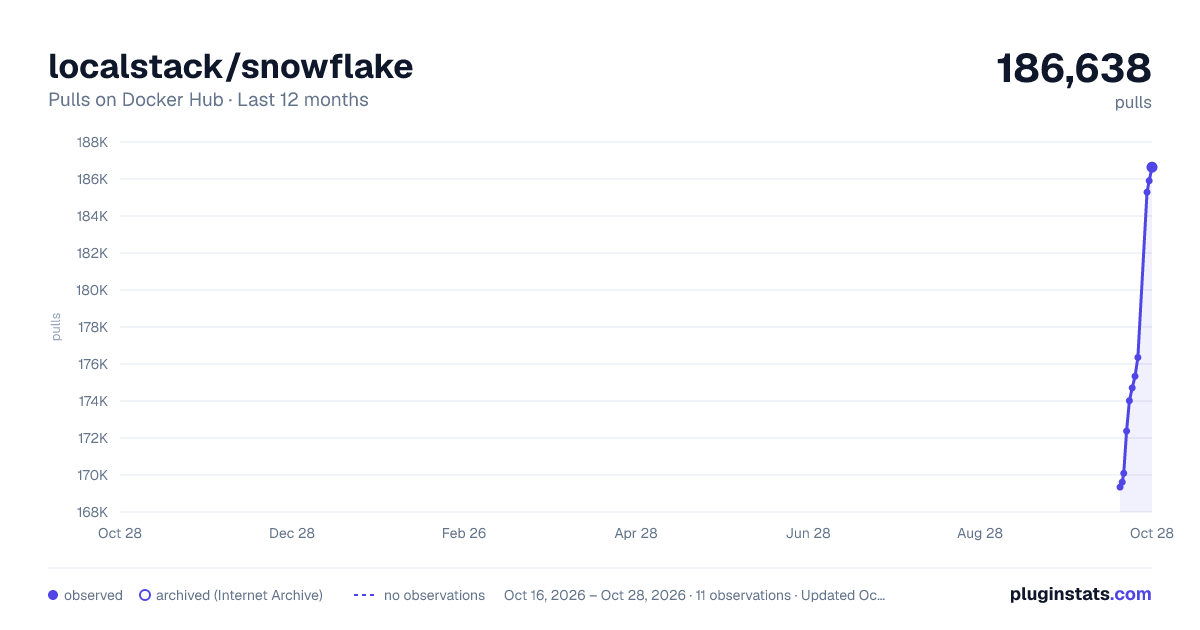
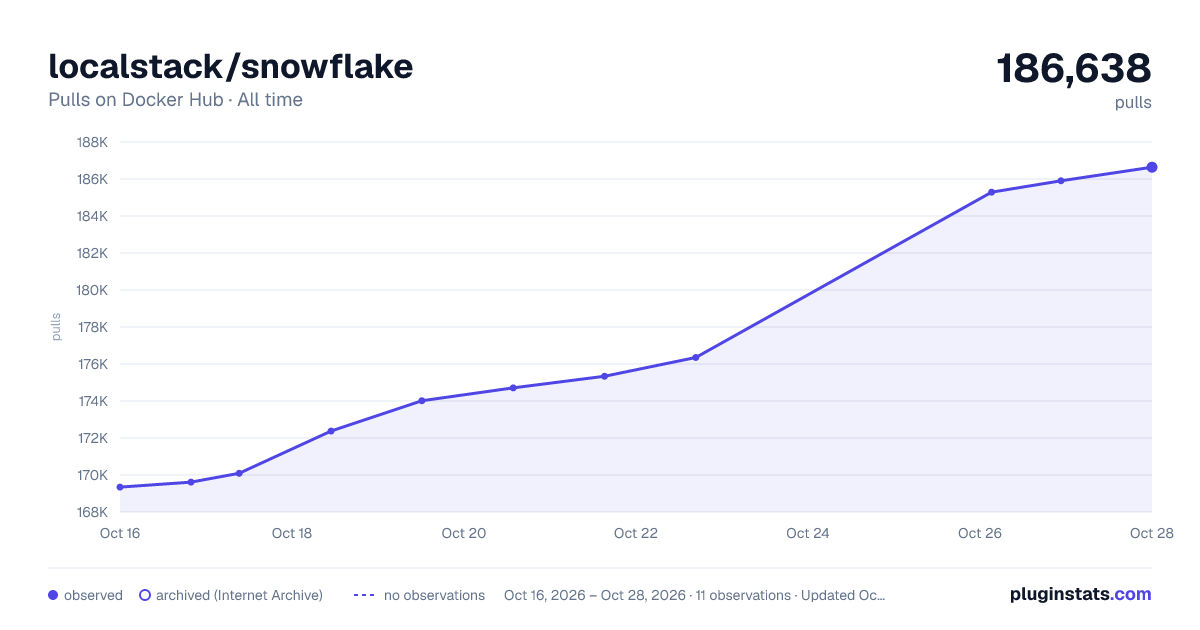

Adoption over time
7/30/90-day growth
Ranking history
Listing placement
Listing placement
Listing placement
Listing placement
Filled points are observed values; hollow points come from Internet Archive snapshots of the listing page. Dashed segments span periods with no observations — values between points are not interpolated.
Each band is one page of 20. Pulls on a linear scale. Placement is projected from pulls, so it can differ from the marketplace's own sort order. Hover a dot to see the listing.
Recent observations
Full history (4)Similar Docker Hub Databases & storage plugins
All 20 localstack/snowflake alternativesData source
Cumulative pull counts and stars come from the public Docker Hub API. Pulls count image downloads (including automated CI pulls), not installs or users.
Listing: https://hub.docker.com/r/localstack/snowflake. First seen Oct 16, 2026; last successful collection Oct 19, 2026. See the methodology.