 PluginStats
mcp/gdrive pulls statistics
By mcp (100 listings) · Docker Hub · Machine learning & AI
This MCP server integrates with Google Drive to allow listing, reading, and searching over files.
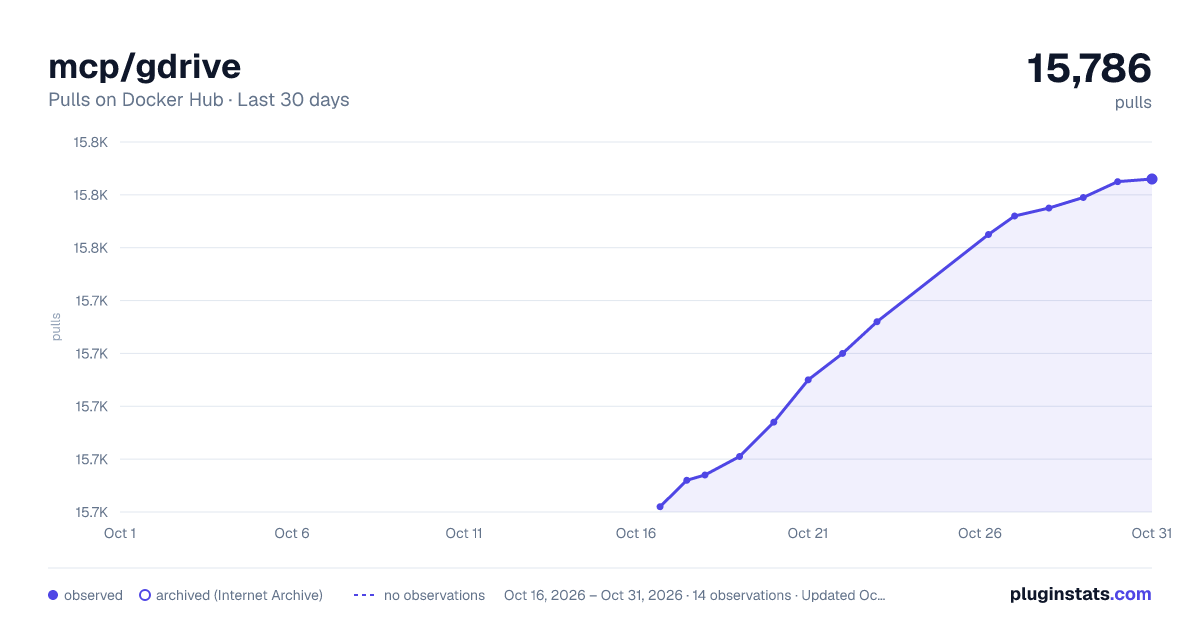
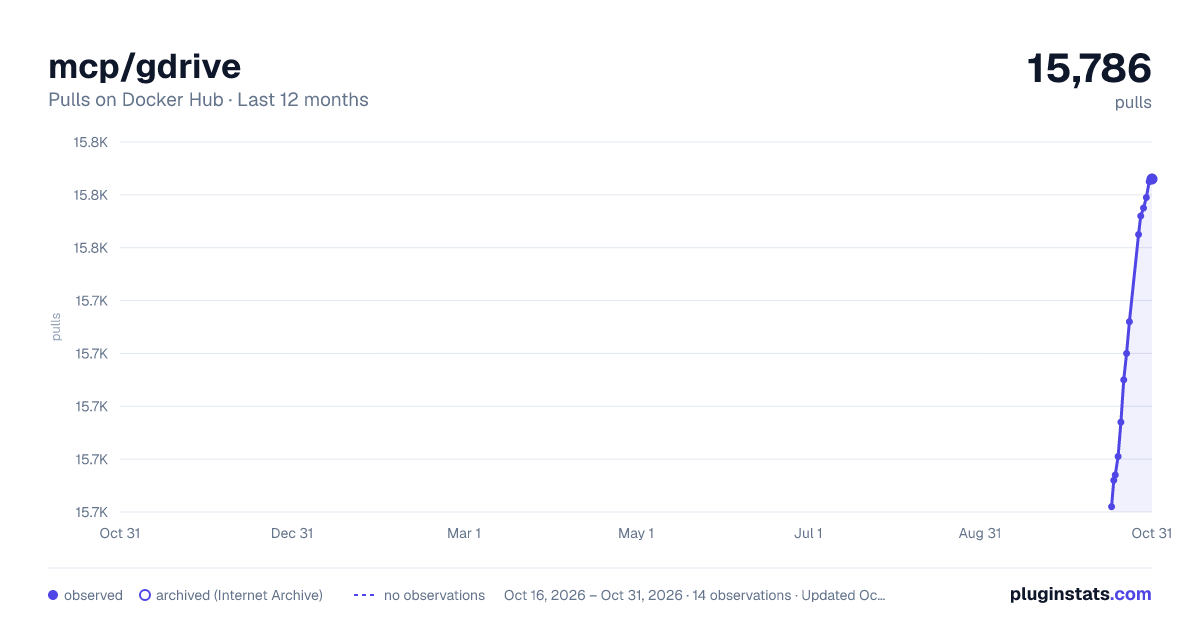
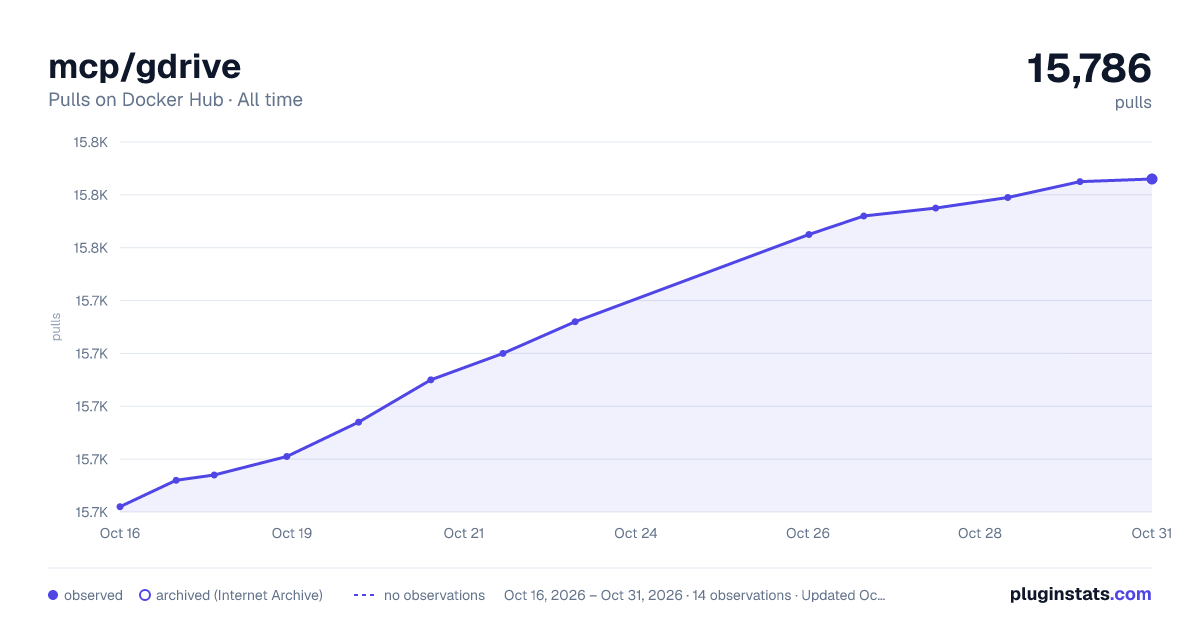
mcp/gdrive has 15,674 recorded pulls on Docker Hub.
It ranks #766 of 1,263 tracked Docker Hub listings by pulls.
PluginStats has 3 daily observations since Oct 16, 2026; the latest is from Oct 18, 2026.
About mcp/gdrive
Google Drive server
This MCP server integrates with Google Drive to allow listing, reading, and searching over files.
Components
Tools
• search • Search for files in Google Drive • Input: query (string): Search query • Returns file names and MIME types of matching files
Resources
The server provides access to Google Drive files:
• Files (gdrive:///) • Supports all file types • Google Workspace files are automatically exported: • Docs → Markdown • Sheets → CSV • Presentations → Plain text • Drawings → PNG • Other files are provided in their native format
Getting started
1. Create a new Google Cloud project 2. Enable the Google Drive API 3. Configure an OAuth consent screen ("internal" is fine for testing) 4. Add OAuth scope https://www.googleapis.com/auth/drive.readonly 5. Create an OAuth Client ID for application type "Desktop App" 6. Download the JSON file of your client's OAuth keys 7. Rename the key file to gcp-oauth.keys.json and place into the root of this repo (i.e. servers/gcp-oauth.keys.json)
Make sure to build the server with either npm run build or npm run watch.
Authentication
To authenticate and save credentials:
1. Run the server with the auth argument: node ./dist auth 2. This will open an authentication flow in your system browser 3. Complete the authentication process 4. Credentials will be saved in the root of this repo (i.e. servers/.gdrive-server-credentials.json)
Usage with Desktop App
To integrate this server with the desktop app, add the following to your app's server configuration:
Authentication:
Assuming you have completed setting up the OAuth application on Google Cloud, you can now auth the server with the following command, replacing /path/to/gcp-oauth.keys.json with the path to your OAuth keys file:
The command will print the URL to open in your browser. Open this URL in your browser and complete the authentication process. The credentials will be saved in the mcp-gdrive volume.
Once authenticated, you can use the server in your app's server configuration:
License
This MCP server is licensed under the MIT License. This means you are free to use, modify, and distribute the software, subject to the terms and conditions of the MIT License. For more details, please see the LICENSE file in the project repository.
Description from the Docker Hub listing.
Where mcp/gdrive sits in the listing
Each band is one page of 20. Pulls on a log scale. Placement is projected from pulls, so it can differ from the marketplace's own sort order. Hover a dot to see the listing.


Charts
Images: 30d · 1y · all time · 1600×900 dark

Adoption over time


7/30/90-day growth


Filled points are observed values; hollow points come from Internet Archive snapshots of the listing page. Dashed segments span periods with no observations — values between points are not interpolated.
Recent observations
Full history (3)Similar Docker Hub Machine learning & AI plugins
Data source
Cumulative pull counts and stars come from the public Docker Hub API. Pulls count image downloads (including automated CI pulls), not installs or users.
Listing: https://hub.docker.com/r/mcp/gdrive. First seen Oct 16, 2026; last successful collection Oct 18, 2026. See the methodology.