 PluginStats
django has 23,218,432 recorded pulls on Docker Hub, ranking #95 of 1,263 tracked listings.
About django
DEPRECATED
This image is officially deprecated in favor of the standard python image, and will receive no further updates after 2016-12-31 (Dec 31, 2016). Please adjust your usage accordingly.
For most usages of this image, it was already not bringing in django from this image, but actually from your project's requirements.txt, so the only "value" being added here was the pre-installing of mysql-client, postgresql-client, and sqlite3 for various uses of the django framework.
For example, a Dockerfile similar to the following would be a good starting point for a Django project using PostgreSQL:
Supported tags and respective Dockerfile links
• 1.10.4-python3, 1.10-python3, 1-python3, python3, 1.10.4, 1.10, 1, latest (3.4/Dockerfile) • python3-onbuild, onbuild (3.4/onbuild/Dockerfile) • 1.10.4-python2, 1.10-python2, 1-python2, python2 (2.7/Dockerfile) • python2-onbuild (2.7/onbuild/Dockerfile)
Quick reference
• Where to get help: the Docker Community Forums, the Docker Community Slack, or Stack Overflow • Where to file issues: https://github.com/docker-library/django/issues • Maintained by: the Docker Community • Published image artifact details: repo-info repo's repos/django/ directory (history) (image metadata, transfer size, etc) • Image updates: official-images PRs with label library/django official-images repo's library/django file (history) • Source of this description: docs repo's django/ directory (history) • Supported Docker versions: the latest release (down to 1.6 on a best-effort basis)
What is Django?
Django is a free and open source web application framework, written in Python, which follows the model-view-controller architectural pattern. Django's primary goal is to ease the creation of complex, database-driven websites with an emphasis on reusability and "pluggability" of components.
wikipedia.org/wiki/Django_(web_framework)
How to use this image
Create a Dockerfile in your Django app project
Put this file in the root of your app, next to the requirements.txt.
This image includes multiple ONBUILD triggers which should cover most applications. The build will COPY . /usr/src/app, RUN pip install, EXPOSE 8000, and set the default command to python manage.py runserver.
You can then build and run the Docker image:
You can test it by visiting http://container-ip:8000 in a browser or, if you need access outside the host, on http://localhost:8000 with the following command:
Without a Dockerfile
Of course, if you don't want to take advantage of magical and convenient ONBUILD triggers, you can always just use docker run directly to avoid having to add a Dockerfile to your project.
Bootstrap a new Django Application
If you want to generate the scaffolding for a new Django project, you can do the following:
This will create a sub-directory named mysite inside your current directory.
Image Variants
The django images come in many flavors, each designed for a specific use case.
django:
This is the defacto image. If you are unsure about what your needs are, you probably want to use this one. It is designed to be used both as a throw away container (mount your source code and start the container to start your app), as well as the base to build other images off of.
django:onbuild
This image makes building derivative images easier. For most use cases, creating a Dockerfile in the base of your project directory with the line FROM django:onbuild will be enough to create a stand-alone image for your project.
While the onbuild variant is really useful for "getting off the ground running" (zero to Dockerized in a short period of time), it's not recommended for long-term usage within a project due to the lack of control over when the ONBUILD triggers fire (see also docker/docker#5714, docker/docker#8240, docker/docker#11917).
Once you've got a handle on how your project functions within Docker, you'll probably want to adjust your Dockerfile to inherit from a non-onbuild variant and copy the commands from the onbuild variant Dockerfile (moving the ONBUILD lines to the end and removing the ONBUILD keywords) into your own file so that you have tighter control over them and more transparency for yourself and others looking at your Dockerfile as to what it does. This also makes it easier to add additional requirements as time goes on (such as installing more packages before performing the previously-ONBUILD steps).
License
View license information for the software contained in this image.
Description from the Docker Hub listing.
README badge
Show your rank in a README or on your website. The badge updates automatically.
Charts
Images: 30d · 1y · all time · 1600×900 dark
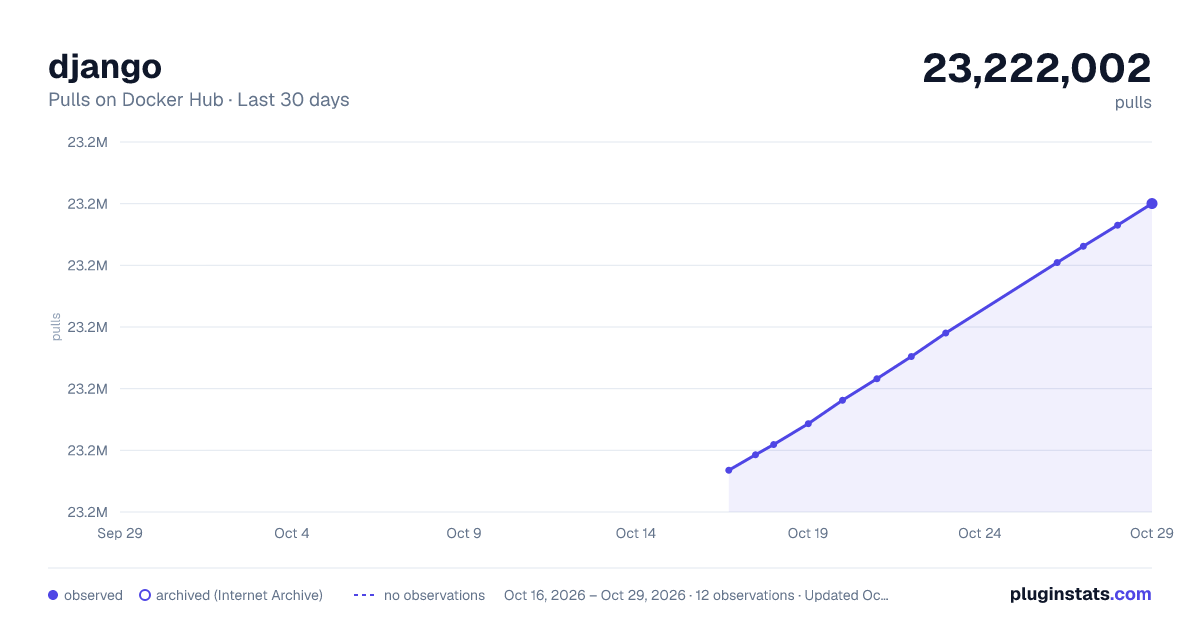
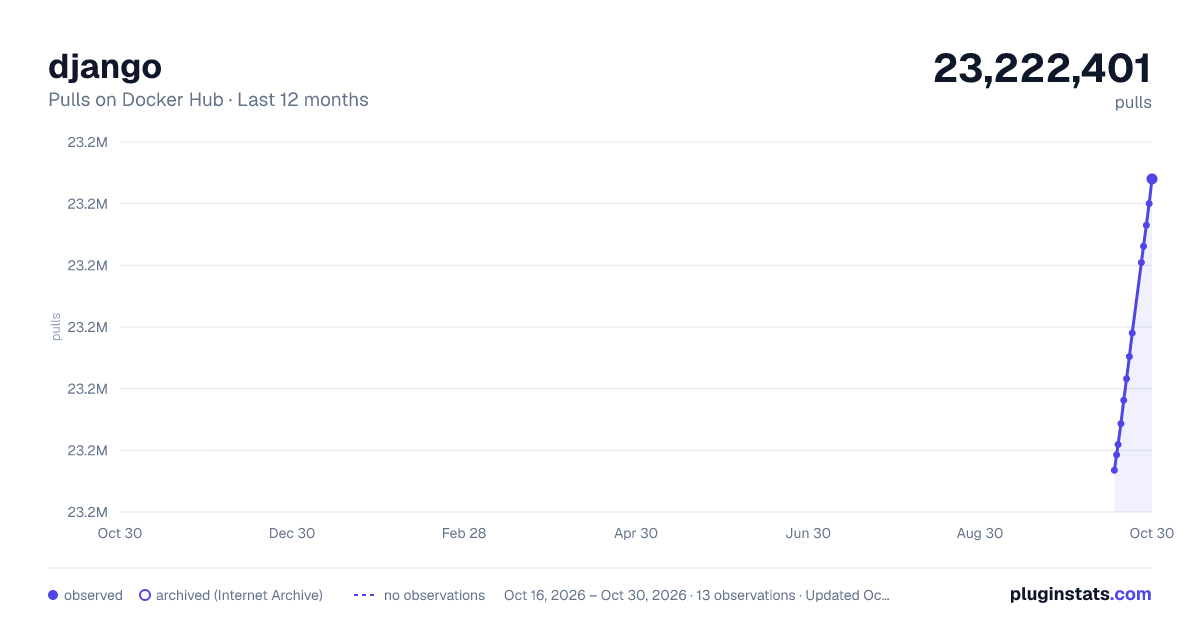
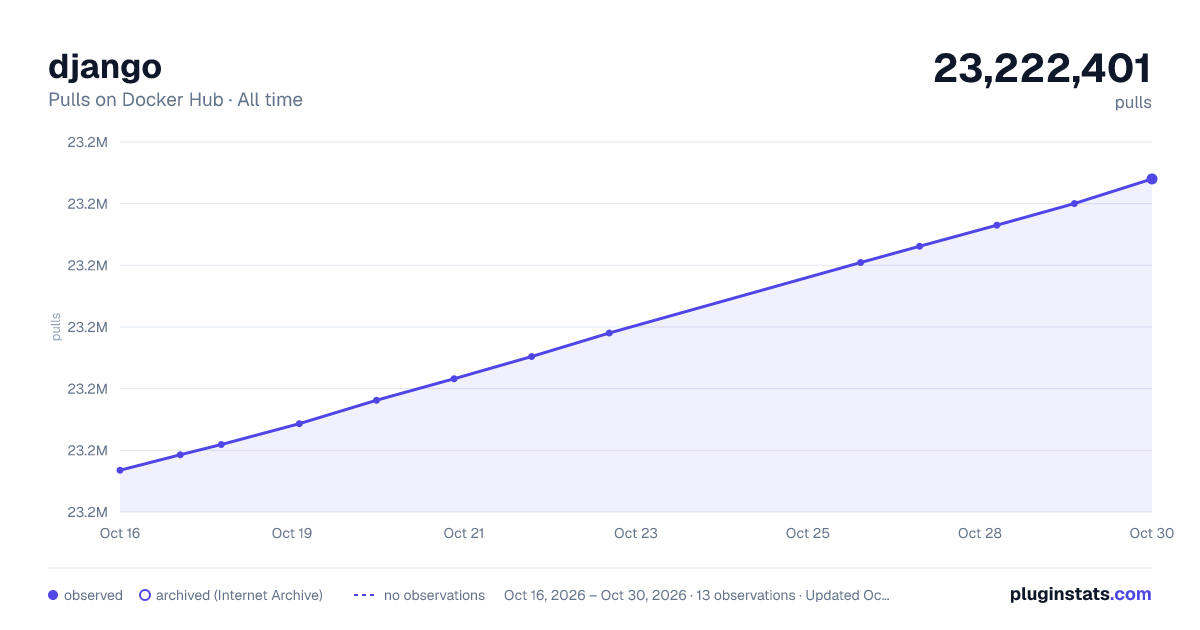

Adoption over time
7/30/90-day growth
Ranking history
Listing placement
Filled points are observed values; hollow points come from Internet Archive snapshots of the listing page. Dashed segments span periods with no observations — values between points are not interpolated.
Each band is one page of 20. Pulls on a linear scale. Placement is projected from pulls, so it can differ from the marketplace's own sort order. Hover a dot to see the listing.
Recent observations
Full history (4)Similar Docker Hub plugins
All 20 django alternativesdjango on other marketplaces
Data source
Cumulative pull counts and stars come from the public Docker Hub API. Pulls count image downloads (including automated CI pulls), not installs or users.
Listing: https://hub.docker.com/_/django. First seen Oct 16, 2026; last successful collection Oct 19, 2026. See the methodology.