 PluginStats
LinknTrack - Notes for LinkedIn Profiles users statistics
Chrome Web Store · Social Networking
A browser extension to add notes to LinkedIn profiles.
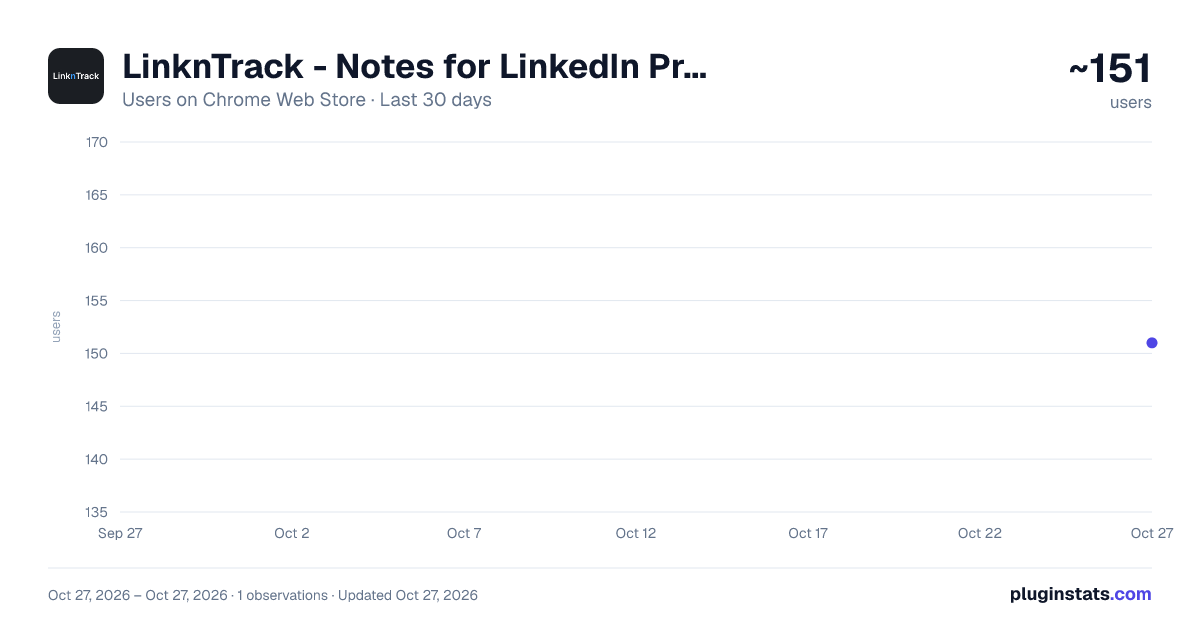
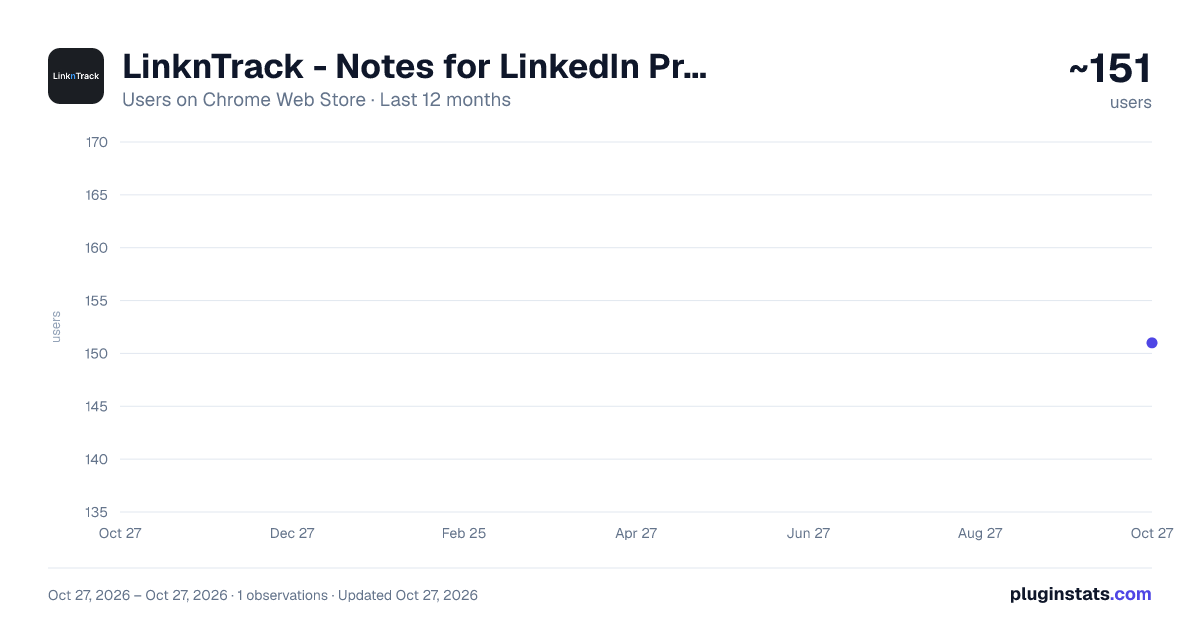
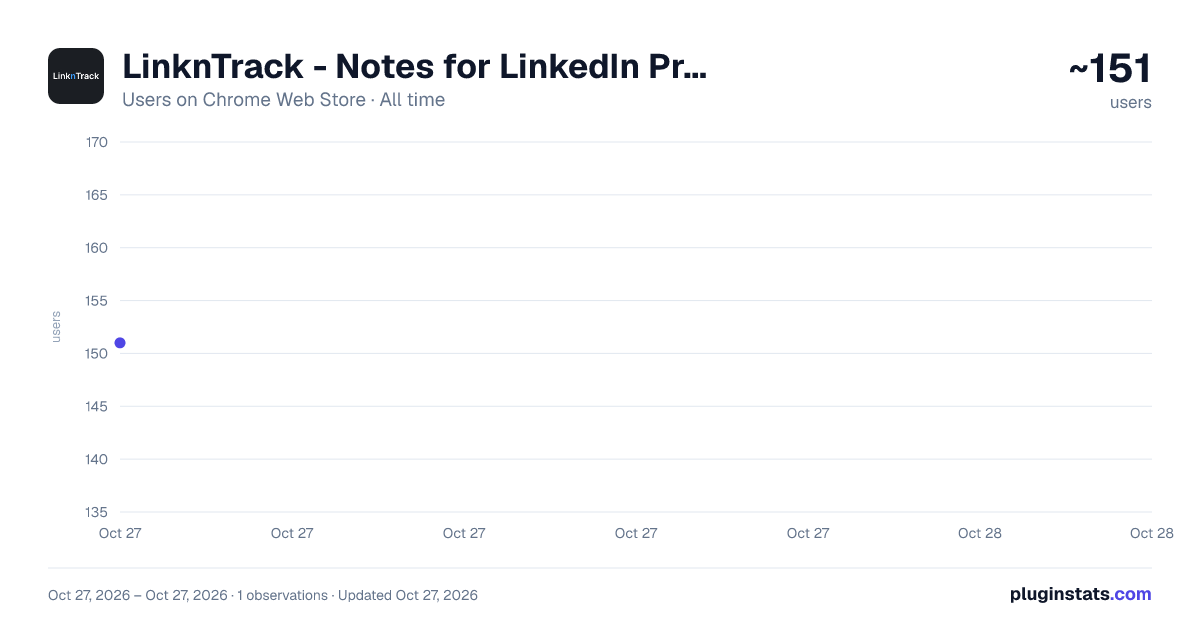
LinknTrack - Notes for LinkedIn Profiles has approximately 151 recorded users on Chrome Web Store, ranking #3841 of 4,553 tracked listings.
Rating: 5.00 / 5 from 8 ratings
About LinknTrack - Notes for LinkedIn Profiles
A browser extension to add notes to LinkedIn profiles.
LinknTrack – Your Ultimate LinkedIn Note-Taking Assistant
Effortlessly manage your LinkedIn connections with LinknTrack, a powerful Chrome extension designed to help you save, organize, and track important details about your network.
✨ Key Features:
- Save Private Notes 📝 – Add personalized notes directly to LinkedIn profiles to remember key insights, conversations, or follow-up plans.
- Multi-Note Support 📄 – Track multiple notes for the same profile to keep all details organized and accessible.
- Customizable Titles with Colors 🎨 – Categorize your notes with tailored titles and distinct colors for better organization or just add your own:
- 💜 Soft Lavender – First Meeting
- 🌊 Deep Teal – Personal Interests
- 🍊 Bright Orange – Follow-Up Items ...and more!
- Set Reminders ⏰ – Add reminders to notes and receive email notifications when it’s time to reconnect or follow up.
- Toggle Note Placement – Easily switch between note placement options:
- Embedded Mode – Notes appear directly as a section within the LinkedIn profile page.
- Side-Panel Mode – Notes remain accessible while scrolling through the profile as a fixed side-panel beside you.
- Sync and Access Anywhere 🔄 – Notes are securely saved and synced, ensuring you can access them anytime, anywhere.
💡 Why LinknTrack?
Reconnecting with your network has never been easier. Whether you're a professional, recruiter, or business developer, LinknTrack helps you remember personal and professional details that build stronger, long-lasting relationships. Imagine saying: "Hi, I remember you mentioned your son applying to college—how did it go?" Instead of: "Hey, remind me again, how do we know each other?"
✅ How It Works:
- Install LinknTrack from the Chrome Web Store.
- Sign up or log in at linkntrack.com.
- Start adding notes, organizing them with titles, and setting reminders directly on LinkedIn profiles.
🔒 Secure and Seamless – LinknTrack integrates seamlessly into your LinkedIn experience, keeping your notes private, organized, and ready when you need them most.
🚀 Install LinknTrack Today and take your LinkedIn networking to the next level!
PS: We’re continuously working on improving LinknTrack based on your feedback. Your suggestions help us make the extension better!
🚀 Please send feedback to team@linkntrack.com or on X/Twitter to:
- Mariem: https://x.com/_MariemEhab
- Julien: https://x.com/julienbarbier42
Description from the Chrome Web Store listing.
README badge
Show your rank in a README or on your website. The badge updates automatically.
Charts
Images: 30d · 1y · all time · 1600×900 dark
Adoption over time
7/30/90-day growth
Ranking history
Ratings over time
Listing placement
Listing placement
Filled points are observed values; hollow points come from Internet Archive snapshots of the listing page. Dashed segments span periods with no observations — values between points are not interpolated.
Each band is one page of 20. Users on a linear scale. Placement is projected from users, so it can differ from the marketplace's own sort order. Hover a dot to see the listing.
Recent observations
Full history (1)Similar Chrome Web Store Social Networking plugins
All 20 LinknTrack - Notes for LinkedIn Profiles alternatives



Data source
Covers every Chrome Web Store extension with at least 100 users, found through the store's public sitemap. User counts are read from public listing pages. The 10% most-used extensions are refreshed daily, the next 40% weekly and the next 40% monthly; the least-used 10% are not refreshed. Google displays rounded user counts (and caps the display at 10,000,000+), so small changes may not be visible. Rating counts above 1,000 are rounded (e.g. 1.6K).
Listing: https://chromewebstore.google.com/detail/linkntrack-notes-for-link/eiedlnmkmdpcjhaijngkcnmljgnofacd. First seen Oct 27, 2026; last successful collection Oct 27, 2026. See the methodology.