 PluginStats
Accent Grid users statistics
By Red Digits · Chrome Web Store · Functionality & UI
Type accented characters, diacritical marks & special symbols instantly. One-click grid for á é í ó ú ñ ä ö ü ç and more.
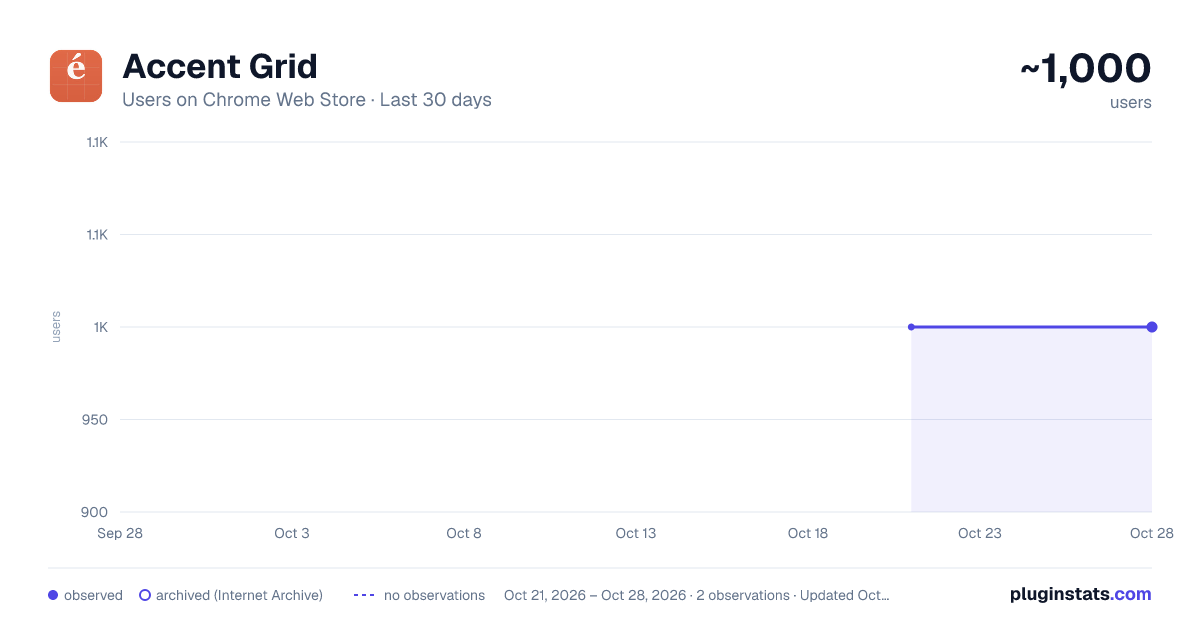
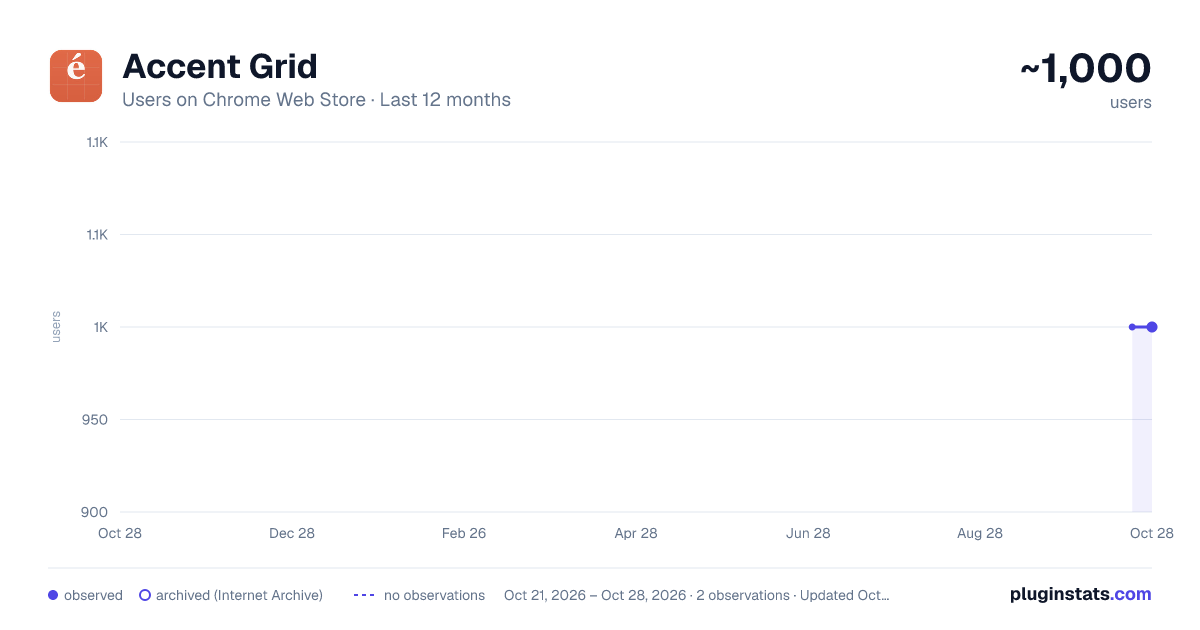
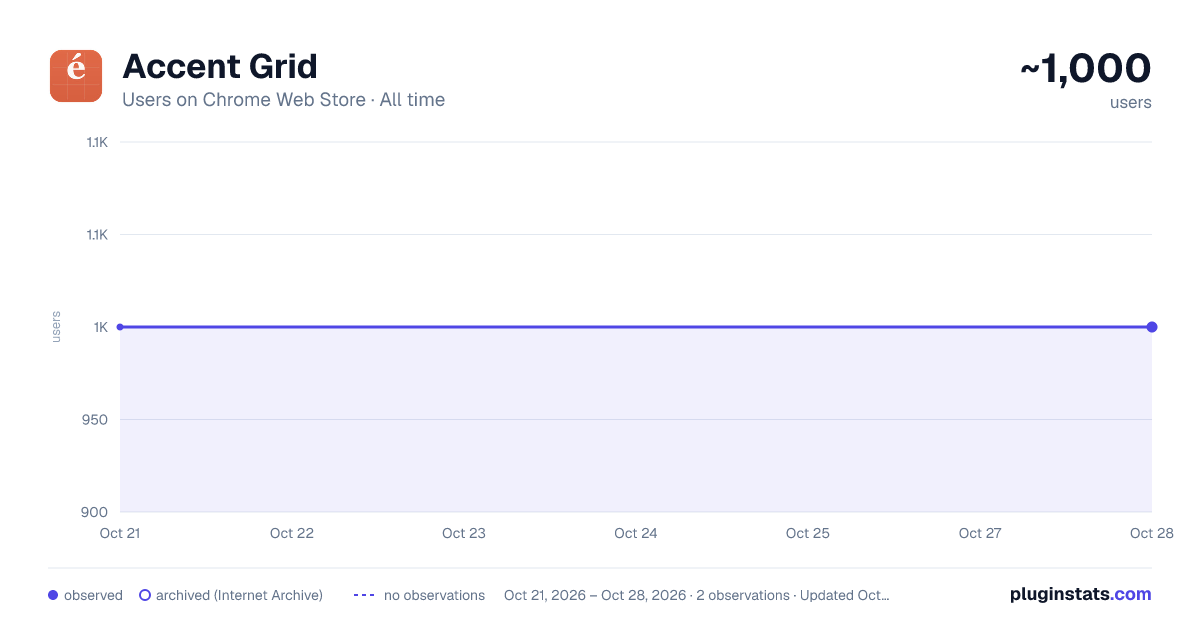
Accent Grid has approximately 1,000 recorded users on Chrome Web Store, ranking #1088 of 2,952 tracked listings.
Rating: 5.00 / 5 from 1 ratings
About Accent Grid
Type accented characters, diacritical marks & special symbols instantly. One-click grid for á é í ó ú ñ ä ö ü ç and more.
Click the toolbar to open the accent grid. Tap á é í ó ú ñ ä ö ü ç — the accented letter drops straight into your cursor. No alt-codes, no copy-paste from a notes file, no Wingdings character map. Built for bilingual workers, language students, and anyone who needs to type accented characters on a US or English keyboard.
✨ FEATURES
🔤 One-click character picker — open the accent grid, click a special character, it inserts at your cursor in Gmail, Notion, Docs, Slack, anywhere. The accent grid handles all the common accented letters in one tap.
⌨️ Keyboard shortcut — Cmd+Shift+A opens the accent grid from anywhere. Arrow keys move, Enter inserts, Esc closes. Power users never touch a mouse.
🔍 Search by name — type umlaut, the grid filters to ä ö ü ÿ. Type tilde, the grid filters to ñ ã õ. Type acute, the grid filters to á é í ó ú ý. Faster than scanning for the special character you want.
🌐 Language coverage — the accent grid bundles diacritical marks for Spanish, French, German, Portuguese, Italian, Polish and beyond. From ñ ç ß to ä ö ü ø ł đ æ œ, the accented characters are ready when you are.
📌 Recently used row — the accent grid surfaces your last 8-10 special characters in a top row. Type ñ once, it stays one tap away.
⚙️ Customizable categories — show only Latin accented letters by default, or opt into Greek (α β γ Σ Δ), math symbols (± × ÷ ≤ ≥ ∞), or currency (€ £ ¥ ¢). The accent grid scales from minimal to power-user.
🎯 WHO USES IT
🇪🇸 Bilingual workers writing emails to LATAM colleagues. Spanish accents (á é í ó ú ñ ¿ ¡) one click away in Gmail.
🇫🇷 Language students typing French homework or essays. French accents (à â ç é è ê ë î ï ô œ ù û ü) on demand.
🇩🇪 Academic writers citing German names (Müller, Gödel, Łódź). German umlauts (ä ö ü ß) ready without leaving the document.
📝 Content writers publishing internationalized copy. Special characters and accented letters slot into the editor without breaking flow.
🛠️ HOW IT WORKS
🔒 Runs entirely in your browser. The accent grid stores recent characters and settings locally. Nothing leaves your device. No upload, no remote logging, no tracking.
⚡ Insert directly at cursor — the accented character drops into the focused input or textarea. No clipboard step needed. For canvas-based apps (Google Docs), it falls back to clipboard copy gracefully.
🚀 WHY THIS EXTENSION
The original Accent Grid disappeared from the Chrome Web Store when Google deprecated Manifest V2. Thousands of bilingual users lost a tool they relied on. This is the modern rebuild: same idea, polished UI, faster shortcuts, broader character coverage.
Chrome has no native accent picker. macOS has long-press but Windows and Linux don't. Memorizing alt-codes is painful. A clean accent grid is the right answer.
📝 USE CASES
📧 Reply to a Spanish-speaking client without breaking your flow. 📚 Type a French essay without alt-code lookups. 🎓 Cite a German academic with proper umlauts. 💼 Edit a CMS post with the right diacritical marks the first time.
💡 TIPS
— Cmd+Shift+A opens the accent grid from anywhere. — Recently used row stays sorted by frequency — common characters bubble up. — Search tilde, umlaut, acute instead of scanning rows. — Settings, enable Greek or math symbols if you write technical copy. — Long-click a character to copy instead of insert (useful in canvas apps).
Install Accent Grid and type accented characters, special characters, and diacritical marks the way you should have been able to all along.
Description from the Chrome Web Store listing.
README badge
Show your rank in a README or on your website. The badge updates automatically.
Charts
Images: 30d · 1y · all time · 1600×900 dark
Adoption over time
7/30/90-day growth
Ranking history
Ratings over time
Listing placement
Listing placement
Filled points are observed values; hollow points come from Internet Archive snapshots of the listing page. Dashed segments span periods with no observations — values between points are not interpolated.
Each band is one page of 20. Users on a linear scale. Placement is projected from users, so it can differ from the marketplace's own sort order. Hover a dot to see the listing.
Recent observations
Full history (1)Similar Chrome Web Store Functionality & UI plugins
All 20 Accent Grid alternatives



Data source
Covers every Chrome Web Store extension with at least 100 users, found through the store's public sitemap. User counts are read from public listing pages. The 10% most-used extensions are refreshed daily, the next 40% weekly and the next 40% monthly; the least-used 10% are not refreshed. Google displays rounded user counts (and caps the display at 10,000,000+), so small changes may not be visible. Rating counts above 1,000 are rounded (e.g. 1.6K).
Listing: https://chromewebstore.google.com/detail/accent-grid/gbgajfafpjeknkkpaommfbbdomjfohna. First seen Oct 21, 2026; last successful collection Oct 21, 2026. See the methodology.