 PluginStats
HTML Formatter users statistics
By hildegardehi93 · Chrome Web Store · Developer Tools
Use HTML Formatter to format HTML, beautify code, and enhance readability with ease. Work with the HTML beautifier online or offline
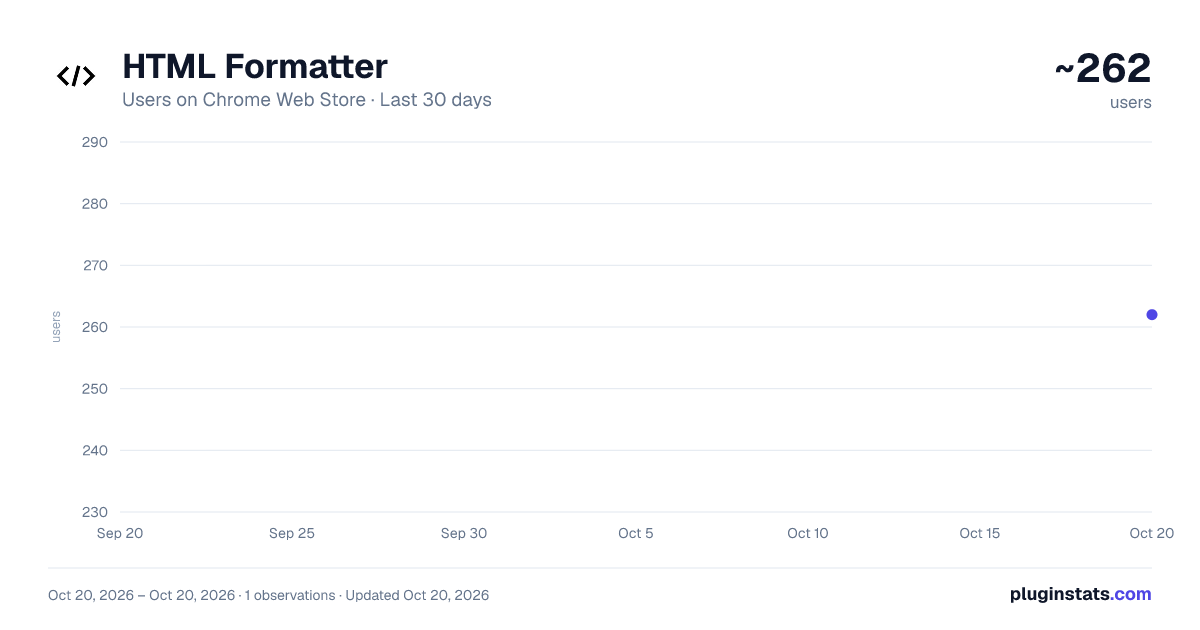
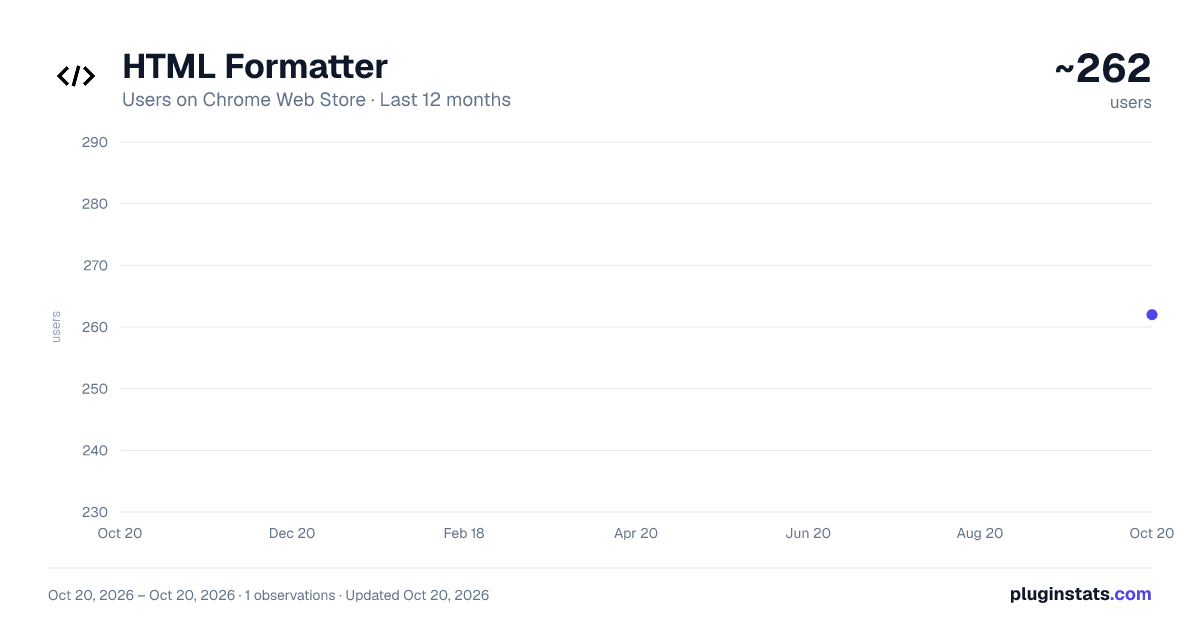
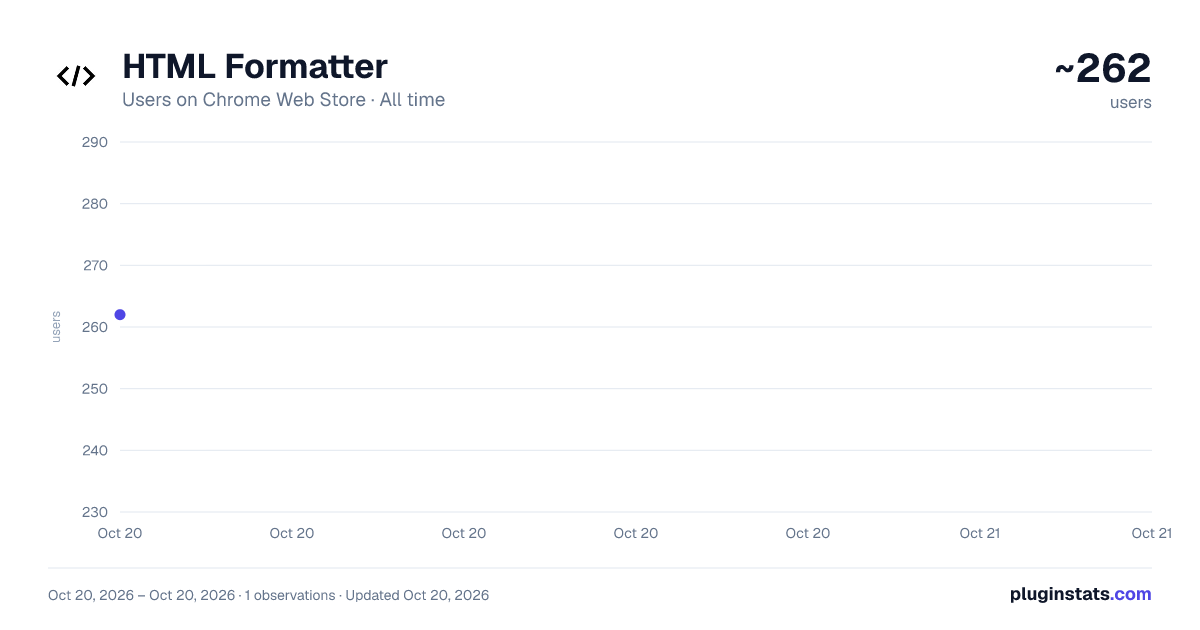
HTML Formatter has approximately 262 recorded users on Chrome Web Store, ranking #1655 of 2,495 tracked listings.
Rating: 4.00 / 5 from 1 ratings
About HTML Formatter
Use HTML Formatter to format HTML, beautify code, and enhance readability with ease. Work with the HTML beautifier online or offline
📣 Streamline Your Workflow with HTML Formatter
🎉 The HTML Formatter Chrome extension enhances productivity by automating tasks like code formatting and beautifying. Whether coding on the fly or reviewing a large HTML file, the HTML Beautifier Online feature ensures your files are neat, consistent, and professional without manual effort.
📌 Key Advantages of Using the Code Beautify ➤ Saves Time. The Online HTML Formatter instantly formats your HTML code with minimal effort, allowing you to focus on more important tasks. ➤ Error-Free Code. The HTML Viewer ensures all elements are properly formatted, reducing code errors. ➤ Easy to Access. As an HTML Formatter Online, it can be accessed anywhere, anytime, without software installations. ➤ Real-Time Updates. See changes as you apply the Format HTML function. The HTML Preview feature lets you check your work before finalizing edits.
💣 Text Formatter for Developers: Boost Your Productivity 🔹 Whether a solo developer or part of a team, the HTML-Formatter improves workflow. Constantly working with HTML Code, developers need clean, well-formatted code for efficient debugging and maintenance. 🔹 Beautifying HTML with a click saves time compared to manual editing and ensures consistency across projects. Using an online tool to prettify HTML can significantly improve the readability and organization of your web code. 🔹 Using a tool to make your HTML pretty can greatly enhance the readability and maintainability of your web code. The HTML Prettify feature ensures organized and readable HTML code. 🔹 Using the HTML Viewer, designers can see how changes will appear in the browser, eliminating multiple testing phases. This integration between design and code makes the HTML Formatter essential for web designers. 🔹 You can easily beautify HTML online using various web-based tools designed to format and clean up your code.
⭕️ Advanced HTML Formatting Features ▪️ An HTML editor provides a user-friendly interface for writing and editing HTML code, making web development more efficient and accessible. ▪️ An HTML reader allows you to view and interpret HTML code directly within your browser, making it easier to understand the structure and content of web pages.
📌 Boost Your Workflow with Beautifier HTML 🔺 The HTML Formatter simplifies the process by Pretty HTML with a click, allowing faster and more efficient work. 🔺 This extension handles your HTML Codes, ensuring they are formatted according to best practices, making your work consistent, reliable, and easy to manage.
❓ Why You Should Use the HTML Formatter Extension 1️⃣ Clean, Organized Code: Essential for maintenance, debugging, and collaboration. 2️⃣ Time-Saving: Automating HTML formatting reduces repetitive tasks. 3️⃣ Versatile for All Projects: Suitable for small personal websites or large applications. 4️⃣ Supports All Experience Levels: Easy for beginners and pros to format code. 5️⃣ Reliable Previewing: Ensures formatted code looks as expected, catching errors early.
📌 Secure Your Code Quality with HTML Formatter 🔺 The HTML Formatter secures code quality by maintaining a uniform structure, making it easy to identify and fix mistakes before they become larger problems. 🔺 Prevents cross-browser compatibility issues, as well-structured code displays consistently across browsers. The HTML Beautifier ensures consistently formatted HTML files, reducing rendering issues and improving user experience.
📌 Perfect for Educational Purposes 🔺 Whether a student learning HTML or a teacher guiding others, the HTML Formatter is excellent for education. It visually demonstrates well-structured code, helping students understand HTML formatting and practice writing clean code. 🔺 Teachers can use it as a teaching aid, showing proper HTML formatting and common errors to avoid.
🚀 Final Conclusion: Transform Your Coding Experience 🔹 The HTML Formatter is more than a tool for formatting—it’s essential for developers and designers. It allows you to Beautify HTML, Format HTML Online, and preview changes, enhancing productivity and ensuring clean, organized, error-free HTML files. 🔹 By using this tool, you can streamline your coding process, whether formatting a small snippet or working on complex files. The HTML Viewer and HTML Preview functions give confidence in publishing high-quality work. 🔹 The HTML Formatter simplifies workflow, boosts efficiency, and helps maintain high code quality standards. Start using it today and elevate your HTML development experience!
Description from the Chrome Web Store listing.
README badge
Show your rank in a README or on your website. The badge updates automatically.
Charts
Images: 30d · 1y · all time · 1600×900 dark
Adoption over time
7/30/90-day growth
Ranking history
Ratings over time
Listing placement
Listing placement
Filled points are observed values; hollow points come from Internet Archive snapshots of the listing page. Dashed segments span periods with no observations — values between points are not interpolated.
Each band is one page of 20. Users on a linear scale. Placement is projected from users, so it can differ from the marketplace's own sort order. Hover a dot to see the listing.
Recent observations
Full history (1)Similar Chrome Web Store Developer Tools plugins
All 20 HTML Formatter alternatives



HTML Formatter on other marketplaces
Data source
Covers every Chrome Web Store extension with at least 100 users, found through the store's public sitemap. User counts are read from public listing pages. The 10% most-used extensions are refreshed daily, the next 40% weekly and the next 40% monthly; the least-used 10% are not refreshed. Google displays rounded user counts (and caps the display at 10,000,000+), so small changes may not be visible. Rating counts above 1,000 are rounded (e.g. 1.6K).
Listing: https://chromewebstore.google.com/detail/html-formatter/hjgkbhboniiopailjdgnpggnhmafdgom. First seen Oct 20, 2026; last successful collection Oct 20, 2026. See the methodology.