 PluginStats
Plerdy SEO Analyzer users statistics
By https://www.plerdy.com/ · Chrome Web Store · Developer Tools
A Chrome extension for instant on-page SEO auditing of any website
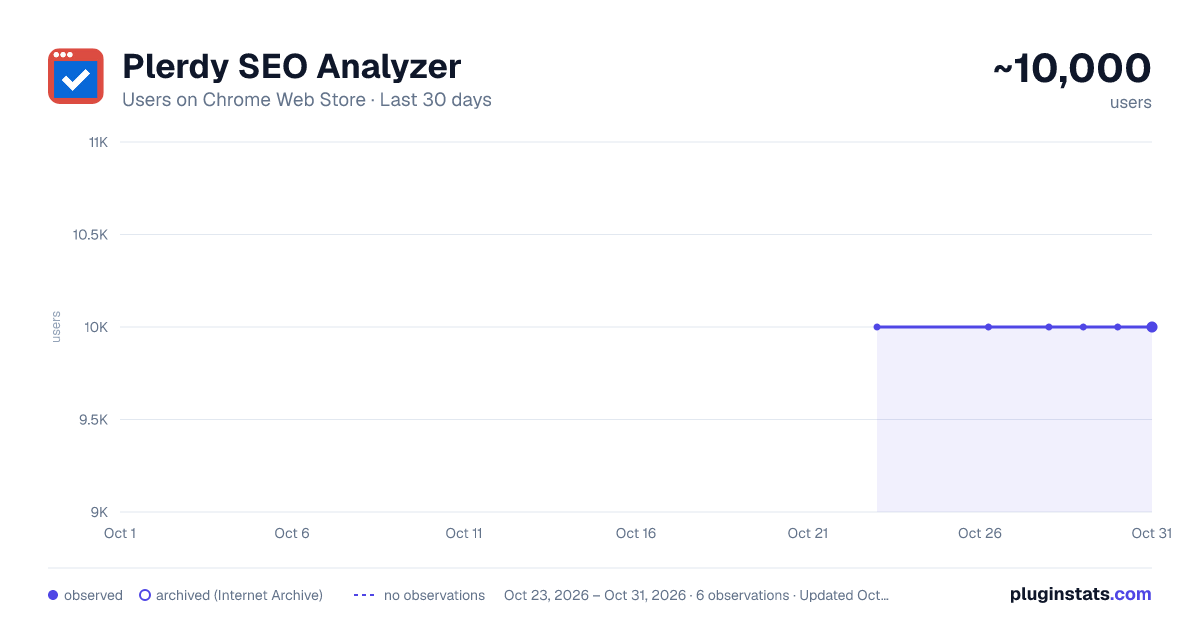
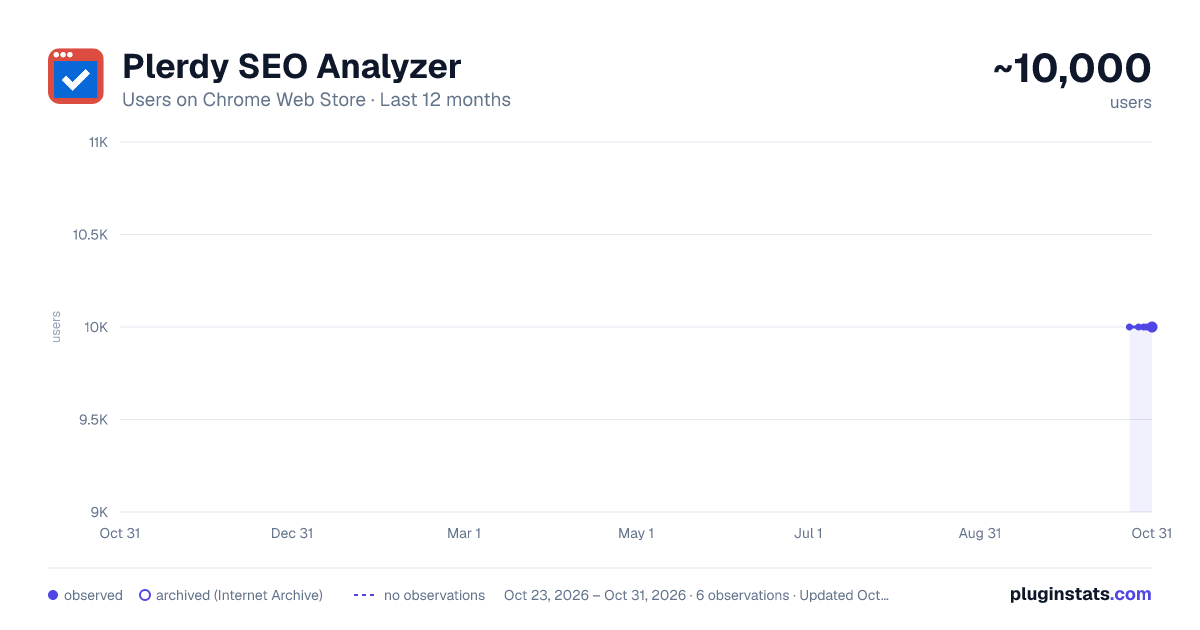
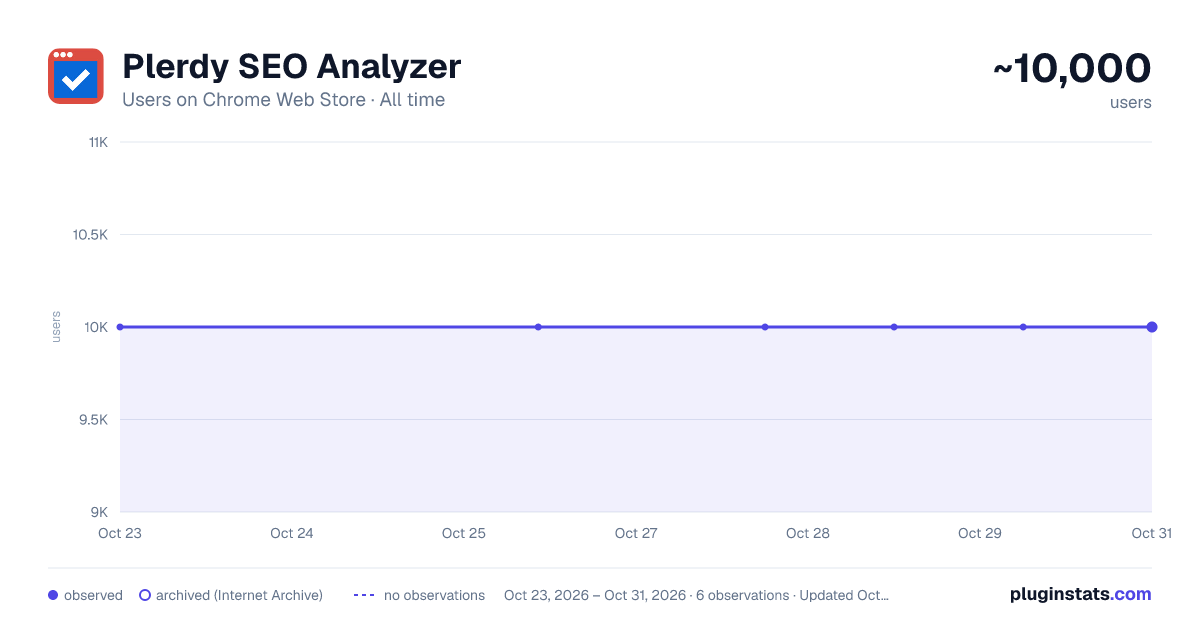
Plerdy SEO Analyzer has approximately 10,000 recorded users on Chrome Web Store, ranking #468 of 3,853 tracked listings.
Rating: 4.50 / 5 from 56 ratings
About Plerdy SEO Analyzer
A Chrome extension for instant on-page SEO auditing of any website
🚀 Boost Your SEO Strategy with One Click! Plerdy SEO Analyzer is a powerful SEO extension for Chrome, acting as your go-to analyzer and checker to deliver in-depth SEO insights for any webpage. With just one click, you can access a comprehensive SEO audit and technical overview—optimizing pages for higher rankings and lightning-fast performance.
🔍 Key Features: ✅ AI-Powered SEO Tips – Instantly receive tailored, actionable recommendations for improving your page’s meta tags, headings, and content, complete with concrete examples and best-practice guidelines. ✅ Contextual Content Suggestions – Get precise, context-aware tips to optimize your keyword placement, readability, and internal linking strategy based on your specific page analysis. ✅ SEO Audit & Checker – Automatically analyze meta tags (title, description, H1), robots.txt, canonical tags, hreflang attributes, and other critical SEO parameters to ensure every element is optimized. ✅ Content Analysis – Gain insights into word count, keyword density, stop words, readability scores, and Flesch-Kincaid readability index to fine-tune your content for both users and search engines. ✅ Open Graph & Schema Markup – Ensure your website is optimized for social media previews and rich snippets with detailed Open Graph and Twitter Card analysis. ✅ Heading Structure Overview – Identify missing, duplicate, or incorrectly structured headings (H1–H6) with visual highlights for better on-page organization. ✅ Image Analysis – Detect missing ALT tags and view image file sizes directly on the page to improve SEO and accessibility. ✅ Outgoing Links Report – Check dofollow, nofollow, and duplicate links to refine your link-building strategy, with automatic “nofollow” badge detection. ✅ Keyword Relevance Checker – See the most frequent words on the page and evaluate their SEO relevance in title, description, and H1 tags. ✅ SEO Score – Instantly calculate an overall SEO score (0–100) with a visual progress bar to gauge your page’s SEO performance at a glance. ✅ Performance Metrics – Analyze page load speed, DNS lookup, TCP connection time, TTFB, DOM Content Loaded, and more with automatic performance status indicators. ✅ URL Information – View detailed information about the current URL, including HTTP Status (e.g., 200 OK), Response Size (e.g., 101.7 KB), and Detected Language (e.g., en). ✅ Slow Resources Checker – Identify JS, CSS, and IMG files that take longer than 300 ms to load, so you can optimize or replace them to boost page speed. ✅ Detected Technologies – Instantly see which analytics tools, pixels, CMS, frameworks, and libraries are present on the page. ✅ Hreflang Checker – Verify correct hreflang attributes to improve international SEO and avoid duplicate-content issues. ✅ Live Highlighting – Click any keyword in the report to highlight it directly on the webpage for better visibility. ✅ HTTP Mixed Content Analysis – Detect insecure HTTP images to ensure your website delivers fully secure content. ✅ Fast & Lightweight – Runs instantly without slowing down your browser, making this SEO extension ideal for quick audits on the fly. ✅ New SEO Insight Blocks – Expanded content analysis with stronger E-E-A-T, AEO, semantic HTML checks, and clearer visibility into how page structure supports search intent.
💡 Who Can Benefit? 🔹 SEO Specialists – Perform instant audits on client websites and competitor pages using a dedicated analyzer and checker. 🔹 Content Marketers – Optimize content based on real-time data and AI-powered insights from this SEO extension. 🔹 Web Developers – Identify technical SEO issues (broken links, slow resources, mixed content) that affect rankings and user experience. 🔹 Business Owners – Gain a full SEO overview—status codes, performance bottlenecks, and technology stacks—to improve website visibility and search performance.
🔥 Install Plerdy SEO Analyzer today and take control of your website’s SEO performance! 🚀
Description from the Chrome Web Store listing.
README badge
Show your rank in a README or on your website. The badge updates automatically.
Charts
Images: 30d · 1y · all time · 1600×900 dark
Adoption over time
7/30/90-day growth
Ranking history
Ratings over time
Listing placement
Listing placement
Filled points are observed values; hollow points come from Internet Archive snapshots of the listing page. Dashed segments span periods with no observations — values between points are not interpolated.
Each band is one page of 20. Users on a linear scale. Placement is projected from users, so it can differ from the marketplace's own sort order. Hover a dot to see the listing.
Recent observations
Full history (1)Similar Chrome Web Store Developer Tools plugins
All 20 Plerdy SEO Analyzer alternatives



Data source
Covers every Chrome Web Store extension with at least 100 users, found through the store's public sitemap. User counts are read from public listing pages. The 10% most-used extensions are refreshed daily, the next 40% weekly and the next 40% monthly; the least-used 10% are not refreshed. Google displays rounded user counts (and caps the display at 10,000,000+), so small changes may not be visible. Rating counts above 1,000 are rounded (e.g. 1.6K).
Listing: https://chromewebstore.google.com/detail/plerdy-seo-analyzer/cokmobldpihbibodplbdfhkbiibganfh. First seen Oct 23, 2026; last successful collection Oct 23, 2026. See the methodology.