 PluginStats
Show Clicks & Keystrokes on Screen – InputCast users statistics
By Dongho Kim · Chrome Web Store · Tools
Shows mouse clicks, drags, scrolls, keystrokes and shortcuts on screen, for screen recordings, screencasts, demos and tutorials.
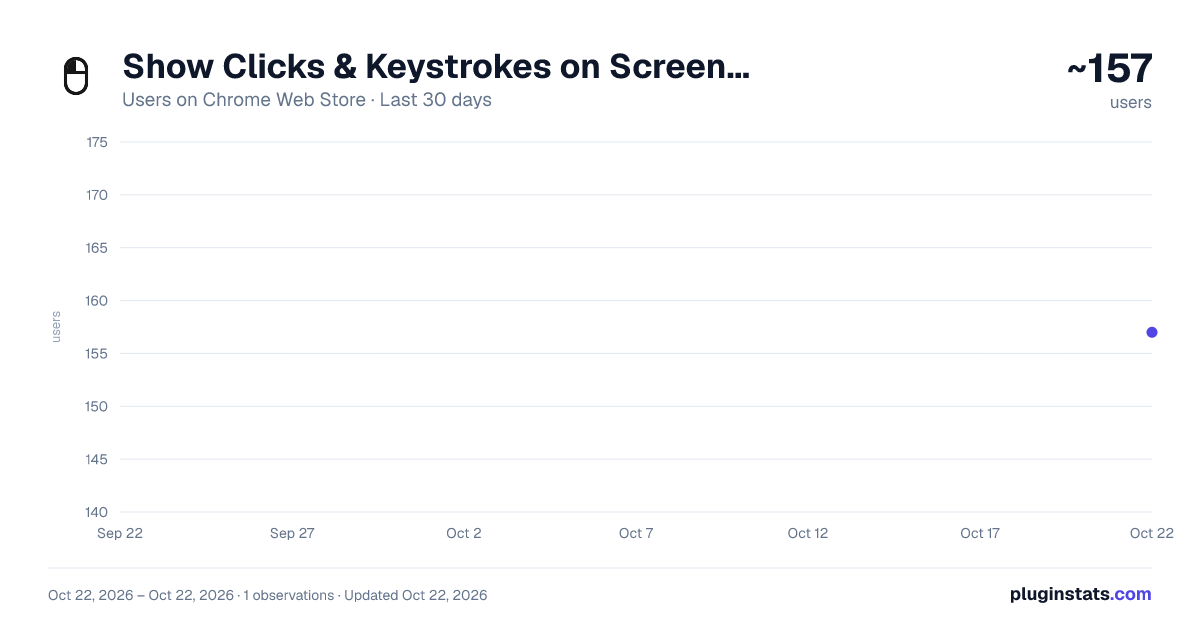
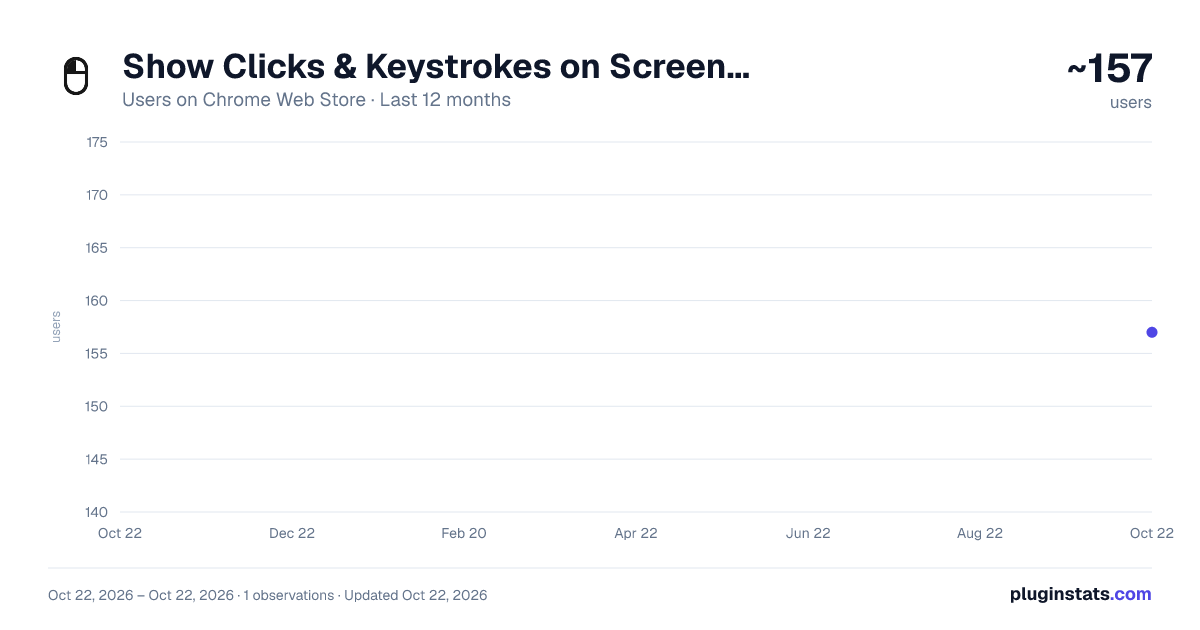
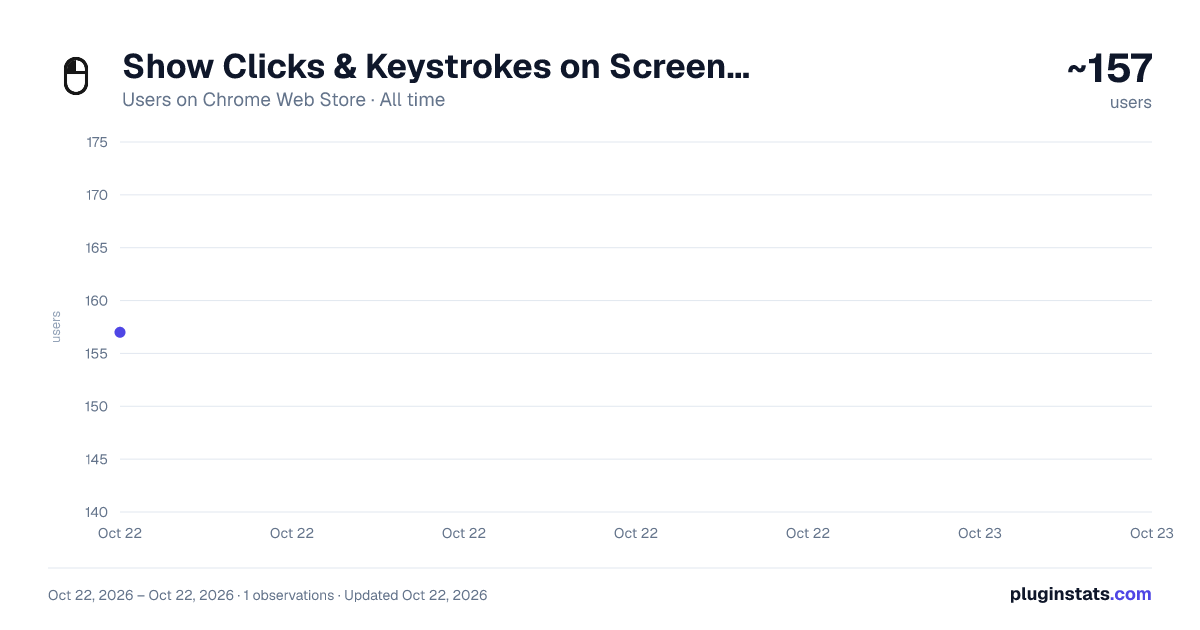
Show Clicks & Keystrokes on Screen – InputCast has approximately 157 recorded users on Chrome Web Store, ranking #2813 of 3,404 tracked listings.
Rating: 5.00 / 5 from 3 ratings
About Show Clicks & Keystrokes on Screen – InputCast
Shows mouse clicks, drags, scrolls, keystrokes and shortcuts on screen, for screen recordings, screencasts, demos and tutorials.
InputCast draws your mouse and keyboard input on the page, so anyone watching a screen recording, demo or tutorial can see what you clicked and typed.
What it shows • Clicks: a mini-mouse stands in for the cursor at the click point. The pressed button (left or right) fills black and a ring marks the spot. • Keystrokes and shortcuts: every key lands in a strip of keycaps, with shortcuts shown as ⌘, Ctrl or ⌥ plus the key. The strip clears about 0.9 seconds after the last key. • Drags: a tapered line follows the held mouse from where you grab to where you let go. • Scrolling: the mini-mouse lights its wheel and chevrons stream the way you scroll. The harder you scroll, the longer and faster the stream. • Modifier-clicks: held modifier keys appear as keycaps beside the mouse.
Every mark is black and white with a contrasting outline, so it stays readable on light and dark pages.
Settings • An on/off switch. The toolbar icon dims while it is off. • Nine spots for the keystroke strip, so you can move it clear of a cookie banner or chat bubble. • Four keystroke sizes, from Small to Extra large, so keys stay readable on a projector or a classroom board. • Separate opacity for the mini-mouse and the keystroke strip.
It only draws. Clicks, scrolls and shortcuts reach the page exactly as before, and nothing is blocked or changed.
Privacy: everything runs in your browser. No data collection, no analytics and no network requests. The only permission is storage, used to save your settings (on/off, position, size, opacity).
Chrome doesn't allow extensions on chrome:// pages or the Chrome Web Store, so nothing is drawn there. To use InputCast on local files, turn on "Allow access to file URLs" in the extension's details.
Free and ad-free, made by one person.
Description from the Chrome Web Store listing.
README badge
Show your rank in a README or on your website. The badge updates automatically.
Charts
Images: 30d · 1y · all time · 1600×900 dark
Adoption over time
7/30/90-day growth
Ranking history
Ratings over time
Listing placement
Listing placement
Filled points are observed values; hollow points come from Internet Archive snapshots of the listing page. Dashed segments span periods with no observations — values between points are not interpolated.
Each band is one page of 20. Users on a linear scale. Placement is projected from users, so it can differ from the marketplace's own sort order. Hover a dot to see the listing.
Recent observations
Full history (1)Similar Chrome Web Store Tools plugins
All 20 Show Clicks & Keystrokes on Screen – InputCast alternatives



Data source
Covers every Chrome Web Store extension with at least 100 users, found through the store's public sitemap. User counts are read from public listing pages. The 10% most-used extensions are refreshed daily, the next 40% weekly and the next 40% monthly; the least-used 10% are not refreshed. Google displays rounded user counts (and caps the display at 10,000,000+), so small changes may not be visible. Rating counts above 1,000 are rounded (e.g. 1.6K).
Listing: https://chromewebstore.google.com/detail/show-clicks-keystrokes-on/gbnmgngopbejohfeppedchmdjeegkgkf. First seen Oct 22, 2026; last successful collection Oct 22, 2026. See the methodology.