 PluginStats
Claude Usage Meter — Limits & Chat Export users statistics
Track Claude usage limits in real time and export full chat history, including code artifacts, in one click. Free, Pro & Team.
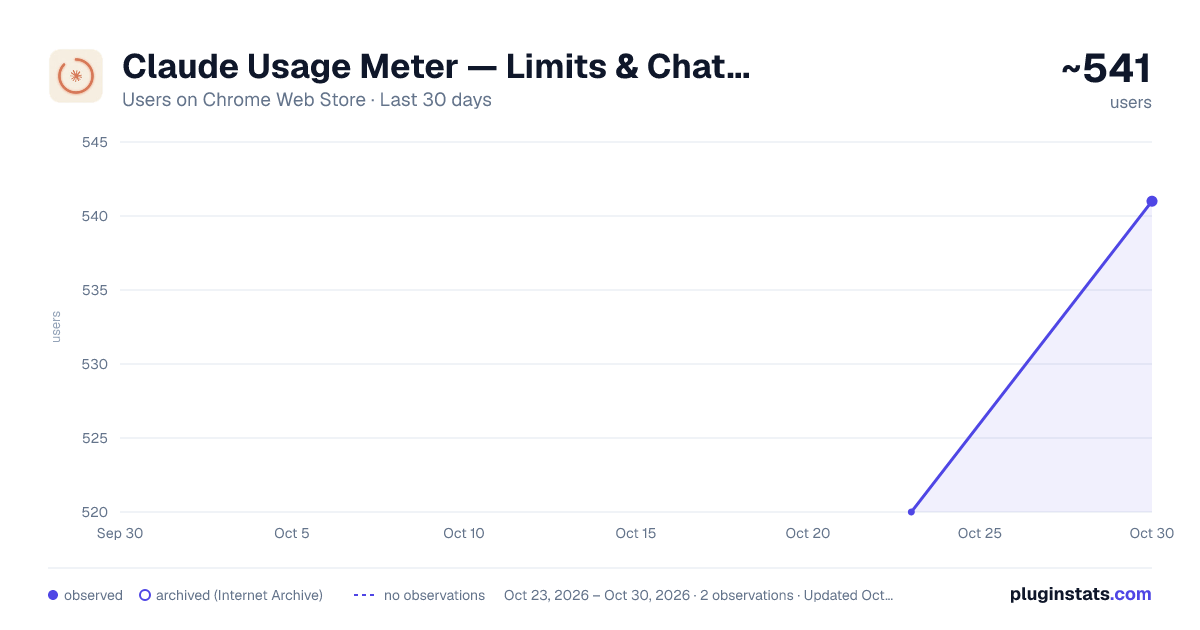
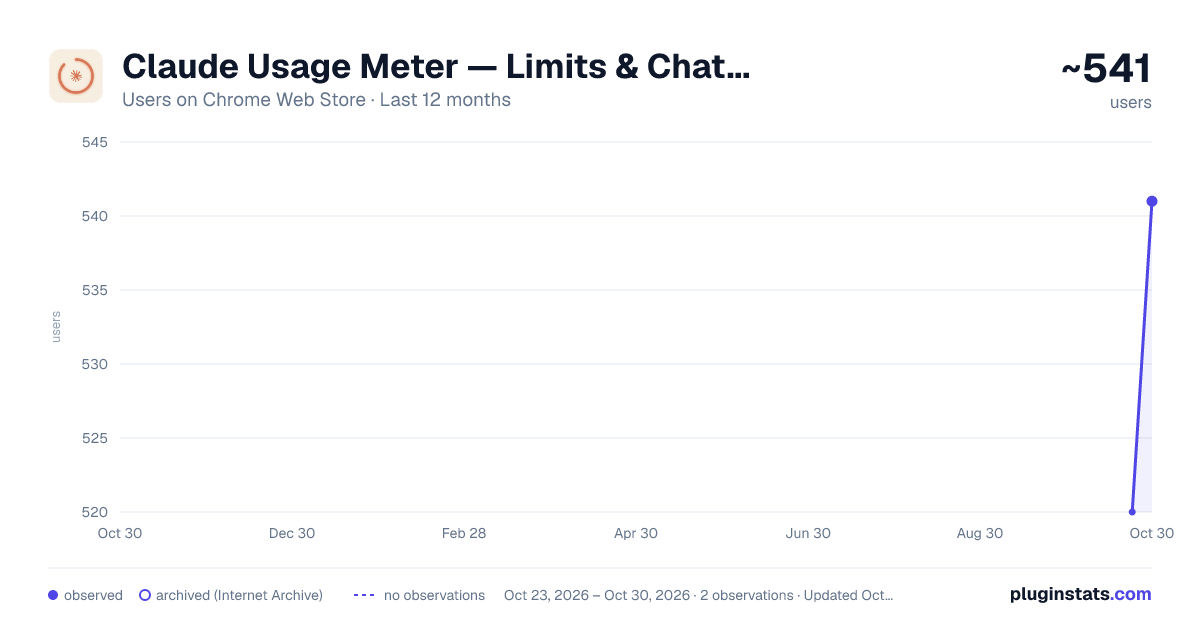
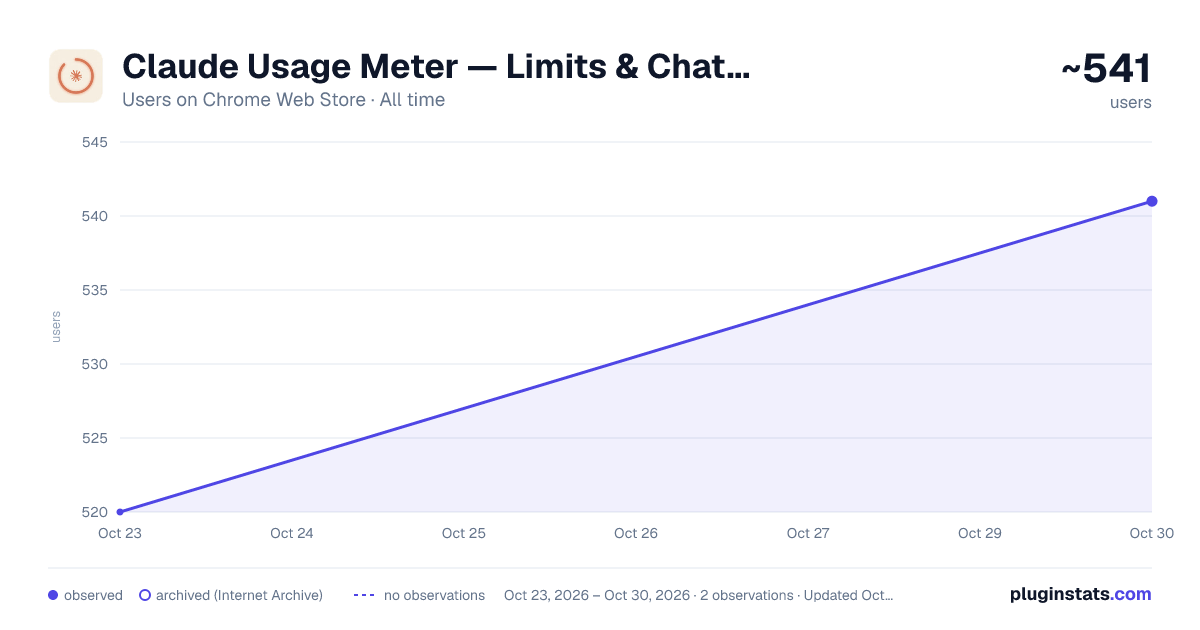
Claude Usage Meter — Limits & Chat Export has approximately 520 recorded users on Chrome Web Store, ranking #1897 of 3,853 tracked listings.
Rating: 4.10 / 5 from 9 ratings
About Claude Usage Meter — Limits & Chat Export
Track Claude usage limits in real time and export full chat history, including code artifacts, in one click. Free, Pro & Team.
⌀ Claude Usage Meter — Limits, Artifacts & Chat Backup
Track your Claude usage limits in real time and export your full chat history — including code artifacts — in one click.
The only extension designed to preserve your complete conversation context when moving to a new chat, a new account, or a different AI agent.
✦ OVERVIEW
Claude doesn’t show usage data to Free users at all, and Pro/Team users only get limited visibility through a settings page.
Claude Usage Meter brings that information directly into your Claude interface with a live usage bar that updates after every message and optional warnings before you reach your limit.
The export system is where the extension becomes especially useful. When you hit a context window or usage limit, you often lose access to valuable conversation history, generated code, reasoning, and artifacts. Most export tools only save plain text.
Claude Usage Meter exports the entire conversation, including code artifacts, canvas content, and structured outputs, allowing you to continue your work in a fresh chat, on another account, or inside a different AI assistant without losing context.
◈ KEY FEATURES
✧ Live Usage Meter
See your Free, Pro, or Team usage limits update in real time after every message.
No refresh button. No digging through settings.
✧ Works on Free Plans
Claude provides no usage visibility to Free users by default. This extension surfaces that information automatically.
✧ On-Page Warnings
Receive optional alerts when you reach 80% and 100% of your usage limit. Plan ahead before your session ends.
✧ Full-Context Export
Export entire conversations as Markdown or JSON with a single click. Preserve chat messages and generated artifacts together.
✧ Artifact-Aware Export
Includes:
• Code blocks • Canvas outputs • Structured artifacts • Generated content
Most export tools strip these elements and only save plain text.
✧ Scope Control
Choose exactly what to export: • Full conversation • User messages only • Claude responses only
✧ Multiple Export Modes
Switch between: • Auto Detect • Chat Only • Chat + Artifacts
✧ 11 Supported Languages • English • Spanish • French • German • Italian • Dutch • Portuguese (BR) • Japanese • Korean • Russian • Simplified Chinese
✧ Clean Onboarding A guided setup page appears on first install. No configuration required.
⌘ WHO IS THIS FOR?
✧ Claude Free Users
Claude provides no visibility into Free plan usage limits. This extension lets you monitor your remaining quota in real time.
✧ Heavy Claude Users (Pro & Team)
If you regularly perform: • Research sessions • Code reviews • Multi-step projects • Long conversations you’ve likely hit limits unexpectedly.
Now you can see them approaching, export your work, and continue elsewhere without losing progress.
✧ Developers Using Claude as an Agent
Many AI workflows allow chat transcripts to be reused. However, if Claude generated: • Code • Diagrams • Structured artifacts • Canvas outputs plain-text exports lose critical information. Claude Usage Meter preserves those artifacts so another AI agent can continue where Claude stopped.
✧ People Switching Accounts or Plans
Whether you’re: • Moving to a Team workspace • Upgrading plans • Sharing work with a colleague
you can export the full conversation and import it elsewhere. The exported Markdown and JSON formats are portable and AI-friendly.
▸ HOW IT WORKS
- Install the extension
- Visit claude.ai
- The usage meter appears automatically
- Continue chatting normally
- Usage updates after every message
- Optionally enable 80% and 100% warnings
- Click the extension icon when ready to export
- Choose export scope and format
- Download your conversation instantly
✦ PRICING
Claude Usage Meter is free to install and free to use for the vast majority of users.
◈ Free Tier Includes
✧ Unlimited usage tracking ✧ Live usage meter ✧ Real-time updates ✧ Usage warnings ✧ Markdown exports ✧ JSON exports ✧ Limited artifact exports
◈ Paid Tier Unlocks
✦ Unlimited artifact exports ✦ Code artifact export ✦ Canvas content export ✦ Structured artifact export
For most users, the free tier is sufficient.
Artifact export is intended for power users who need complete conversation portability across chats and AI agents.
No account required. No subscription required. No signup required.
◇ PRIVACY
Your data stays on your device.
✧ What the Extension Does
• Reads Claude usage information to display your limits • Reads conversation content to generate export files • Uses Claude authentication cookies only to make requests back to Claude
✧ What the Extension Does NOT Do
• No data collection • No external storage • No analytics • No telemetry • No tracking • No conversation uploads
✧ License Verification
Paid users may optionally enter a license key. When a license key is entered, verification is performed through Freemius (api.freemius.com). Free users never communicate with Freemius.
Privacy Policy: https://candy-objective-66d.notion.site/Privacy-Policy-371d86ad50d28042961cc1f8ccb2d9d7
◌ KNOWN LIMITATIONS
✧ Requires an Active Claude Session
The extension reads usage information from Claude’s own APIs using your existing browser login.
If you are logged out, usage data cannot be retrieved.
✧ Browser Version Only
Works exclusively on claude.ai in the browser.
Not supported (for now): • Claude Desktop • Claude Code CLI • Claude API
✧ Usage Accuracy
The extension displays the values returned by Claude. If Claude reports incorrect or delayed usage information, the extension will display those same values.
✧ Artifact Availability
Artifact export can only include artifacts currently available within the loaded conversation. Very old artifacts that are no longer rendered may not be recoverable.
✧ No Limit Bypass…
Description from the Chrome Web Store listing.
README badge
Show your rank in a README or on your website. The badge updates automatically.
Charts
Images: 30d · 1y · all time · 1600×900 dark
Adoption over time
7/30/90-day growth
Ranking history
Ratings over time
Listing placement
Listing placement
Filled points are observed values; hollow points come from Internet Archive snapshots of the listing page. Dashed segments span periods with no observations — values between points are not interpolated.
Each band is one page of 20. Users on a linear scale. Placement is projected from users, so it can differ from the marketplace's own sort order. Hover a dot to see the listing.
Recent observations
Full history (1)Similar Chrome Web Store Tools plugins
All 20 Claude Usage Meter — Limits & Chat Export alternatives



Data source
Covers every Chrome Web Store extension with at least 100 users, found through the store's public sitemap. User counts are read from public listing pages. The 10% most-used extensions are refreshed daily, the next 40% weekly and the next 40% monthly; the least-used 10% are not refreshed. Google displays rounded user counts (and caps the display at 10,000,000+), so small changes may not be visible. Rating counts above 1,000 are rounded (e.g. 1.6K).
Listing: https://chromewebstore.google.com/detail/claude-usage-meter-—-limi/colklnnimabdkihcbolgdjajnmkbnibd. First seen Oct 23, 2026; last successful collection Oct 23, 2026. See the methodology.