 PluginStats
Save as MHTML users statistics
By brian.girko · Chrome Web Store · Developer Tools
Edit and save active tab or selected area in MHTL/MHT (MIME HTML) archive format to have a clean single-file backup
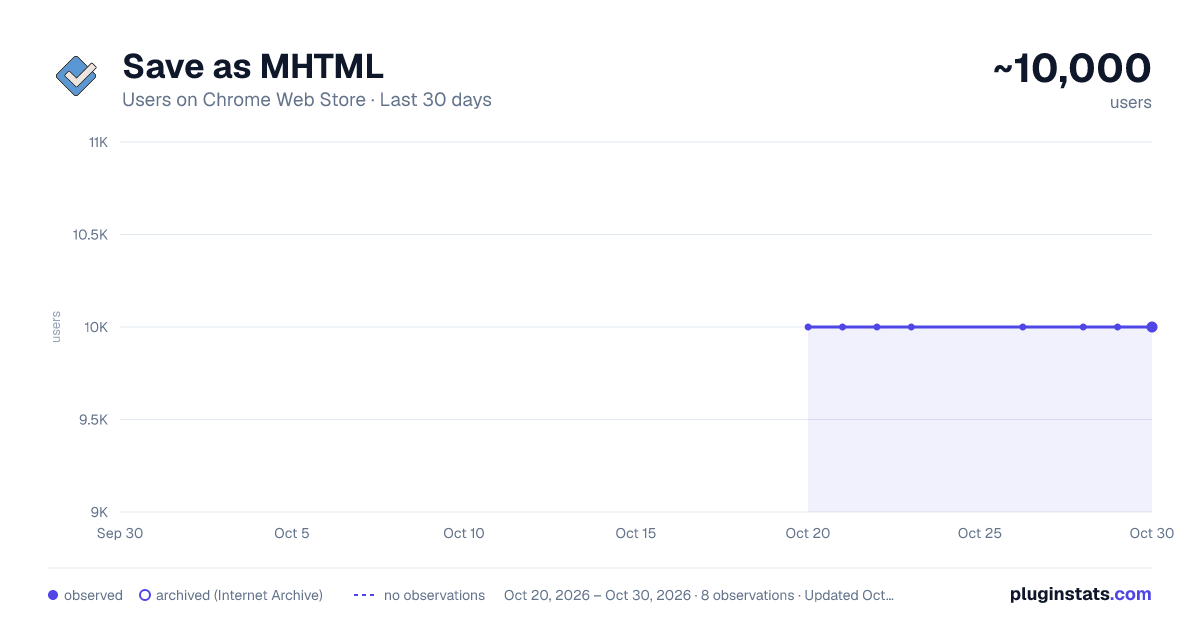
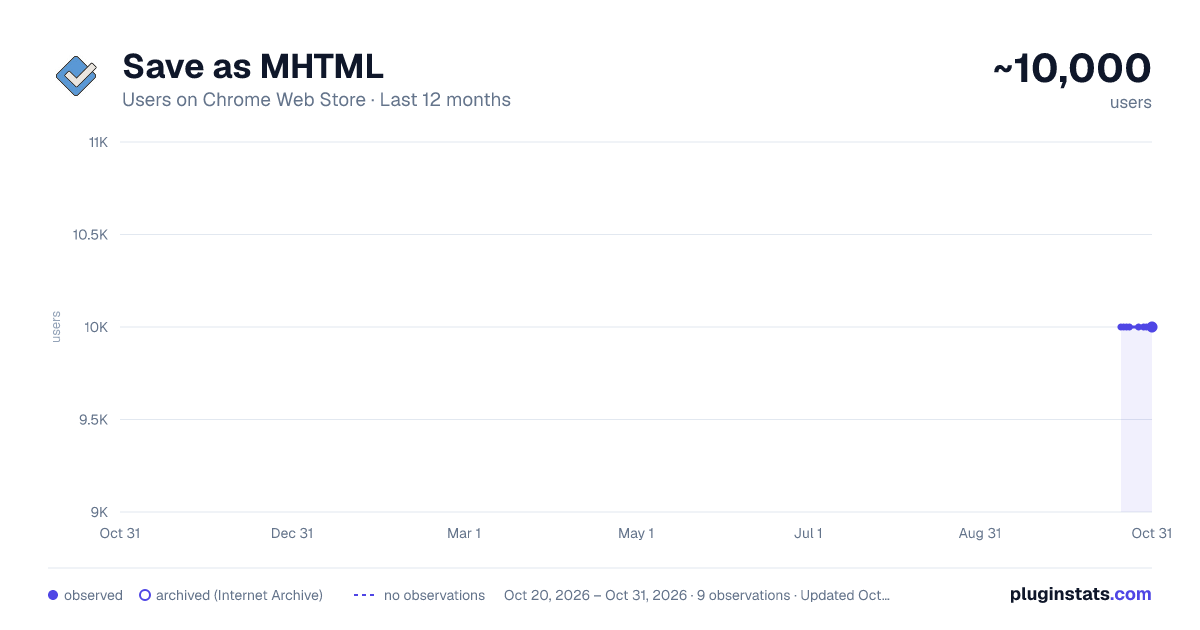
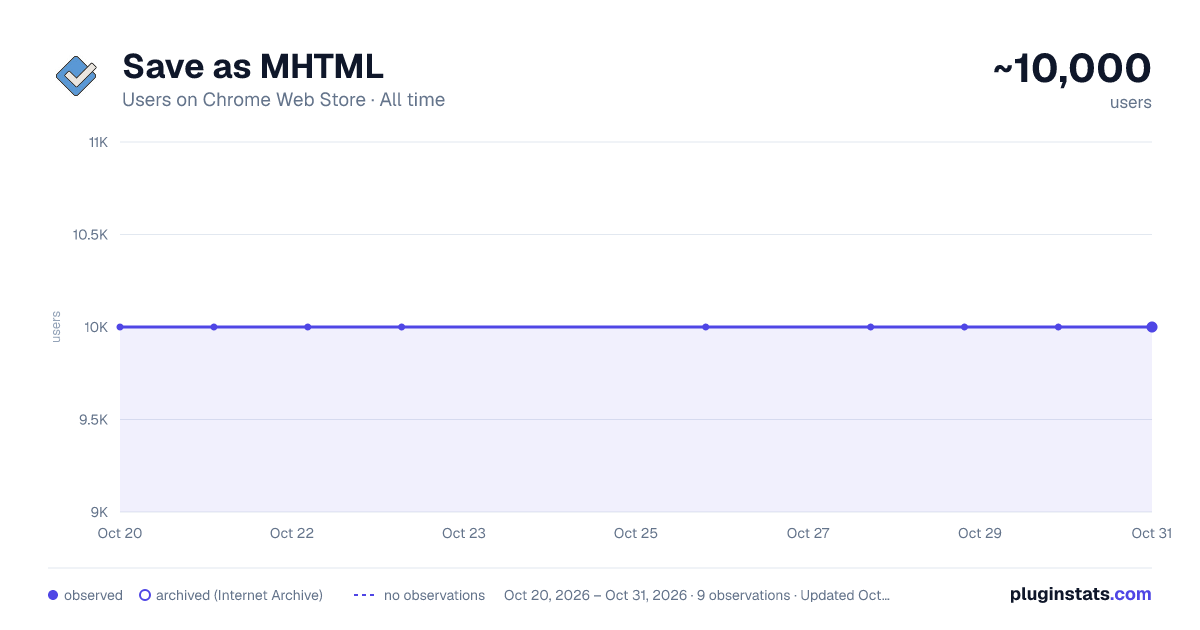
Save as MHTML has approximately 10,000 recorded users on Chrome Web Store, ranking #310 of 2,495 tracked listings.
Rating: 3.50 / 5 from 41 ratings
About Save as MHTML
Edit and save active tab or selected area in MHTL/MHT (MIME HTML) archive format to have a clean single-file backup
This extension offers a toolbar button to save the current page in the MHTML/MHT web archive format, which converts all online links to the offline version and saves all online resources offline enabled.
Right-click Context Menu Functions:
- Design Mode: You can edit the current page and add or remove images.
- Reader View (declutter): Simplifies the page by keeping the main content only. It removes banners, toolbars, and advertisements from the page. This extension uses Mozilla's Readability library to simplify web pages.
- Keep Selection Only: Creates a new document from the selected text. Use it if you need to archive part of a page.
MHTML (short for MIME HTML) is a file extension for a Web page archive file format. The archived Web page is an MHTML document. MHTML saves the Web page content and incorporates external resources, such as images, applets, Flash animations, and so on, into HTML documents.
When you save a Web page as a Web archive, the page is saved as an MHTML file. Any relative links in the HTML will be remapped so the content can be located. Relative links are those that don't include all information about the location of the content but assume all content is in a directory on the host server
MHTML files may also go by the extension MHT.
Description from the Chrome Web Store listing.
README badge
Show your rank in a README or on your website. The badge updates automatically.
Charts
Images: 30d · 1y · all time · 1600×900 dark
Adoption over time
7/30/90-day growth
Ranking history
Ratings over time
Listing placement
Listing placement
Filled points are observed values; hollow points come from Internet Archive snapshots of the listing page. Dashed segments span periods with no observations — values between points are not interpolated.
Each band is one page of 20. Users on a linear scale. Placement is projected from users, so it can differ from the marketplace's own sort order. Hover a dot to see the listing.
Recent observations
Full history (1)Similar Chrome Web Store Developer Tools plugins
All 20 Save as MHTML alternatives



Data source
Covers every Chrome Web Store extension with at least 100 users, found through the store's public sitemap. User counts are read from public listing pages. The 10% most-used extensions are refreshed daily, the next 40% weekly and the next 40% monthly; the least-used 10% are not refreshed. Google displays rounded user counts (and caps the display at 10,000,000+), so small changes may not be visible. Rating counts above 1,000 are rounded (e.g. 1.6K).
Listing: https://chromewebstore.google.com/detail/save-as-mhtml/ahgakckdonjmnpnegjcamhagackmjpei. First seen Oct 20, 2026; last successful collection Oct 20, 2026. See the methodology.