 PluginStats
CFPusher - Codeforces to GitHub users statistics
Automatically pushes accepted Codeforces submissions to your GitHub repository.
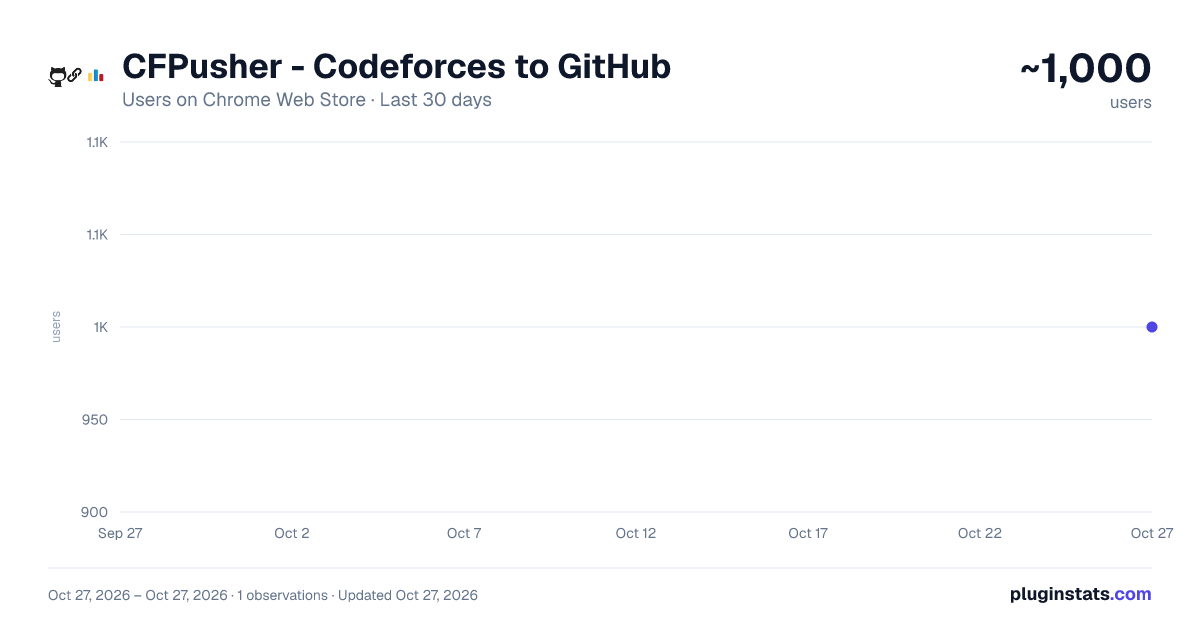
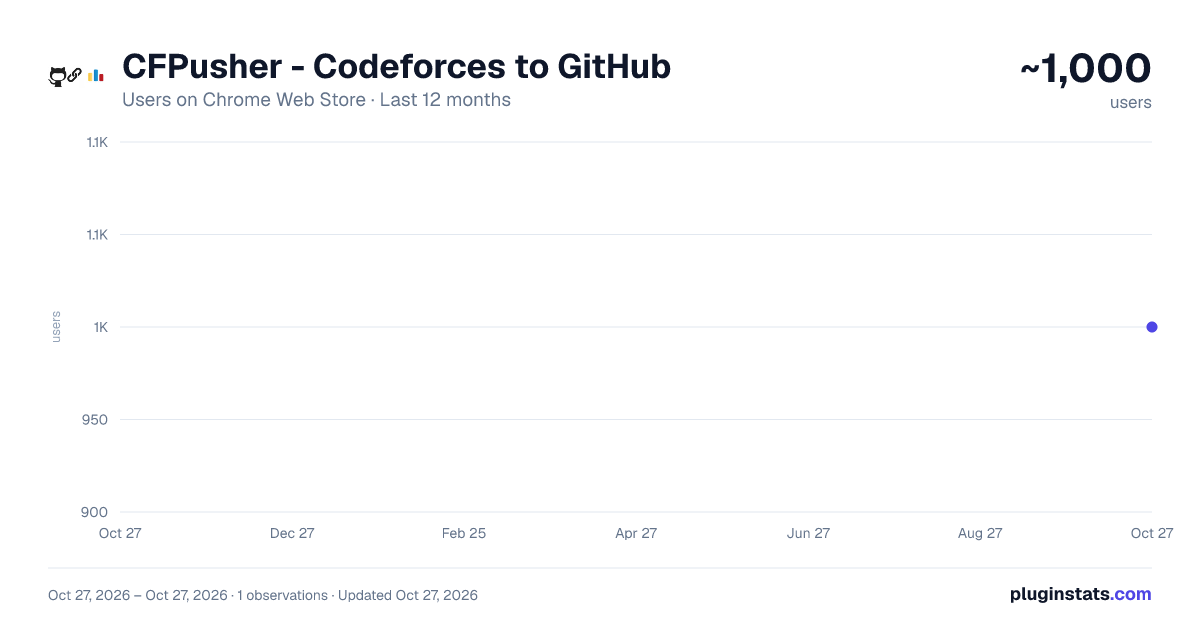
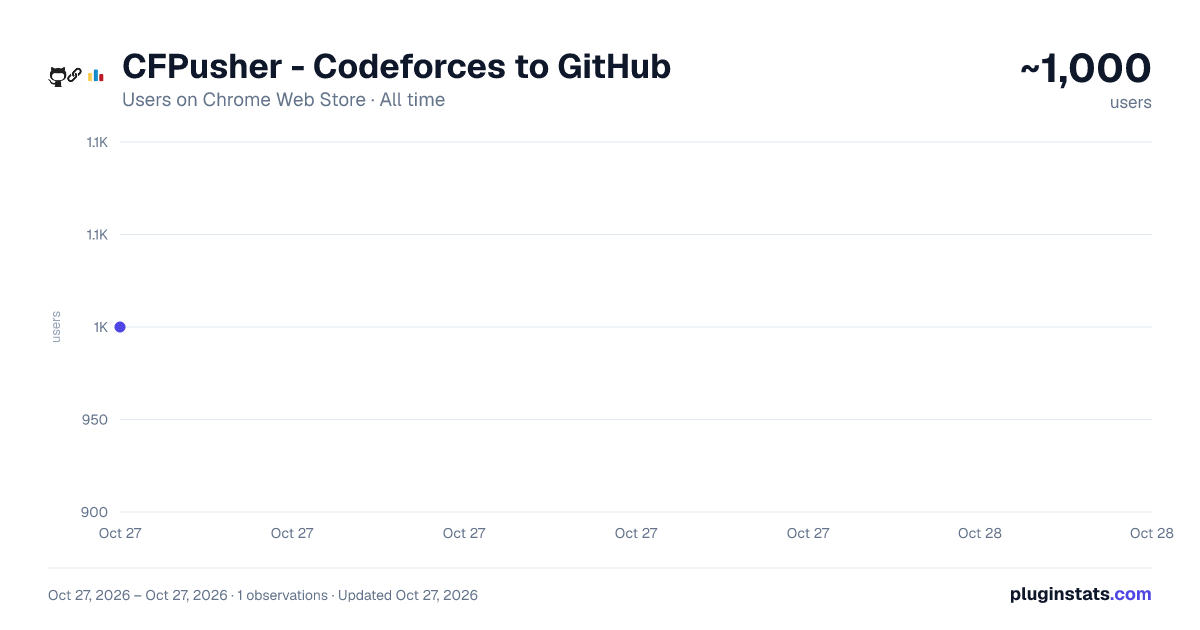
CFPusher - Codeforces to GitHub has approximately 1,000 recorded users on Chrome Web Store, ranking #1673 of 4,553 tracked listings.
Rating: 5.00 / 5 from 6 ratings
About CFPusher - Codeforces to GitHub
Automatically pushes accepted Codeforces submissions to your GitHub repository.
CFPusher is a powerful yet lightweight Chrome extension tailor-made for competitive programmers who want to seamlessly maintain a GitHub repository of their accepted Codeforces submissions in a sorted manner — automatically and effortlessly.
What's new in V1.2?
- Codeforces OAuth sign-in flow with secure token exchange support.
- Optional Push Past Submissions toggle to backfill previously accepted problems (latest accepted submission per problem).
- Improved sync status UX with structured in-popup status messaging and better manual sync feedback.
- Corrected streak counting edge cases when the current day has no accepted submission.
- Improved submission text normalization to reduce escaped newline/tab artifacts in pushed solutions.
🚀 Why CFPusher? Gone are the days of manually copy-pasting code, maintaining local folders, or missing out on tracking your progress. CFPusher automates the entire flow — from detecting an accepted submission on Codeforces to pushing it to your chosen GitHub repo — all in the background.
Whether you’re grinding problems for a contest or brushing up your DSA skills, CFPusher ensures your accepted solutions are:
✅ Auto-detected from your Codeforces submissions
✅ Fetched directly from the submission page via smart content scripts
✅ Organized & pushed to GitHub with clean folder structure (by rating, contest, or problem name)
🔧 Key Features ⚡ One-Click GitHub & Codeforces OAuth Login: Securely log in using GitHub and authorize CFPusher to access your repositories.
📁 Auto Repo Selection or Creation: Choose an existing repository or create a new one — all from within the extension popup.
📦 Organized File Structure: Submissions are stored by contest ID or problem rating (e.g., 1400/A.cpp), keeping your repo tidy and searchable.
🔁 Automatic Push: As soon as you get an Accepted verdict on Codeforces, CFPusher fetches your code and pushes it to GitHub within 20 seconds — no clicks needed!
📊 Streak Tracker + Problem Stats: Visualize your solving streak and see a breakdown of solved problems by rating — all within a sleek in-extension dashboard.
🌐 Works with Codeforces UI Dynamically: Uses content scripts to extract code from dynamically loaded submission pages, ensuring compatibility even with JavaScript-rendered content.
🛠️ How It Works
-
Install CFPusher from the Chrome Web Store.
-
Provide the extension with your Codeforces handle, and the secret and API Key.
-
Log in via GitHub and authorize the extension.
-
Choose or create a repository to store your submissions.
-
Solve problems on Codeforces as usual.
For Detailed Instructions, Latest Releases, Issues, consider checking https://github.com/SarJ2004/cf-pusher/blob/main/README.md
CFPusher runs silently in the background and syncs your Accepted submissions to GitHub — code, filename, folder, and all.
🫶 Contributing Contributions are welcome! If you want to contribute to the project, feel free to fork this project, and then submit a pull request at https://github.com/SarJ2004/cf-pusher/fork
⭐️ Star the project on Github and help us reach more and more people https://github.com/SarJ2004/cf-pusher
Ready to level up your Codeforces grind? Install CFPusher today and let your Accepted submissions auto-magically live on GitHub.
Description from the Chrome Web Store listing.
README badge
Show your rank in a README or on your website. The badge updates automatically.
Charts
Images: 30d · 1y · all time · 1600×900 dark
Adoption over time
7/30/90-day growth
Ranking history
Ratings over time
Listing placement
Listing placement
Filled points are observed values; hollow points come from Internet Archive snapshots of the listing page. Dashed segments span periods with no observations — values between points are not interpolated.
Each band is one page of 20. Users on a linear scale. Placement is projected from users, so it can differ from the marketplace's own sort order. Hover a dot to see the listing.
Recent observations
Full history (1)Similar Chrome Web Store Tools plugins
All 20 CFPusher - Codeforces to GitHub alternatives



Data source
Covers every Chrome Web Store extension with at least 100 users, found through the store's public sitemap. User counts are read from public listing pages. The 10% most-used extensions are refreshed daily, the next 40% weekly and the next 40% monthly; the least-used 10% are not refreshed. Google displays rounded user counts (and caps the display at 10,000,000+), so small changes may not be visible. Rating counts above 1,000 are rounded (e.g. 1.6K).
Listing: https://chromewebstore.google.com/detail/cfpusher-codeforces-to-gi/eiffefcjnaanflbhcmgjlaoilhpkbael. First seen Oct 27, 2026; last successful collection Oct 27, 2026. See the methodology.