 PluginStats
Local PDF Toolkit - Merge & Split users statistics
Free Local PDF merger and splitter. 100% local processing — your files never leave your device.
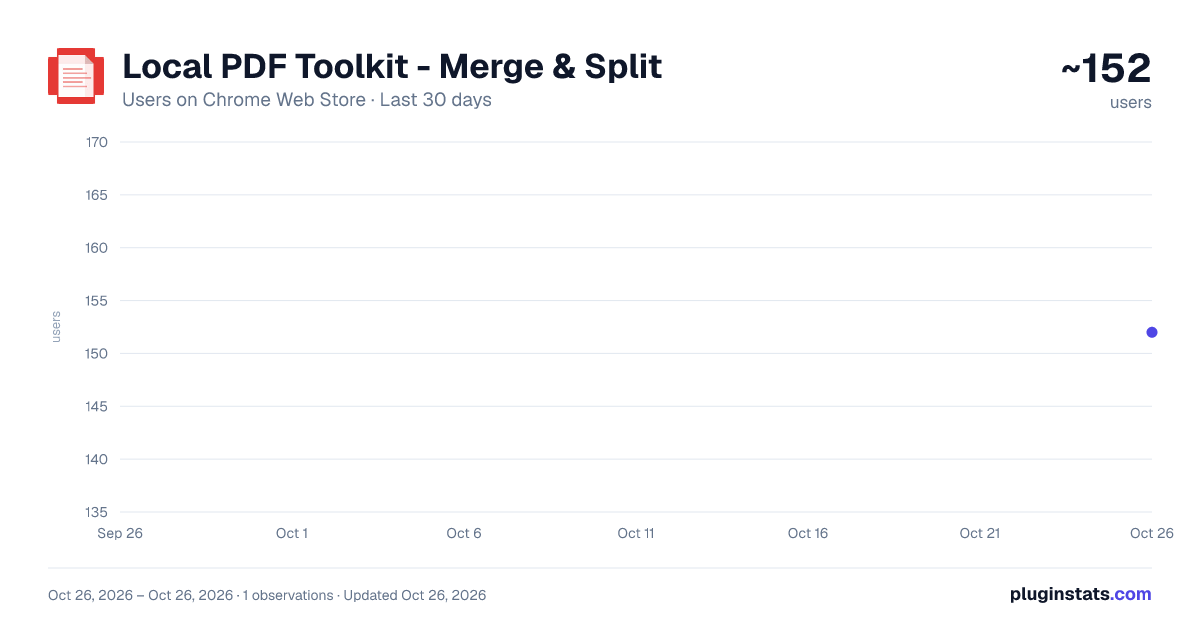
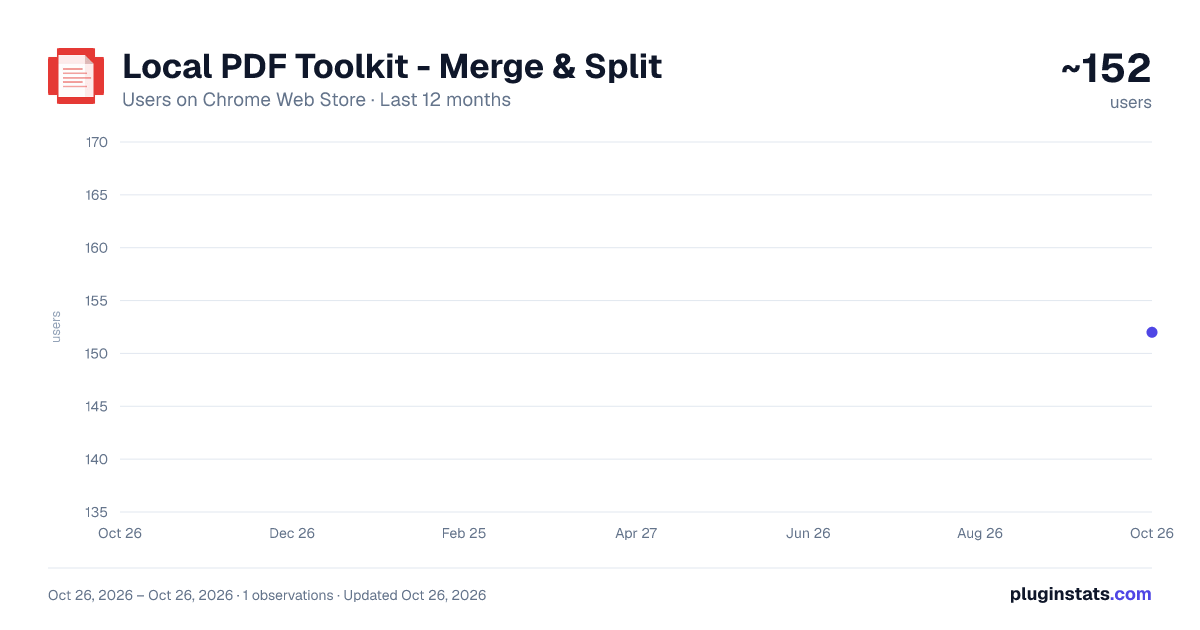
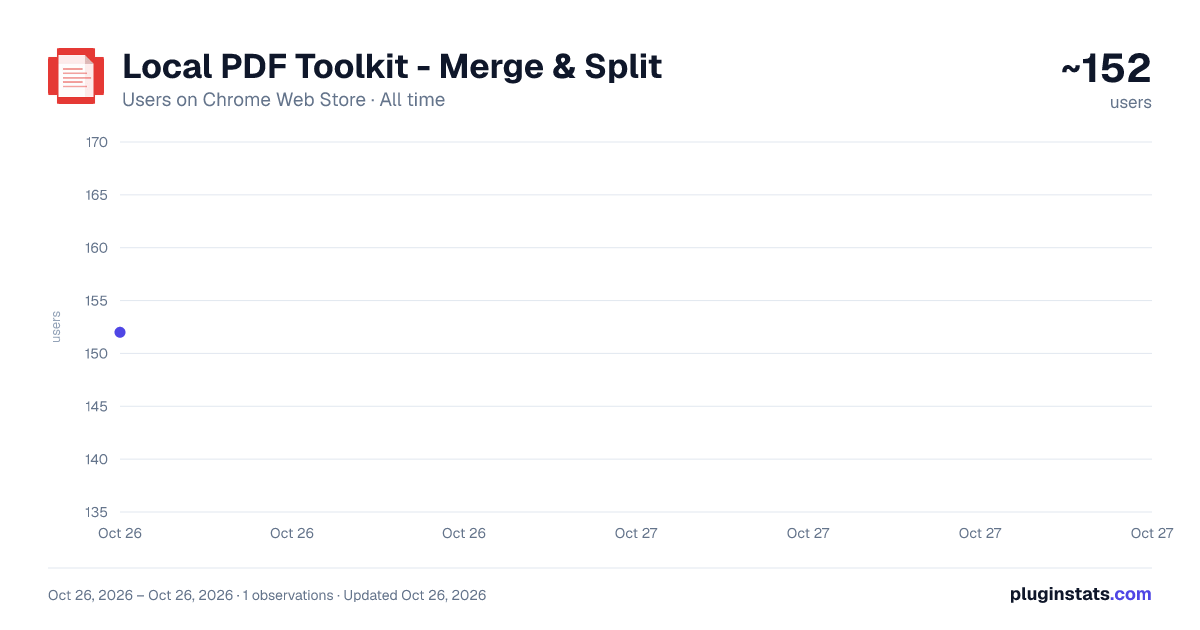
Local PDF Toolkit - Merge & Split has approximately 152 recorded users on Chrome Web Store, ranking #3442 of 4,101 tracked listings.
Rating: 5.00 / 5 from 1 ratings
About Local PDF Toolkit - Merge & Split
Free Local PDF merger and splitter. 100% local processing — your files never leave your device.
Local PDF Toolkit – Merge & Split
A fast, private, and completely local PDF merger and splitter. No uploads. No accounts. No tracking. Your files never leave your device.
Most online PDF tools require uploading sensitive documents to external servers. That creates privacy risks and dependency on internet access. Local PDF Toolkit works differently — all processing happens locally inside your browser using modern Web APIs. Your files stay on your computer at all times.
🔒 100% Local Processing
• No cloud servers • No file uploads • No data collection • Works offline • No file size limits (except your device memory)
Your documents remain private because they never leave your device.
📎 Merge PDFs
Combine multiple PDF files into a single document in seconds.
• Drag and drop files • Reorder pages before merging • Download instantly
Perfect for contracts, reports, assignments, invoices, and scanned documents.
✂️ Split PDFs
Extract specific pages or divide large PDFs into smaller files.
• Select exact page ranges • Create separate documents instantly • No watermarks
Ideal for sharing only what’s necessary without editing the original file.
⚡ Lightweight & Simple
No bloated interface. No unnecessary permissions. Just a clean, focused tool that does one job well.
Designed for: • Professionals handling sensitive documents • Students organizing study materials • Developers who prefer local-first tools • Anyone who values privacy
🛡 Privacy by Design
This extension does not: • Upload your files • Store your documents • Track your activity • Send data to external servers
Everything runs locally in your browser environment.
Description from the Chrome Web Store listing.
README badge
Show your rank in a README or on your website. The badge updates automatically.
Charts
Images: 30d · 1y · all time · 1600×900 dark
Adoption over time
7/30/90-day growth
Ranking history
Ratings over time
Listing placement
Listing placement
Filled points are observed values; hollow points come from Internet Archive snapshots of the listing page. Dashed segments span periods with no observations — values between points are not interpolated.
Each band is one page of 20. Users on a linear scale. Placement is projected from users, so it can differ from the marketplace's own sort order. Hover a dot to see the listing.
Recent observations
Full history (1)Similar Chrome Web Store Tools plugins
All 20 Local PDF Toolkit - Merge & Split alternatives



Data source
Covers every Chrome Web Store extension with at least 100 users, found through the store's public sitemap. User counts are read from public listing pages. The 10% most-used extensions are refreshed daily, the next 40% weekly and the next 40% monthly; the least-used 10% are not refreshed. Google displays rounded user counts (and caps the display at 10,000,000+), so small changes may not be visible. Rating counts above 1,000 are rounded (e.g. 1.6K).
Listing: https://chromewebstore.google.com/detail/local-pdf-toolkit-merge-s/kibloooogabcjmgnpbenfkkaijmlhiga. First seen Oct 26, 2026; last successful collection Oct 26, 2026. See the methodology.