 PluginStats
TradingView Alert Automation users statistics
By sriram.sridhar · Chrome Web Store · Developer Tools
Automatically create TradingView alerts for Maverick, Z Algo, Lux Algo, Zeiierman Combined, and other indicators
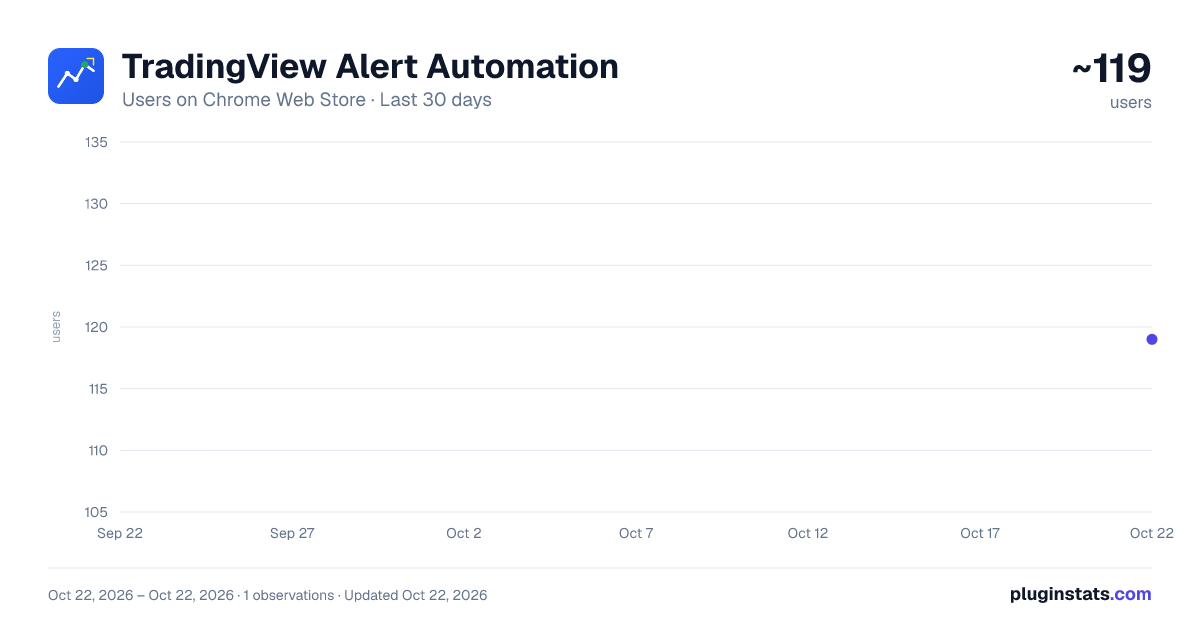
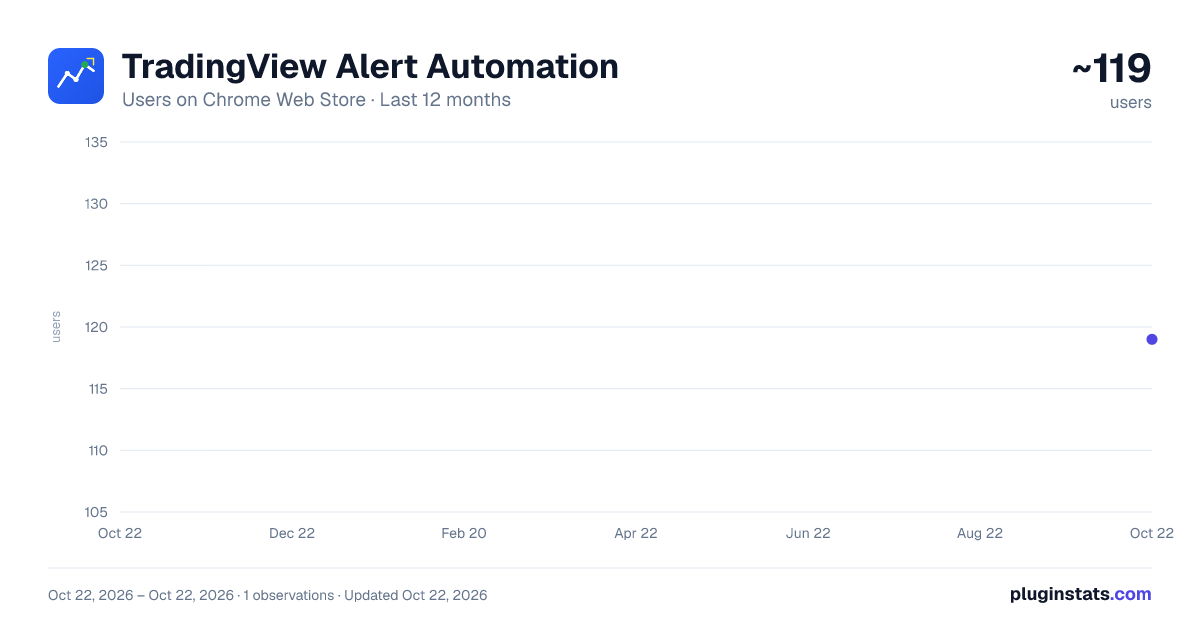
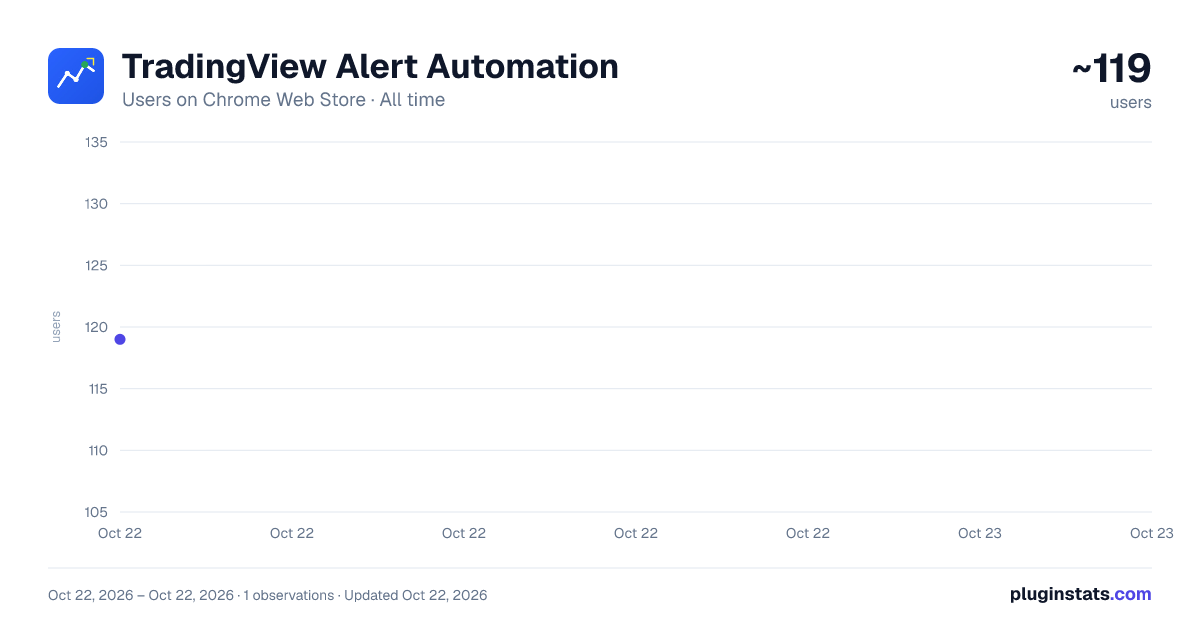
TradingView Alert Automation has approximately 119 recorded users on Chrome Web Store, ranking #3590 of 3,853 tracked listings.
About TradingView Alert Automation
Automatically create TradingView alerts for Maverick, Z Algo, Lux Algo, Zeiierman Combined, and other indicators
Automate Your TradingView Alerts with Ease
Save hours of manual work by automatically creating TradingView alerts for your favorite indicators. This extension streamlines the alert creation process for two powerful trading indicators:
✨ Key Features:
• Maverick V7.1 Market Regime Indicator - Automatically configure alerts for Long Entry, Long Exit, Short Entry, and Short Exit conditions • QQQ-Filtered Conservative Indicator - Set up alerts for all four trading conditions with a single click • Webhook Integration - Send alerts directly to your configured webhook endpoint for instant notifications • Batch Processing - Create multiple alerts across different tickers quickly and efficiently • User-Friendly Interface - Simple popup interface to select your indicator and start automation
🎯 Perfect For:
- Traders who use Maverick V7.1 or QQQ-Filtered Conservative indicators
- Anyone who wants to automate alert creation instead of manual setup
- Users who need to create multiple alerts across different symbols
- Traders integrating TradingView alerts with external systems via webhooks
⚡ How It Works:
- Select your indicator (Maverick V7.1 or QQQ-Filtered Conservative)
- Enter your ticker symbols
- Configure your webhook URL
- Click start and watch as alerts are created automatically
🔒 Privacy & Security:
This extension only accesses TradingView.com and requires minimal permissions. All processing happens locally in your browser - your data stays private.
📝 Requirements:
- TradingView account (free or paid)
- Indicator must be applied to your chart
- Webhook URL for alert notifications (optional)
Stop wasting time manually creating alerts. Automate your workflow and focus on what matters - your trading strategy.
Note: Make sure your indicator is applied to the chart and appears as the 3rd option in the Price dropdown when creating alerts.
Description from the Chrome Web Store listing.
README badge
Show your rank in a README or on your website. The badge updates automatically.
Charts
Images: 30d · 1y · all time · 1600×900 dark
Adoption over time
7/30/90-day growth
Ranking history
Ratings over time
Listing placement
Listing placement
Filled points are observed values; hollow points come from Internet Archive snapshots of the listing page. Dashed segments span periods with no observations — values between points are not interpolated.
Each band is one page of 20. Users on a linear scale. Placement is projected from users, so it can differ from the marketplace's own sort order. Hover a dot to see the listing.
Recent observations
Full history (1)Similar Chrome Web Store Developer Tools plugins
All 20 TradingView Alert Automation alternatives



Data source
Covers every Chrome Web Store extension with at least 100 users, found through the store's public sitemap. User counts are read from public listing pages. The 10% most-used extensions are refreshed daily, the next 40% weekly and the next 40% monthly; the least-used 10% are not refreshed. Google displays rounded user counts (and caps the display at 10,000,000+), so small changes may not be visible. Rating counts above 1,000 are rounded (e.g. 1.6K).
Listing: https://chromewebstore.google.com/detail/tradingview-alert-automat/gblpcnklcmeigppdncohlkadbjooopdo. First seen Oct 22, 2026; last successful collection Oct 22, 2026. See the methodology.