 PluginStats
Multiple Screenshots users statistics
By Radek Skolmowski · Chrome Web Store · Tools
Capture multiple website screenshots automatically with custom options and save in various formats.
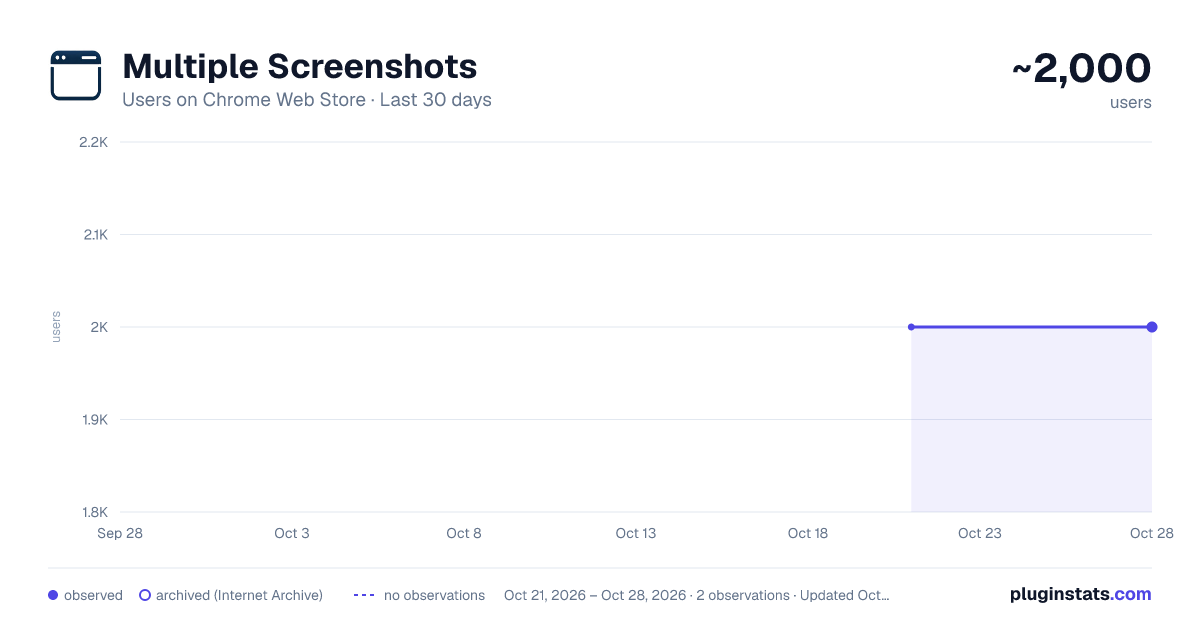
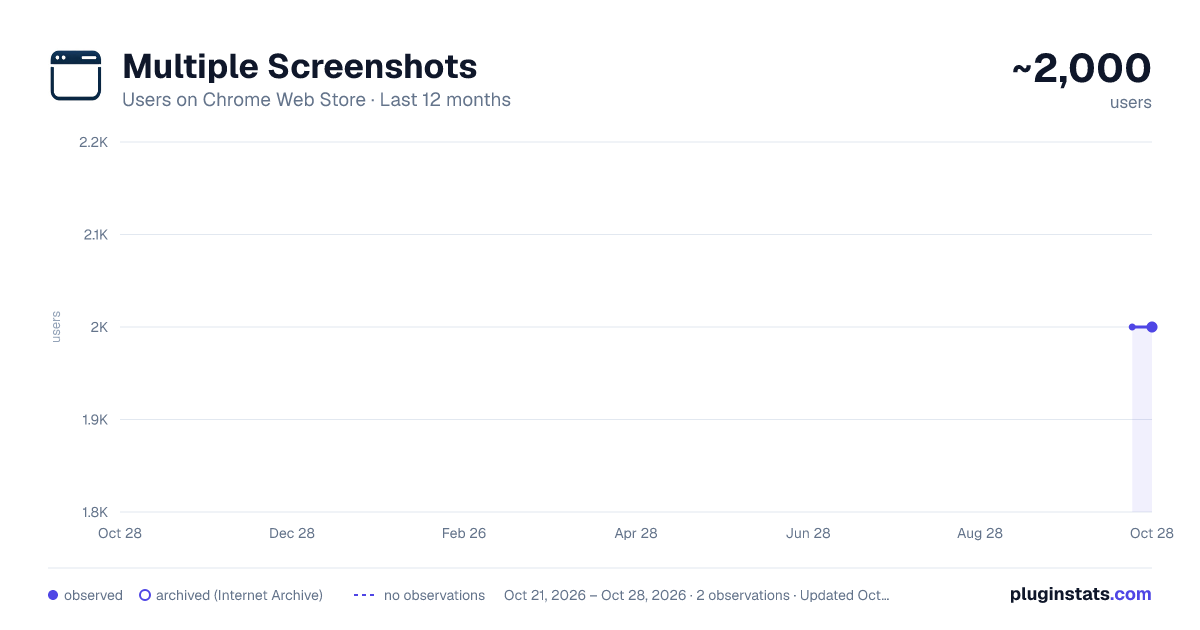
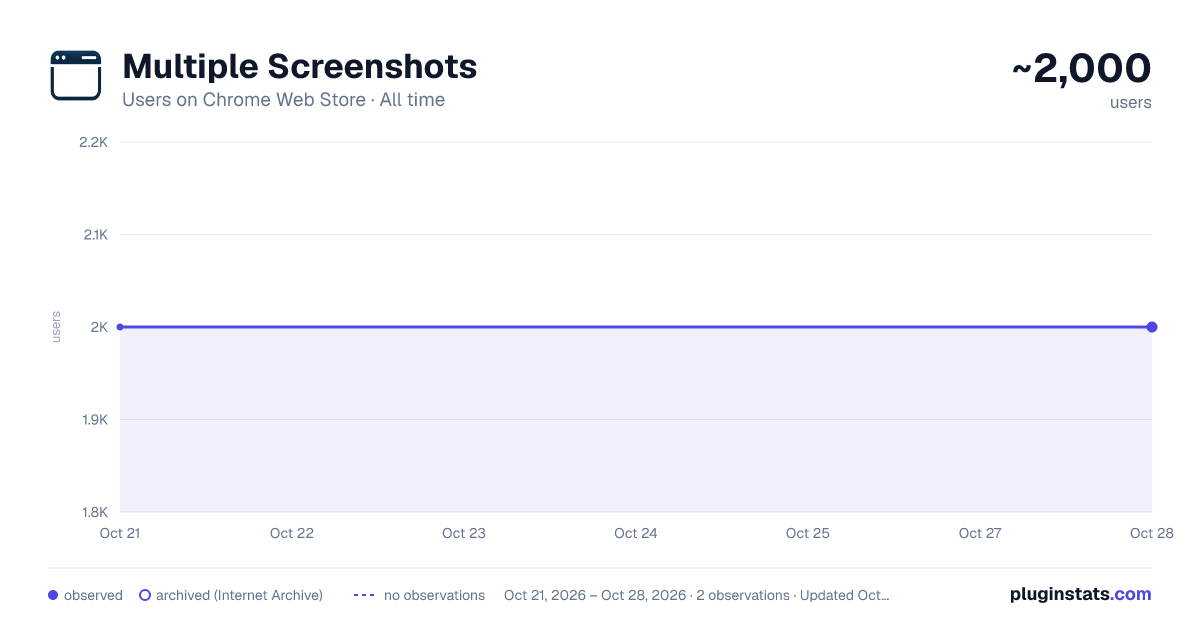
Multiple Screenshots has approximately 2,000 recorded users on Chrome Web Store, ranking #808 of 2,952 tracked listings.
Rating: 5.00 / 5 from 11 ratings
About Multiple Screenshots
Capture multiple website screenshots automatically with custom options and save in various formats.
Multiple Screenshots is a powerful Chrome extension designed to make capturing webpage screenshots simple, fast, and efficient. Whether you're a professional researcher, web designer, QA tester, content creator, or marketer, this tool automates the process of taking screenshots from multiple URLs — saving you valuable time and effort.
Why Choose Multiple Screenshots? Say goodbye to manual screenshot-taking! With Multiple Screenshots, you can capture high-quality full-page or element-based screenshots from multiple websites in just a few clicks. Simply paste your list of URLs, and let the extension handle everything — from opening webpages to saving organized screenshots tailored to your workflow.
Key Features
- Automatic Screenshot Capture: Input a list of URLs, and the extension will open each webpage, capture a screenshot, and save it automatically.
- Customizable Delays: Ensure all dynamic elements (ads, images, JavaScript) load properly before screenshots are taken.
- Flexible File Naming: Use custom names, domain names, or full URLs as filenames.
- Multiple Formats: Save screenshots in JPG, PNG, WebP, or PDF formats.
- Full-Page Screenshots: Capture the entire length of a webpage, not just the visible area.
- Fullscreen Mode: Capture in Chrome’s fullscreen (F11) for distraction-free visuals.
- CSV File Generation: Automatically generate a CSV mapping URLs to filenames for easy analysis.
- Optional Path Column: Include full file paths in CSV for better file organization.
- URL & Timestamp Overlay: Add the page URL and timestamp directly on the image.
- Clip Screenshots to XPath: Precisely crop to any element on the page using XPath.
- XPath Picker Tool: Visually select and save elements for future automated cropping.
- Highlight Elements by XPath: Automatically scroll to and frame an element with a red box in your screenshot.
- Window Mode: Run the extension in a dedicated standalone window — keeps the process stable and avoids popup interruptions.
- Auto Capture (Scheduled Screenshots): Let the extension periodically re-open URLs and take fresh screenshots at intervals (minutes to hours). Perfect for monitoring website changes, SEO audits, or compliance checks.
- API Upload: Instead of saving locally, send screenshots directly to your custom API endpoint (JSON base64 or multipart/form-data). Ideal for integration with monitoring servers or data pipelines.
Who Is This Tool For?
- Marketers & SEO Specialists: Monitor competitors’ websites, ad campaigns, and landing pages.
- Developers & Designers: Test layouts, track UI regressions, and document visual changes.
- Researchers & Analysts: Collect visual evidence across multiple sources quickly.
- Content Creators: Save visuals for tutorials, blogs, and documentation.
- QA Teams: Automate test evidence collection from staging/production environments.
How It Works?
- Run Multiple Screenshots in popup mode or window mode
- Paste your list of URLs into the extension.
- Choose settings: delay, format (PNG, JPG, WebP, PDF), filenames (custom/domain/URL), overlays, base path, XPath cropping, element highlighting, or API upload.
- Let Multiple Screenshots do the rest.
Get Started Today! Simplify your workflow and save hours of manual effort with Multiple Screenshots — the ultimate Chrome extension for bulk webpage screenshot capturing and monitoring.
📧 Have questions or suggestions? Contact us: kontakt@wentago.pl ☕ Love this extension? Support development: buymeacoffee.com/skolmowski 🔗 GitHub: Multiple_Screenshots
Description from the Chrome Web Store listing.
README badge
Show your rank in a README or on your website. The badge updates automatically.
Charts
Images: 30d · 1y · all time · 1600×900 dark
Adoption over time
7/30/90-day growth
Ranking history
Ratings over time
Listing placement
Listing placement
Filled points are observed values; hollow points come from Internet Archive snapshots of the listing page. Dashed segments span periods with no observations — values between points are not interpolated.
Each band is one page of 20. Users on a linear scale. Placement is projected from users, so it can differ from the marketplace's own sort order. Hover a dot to see the listing.
Recent observations
Full history (1)Similar Chrome Web Store Tools plugins
All 20 Multiple Screenshots alternatives



Data source
Covers every Chrome Web Store extension with at least 100 users, found through the store's public sitemap. User counts are read from public listing pages. The 10% most-used extensions are refreshed daily, the next 40% weekly and the next 40% monthly; the least-used 10% are not refreshed. Google displays rounded user counts (and caps the display at 10,000,000+), so small changes may not be visible. Rating counts above 1,000 are rounded (e.g. 1.6K).
Listing: https://chromewebstore.google.com/detail/multiple-screenshots/gbgeckhegkbgdlfpcgjdhdckdfcimmbc. First seen Oct 21, 2026; last successful collection Oct 21, 2026. See the methodology.