 PluginStats
DeepSeek Chat Exporter users statistics
Use DeepSeek Chat Exporter to smartly export DeepSeek chat conversations, supporting various formats such as PDF, HTML, Markdown,…
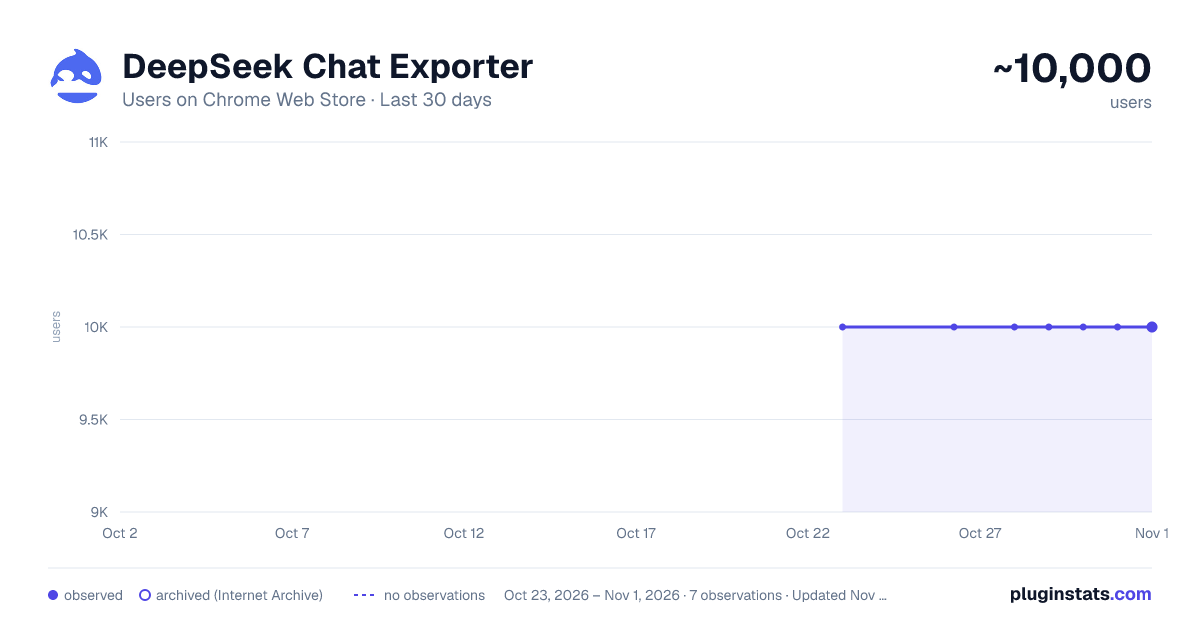
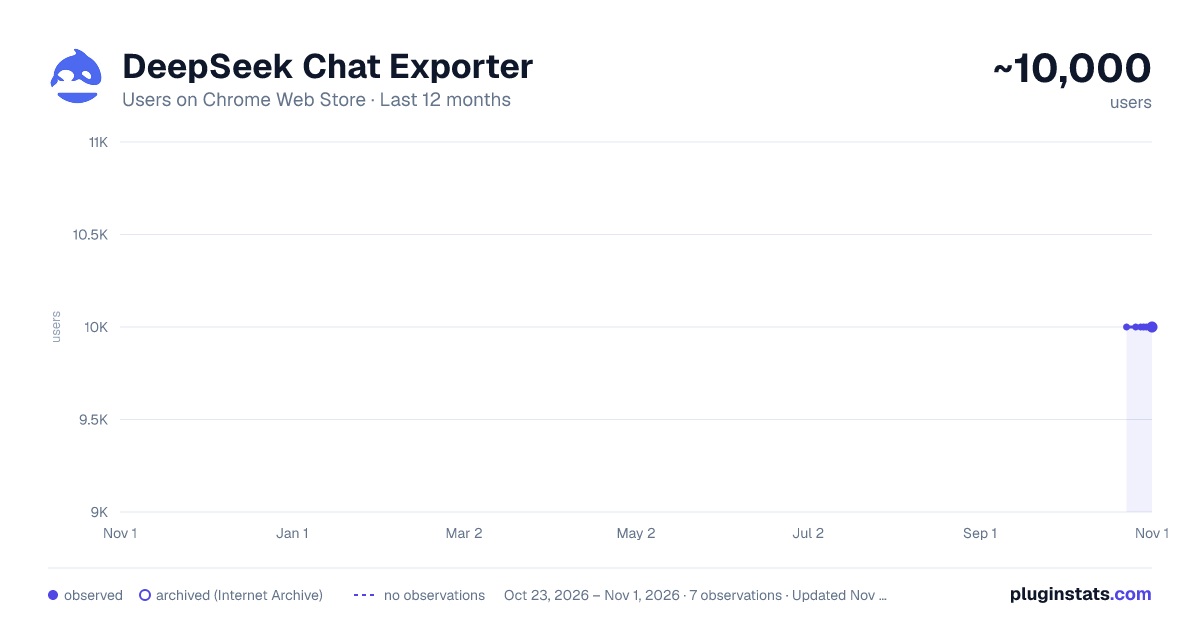
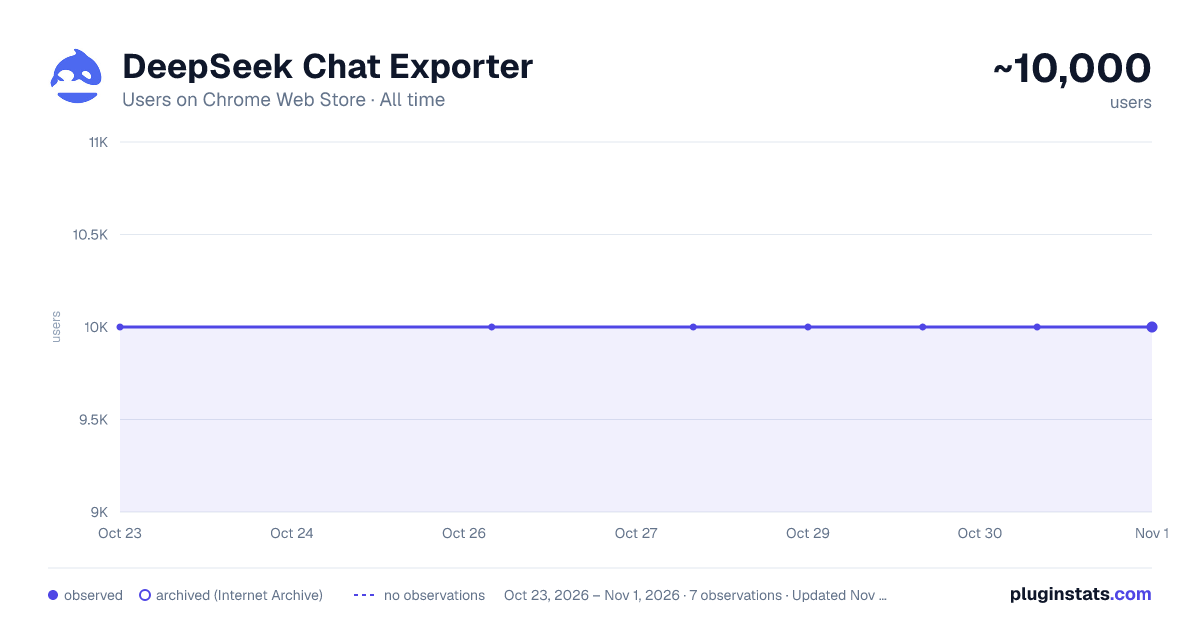
DeepSeek Chat Exporter has approximately 10,000 recorded users on Chrome Web Store, ranking #472 of 3,853 tracked listings.
Rating: 4.00 / 5 from 277 ratings
About DeepSeek Chat Exporter
Use DeepSeek Chat Exporter to smartly export DeepSeek chat conversations, supporting various formats such as PDF, HTML, Markdown,…
DeepSeek Chat Exporter – Export plugin that allows users to easily export chat content in various formats, including PDF, HTML, Markdown, JSON, TXT, and Word, enabling you to save, share, and manage conversation data in the most convenient way.
Bug Fix: v1.0.9 - Fixed the bug where the export PDF of some chat dialog boxes was empty v1.0.5 - Fixed the bug where only user information was exported
Main Features Highlights
🚀 Support for Multiple Export Formats
Whether you need to save the conversation as a document, webpage, or require a code-friendly format for further processing, our plugin provides perfect support. Here are the supported formats:
PDF: High-quality printable format, suitable for official archiving.
HTML: Webpage format, easy to view and share online.
Markdown: Text format, easily integrates with other tools and platforms.
JSON: Developer-friendly format for post-analysis and processing.
TXT: Simple text format, easy and straightforward.
Word: Export the conversation as a Microsoft Word document, convenient for document editing.
🖼 Clean and Beautiful Interface Design
The plugin provides an intuitive and easy-to-operate user interface, ensuring users can quickly choose export formats, view, and edit conversation content. The export buttons for each format are clearly visible and come with simple icons for a smooth user experience.
Here’s a basic design overview of the interface:
Clear Format Selection: With a simple dropdown menu, users can easily choose the desired export format.
Real-time Preview: View the current conversation content and select the export method.
Customizable Options: Users can adjust export content details to meet their personal needs.
🛠 Simple and Easy-to-Use Features
Select Conversation Content: Through the plugin interface, you can select the current DeepSeek conversation content, easily edit or view it.
Choose Export Format: On the interface, you can choose the export format you need, such as PDF, Markdown, JSON, etc., from a dropdown menu.
Click Export Button: After making the selection, simply click the "Export" button to quickly generate and download the desired file format.
Save and Share: The exported file can be saved directly to your local device, or shared easily with colleagues or friends through other tools.
Plugin Feature Demonstration
1.Export as PDF 🖨 Easily export DeepSeek conversations to PDF files, ideal for printing or official archiving.
2.Export as Word Document 📄 Quickly export conversation content to a Word file for later editing or sharing.
3.Export as Markdown Format 💻 Perfect for developers, the exported Markdown file can be easily integrated into blogs, GitHub, or other development platforms.
4.Export as JSON Format 💡 Developers can directly access the conversation content in JSON format, making it convenient for further data analysis or integration into other systems.
Applicable Scenarios
Work Document Storage: Save conversation content as Word or PDF format for future reference or printing.
Sharing and Collaboration: Export the conversation as HTML or Markdown format to easily share with your team or friends.
Data Analysis: Export conversation content in JSON format for programmatic processing and analysis.
Conclusion The DeepSeek Export Plugin allows you to export conversation content in multiple formats, making it easy to manage and share every interaction.
Whether for official archiving, discussion sharing, or data analysis, our plugin ensures efficient operations.
Make DeepSeek smarter and more convenient to enhance your work efficiency! Download the plugin now and experience the new export features! ✨
All data processing is done locally, so you don’t have to worry about privacy leaks, keeping your chat records safe.
Description from the Chrome Web Store listing.
README badge
Show your rank in a README or on your website. The badge updates automatically.
Charts
Images: 30d · 1y · all time · 1600×900 dark
Adoption over time
7/30/90-day growth
Ranking history
Ratings over time
Listing placement
Listing placement
Filled points are observed values; hollow points come from Internet Archive snapshots of the listing page. Dashed segments span periods with no observations — values between points are not interpolated.
Each band is one page of 20. Users on a linear scale. Placement is projected from users, so it can differ from the marketplace's own sort order. Hover a dot to see the listing.
Recent observations
Full history (1)Similar Chrome Web Store Tools plugins
All 20 DeepSeek Chat Exporter alternatives



Data source
Covers every Chrome Web Store extension with at least 100 users, found through the store's public sitemap. User counts are read from public listing pages. The 10% most-used extensions are refreshed daily, the next 40% weekly and the next 40% monthly; the least-used 10% are not refreshed. Google displays rounded user counts (and caps the display at 10,000,000+), so small changes may not be visible. Rating counts above 1,000 are rounded (e.g. 1.6K).
Listing: https://chromewebstore.google.com/detail/deepseek-chat-exporter/cohbpcihoiahgokbjkgkecodljploimg. First seen Oct 23, 2026; last successful collection Oct 23, 2026. See the methodology.