 PluginStats
DeepSelect - Force Copy Any text users statistics
By MIZ · Chrome Web Store · Tools
Select and copy text from links, buttons, and captions, even on sites that disable selection. Copy page URLs in a custom format.
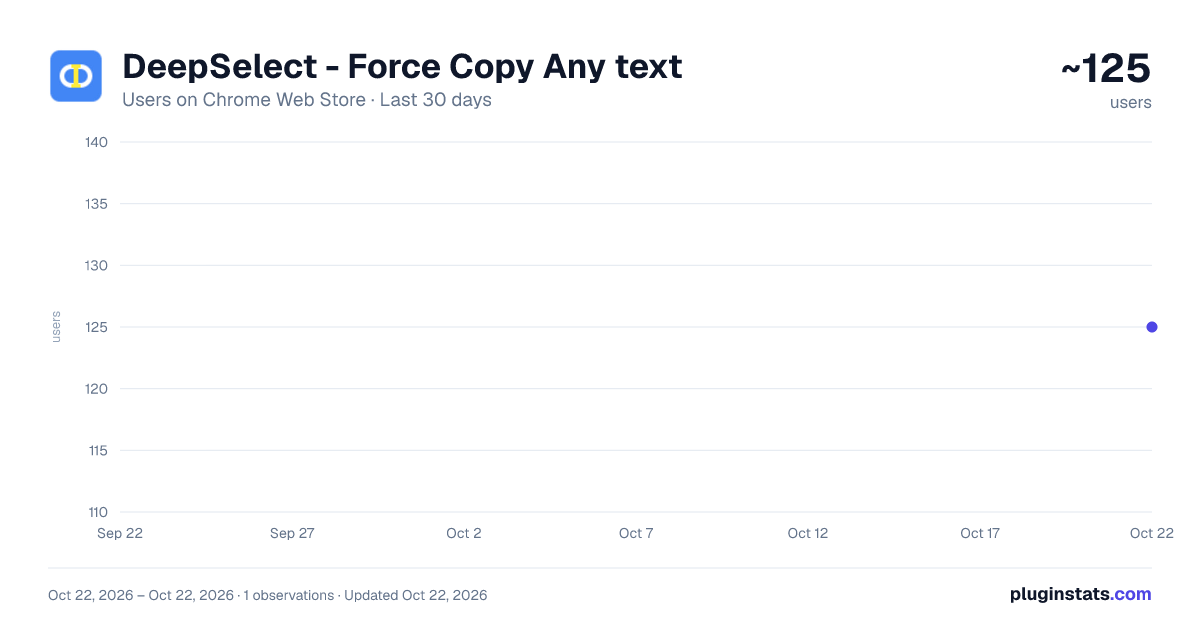
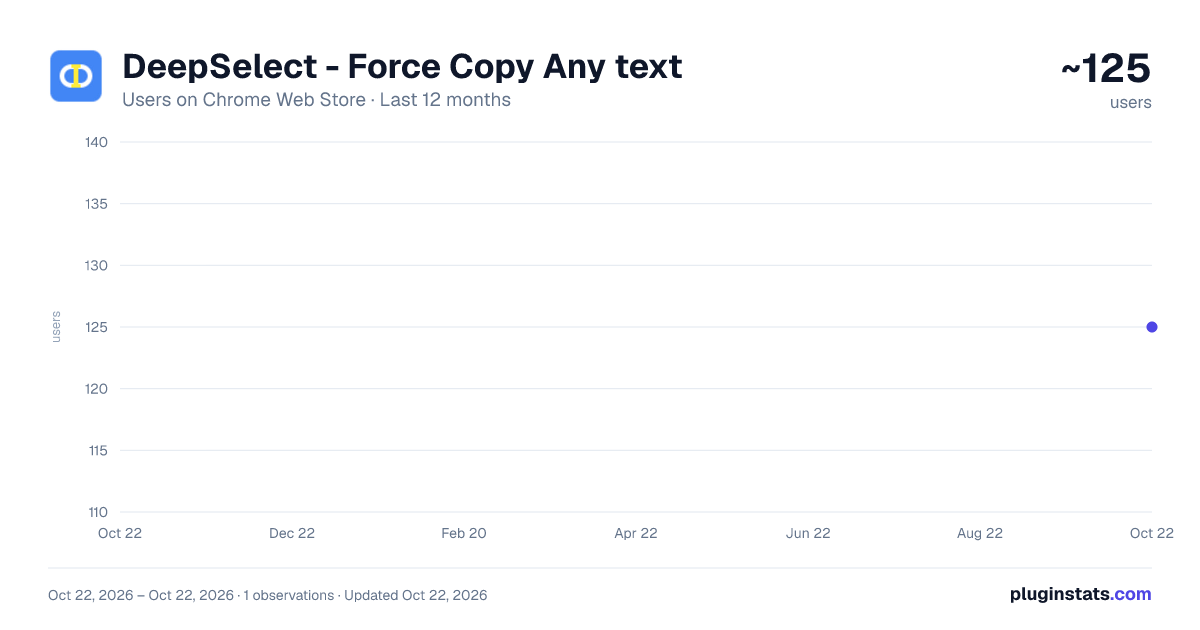
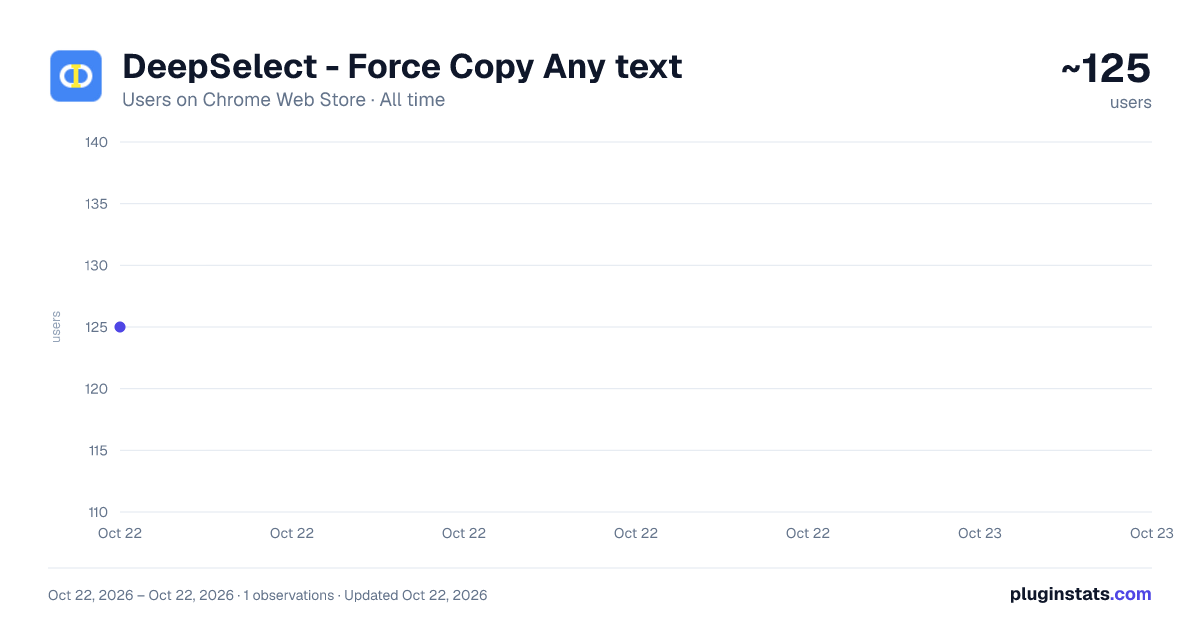
DeepSelect - Force Copy Any text has approximately 125 recorded users on Chrome Web Store, ranking #3525 of 3,853 tracked listings.
Rating: 1.00 / 5 from 1 ratings
About DeepSelect - Force Copy Any text
Select and copy text from links, buttons, and captions, even on sites that disable selection. Copy page URLs in a custom format.
[Overview] Have you ever tried to select text from a video caption, a protected website, or inside a hyperlink, only to find it impossible?
DeepSelect removes those barriers. It allows you to force-select and copy text on the web that is normally difficult or impossible to select, including video captions, link text, buttons, and copy-protected content.
New Feature: Smart URL Copy Copy page URLs and titles in your own custom format.
New Feature: Right-Click Menu Support You can enable the browser's standard right-click menu, even on websites that disable it.
[Key Features] ✅ Select Unselectable Text Select text that is usually blocked, such as video captions on YouTube, Netflix, and TikTok, copy-protected website text, and button text.
✅ Select Text Inside Links Highlight part of a hyperlink without opening the link or dragging it.
✅ Auto-Copy The selected text is automatically copied to your clipboard when you release the mouse button.
✅ Standard Right-Click Menu When enabled, the browser's standard right-click menu is available on sites that block right-click menu. The right-click menu feature can be enabled or disabled from the Options page.
✅ Smart URL Copy with Custom Formats Copy the current page title and URL with a single click.
- Fully Customizable: Define the output format using JavaScript.
- Quick Shortcut: Use a customizable mouse button and modifier key combination, such as Ctrl + right-click.
- The URL Copy shortcut takes priority over the standard right-click menu.
[Solves These Common Frustrations]
- Hyperlink Text: Selecting part of a link usually drags it. DeepSelect lets you highlight only the words you want.
- Video Captions: Copy text from overlays on streaming platforms where text is usually unclickable.
- Protected Content: Copy text from webpages that normally prevent text selection.
- Disabled Context Menus: Restore access to the browser's standard right-click menu on websites that disable it.
[How to Use]
A. To Force-Select Text
- Hold the right mouse button by default, or the left mouse button if configured.
- Keep holding for 0.5 seconds. The duration can be customized.
- When "Selection Mode" appears, drag to highlight the text.
- Release the mouse button. The selected text is copied automatically.
- If the right-click menu feature is enabled, right-click again to open the menu for the selected text.
B. To Use the Standard Right-Click Menu
- Enable "Right-Click Menu" on the Options page.
C. To Smart-Copy a URL
- Hold a modifier key, such as Ctrl or Alt, and click the configured mouse button.
- The default shortcut is Ctrl + right-click.
- The page URL will be copied to your clipboard.
- To use a custom format, write your format in JavaScript and enable custom formatting.
[Important Note: What Cannot Be Selected]
This extension works with text rendered as HTML.
❌ Text embedded inside image files, such as JPG, PNG, and GIF, cannot be selected. ❌ Text rendered inside an HTML <canvas> element cannot be selected. ❌ Burned-in subtitles that are part of the video file itself cannot be selected. ❌ PDF text may not be supported.
This extension does not provide OCR or image-to-text capabilities.
Privacy: The built-in features process selected text, page titles, and URLs locally for copying; this data is not sent to the developer or external servers. Preferences are stored using Chrome Sync and may sync across your Chrome devices.
Description from the Chrome Web Store listing.
README badge
Show your rank in a README or on your website. The badge updates automatically.
Charts
Images: 30d · 1y · all time · 1600×900 dark
Adoption over time
7/30/90-day growth
Ranking history
Ratings over time
Listing placement
Listing placement
Filled points are observed values; hollow points come from Internet Archive snapshots of the listing page. Dashed segments span periods with no observations — values between points are not interpolated.
Each band is one page of 20. Users on a linear scale. Placement is projected from users, so it can differ from the marketplace's own sort order. Hover a dot to see the listing.
Recent observations
Full history (1)Similar Chrome Web Store Tools plugins
All 20 DeepSelect - Force Copy Any text alternatives



Data source
Covers every Chrome Web Store extension with at least 100 users, found through the store's public sitemap. User counts are read from public listing pages. The 10% most-used extensions are refreshed daily, the next 40% weekly and the next 40% monthly; the least-used 10% are not refreshed. Google displays rounded user counts (and caps the display at 10,000,000+), so small changes may not be visible. Rating counts above 1,000 are rounded (e.g. 1.6K).
Listing: https://chromewebstore.google.com/detail/deepselect-force-copy-any/galmakdiojklccmhhmlkeegkndhbgmff. First seen Oct 22, 2026; last successful collection Oct 22, 2026. See the methodology.