 PluginStats
Video to Text (MP4, MOV) – AI Transcriber users statistics
Transcribe any MP4, MOV or video file to text in seconds. Upload your file — get accurate AI transcript. Free.
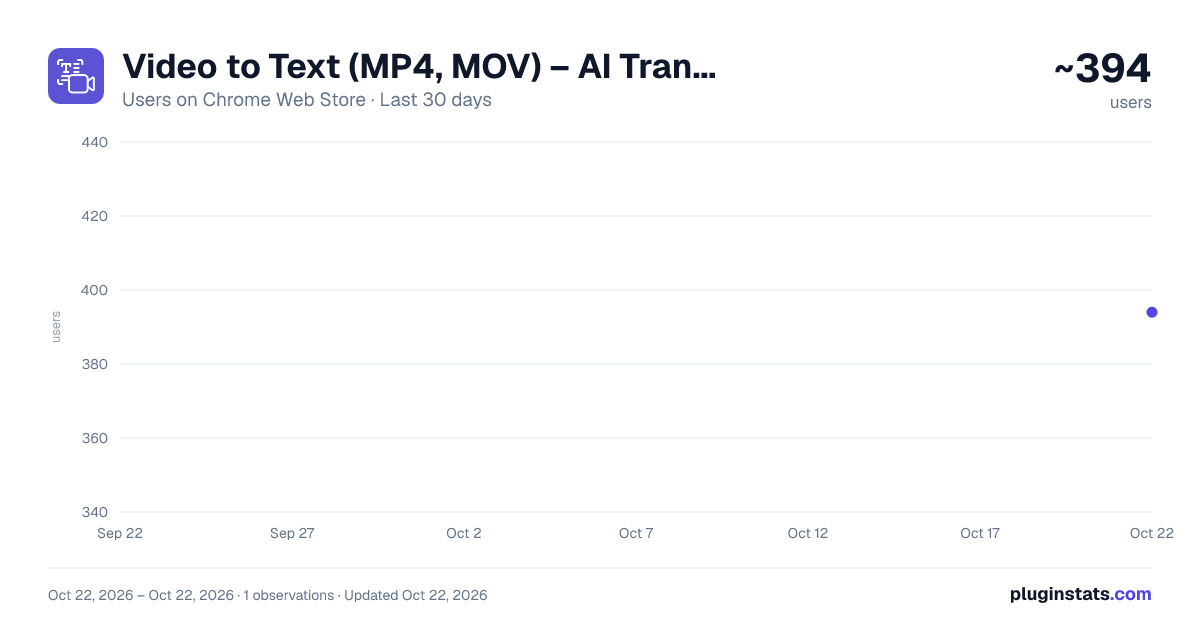
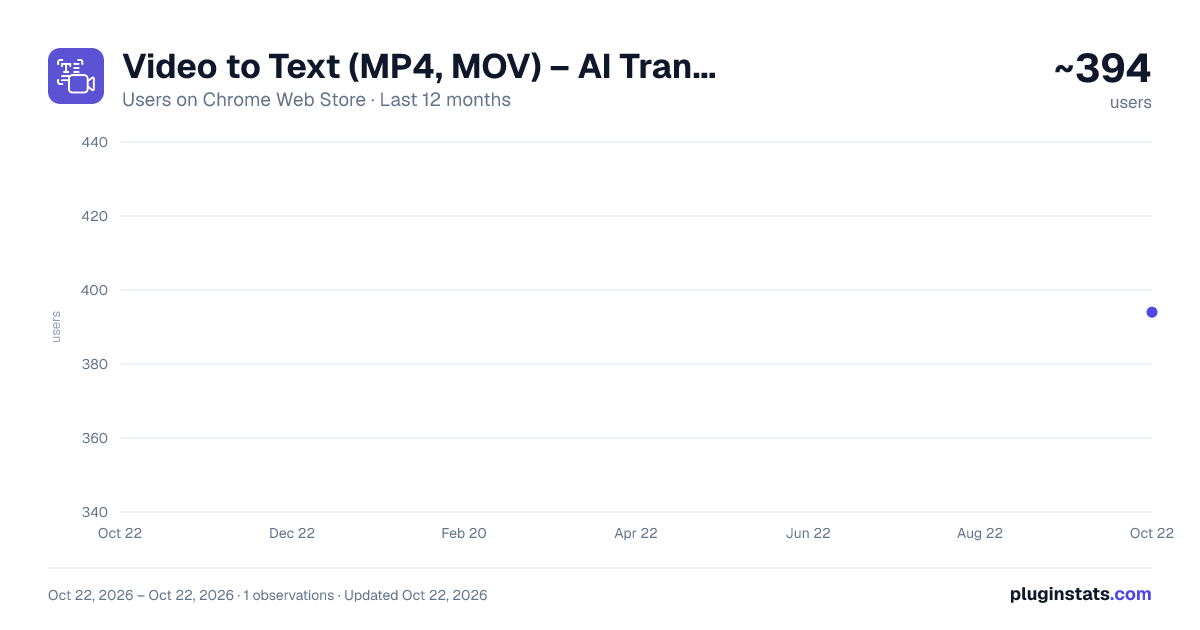
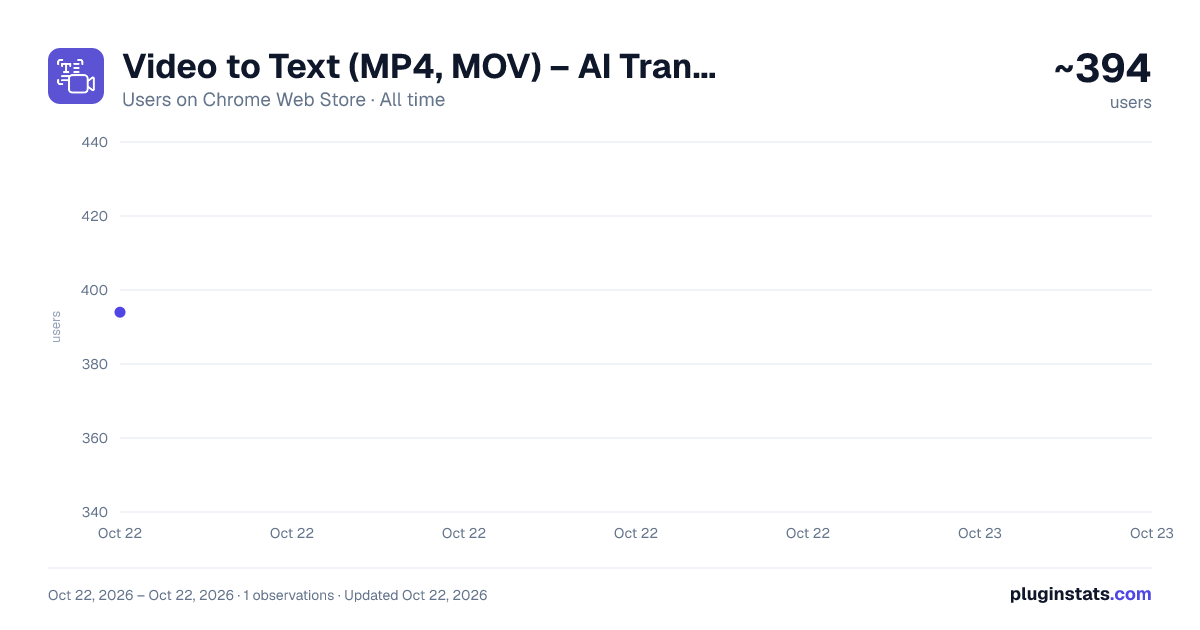
Video to Text (MP4, MOV) – AI Transcriber has approximately 394 recorded users on Chrome Web Store, ranking #2537 of 4,553 tracked listings.
Rating: 5.00 / 5 from 4 ratings
About Video to Text (MP4, MOV) – AI Transcriber
Transcribe any MP4, MOV or video file to text in seconds. Upload your file — get accurate AI transcript. Free.
The simplest way to transcribe video to text — works with any MP4, MOV, AVI or other video format stored on your computer. No YouTube links, no live meetings, no subscriptions. Just upload your video file and get a full transcript in seconds.
How to convert video to text:
- Click the extension icon in your toolbar
- Drop your MP4, MOV, AVI or other video file into the upload zone
- Click Transcribe — AI processes your video instantly
- Copy the full transcript with one click and paste it anywhere
What you get: ✔ Accurate AI-powered speech recognition powered by Whisper ✔ Full video transcript in seconds, not minutes ✔ One-click copy — paste into Google Docs, Notion, Word, anywhere ✔ Works with MP4, MOV, AVI, and other common video formats ✔ No account, no login, no subscription — completely free
Transcribe MP4 to text Drop any MP4 file and get a clean, accurate transcript. Ideal for meeting recordings, lectures, interviews, and content you need in text form fast.
Transcribe MOV to text Works with MOV files from iPhone, QuickTime, and other Apple devices. No need to convert to another format first — just drop and transcribe.
Transcribe AVI to text AVI files from screen recorders, cameras, and older devices are fully supported. Upload as-is, get text back.
Unlike other transcription tools that only work with YouTube videos or live Zoom and Google Meet calls — this extension transcribes any local video file directly from your computer. Perfect when you have a recording saved on your device and need the text fast, without signing up for anything.
Who uses Video to Text: ✔ Students and teachers — convert lecture recordings and educational videos into searchable notes ✔ Content creators — transcribe video recordings into scripts, captions, or blog posts ✔ Researchers and journalists — extract interviews and field recordings into text instantly ✔ Professionals — turn meeting recordings, webinars, and presentations into written transcripts ✔ Podcasters — get a text version of recorded episodes for show notes or SEO ✔ Anyone who needs to convert MP4 to text or MOV to text without installing desktop software
Common use cases: — Transcribe a Zoom or Teams recording saved as MP4 into meeting notes — Convert a lecture video into text to study and search through later — Turn an interview recording into a written transcript for an article — Extract dialogue from a video to create subtitles or captions — Transcribe a podcast episode to repurpose as a blog post — Get a text version of a webinar or presentation to share with your team — Convert iPhone MOV recordings to text without format conversion
What makes this video transcriber different: ✔ Works with local files — no need to paste YouTube links or join a meeting ✔ Drag and drop any video file — MP4, MOV, AVI, and more ✔ AI-powered by Whisper — fast, accurate speech recognition ✔ One-click copy for the full transcript — no formatting hassle ✔ Lightweight extension — does not slow down your browser ✔ No watermarks, no word limits, no trial period
Supported formats: MP4 to text, MOV to text, AVI to text — and most other common video formats. If your video plays on your computer, it will work with this extension.
How to transcribe MP4 to text — step by step:
- Install the extension from Chrome Web Store and pin it to your toolbar
- Click the extension icon to open it
- Drag and drop your MP4, MOV or AVI file — or click to browse
- Hit Transcribe and wait a few seconds
- Your transcript appears — copy it with one click
Privacy and security: Your video is processed securely via AI transcription API and is never stored on any server. No personal data is collected. No browsing history is tracked. Everything stays between you and the transcription service.
Actively maintained — if something doesn't work, leave a review or contact support. We respond fast.
Description from the Chrome Web Store listing.
README badge
Show your rank in a README or on your website. The badge updates automatically.
Charts
Images: 30d · 1y · all time · 1600×900 dark
Adoption over time
7/30/90-day growth
Ranking history
Ratings over time
Listing placement
Listing placement
Filled points are observed values; hollow points come from Internet Archive snapshots of the listing page. Dashed segments span periods with no observations — values between points are not interpolated.
Each band is one page of 20. Users on a linear scale. Placement is projected from users, so it can differ from the marketplace's own sort order. Hover a dot to see the listing.
Recent observations
Full history (1)Similar Chrome Web Store Tools plugins
All 20 Video to Text (MP4, MOV) – AI Transcriber alternatives



Data source
Covers every Chrome Web Store extension with at least 100 users, found through the store's public sitemap. User counts are read from public listing pages. The 10% most-used extensions are refreshed daily, the next 40% weekly and the next 40% monthly; the least-used 10% are not refreshed. Google displays rounded user counts (and caps the display at 10,000,000+), so small changes may not be visible. Rating counts above 1,000 are rounded (e.g. 1.6K).
Listing: https://chromewebstore.google.com/detail/video-to-text-mp4-mov-–-a/ahmpfcgocibehhjnhlbciidjaoglldbk. First seen Oct 22, 2026; last successful collection Oct 22, 2026. See the methodology.