 PluginStats
SourceLens users statistics
By chris (2 listings) · Chrome Web Store · Shopping
Instantly see which Amazon products you can sell — on Keepa. Plus regional Buy Box maps, deal scores & OA sourcing tools.
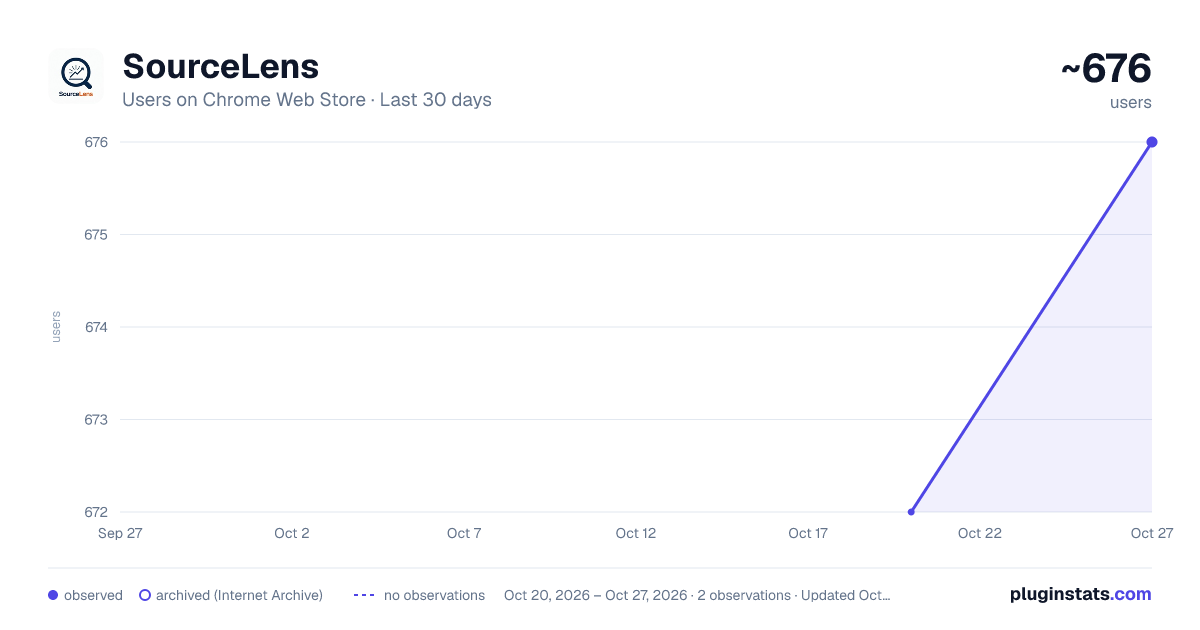
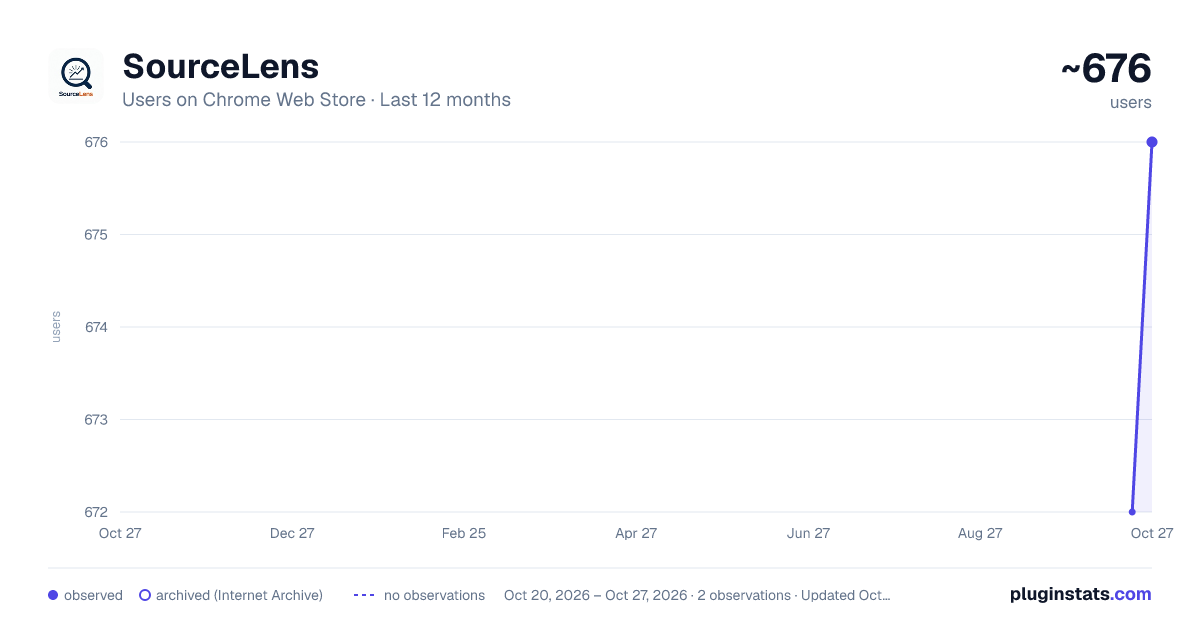
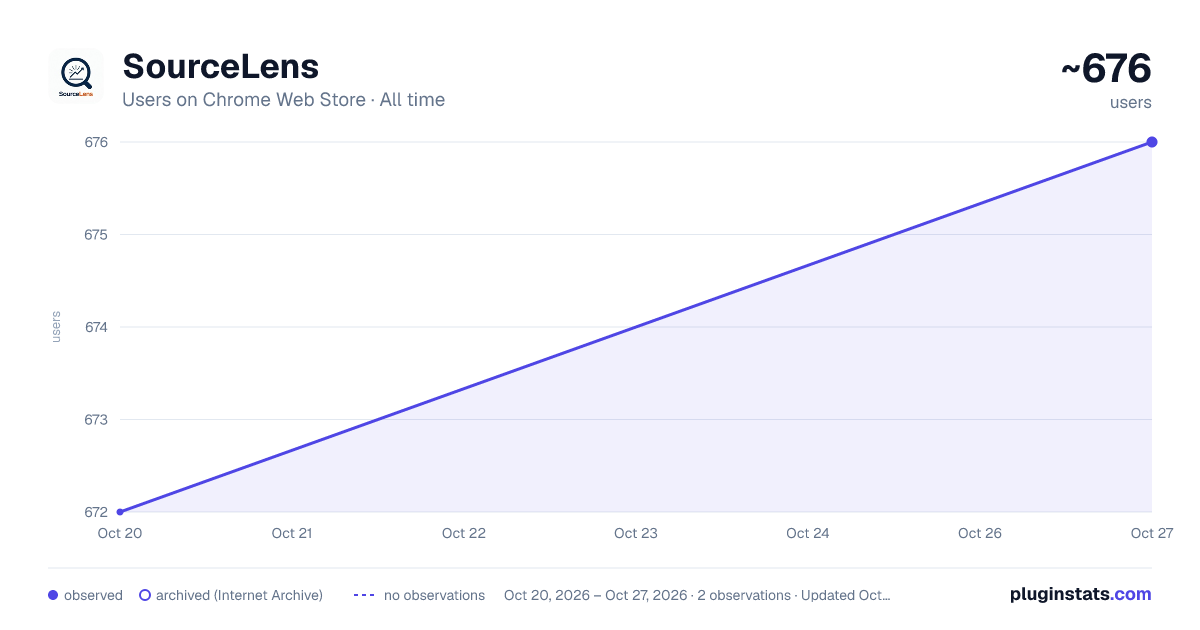
SourceLens has approximately 672 recorded users on Chrome Web Store, ranking #1085 of 2,495 tracked listings.
Rating: 5.00 / 5 from 1 ratings
About SourceLens
Instantly see which Amazon products you can sell — on Keepa. Plus regional Buy Box maps, deal scores & OA sourcing tools.
SourceLens adds a sourcing and buying layer to Keepa for Amazon online-arbitrage sellers. As you browse, it checks products against YOUR Seller Central account and adds the tools you need to decide fast: can I sell it, does the price clear my number, who wins the Buy Box where, and which gift card should I spend first.
It runs alongside your profit calculator — it is not a replacement for it. SourceLens is a paid extension: it needs a SourceLens license (there is no free tier), plus the paid subscription listed under Requirements.
🟢 ELIGIBILITY ON EVERY PRODUCT FINDER ROW Green means Amazon's eligibility page says your account can sell it, yellow means you need approval, and red means restricted. Color-coded dots appear on the Product Finder, Deals and Product Viewer grids, checked against your own Seller Central account. Results are saved for 24 hours (brand and category results for 7 days), so rows you've already seen fill in right away, and brand and category gating builds up in a Gating Database as you scout. Filter to sellable only, hide restricted or approval rows, copy the green ASINs, export to CSV, or let Auto-Scan page through up to 50 pages of results for you. For yellow rows, Request Approval sends Amazon's own one-click approval request — for one product, or for every yellow product at once.
📊 JUDGE A ROW AT A GLANCE Every row gets a 1–10 Deal Score, a competition-trend arrow (are sellers piling in or leaving?), meltable and hazmat flags, and a break-even tag if you saved one. The Deal Score and competition trend also show on Amazon product pages, read from the Keepa extension's chart on the page.
📈 YOUR BREAK-EVEN, EVERYWHERE Type your break-even price once — on the Amazon product page or on the price chart — and SourceLens uses it everywhere: • A dashed line on the price-history chart, with green above and red below. It also shows on the chart the Keepa extension adds to Amazon product pages. • A Break-even Check: Buy Box now, 90-day average, 180-day average and the lowest price in the last 3 months, each marked above or below your number, with a plain summary like "Only today's price is above your break-even." • When your number is off the chart, it tells you straight: the price never reached it, or always stayed above it, in that range. • Break-even tags on Product Finder rows, an "Under break-even" filter, and one click to recheck all your saved products in the Product Viewer. • A My Break-evens page to search, edit, import from your spreadsheet, export and back up every number, with an "old" flag on any break-even more than 90 days old. • "Alert me when it's back above my break-even" fills in the price-alert form for you — great for products that worked before and might again. You click Start tracking yourself. SourceLens never does fee or profit math — the break-even is your number, from your own calculator or spreadsheet.
🎁 GIFT CARD TRACKER (NEW) Stop losing money on forgotten gift card balances. • See what's left on every card, totaled by store, with views for Use first, Needs a check, Low or $0, and Problems. • Claim-by countdowns so you check a card before the resale site's guarantee runs out. Windows for two popular resale sites are filled in for you, and you can set any other site yourself. • One-click Check opens the store's balance page (for a few stores you add the page once) and, if you saved the card number, copies it for you. Then you type in what it shows. Log what you spend on each order, mark cards used, and report a bad card with a ready-to-send claim note. • Add cards fast: one at a time, several at once, from your spreadsheet, or by pasting an order email. • Full card numbers and PINs are optional and locked with your own passphrase, with a recovery key in case you forget it. They auto-lock when you step away. • Hand balance checks to a VA or an AI helper: export a check file (card numbers only for the cards you pick), copy the steps, then paste the results back. Cards that come back to life return to your list, and drained cards get flagged. • Daily reminders for closing claim windows, new cards you haven't checked, and stale balances. Gift cards stay on your computer. They are never synced and never sent anywhere.
🗺️ REGIONAL BUY BOX Amazon doesn't show every shopper the same Buy Box. Depending on where the shopper lives, a different seller can win — often at a different price. SourceLens captures the Buy Box across 8 US metro areas and maps it: who wins where, at what price, the landed price when shipping is charged, how many days delivery takes, and how much of the country Amazon itself ships. Capture by hand as you change your delivery ZIP, or turn on the optional automated sweep to capture all 8 metros with one click or run a whole list in bulk.
⌨️ SELLER CENTRAL COMMAND BAR Press ⌘⇧K (Mac) or Alt+K (Windows) on any Seller Central page and type where you want to go — more than 100 Seller Central pages, one keystroke away. Star the pages you use most to pin them to the top; pins follow you to every computer signed in to Chrome. A small tab on the edge of the page opens it too, for when you forget the shortcut.
💳 FLOAT PLANNER — BUY ON THE RIGHT CARD Tell SourceLens your credit cards once (closing day and grace period) and it tells you which card to buy on today for the longest interest-free runway, with a 0–100 Float Score per card and an automatic spend schedule. A Business Snapshot compares your card debt with your cash, Amazon balance and inventory, plus a buying runway, payment-due reminders, Amazon payout alignment and a payoff helper. It never connects to your bank, never stores full card numbers, and your Float Planner data never leaves your computer.…
Description from the Chrome Web Store listing.
README badge
Show your rank in a README or on your website. The badge updates automatically.
Charts
Images: 30d · 1y · all time · 1600×900 dark
Adoption over time
7/30/90-day growth
Ranking history
Ratings over time
Listing placement
Listing placement
Filled points are observed values; hollow points come from Internet Archive snapshots of the listing page. Dashed segments span periods with no observations — values between points are not interpolated.
Each band is one page of 20. Users on a linear scale. Placement is projected from users, so it can differ from the marketplace's own sort order. Hover a dot to see the listing.
Recent observations
Full history (1)Similar Chrome Web Store Shopping plugins
All 20 SourceLens alternatives



Data source
Covers every Chrome Web Store extension with at least 100 users, found through the store's public sitemap. User counts are read from public listing pages. The 10% most-used extensions are refreshed daily, the next 40% weekly and the next 40% monthly; the least-used 10% are not refreshed. Google displays rounded user counts (and caps the display at 10,000,000+), so small changes may not be visible. Rating counts above 1,000 are rounded (e.g. 1.6K).
Listing: https://chromewebstore.google.com/detail/sourcelens/fabgabplmfffgedceogbeenleoncncdo. First seen Oct 20, 2026; last successful collection Oct 20, 2026. See the methodology.