 PluginStats
Color Contrast Checker by Accessibility Tracker users statistics
The best color contrast analyzer in the game.
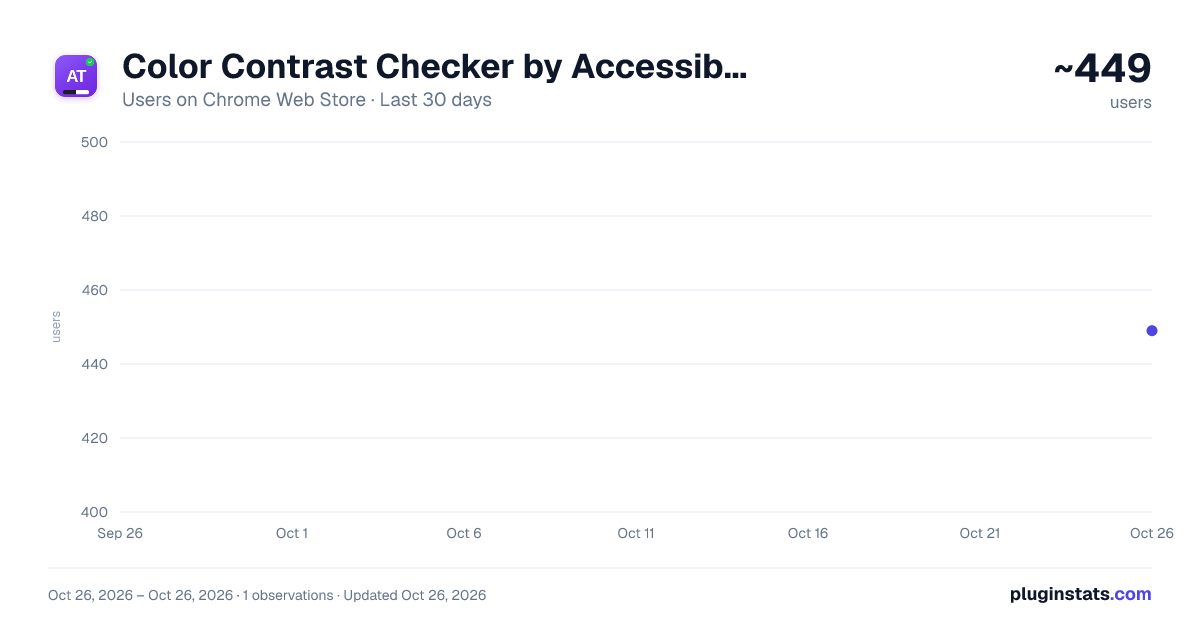
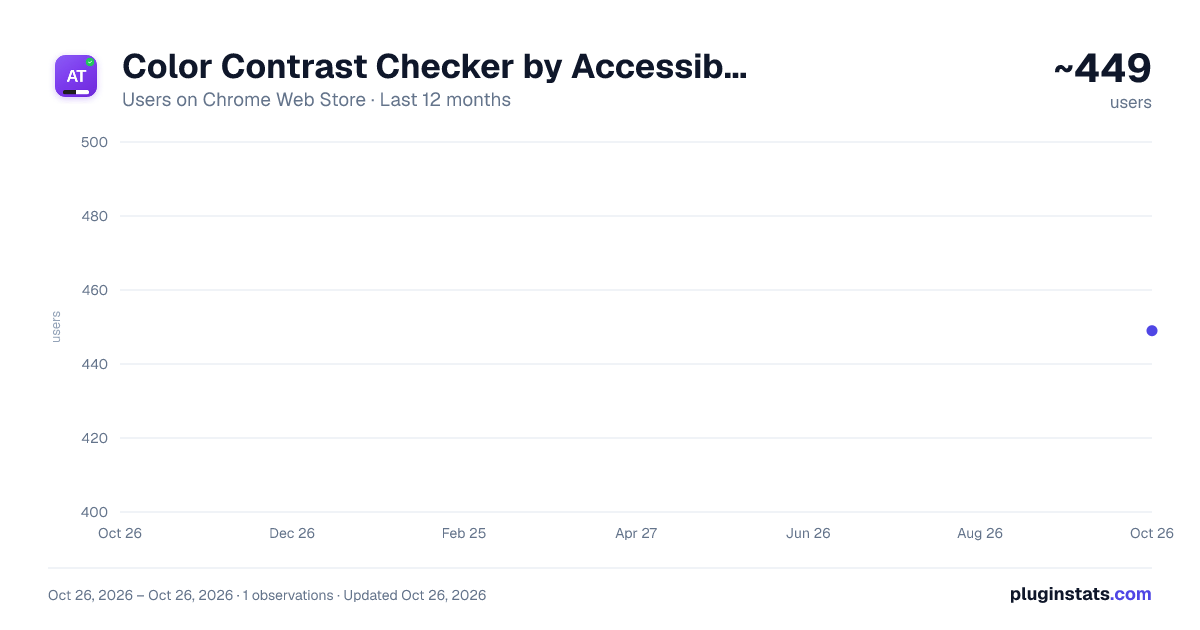
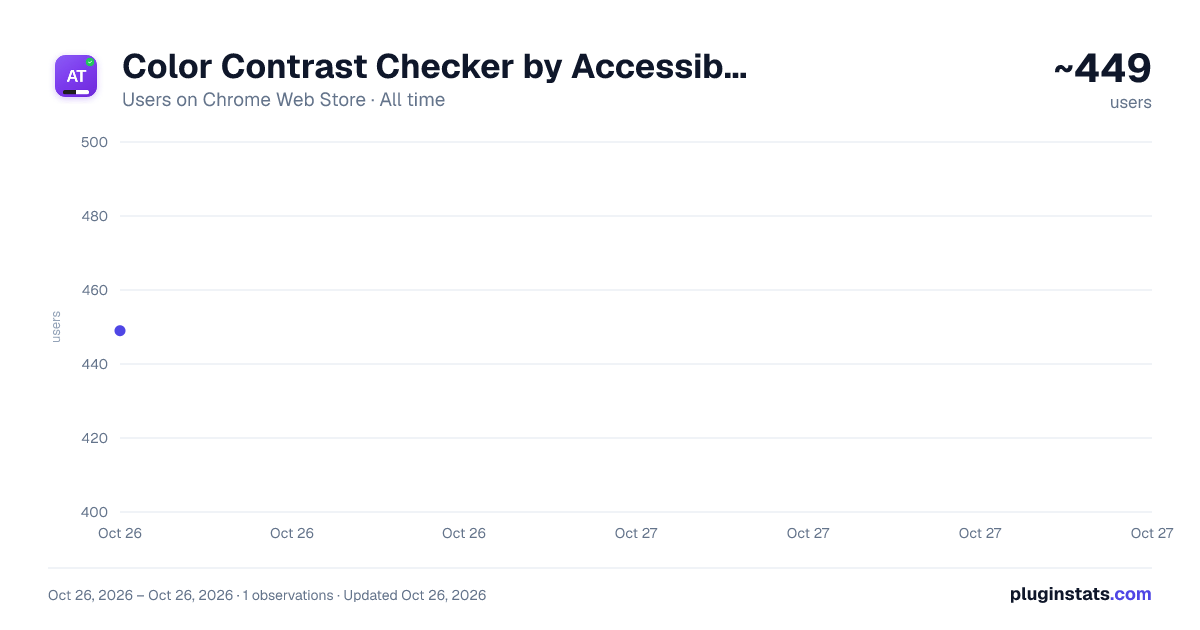
Color Contrast Checker by Accessibility Tracker has approximately 449 recorded users on Chrome Web Store, ranking #2158 of 4,101 tracked listings.
Rating: 4.20 / 5 from 4 ratings
About Color Contrast Checker by Accessibility Tracker
The best color contrast analyzer in the game.
Check color contrast for WCAG 2.1 AA and WCAG 2.2 AA/AAA conformance. Eyedropper, smart suggestions, and color history.
Description
- Pick any color directly from a webpage with the built-in eyedropper, no inspecting elements or digging through code.
- Check your color contrast in real-time with a live preview right on the page before you commit to anything.
- Get instant, accessible color alternatives when a combination fails so you can fix it without starting over.
Color Contrast Checker by Accessibility Tracker is a free, professional-grade tool built for designers, developers, and accessibility professionals who need to verify color contrast ratios against the WCAG standard. Whether you are working toward WCAG 2.1 AA or WCAG 2.2 AA/AAA conformance, this extension gives you instant, accurate results without leaving the page you are testing.
Color contrast is one of the most common accessibility failures on the web. Low contrast between text and its background makes content difficult or impossible to read for people with low vision, color vision deficiencies, or situational impairments like screen glare. Meeting the minimum contrast ratios defined in the WCAG standard is a fundamental part of making digital content accessible to everyone.
This tool does more than check a ratio. It helps you fix contrast issues on the spot with smart color suggestions and gives you a real-time preview so you can see exactly how your changes will look before you commit to them.
Why Color Contrast Matters
WCAG Success Criterion 1.4.3 (Contrast Minimum) requires a contrast ratio of at least 4.5:1 for normal text and 3:1 for large text at the AA level. Success Criterion 1.4.6 (Contrast Enhanced) raises those thresholds to 7:1 and 4.5:1 at the AAA level. Non-text contrast under Success Criterion 1.4.11 requires a ratio of at least 3:1 for user interface components and graphical objects. These requirements exist under both WCAG 2.1 and WCAG 2.2.
Failing to meet these ratios means your content is harder to perceive for a significant portion of your audience.
What This Extension Does
Instantly calculate the contrast ratio between any foreground and background color combination. Results are displayed as a pass or fail indicator for WCAG 2.1 AA, WCAG 2.2 AA, and WCAG 2.2 AAA levels.
Pick colors directly from any webpage using the built-in eyedropper tool powered by Chrome's native EyeDropper API. No need to inspect elements or dig through stylesheets — just click on any element and the extension captures the exact color value.
Get accessible color alternatives automatically. When a color combination fails, the extension uses the OKLCH color space to suggest the closest conformant alternatives so you can fix issues without starting over from scratch.
Track and reuse previous color combinations with the built-in color history. This is especially useful when auditing multiple pages within the same site or working within an established design system.
See changes before you make them with the live preview. Enter any foreground and background color combination and the extension renders a real-time sample so you can evaluate readability before updating your code or design file.
Supported Color Formats
Enter colors in whichever format you prefer. The extension supports HEX, RGB, HSL, OKLCH, LAB, LCH, and named colors. Convert between formats instantly.
WCAG 3.0 (APCA) — Experimental
In addition to WCAG 2.1 and WCAG 2.2 conformance checking, the extension includes experimental support for the Advanced Perceptual Contrast Algorithm (APCA), which is the contrast method being developed as part of WCAG 3.0. APCA uses a more perceptually uniform model that accounts for how human vision actually processes lightness differences between text and background colors. This gives you a head start on future conformance requirements while still grounding your work in the current WCAG standard.
Additional Features
Full dark mode support with automatic system preference detection. Export and import your settings and color history to back up your configuration or share it across devices. All data is stored locally on your device — the extension does not track you and does not send any data to external servers.
Browser Requirements
Chrome 95 or later (required for the EyeDropper API).
About Accessibility Tracker
Accessibility Tracker is an audit-based accessibility project management platform built by Accessible.org, a digital accessibility company that specializes in WCAG audits and VPAT services. This color contrast checker is a free tool from Accessibility Tracker, built to give accessibility professionals, designers, developers, and anyone who needs to verify color contrast a fast, reliable, and private way to check conformance directly in the browser.
Learn more at https://accessible.org.
Description from the Chrome Web Store listing.
README badge
Show your rank in a README or on your website. The badge updates automatically.
Charts
Images: 30d · 1y · all time · 1600×900 dark
Adoption over time
7/30/90-day growth
Ranking history
Ratings over time
Listing placement
Listing placement
Filled points are observed values; hollow points come from Internet Archive snapshots of the listing page. Dashed segments span periods with no observations — values between points are not interpolated.
Each band is one page of 20. Users on a linear scale. Placement is projected from users, so it can differ from the marketplace's own sort order. Hover a dot to see the listing.
Recent observations
Full history (1)Similar Chrome Web Store Tools plugins
All 20 Color Contrast Checker by Accessibility Tracker alternatives



Data source
Covers every Chrome Web Store extension with at least 100 users, found through the store's public sitemap. User counts are read from public listing pages. The 10% most-used extensions are refreshed daily, the next 40% weekly and the next 40% monthly; the least-used 10% are not refreshed. Google displays rounded user counts (and caps the display at 10,000,000+), so small changes may not be visible. Rating counts above 1,000 are rounded (e.g. 1.6K).
Listing: https://chromewebstore.google.com/detail/color-contrast-checker-by/dncnieegnnnlfgddhdjpfhicboeogncb. First seen Oct 26, 2026; last successful collection Oct 26, 2026. See the methodology.