 PluginStats
YouTube Watch Later Bulk Delete users statistics
By drhoads · Chrome Web Store · Tools
Select and delete multiple videos from your Watch Later playlist.
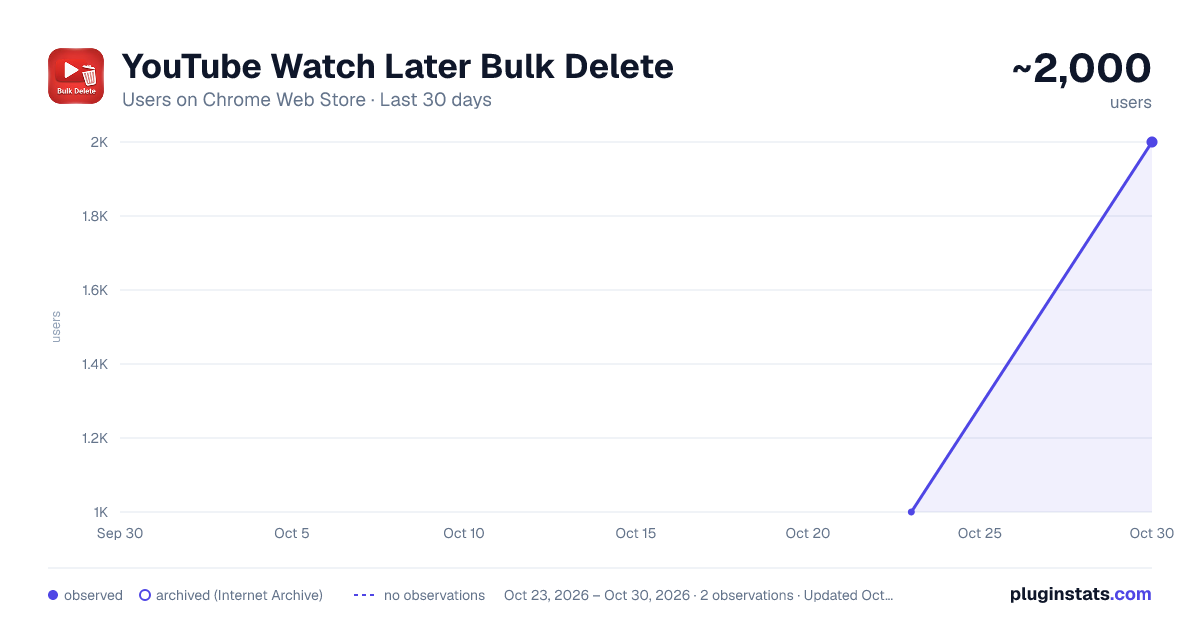
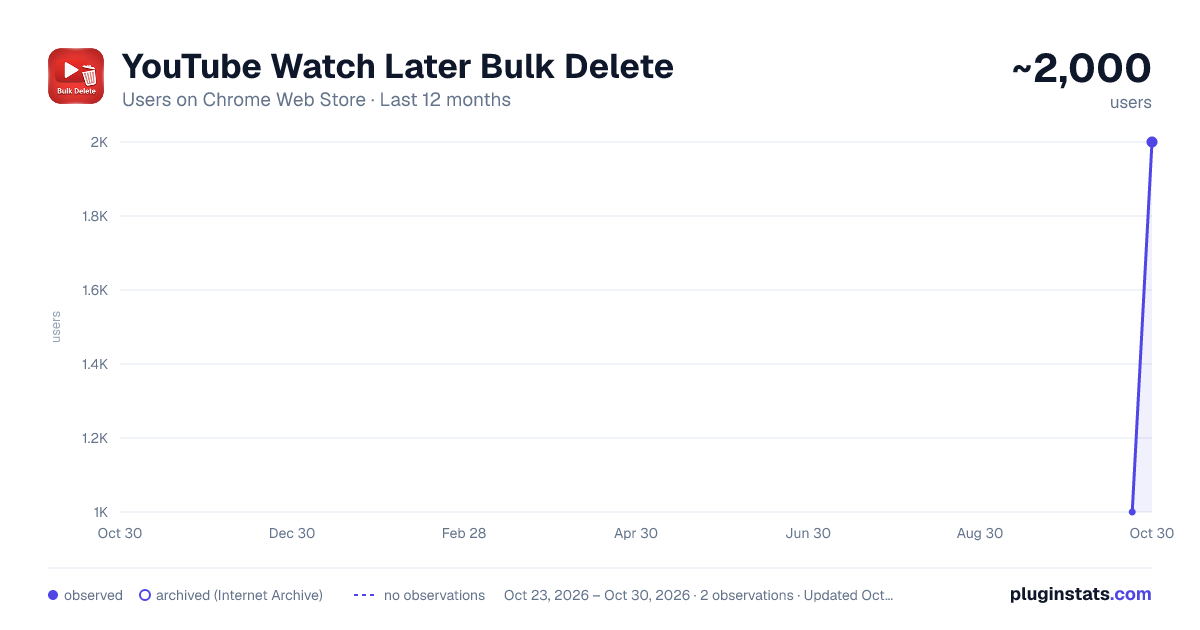
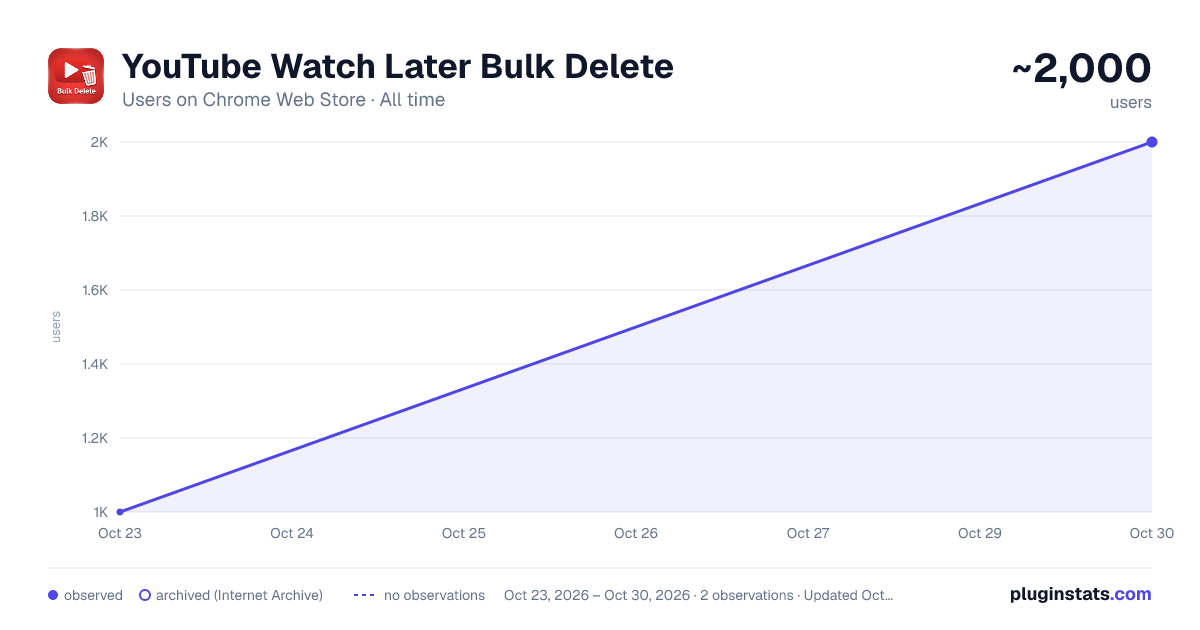
YouTube Watch Later Bulk Delete has approximately 1,000 recorded users on Chrome Web Store, ranking #1399 of 3,853 tracked listings.
Rating: 4.00 / 5 from 6 ratings
About YouTube Watch Later Bulk Delete
Select and delete multiple videos from your Watch Later playlist.
Are you tired of the painstaking process of manually deleting videos from your YouTube "Watch Later" list one by one? Has your list grown into an unmanageable collection of hundreds, or even thousands, of videos?
YouTube Watch Later Bulk Delete is the simple, powerful tool you've been waiting for. It gives you the power to efficiently clean up your playlist in minutes, not hours.
This extension was built with one goal in mind: to make managing your Watch Later list easy and safe. When enabled, it adds simple checkboxes next to each video, allowing you to select and delete exactly what you want, all at once.
Key Features:
Bulk Deletion: Select multiple videos with simple checkboxes or use the "Select All" button to clear everything currently loaded on your screen.
On/Off Toggle: The extension is disabled by default to ensure it never interferes with your normal YouTube experience. When you need to clean your list, simply click the extension icon and flip the switch to "Enable." When you're done, turn it off to restore YouTube's native sorting and drag-and-drop features instantly.
Adjustable Speed for Reliability: Customize the deletion speed from 5 to 8 seconds per video. This intentional pacing ensures every single delete command is successfully processed by YouTube's servers, preventing videos from reappearing after a page refresh.
Safe and Focused: This tool is strictly locked to your "Watch Later" playlist (list=WL). It will not appear or interfere with any of your other playlists, keeping them safe from accidental deletions.
Clear Feedback: A full-screen progress overlay shows you exactly how many videos are being deleted and the estimated time remaining, so you always know when the process is complete.
How to Use:
Navigate to your "Watch Later" playlist on YouTube.
Click the extension icon in your browser toolbar.
Flip the switch to "Enable". Checkboxes and a floating control panel will appear on the page.
Select the videos you want to remove.
Click the "Delete Selected" button in the on-page panel.
Wait for the process to complete. Do not close or refresh the tab.
When finished, click the extension icon and disable it to restore normal sorting functions.
An Important Note on Deletion Speed:
You might notice the deletion process isn't instant. This is by design. YouTube processes playlist changes slowly in the background. If delete commands are sent too quickly, their servers get overwhelmed, and the videos will reappear after you refresh the page.
To guarantee that every video is permanently deleted, this extension uses a deliberate delay (adjustable from 5 to 8 seconds) between each video. This pacing is the key to making sure the tool is 100% reliable.
Take back control of your Watch Later list and enjoy a cleaner, more organized YouTube experience
Description from the Chrome Web Store listing.
README badge
Show your rank in a README or on your website. The badge updates automatically.
Charts
Images: 30d · 1y · all time · 1600×900 dark
Adoption over time
7/30/90-day growth
Ranking history
Ratings over time
Listing placement
Listing placement
Filled points are observed values; hollow points come from Internet Archive snapshots of the listing page. Dashed segments span periods with no observations — values between points are not interpolated.
Each band is one page of 20. Users on a linear scale. Placement is projected from users, so it can differ from the marketplace's own sort order. Hover a dot to see the listing.
Recent observations
Full history (1)Similar Chrome Web Store Tools plugins
All 20 YouTube Watch Later Bulk Delete alternatives



Data source
Covers every Chrome Web Store extension with at least 100 users, found through the store's public sitemap. User counts are read from public listing pages. The 10% most-used extensions are refreshed daily, the next 40% weekly and the next 40% monthly; the least-used 10% are not refreshed. Google displays rounded user counts (and caps the display at 10,000,000+), so small changes may not be visible. Rating counts above 1,000 are rounded (e.g. 1.6K).
Listing: https://chromewebstore.google.com/detail/youtube-watch-later-bulk/coeebpibifjghnkfibonbhlgllgdffip. First seen Oct 23, 2026; last successful collection Oct 23, 2026. See the methodology.