 PluginStats
LeetTracker users statistics
By Sebas · Chrome Web Store · Workflow & Planning
Chrome extension that helps track solved LeetCode problems.
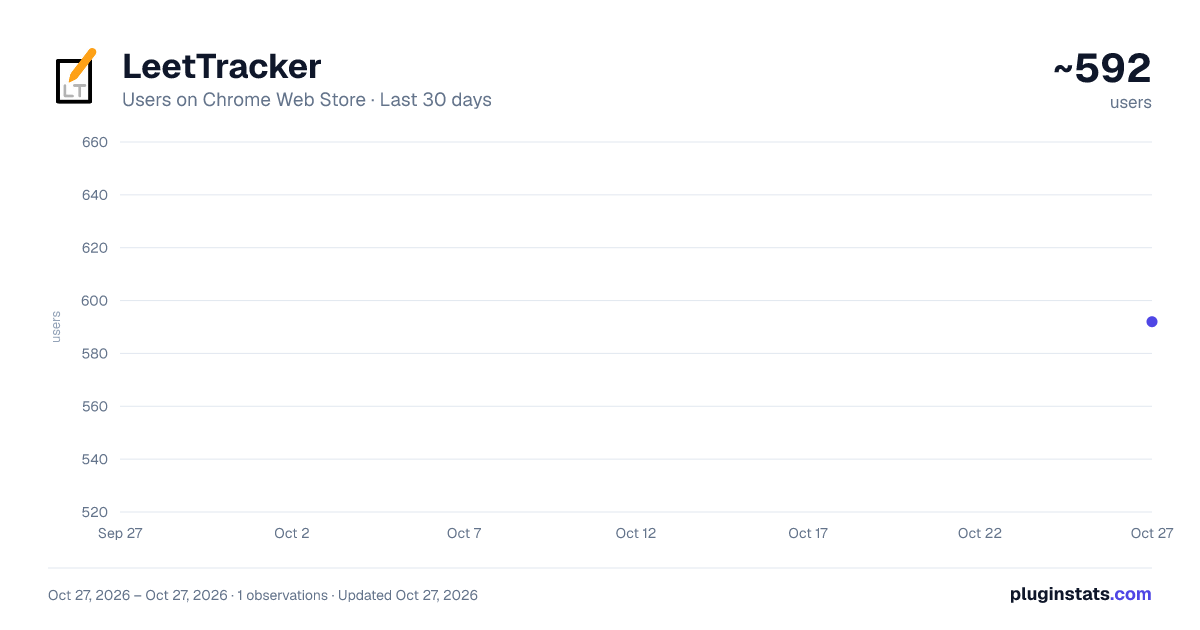
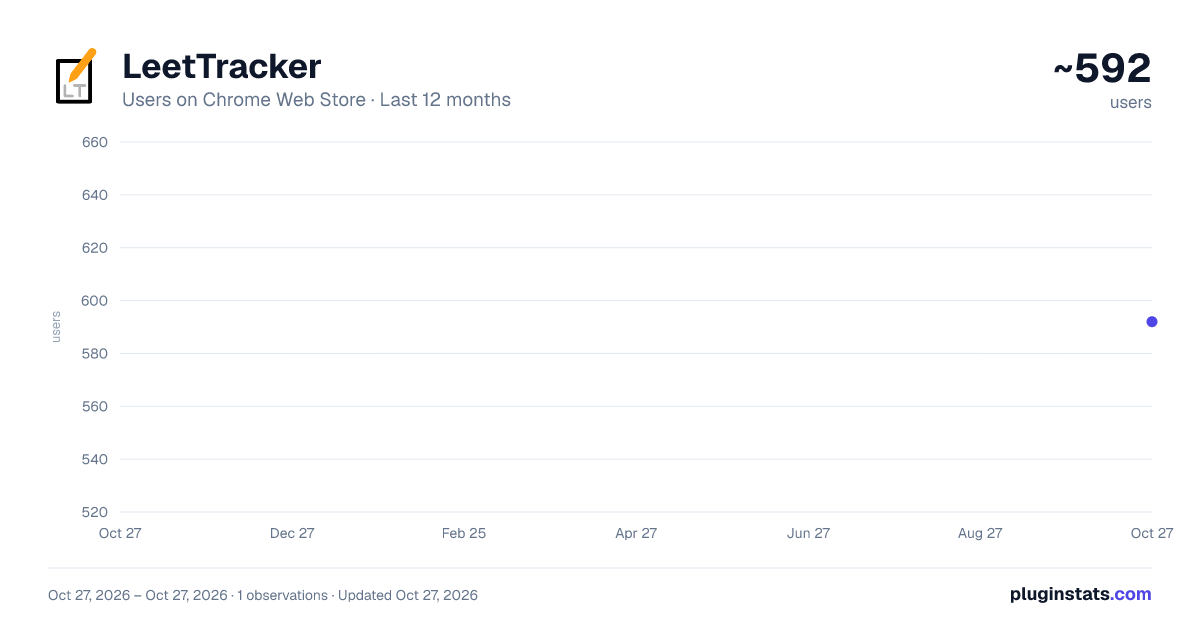
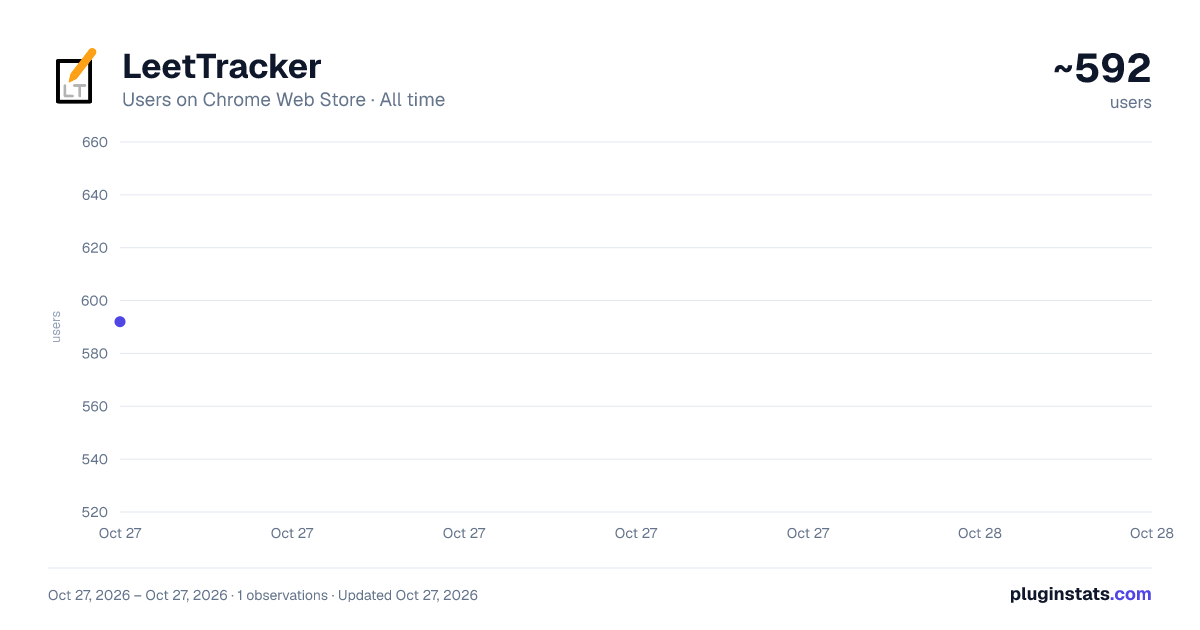
LeetTracker has approximately 592 recorded users on Chrome Web Store, ranking #2125 of 4,553 tracked listings.
Rating: 4.20 / 5 from 5 ratings
About LeetTracker
Chrome extension that helps track solved LeetCode problems.
*Now updated to work with LeetCode's dynamic layout!
Looking for a way to keep track of LeetCode problems without the hassle? Automatically keep track of your notes and problem data in Google Sheets and have easy retrieval in the extension at any time!
LeetTracker is meant to be a simple, hassle-free way to keep track of LeetCode problems you have done. When you view any LeetCode problem, the extension will display the problem data (title, difficulty, tags, solve status) within the pop up along with a user-submitted form to keep track of time and space complexity and general notes. Once a user submits this form, a Google Sheets spreadsheet will be created and formatted as a table if it isn't already created. Then, the data will be uploaded either as a new row entry if this problem has not been submitted before, or as an update to the row containing this problem. When you visit this problem again, the extension will pull this data into the pop-up and remind you of what you wrote!
Features:
- Light Mode/Dark Mode
- Reset Spreadsheet
- Addition/Deletion of custom tags (along with LeetCode generated tags)
- "Star" problems for later review
- Track latest attempt/solve date for each problem
- Smart detection of LeetCode tab problem data
- Auto-generated and formatted creation of Google Sheets
- Auto update of spreadsheet with user-submitted data
- Retrieval within pop up of past problem notes/data from Sheets
- More soon to come!
Please reach out to us if you have any comments, suggestions or feedback!
LeetTracker is completely free! We do not track or store data in any database and use Chrome storage for QOL. All API calls are to Google APIs and nothing else. We ask specifically for permission to 1. upload, edit, and delete files that the extension itself creates within your Google Drive 2. read LeetCode tab data to help populate the form 3. use browser storage to store what you've been writing and display it later.
*We are completely unaffiliated with LeetCode. This is simply a tool designed for increased productivity with the site.
Description from the Chrome Web Store listing.
README badge
Show your rank in a README or on your website. The badge updates automatically.
Charts
Images: 30d · 1y · all time · 1600×900 dark
Adoption over time
7/30/90-day growth
Ranking history
Ratings over time
Listing placement
Listing placement
Filled points are observed values; hollow points come from Internet Archive snapshots of the listing page. Dashed segments span periods with no observations — values between points are not interpolated.
Each band is one page of 20. Users on a linear scale. Placement is projected from users, so it can differ from the marketplace's own sort order. Hover a dot to see the listing.
Recent observations
Full history (1)Similar Chrome Web Store Workflow & Planning plugins
All 20 LeetTracker alternatives



Data source
Covers every Chrome Web Store extension with at least 100 users, found through the store's public sitemap. User counts are read from public listing pages. The 10% most-used extensions are refreshed daily, the next 40% weekly and the next 40% monthly; the least-used 10% are not refreshed. Google displays rounded user counts (and caps the display at 10,000,000+), so small changes may not be visible. Rating counts above 1,000 are rounded (e.g. 1.6K).
Listing: https://chromewebstore.google.com/detail/leettracker/eifjkkaldpnckanlokabomfkfkbpakko. First seen Oct 27, 2026; last successful collection Oct 27, 2026. See the methodology.