 PluginStats
ElementSnip users statistics
By Andrew Jorgensen · Chrome Web Store · Tools
Capture specific DOM elements or selected screen areas. Save as PNG or copy to clipboard.
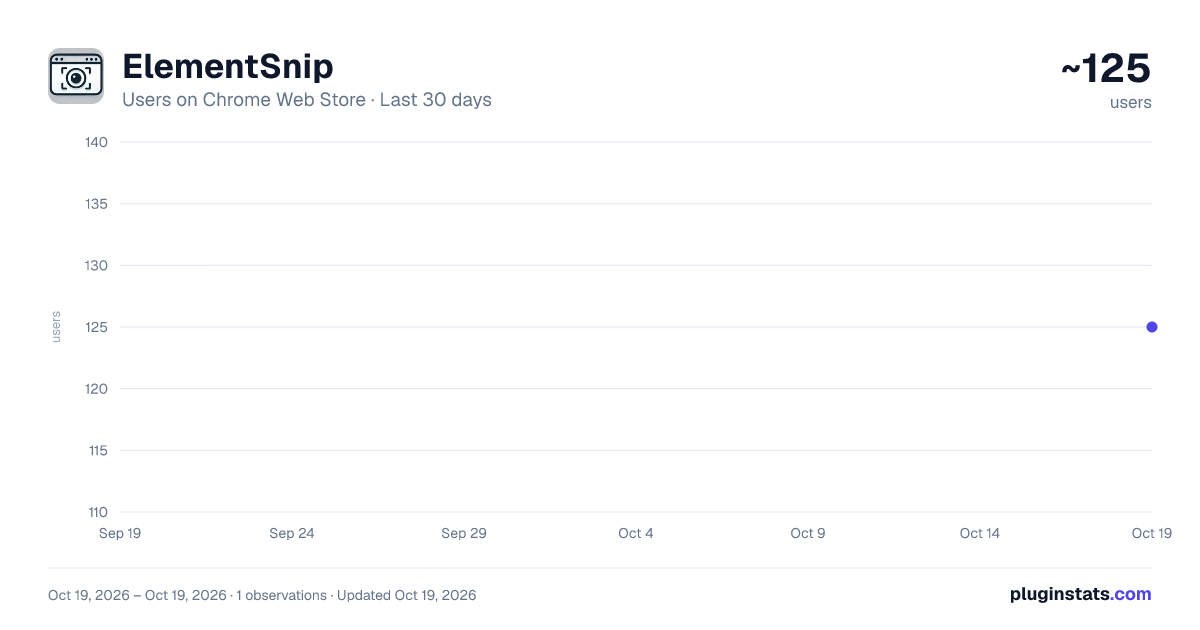
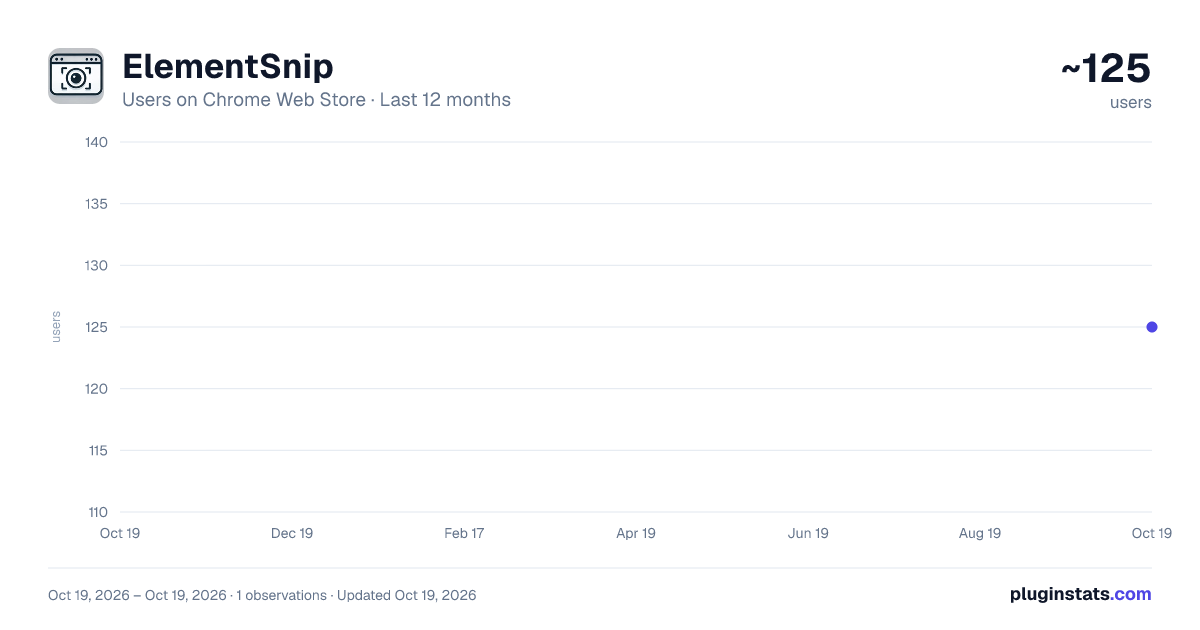
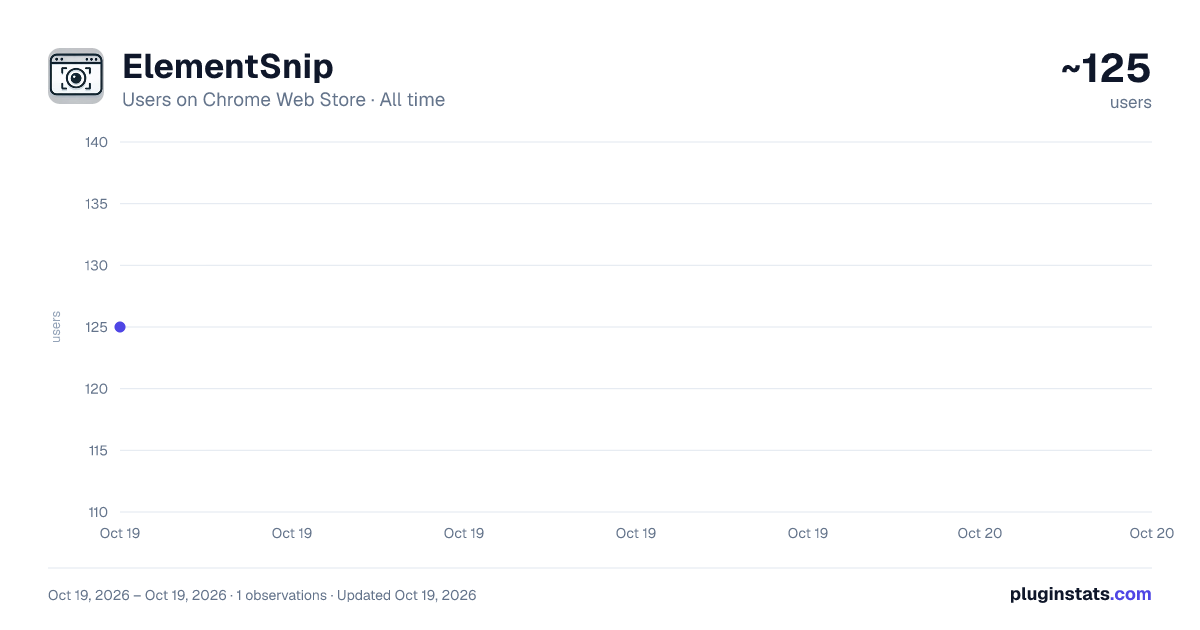
ElementSnip has approximately 125 recorded users on Chrome Web Store, ranking #2289 of 2,495 tracked listings.
About ElementSnip
Capture specific DOM elements or selected screen areas. Save as PNG or copy to clipboard.
Capture specific web page elements or selected screen areas with pixel-perfect precision using ElementSnip! Save as PNG or copy directly to your clipboard—instantly!
Key Features: 🎯 DOM Element Capture: Select any specific DOM element (like a button, image, paragraph, or container div) on the page with a simple click. Perfect for developers, designers, and anyone needing to capture exact web components. 🖼️ Optional Padding: Add customizable padding around your selected DOM element for better context in your screenshot. 🖱️ Flexible Area Selection: Prefer to draw a box? Just select the area region you want to capture anywhere on your screen. 💾 Save as PNG: Get a clean, high-quality PNG file of your capture with one click. 📋 Copy to Clipboard: Instantly copy the captured image to your clipboard for quick pasting into documents, support tickets, chats, or image editors. ⚡ Lightweight & Fast: No bloat, no unnecessary features. ElementSnip is designed purely for speed and efficient capture. 🔒 Minimal Permissions: Does only what it needs to do, respecting your privacy and browser performance.
How it Works: Click the ElementSnip extension icon, choose your capture mode (Element or Area), select what you need, and then instantly Save or Copy.
Description from the Chrome Web Store listing.
README badge
Show your rank in a README or on your website. The badge updates automatically.
Charts
Images: 30d · 1y · all time · 1600×900 dark
Adoption over time
7/30/90-day growth
Ranking history
Ratings over time
Listing placement
Listing placement
Filled points are observed values; hollow points come from Internet Archive snapshots of the listing page. Dashed segments span periods with no observations — values between points are not interpolated.
Each band is one page of 20. Users on a linear scale. Placement is projected from users, so it can differ from the marketplace's own sort order. Hover a dot to see the listing.
Recent observations
Full history (1)Similar Chrome Web Store Tools plugins
All 20 ElementSnip alternatives



Data source
Covers every Chrome Web Store extension with at least 100 users, found through the store's public sitemap. User counts are read from public listing pages. The 10% most-used extensions are refreshed daily, the next 40% weekly and the next 40% monthly; the least-used 10% are not refreshed. Google displays rounded user counts (and caps the display at 10,000,000+), so small changes may not be visible. Rating counts above 1,000 are rounded (e.g. 1.6K).
Listing: https://chromewebstore.google.com/detail/elementsnip/oacgdhjlipdjlihpphmpgmelipnfnlge. First seen Oct 19, 2026; last successful collection Oct 19, 2026. See the methodology.