 PluginStats
Tab Tab - 标签页管理器 users statistics
By xianfeiTeng · Chrome Web Store · Tools
高效管理 Chrome 标签页:命令面板、原生分组同步、自定义分组、会话保存、批量操作、僵尸 & 休眠标签清理、重复标签一键去重。
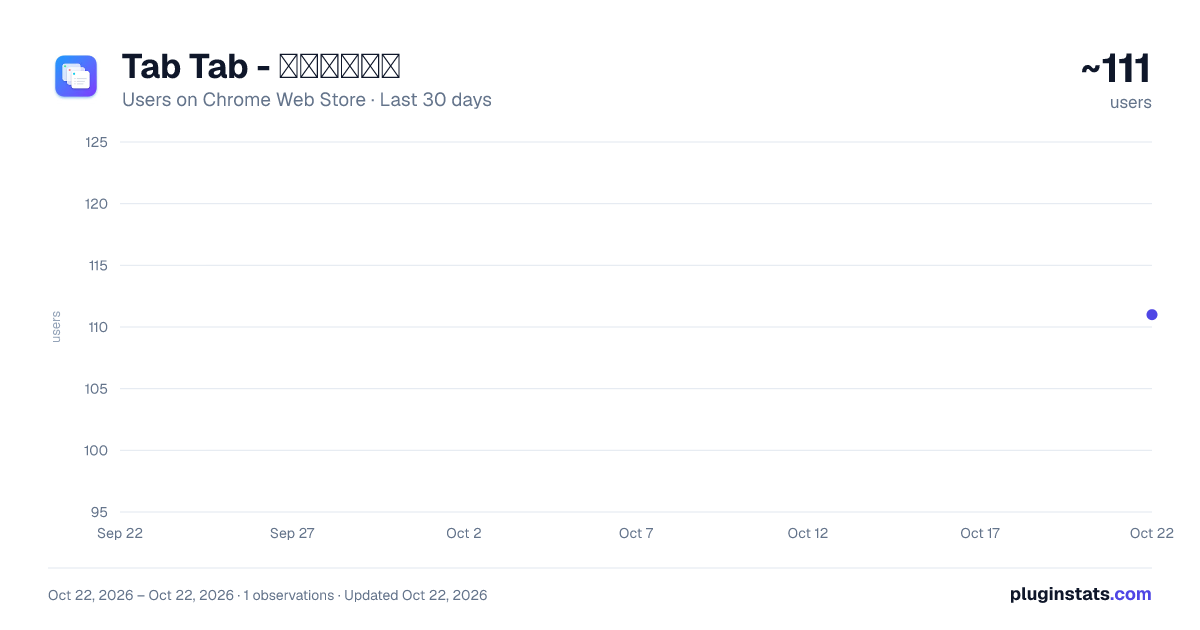
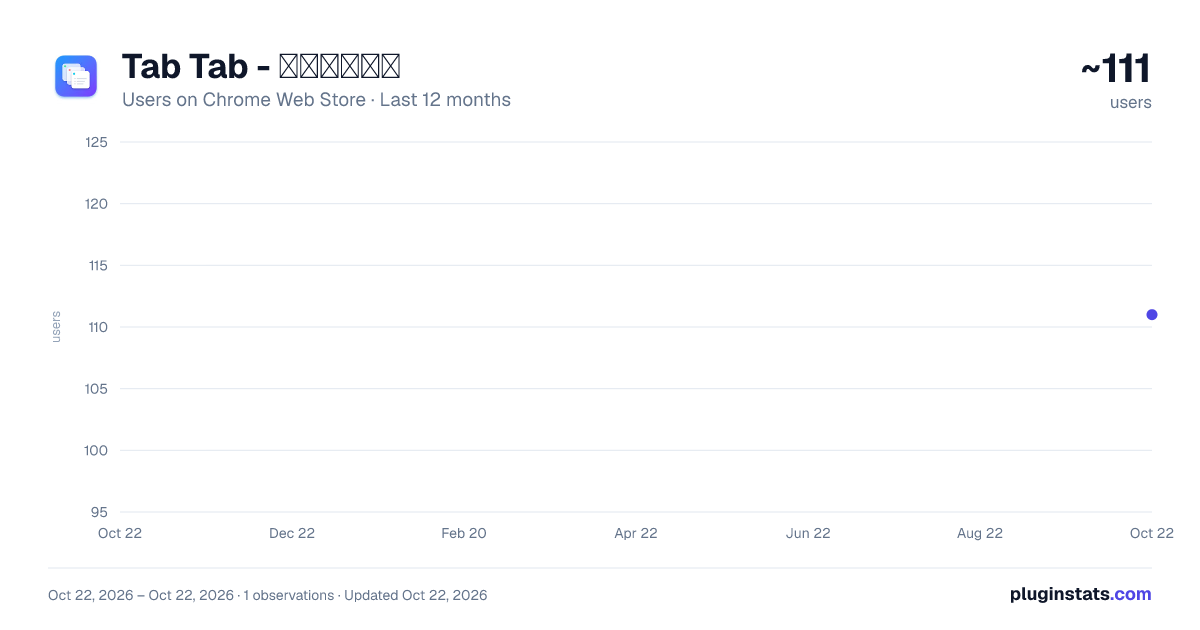
Tab Tab - 标签页管理器 has approximately 111 recorded users on Chrome Web Store, ranking #3931 of 4,101 tracked listings.
Rating: 5.00 / 5 from 3 ratings
About Tab Tab - 标签页管理器
高效管理 Chrome 标签页:命令面板、原生分组同步、自定义分组、会话保存、批量操作、僵尸 & 休眠标签清理、重复标签一键去重。
一款清爽、明亮、轻量的 Chrome 标签页管理扩展。在几十上百个标签页之间保持秩序:命令面板秒搜、原生分组同步、自定义分组、会话保存、批量多选、休眠 & 僵尸标签清理,一站式搞定。
两种打开方式
- 新标签页(推荐):按
Cmd+T/Ctrl+T打开,左侧栏常驻「分组方式 + 最近活跃 + 最近关闭 + 会话」,右侧主区是按宽度自适应的多列瀑布流(1/2/3/4/5 列),一屏看清几十到上百个标签页。 - 工具栏弹窗:点扩展图标,或按默认快捷键
Alt+T打开,处理完即关闭。
两种视图共享同一套数据与持久化偏好。
核心功能
🔍 命令面板(Cmd/Ctrl+K)
- 打开即自动聚焦搜索框
↑/↓在结果中移动选中项,Enter跳转,Esc清空/关闭- 模糊匹配:子串优先,回落到子序列(比纯字符串更宽容)
- 搜索范围覆盖所有打开的 tab、最近活跃、最近关闭
📁 五种分组方式
- 按域名 · 同 host 聚在一起(默认)
- 按内容 · 基于标题关键词的智能聚类
- 按窗口 · 按 Chrome 窗口分组
- 按原生分组 · 识别并显示 Chrome 自带的 Tab Groups(颜色 / 标题)
- 我的分组 · 完全手动的自定义分组
🎨 主题与视觉
- 7 套主题:极光紫粉(Aurora)、北境蓝(Nord)、林间青(Forest)、落日橘(Sunset)、极简灰(Mono)、玫瑰松(Rosé Pine)、赛博紫(Dracula)
- 每套主题都同时适配 浅色 / 深色,三档明暗:跟随系统 / 浅色 / 深色
- 设置面板可视化预览卡片,点击即时切换、零闪烁
- 极光玻璃拟态 + 渐变层 + 多列瀑布流布局
- 拖动分组标题调整顺序,📌 置顶常用分组
🎯 自定义分组 & 原生同步
- 新标签页顶部"+ 新分组"一键创建
- 多选 tab → "加入分组" 快速归档
- 直接把 tab 拖入分组卡片
- 点击顶部"↗ 同步原生",把我的分组推送成 Chrome 原生 Tab Groups(带颜色)
↺ 最近关闭 & 会话
- 最近关闭 50 条带 favicon + 相对时间,点击即恢复(优先调用
chrome.sessions.restore) - 💼 会话:一键保存当前所有标签页,随时还原到新窗口
✅ 批量多选
- 悬停任意 tab 即可看到左侧 checkbox
Shift+Click区间选,Cmd/Ctrl+Click切换选- 浮动操作条:关闭 / 移到新窗口 / 加入分组 / 保存为会话
💤 休眠 & 🧟 僵尸提醒
- 长时间(默认 2h)未访问的 tab 显示 🌙 图标
- 超过阈值(默认 7 天)未激活的 tab 聚合在顶部横幅 → "一键清理" / "统一休眠"
- 阈值可在设置中自定义
🔊 音频控制
- 有声音的 tab 前显示绿色声波
- 点击图标即可静音 / 取消静音
🎨 视觉
- 极光玻璃拟态设计 + 紫粉渐变主题
- 深色模式跟随系统自动切换
- 拖动分组标题调整顺序,📌 置顶常用分组
🔧 其他
- 导出 / 导入 JSON 配置(分组、会话、偏好、设置一起走)
- 所有数据仅保存在本地(
chrome.storage.local),零上传
Description from the Chrome Web Store listing.
README badge
Show your rank in a README or on your website. The badge updates automatically.
Charts
Images: 30d · 1y · all time · 1600×900 dark
Adoption over time
7/30/90-day growth
Ranking history
Ratings over time
Listing placement
Listing placement
Filled points are observed values; hollow points come from Internet Archive snapshots of the listing page. Dashed segments span periods with no observations — values between points are not interpolated.
Each band is one page of 20. Users on a linear scale. Placement is projected from users, so it can differ from the marketplace's own sort order. Hover a dot to see the listing.
Recent observations
Full history (1)Similar Chrome Web Store Tools plugins
All 20 Tab Tab - 标签页管理器 alternatives




Data source
Covers every Chrome Web Store extension with at least 100 users, found through the store's public sitemap. User counts are read from public listing pages. The 10% most-used extensions are refreshed daily, the next 40% weekly and the next 40% monthly; the least-used 10% are not refreshed. Google displays rounded user counts (and caps the display at 10,000,000+), so small changes may not be visible. Rating counts above 1,000 are rounded (e.g. 1.6K).
Listing: https://chromewebstore.google.com/detail/tab-tab-标签页管理器/ahklaggmehnbpanpicchdpoppmgdmkhk. First seen Oct 22, 2026; last successful collection Oct 22, 2026. See the methodology.