 PluginStats
Page Capture — Screenshot, Full Page, PDF & DOCX users statistics
By yuanym121 · Chrome Web Store · Tools
One-click full page screenshots, text-selectable PDFs and editable DOCX. Free, no sign-up, no watermarks. Auto-scroll & stitch.
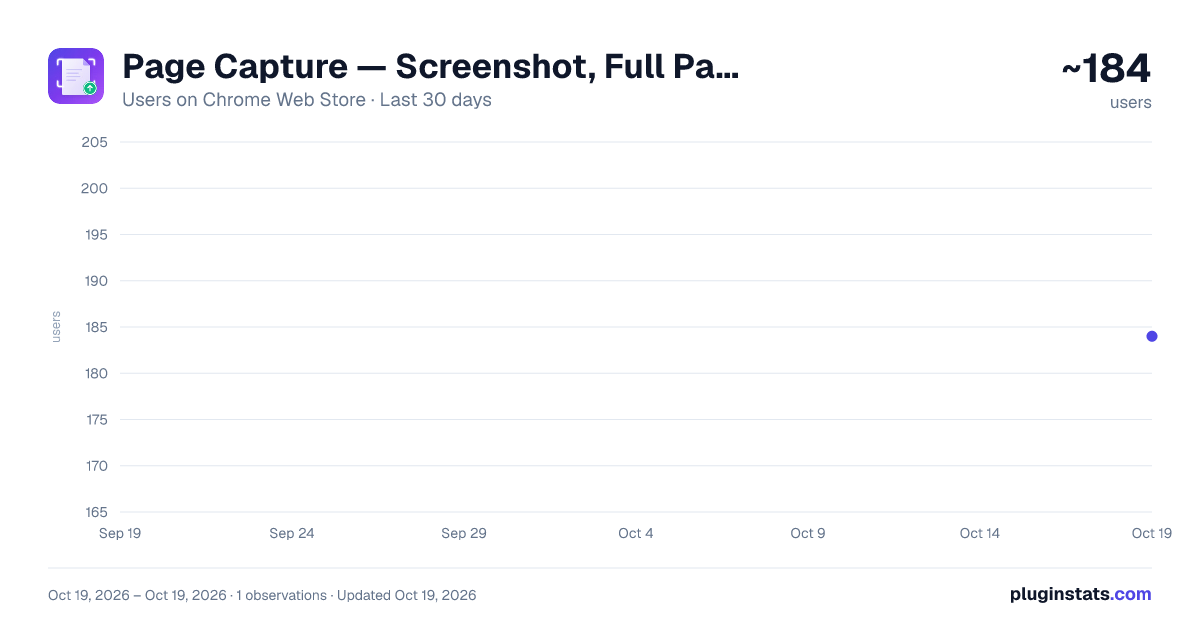
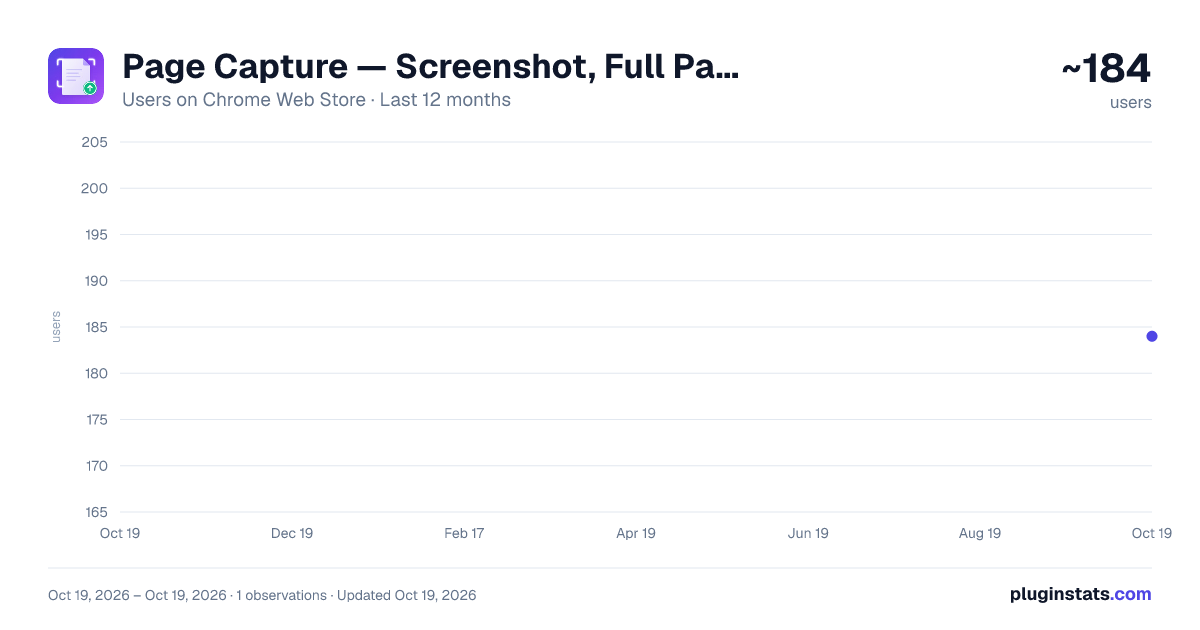
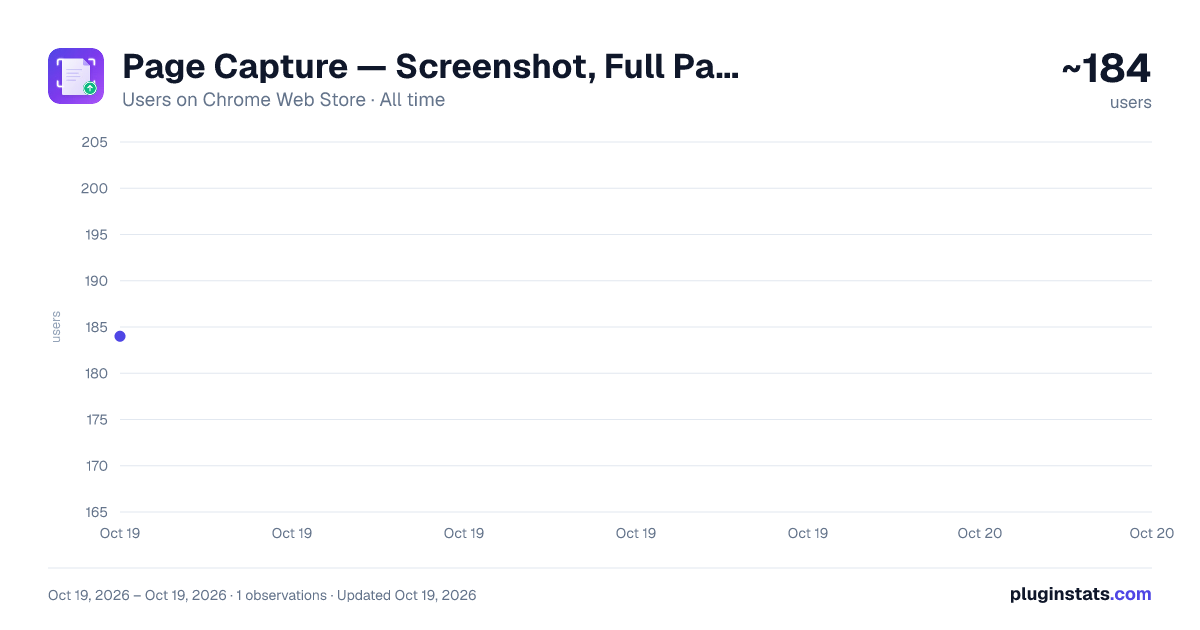
Page Capture — Screenshot, Full Page, PDF & DOCX has approximately 184 recorded users on Chrome Web Store.
It ranks #1586 of 2,033 tracked Chrome Web Store listings by users.
PluginStats has 1 daily observations since Oct 19, 2026; the latest is from Oct 19, 2026.
About Page Capture — Screenshot, Full Page, PDF & DOCX
One-click full page screenshots, text-selectable PDFs and editable DOCX. Free, no sign-up, no watermarks. Auto-scroll & stitch.
Page Capture — Screenshot, Full Page, PDF & DOCX
Save any webpage as a screenshot, full-page image, text-selectable PDF, or editable Word document — all in one click, completely free.
━━━━━━━━━━━━━━━━━━━━━━━━━━━━━━
WHY PAGE CAPTURE?
Have you ever needed to save a webpage but found that a simple screenshot only captures part of the screen? Or needed to share a page as a PDF but ended up with blurry text you can't select? Page Capture solves all of these problems in one lightweight tool.
Whether you're a student archiving research, a designer saving references, a developer documenting bugs, or a professional preparing reports — Page Capture gives you the right export format for every situation.
━━━━━━━━━━━━━━━━━━━━━━━━━━━━━━
FEATURES
★ Visible Area Screenshot Instantly capture exactly what you see on screen. Choose between PNG (lossless) or JPEG (smaller file size). Perfect for quick sharing.
★ Full Page Screenshot Automatically scrolls through the entire page, captures each section, and stitches them into one seamless long image. Handles fixed headers, sticky navbars, and floating overlays intelligently — hides them after the first frame to avoid duplicates.
★ Save as PDF Generates a real PDF using Chrome's built-in rendering engine. Text remains selectable, links stay clickable, and backgrounds are preserved. Great for archiving articles, receipts, and documentation.
★ Export as DOCX Extracts the page's text content — headings, paragraphs, lists, links — and builds a properly structured Word document. Bold, italic, underline, and hyperlinks are all preserved. Ideal for turning web articles into editable documents.
★ Export History Every export is automatically logged with filename, format, file size, and timestamp. Review or clear your history anytime from the popup.
━━━━━━━━━━━━━━━━━━━━━━━━━━━━━━
WHY USERS LOVE IT
✓ Completely free — no premium tier, no feature limits ✓ No account or sign-up required ✓ No watermarks on any export ✓ No data leaves your browser — everything is processed locally ✓ Lightweight — no background processes when idle ✓ Works on any webpage (except browser internal pages) ✓ Supports 10 languages: English, 简体中文, 繁體中文, 日本語, 한국어, Français, Deutsch, Español, Português, Русский
━━━━━━━━━━━━━━━━━━━━━━━━━━━━━━
HOW TO USE
1. Navigate to any webpage 2. Click the Page Capture icon in the toolbar 3. Choose your image format (PNG or JPEG) 4. Click one of the four export buttons 5. Your file downloads automatically
━━━━━━━━━━━━━━━━━━━━━━━━━━━━━━
PERMISSIONS EXPLAINED
• activeTab — Access the current tab only when you click the extension • scripting — Scroll the page and detect content dimensions for capture • debugger — Required for PDF generation via Chrome's print-to-PDF API • storage — Save your export history locally
━━━━━━━━━━━━━━━━━━━━━━━━━━━━━━
SUPPORT & FEEDBACK
If you have questions, feature requests, or found a bug, please leave a review or send feedback through the Chrome Web Store. Your input helps make Page Capture better for everyone.
Description from the Chrome Web Store listing.
Where Page Capture — Screenshot, Full Page, PDF & DOCX sits in the listing
Each band is one page of 20. Users on a log scale. Placement is projected from users, so it can differ from the marketplace's own sort order. Hover a dot to see the listing.
Charts
Images: 30d · 1y · all time · 1600×900 dark
Adoption over time
7/30/90-day growth
Ranking history
Filled points are observed values; hollow points come from Internet Archive snapshots of the listing page. Dashed segments span periods with no observations — values between points are not interpolated.
Recent observations
Full history (1)Similar Chrome Web Store Tools plugins




Data source
User counts are read from public Chrome Web Store listing pages. Google displays rounded user counts (and caps the display at 10,000,000+), so small changes may not be visible. Rating counts above 1,000 are rounded (e.g. 1.6K).
Listing: https://chromewebstore.google.com/detail/page-capture-—-screenshot/oacfeeedknjddfkjakoihpgmhonojoji. First seen Oct 19, 2026; last successful collection Oct 19, 2026. See the methodology.