 PluginStats
Date Time Changer users statistics
By datetimechanger · Chrome Web Store · Developer Tools
Test websites with Date Time Changer. It's a tool for easy date and time change in JavaScript without changing the system clock.
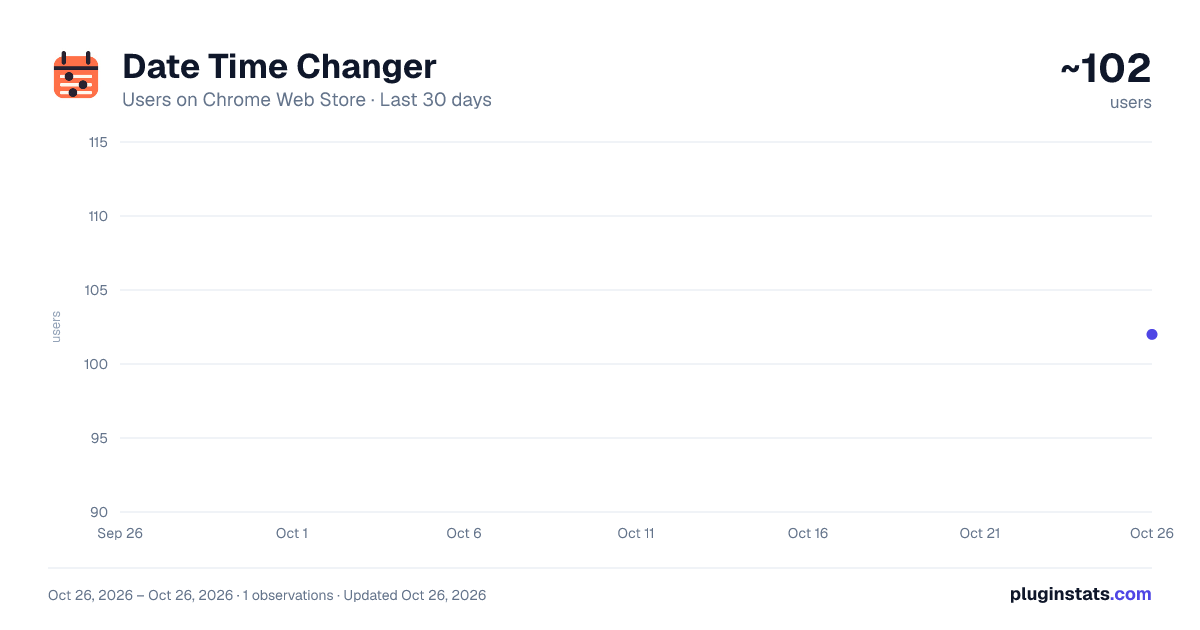
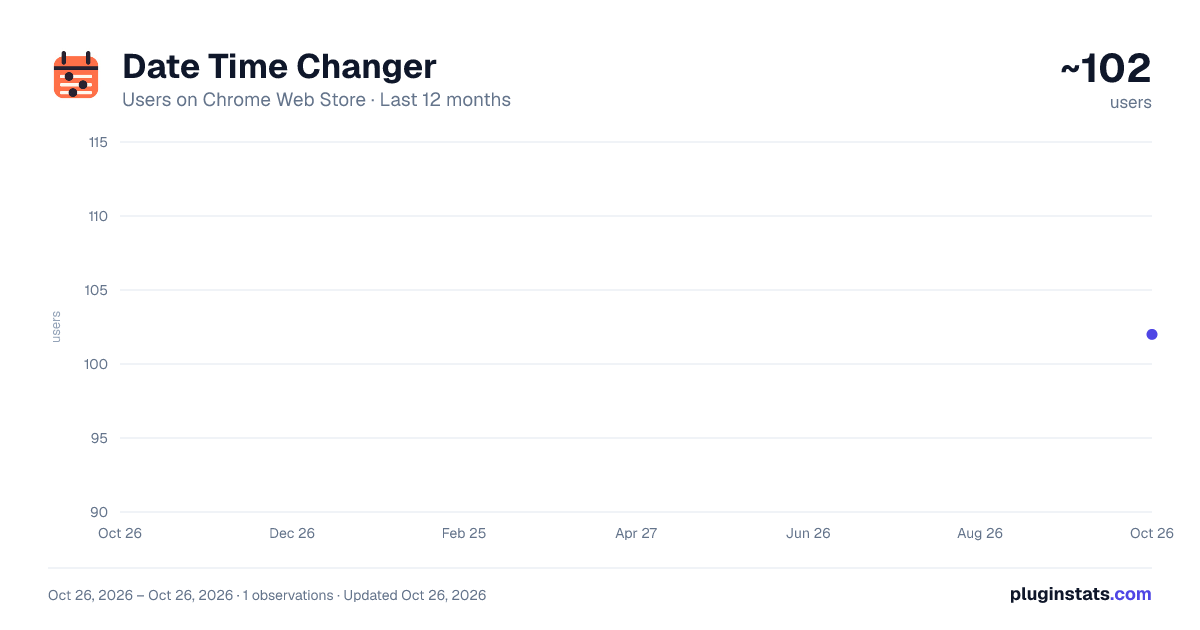
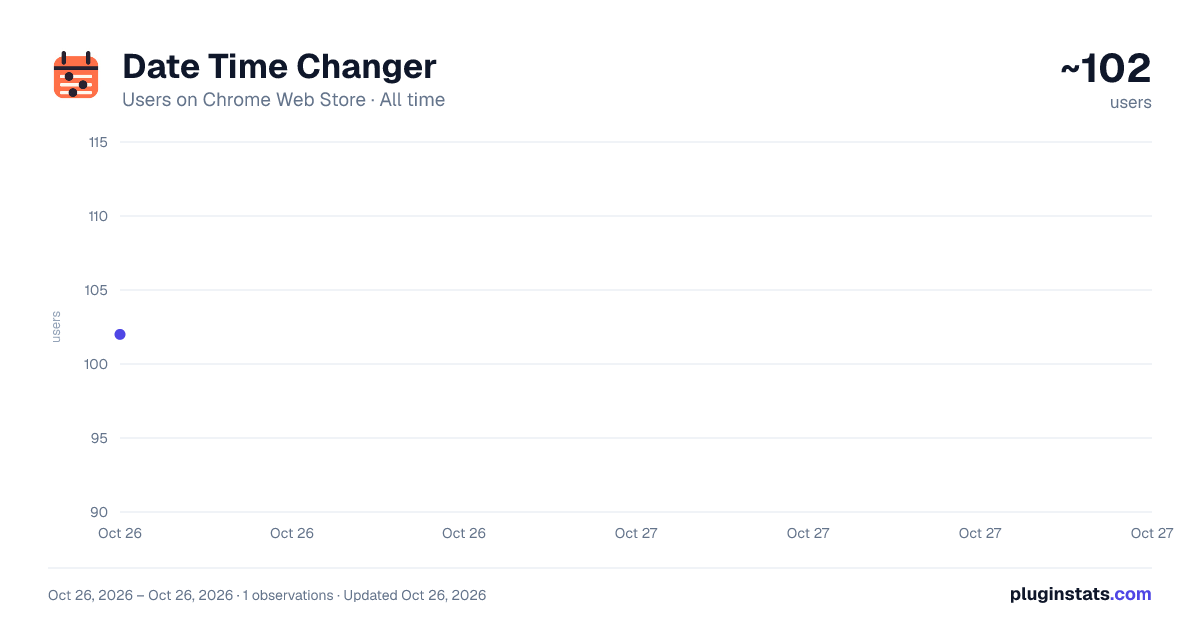
Date Time Changer has approximately 102 recorded users on Chrome Web Store, ranking #4509 of 4,553 tracked listings.
About Date Time Changer
Test websites with Date Time Changer. It's a tool for easy date and time change in JavaScript without changing the system clock.
Date Time Changer helps developers test how a website behaves at another date, time, or time zone. Use it to debug time-dependent interfaces without changing the system clock.
🕒 Key features • Change time and date for a website in the current tab • Select another time zone without changing system settings • Freeze the simulated clock or let it continue running • Apply simulated settings to supported JavaScript date APIs • Restore the real values when the work is complete
Date Time Changer is useful for frontend development, QA, support, and product review. Think of it as a time travel extension for frontend testing: make a date and time change in browser JavaScript while other apps and tabs keep the real clock.
📌 Common use cases ➤ Test countdowns, timers, and limited-time promotions ➤ Review daily, weekly, and monthly UI states ➤ Check booking forms, calendars, and date validation ➤ Reproduce bugs that appear before or after midnight ➤ Verify time zone conversion and DST transitions ➤ Preview content scheduled for a future date
🚀 How to use Date Time Changer
- Open the website you want to test.
- Click the extension in the Chrome toolbar.
- Choose the required date, clock value, and time zone.
- Apply the settings and reload the page.
- Test the scenario, then disable the changer to return to the real clock.
1️⃣ Choose values Select a day in the calendar, then enter the exact hours and minutes required for your test. This helps you inspect client-side expiration rules, scheduled UI states, displayed billing schedule, form restrictions, countdowns, and issues that occur near midnight. 2️⃣ Choose a time zone Turn on the control and select a region. The page will use that region for supported JavaScript operations, allowing you to check local date formatting, UTC offsets, and daylight saving time behavior. 3️⃣ Apply and act Apply the settings and inspect the website in the current tab. The simulated time can continue running normally or remain fixed using Freeze time.
⚙️ JavaScript testing Date Time Changer affects the values returned to page JavaScript. Date, Intl.DateTimeFormat, and Temporal.Now (in browsers that support it) use the simulated settings in the active tab, so developers can inspect frontend behavior under controlled conditions. Other tabs and origins are not changed.
💡 Example scenarios
- Set the time to one minute before a sale ends and watch how the page changes after the deadline.
- Open a calendar at 11:59 PM on the last day of a month and check its state after midnight.
- Reproduce a reported issue by matching the user's date, time, and time zone.
If you searched for how to change date on chrome, this tool provides an answer. It does not rewrite the computer clock. Date Time Changer modifies what supported JavaScript date APIs report to the selected page, helping you isolate the scenario from the rest of your browser session.
❓ Frequently Asked Questions 📌 Can I set a different date and time in website JavaScript? 💡 Yes. Open the target tab, choose the required values, and apply them with the date and time changer.
📌 Does Date Time Changer affect the system clock? 💡 No. The simulated date, clock value, and time zone are intended for JavaScript in the selected tab. Disable the time changer extension when you want the page to use the real settings again.
📌 Can I test daylight saving time? 💡 Yes. Select a time zone that observes daylight saving time, then set dates immediately before and after a DST transition. You can check UTC offset changes, skipped hours, repeated hours, and the values displayed by the website.
📌 Why would I freeze time? 💡 A fixed value is helpful when comparing UI states, recording a bug, taking screenshots, or running the same manual test more than once.
🧩 Know the limits Date Time Changer is designed for controlled browser testing, not for changing server time or the operating system clock. A backend may still return its own timestamp. The changer does not work in iframes with the sandbox attribute, so those embedded pages continue to use the real values. Keep these boundaries in mind when reviewing a result.
Use Date Time Changer whenever you need a repeatable change of these parameters for frontend debugging. Open the page, adjust time and date, test the behavior, and return to the real clock when you are done.
Description from the Chrome Web Store listing.
README badge
Show your rank in a README or on your website. The badge updates automatically.
Charts
Images: 30d · 1y · all time · 1600×900 dark
Adoption over time
7/30/90-day growth
Ranking history
Ratings over time
Listing placement
Listing placement
Filled points are observed values; hollow points come from Internet Archive snapshots of the listing page. Dashed segments span periods with no observations — values between points are not interpolated.
Each band is one page of 20. Users on a linear scale. Placement is projected from users, so it can differ from the marketplace's own sort order. Hover a dot to see the listing.
Recent observations
Full history (1)Similar Chrome Web Store Developer Tools plugins
All 20 Date Time Changer alternatives



Data source
Covers every Chrome Web Store extension with at least 100 users, found through the store's public sitemap. User counts are read from public listing pages. The 10% most-used extensions are refreshed daily, the next 40% weekly and the next 40% monthly; the least-used 10% are not refreshed. Google displays rounded user counts (and caps the display at 10,000,000+), so small changes may not be visible. Rating counts above 1,000 are rounded (e.g. 1.6K).
Listing: https://chromewebstore.google.com/detail/date-time-changer/dneiopmlonpkiicldhjpfcpojpnneglj. First seen Oct 26, 2026; last successful collection Oct 26, 2026. See the methodology.