 PluginStats
Volume Booster - audio/video sound up users statistics
By HelpMeHelpOthers · Chrome Web Store · Entertainment
Boost audio on any tab with powerful volume control, bass boost, and equalizer. Perfect for videos, music, and more.
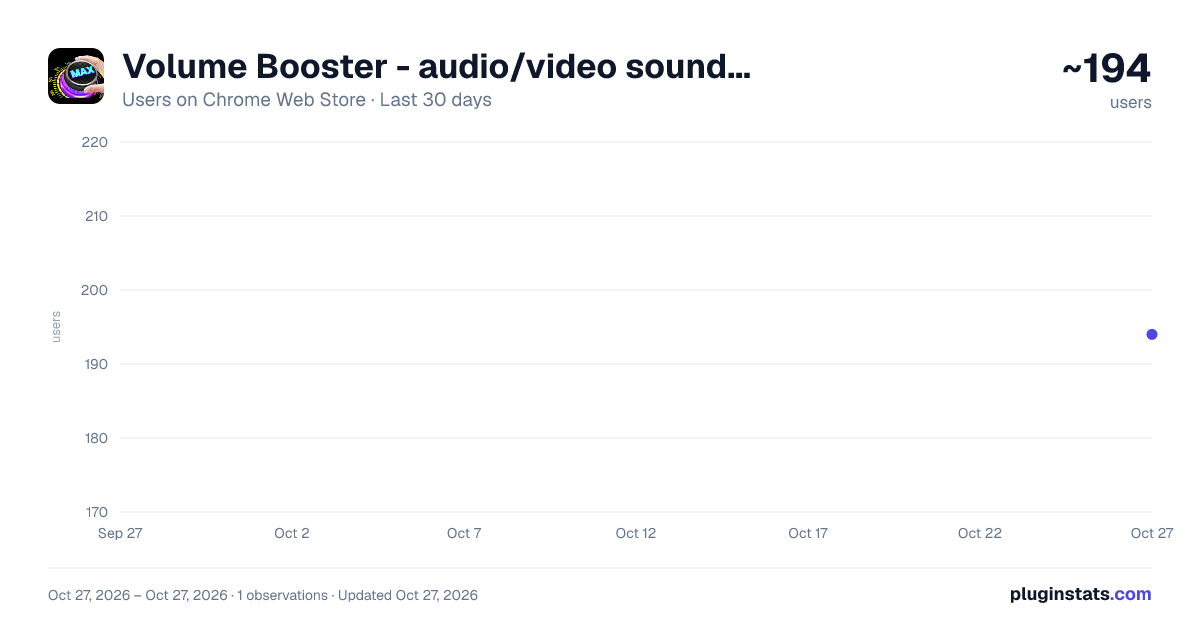
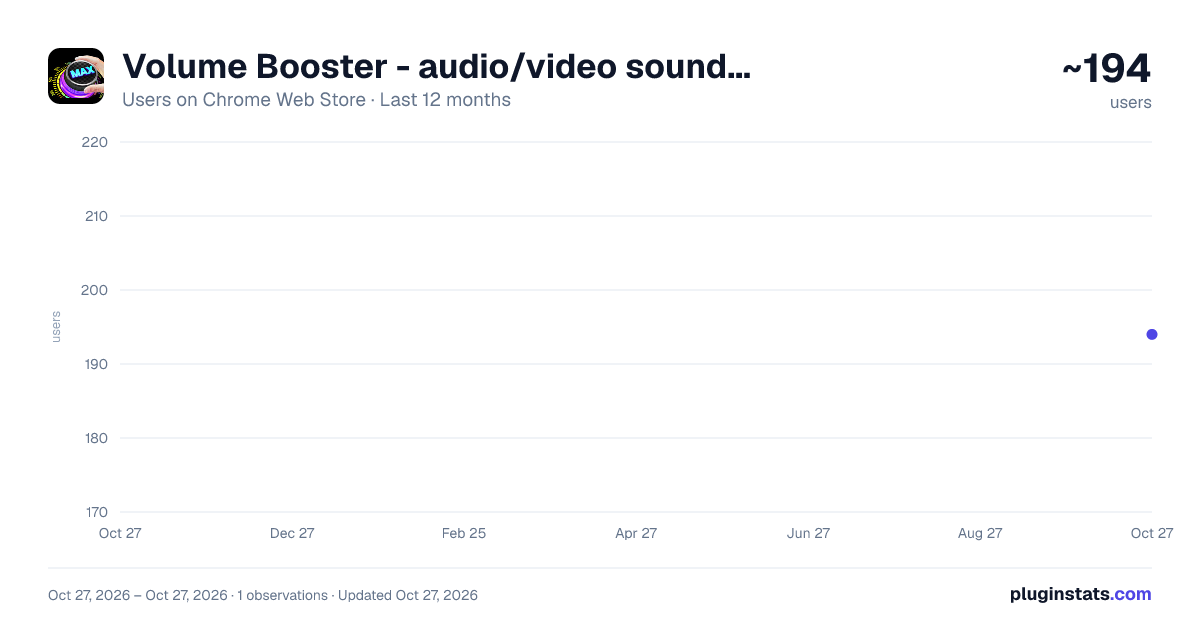
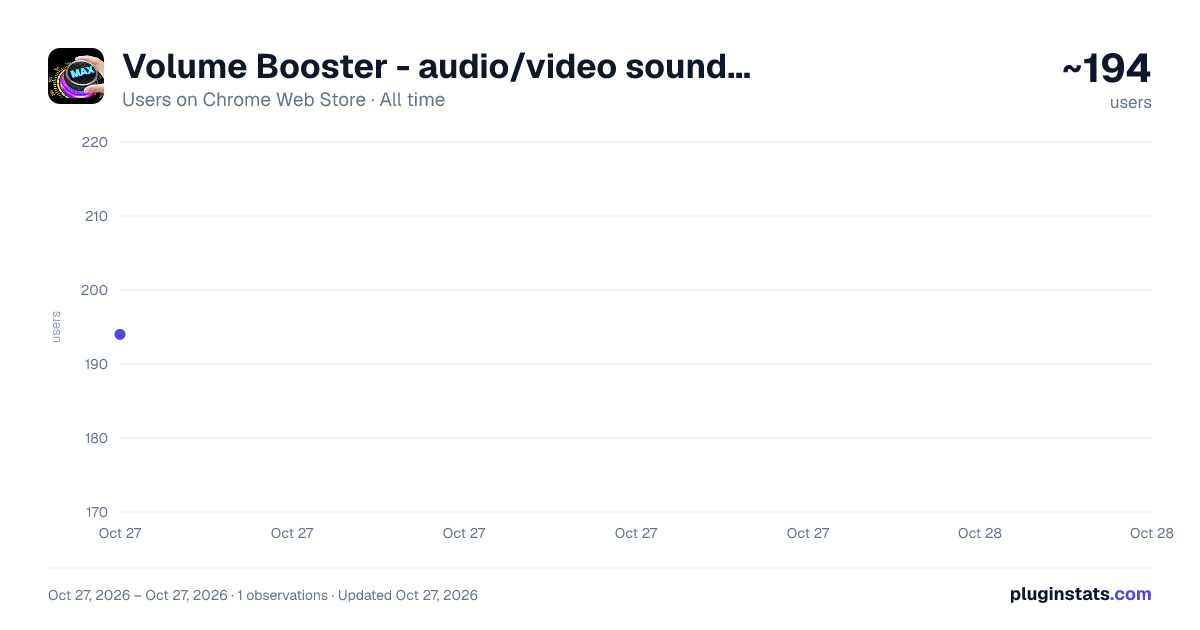
Volume Booster - audio/video sound up has approximately 194 recorded users on Chrome Web Store, ranking #3455 of 4,553 tracked listings.
Rating: 3.70 / 5 from 3 ratings
About Volume Booster - audio/video sound up
Boost audio on any tab with powerful volume control, bass boost, and equalizer. Perfect for videos, music, and more.
Volume Booster
Overview
Volume Booster is a powerful browser extension that enhances your audio experience by providing advanced volume control, bass boost, and equalizer features. Whether you're watching videos, listening to music, or participating in online meetings, Volume Booster helps you achieve the perfect audio balance.
Key Features
1. Volume Control
- Boost volume up to 600% on any browser tab
- Independent volume control for each tab
- Smooth volume adjustment with precise control
- Preserve volume settings across sessions
2. User Interface
- Clean, intuitive design
- Quick access toolbar
- Easy-to-use sliders and controls
How It Works
Installation
- Install the extension from the Chrome Web Store
- Click the extension icon in your browser toolbar
- The Volume Booster interface will appear
Basic Usage
- Volume Control
- Use the main volume slider to adjust overall volume
- Each tab maintains its own volume settings
- Volume changes are applied in real-time
Privacy & Security
- No data collection
- No ads
- No tracking
- Works entirely locally
- No internet connection required
Support
- Regular updates
- Bug fixes
- Performance improvements
- User feedback implementation
Troubleshooting
- If audio quality is distorted, reduce volume boost
- For best performance, close unnecessary tabs
- Reset settings if experiencing issues
- Update to the latest version for optimal performance
Updates & Maintenance
- Regular feature updates
- Performance optimizations
- New preset additions
- Bug fixes and improvements
User Feedback
We value user feedback and continuously work to improve the extension. Feel free to:
- Report bugs
- Suggest features
- Share your experience
- Rate the extension
License
This extension is free to use for personal and commercial purposes.
For more information, support, or to report issues, please visit our support page or contact us through the Chrome Web Store.
Description from the Chrome Web Store listing.
README badge
Show your rank in a README or on your website. The badge updates automatically.
Charts
Images: 30d · 1y · all time · 1600×900 dark
Adoption over time
7/30/90-day growth
Ranking history
Ratings over time
Listing placement
Listing placement
Filled points are observed values; hollow points come from Internet Archive snapshots of the listing page. Dashed segments span periods with no observations — values between points are not interpolated.
Each band is one page of 20. Users on a linear scale. Placement is projected from users, so it can differ from the marketplace's own sort order. Hover a dot to see the listing.
Recent observations
Full history (1)Similar Chrome Web Store Entertainment plugins
All 20 Volume Booster - audio/video sound up alternatives



Data source
Covers every Chrome Web Store extension with at least 100 users, found through the store's public sitemap. User counts are read from public listing pages. The 10% most-used extensions are refreshed daily, the next 40% weekly and the next 40% monthly; the least-used 10% are not refreshed. Google displays rounded user counts (and caps the display at 10,000,000+), so small changes may not be visible. Rating counts above 1,000 are rounded (e.g. 1.6K).
Listing: https://chromewebstore.google.com/detail/volume-booster-audiovideo/eideflnlhjkimgcdbjmmckanbcnlmcbh. First seen Oct 27, 2026; last successful collection Oct 27, 2026. See the methodology.