 PluginStats
Cleaner - history & cache clean users statistics
By Smart extension · Chrome Web Store · Accessibility
Best way to clean cache and chrome browsing data! Easily clean history, downloads, cookie or set auto history cleaning!
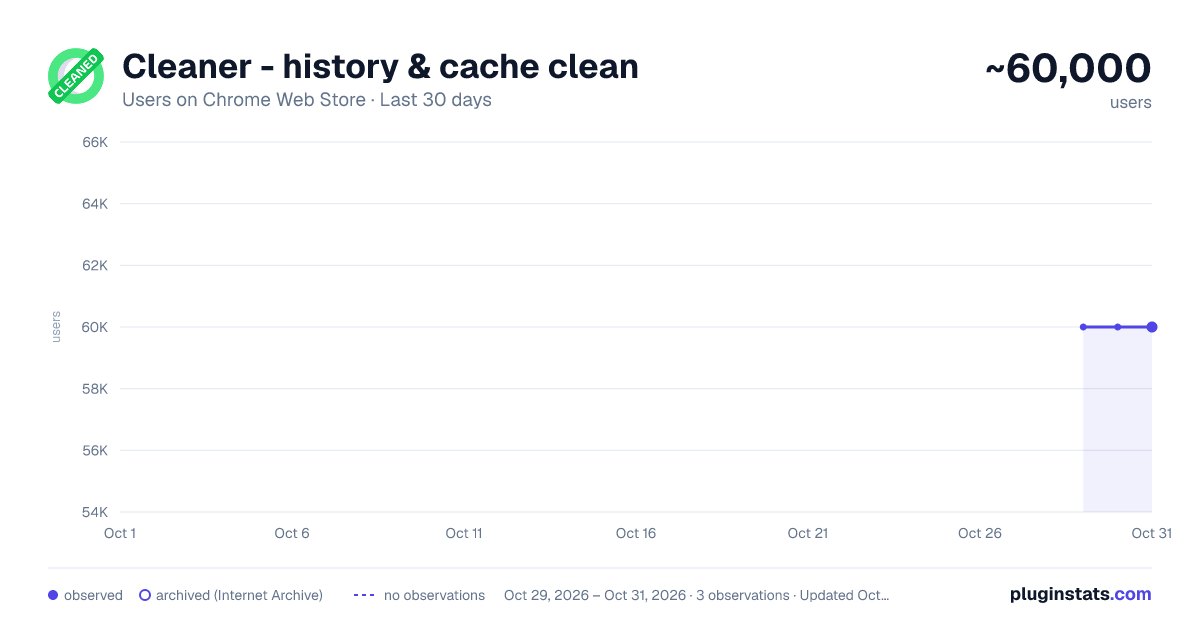
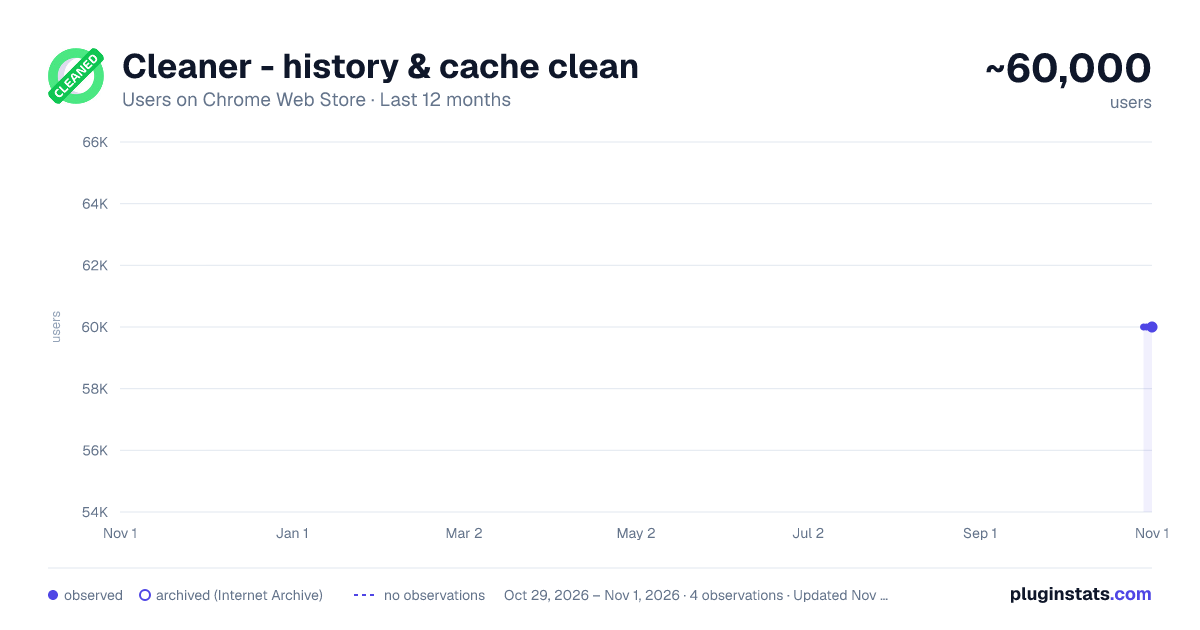
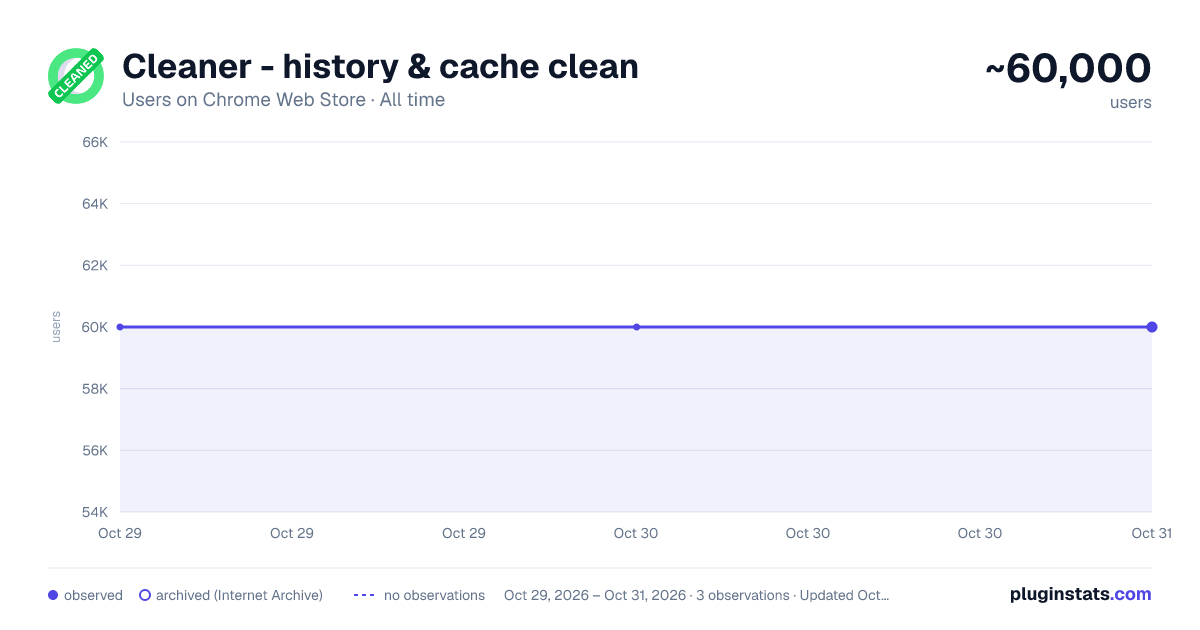
Cleaner - history & cache clean has approximately 60,000 recorded users on Chrome Web Store, ranking #231 of 5,223 tracked listings.
Rating: 4.40 / 5 from 1,100 ratings
About Cleaner - history & cache clean
Best way to clean cache and chrome browsing data! Easily clean history, downloads, cookie or set auto history cleaning!
Fasten Browser with Smart Cleaner extension
*New Option: Hot key "Clear" - Alt+C (works for all OS).
Smart Cleaner is a simple utility to clean browser data, cache, cookies, downloads and increase an overall browser speed.
Click "add to chrome" button to run Smart Cleaner and flush the browser history without any efforts.
My Google Chrome is getting too slow. What can I do? The problem with all the browsers, whether it’s internet explorer or Google Chrome, is that they become slow and clunky after a period of time. They take time to start up to, to load websites and to open and close tabs. This is when one should consider cleaning up the browser and getting rid of the cache, history etc.
Clean is a useful browser extension that helps you quickly clean up the browser. and It help to delete all traces of your online activity to protect your privacy. Clean is very easy to use and fast.
Clean up browsing data from a user's local profile. Make your Chrome browser more faster and Protect your personal data!!
Few key features:
- Instant removal with one-click
- Cleaner Chrome history
- Empty the cache
- Automatic data remove
- Delete cookies and other site and plug-in data
- Delete History
- Remove Passwords
- Cleaner for saved form data
- Ability to choose time period
- Dark mode
- Quick clear button
- Making fetch call based on the response creating tab with response url
This lightweight extension enables you to do all that mentioned above instantly, with one click on the Eraser icon in the Chrome toolbar.
Description from the Chrome Web Store listing.
README badge
Show your rank in a README or on your website. The badge updates automatically.
Charts
Images: 30d · 1y · all time · 1600×900 dark
Adoption over time
7/30/90-day growth
Ranking history
Ratings over time
Listing placement
Listing placement
Filled points are observed values; hollow points come from Internet Archive snapshots of the listing page. Dashed segments span periods with no observations — values between points are not interpolated.
Each band is one page of 20. Users on a linear scale. Placement is projected from users, so it can differ from the marketplace's own sort order. Hover a dot to see the listing.
Recent observations
Full history (1)Similar Chrome Web Store Accessibility plugins
All 20 Cleaner - history & cache clean alternatives



Data source
Covers every Chrome Web Store extension with at least 100 users, found through the store's public sitemap. User counts are read from public listing pages. The 10% most-used extensions are refreshed daily, the next 40% weekly and the next 40% monthly; the least-used 10% are not refreshed. Google displays rounded user counts (and caps the display at 10,000,000+), so small changes may not be visible. Rating counts above 1,000 are rounded (e.g. 1.6K).
Listing: https://chromewebstore.google.com/detail/cleaner-history-cache-cle/pooaemmkohlphkekccfajnbcokjlbehk. First seen Oct 29, 2026; last successful collection Oct 29, 2026. See the methodology.