 PluginStats
GSC Full Fetch & Render as Googlebot by Natzir users statistics
Chrome Web Store · Developer Tools
See the whole page Google rendered in URL Inspection, not just the first 1,750 px of the live test's screenshot, and list its links.
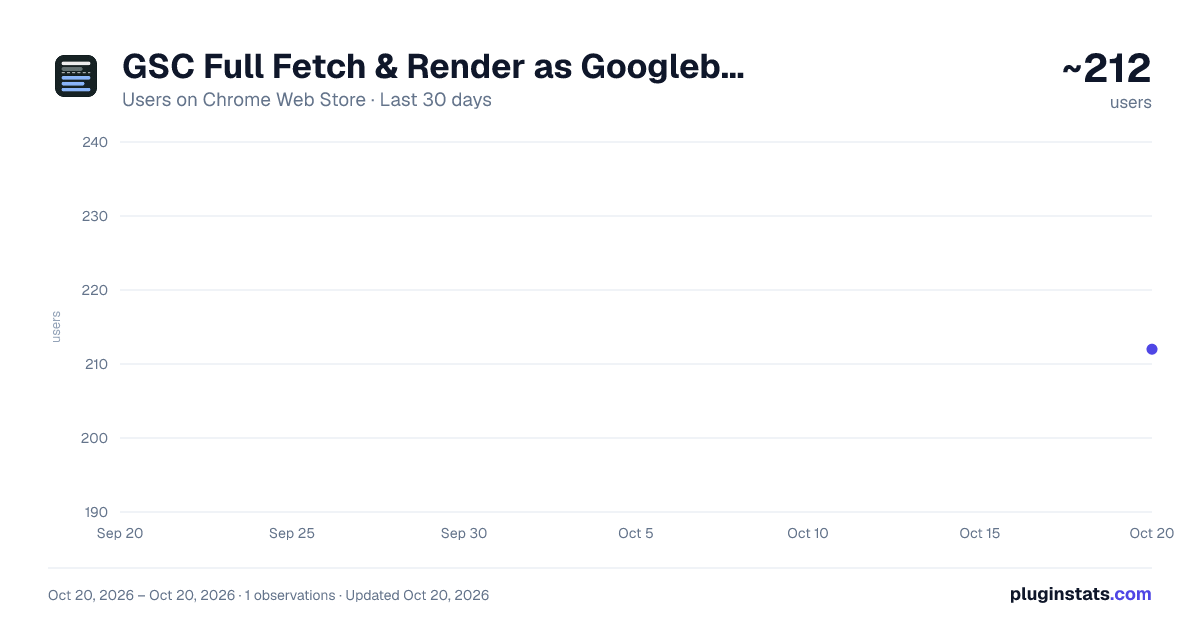
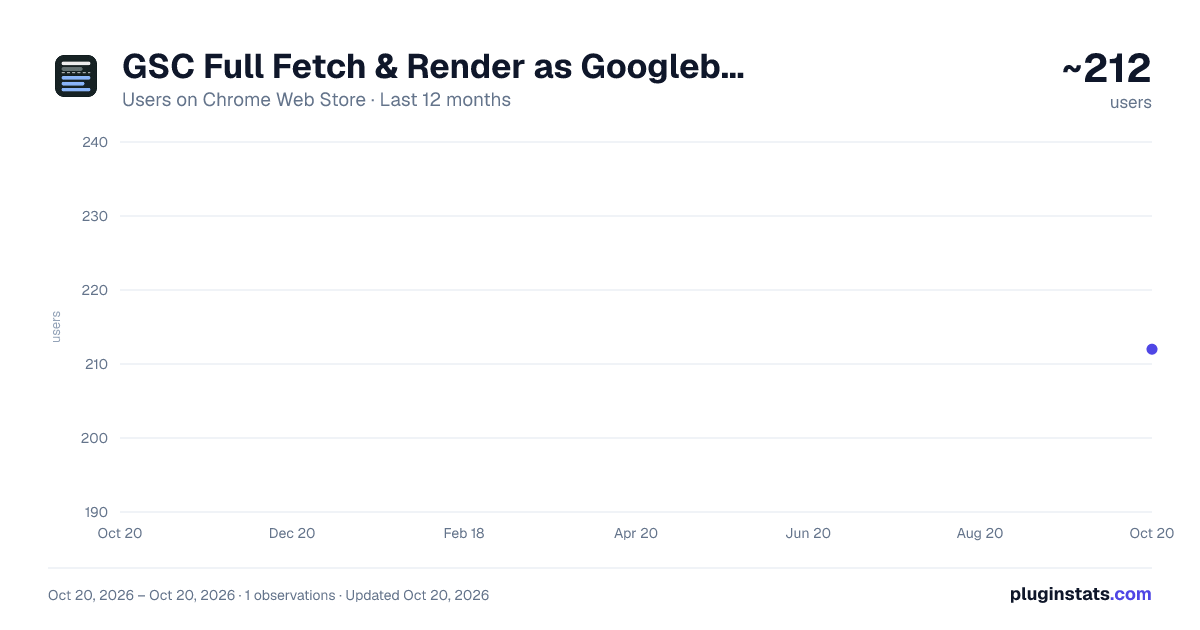
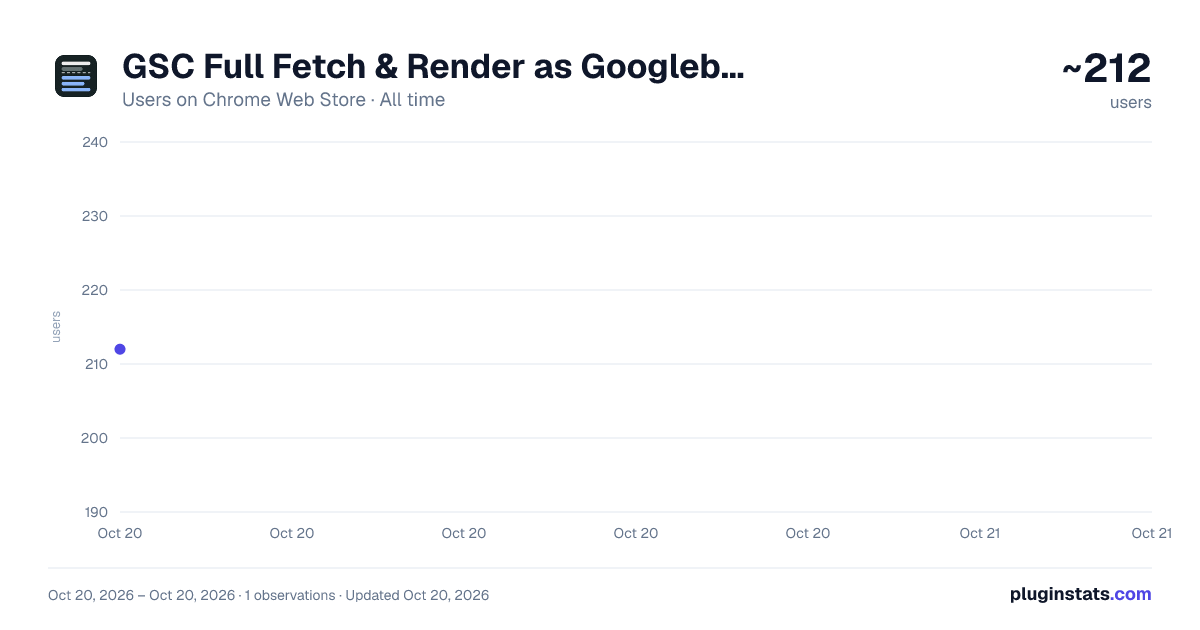
GSC Full Fetch & Render as Googlebot by Natzir has approximately 212 recorded users on Chrome Web Store, ranking #2130 of 2,952 tracked listings.
Rating: 5.00 / 5 from 1 ratings
About GSC Full Fetch & Render as Googlebot by Natzir
See the whole page Google rendered in URL Inspection, not just the first 1,750 px of the live test's screenshot, and list its links.
GSC Full Fetch & Render rebuilds the whole page from the HTML Google rendered in Search Console's URL Inspection. Search Console's screenshot exists only in the live test, and it is cut at about 1,750 px; the crawled page has no screenshot at all. The extension shows the full page in the Screenshot tab, for both the live test and the crawled page.
It turns on by itself when you open View tested page or View crawled page. Click its icon to turn it off in that tab, or right-click the icon to switch the automatic start off and use the icon as an on/off button.
• The whole page, from Google's rendered HTML. Its styles, images and fonts are loaded now by your browser, not by Google, so the test's timeouts don't apply, and the page can differ from what Google saw if the site serves Googlebot something else or has changed since the crawl. What Google certainly didn't load (blocked by robots.txt, HTTP errors, lazy images whose script never ran, loading="lazy" images outside its viewport that it never requested) is left out and outlined in amber, with the list and the reason. • Open it larger, at real size. • Every link on the page, with filters: internal or external; follow, nofollow, ugc or sponsored; crawlable or not, and why (javascript:, empty href, onclick…); visible on load, in a carousel, collapsed, invisible or hidden; and URL issues such as parameters, fragments, http, uppercase, spaces, relative without a slash, or a domain without https://. Click a row to jump to the link on the page, and download the list as CSV.
It's handy for finding where the odd URLs in the Pages report come from. Inspect the pages that may link to them and look for the link in the list.
It doesn't send data anywhere. Everything runs in your browser, inside Search Console. The only requests are for the inspected page's own images, styles and fonts, straight to the site and without a referrer.
Not affiliated with Google. Google and Google Search Console are trademarks of Google LLC.
Description from the Chrome Web Store listing.
README badge
Show your rank in a README or on your website. The badge updates automatically.
Charts
Images: 30d · 1y · all time · 1600×900 dark
Adoption over time
7/30/90-day growth
Ranking history
Ratings over time
Listing placement
Listing placement
Filled points are observed values; hollow points come from Internet Archive snapshots of the listing page. Dashed segments span periods with no observations — values between points are not interpolated.
Each band is one page of 20. Users on a linear scale. Placement is projected from users, so it can differ from the marketplace's own sort order. Hover a dot to see the listing.
Recent observations
Full history (1)Similar Chrome Web Store Developer Tools plugins
All 20 GSC Full Fetch & Render as Googlebot by Natzir alternatives



Data source
Covers every Chrome Web Store extension with at least 100 users, found through the store's public sitemap. User counts are read from public listing pages. The 10% most-used extensions are refreshed daily, the next 40% weekly and the next 40% monthly; the least-used 10% are not refreshed. Google displays rounded user counts (and caps the display at 10,000,000+), so small changes may not be visible. Rating counts above 1,000 are rounded (e.g. 1.6K).
Listing: https://chromewebstore.google.com/detail/gsc-full-fetch-render-as/ljlijkonoghompcadbfihdjnkbcmbpan. First seen Oct 20, 2026; last successful collection Oct 20, 2026. See the methodology.