 PluginStats
Document AI Translator - Side-by-side Translate PDF, Google Docs, Notion users statistics
Show a live translated view of PDF, Google Docs, and Notion pages side-by-side with the original, preserving layout and scroll sync.
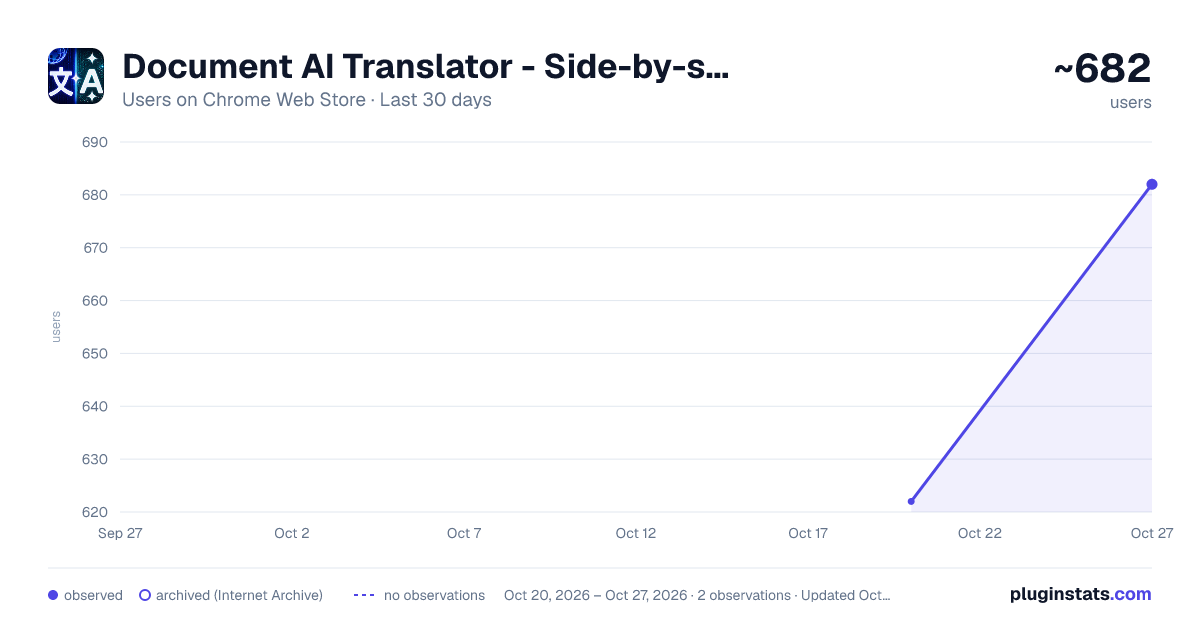
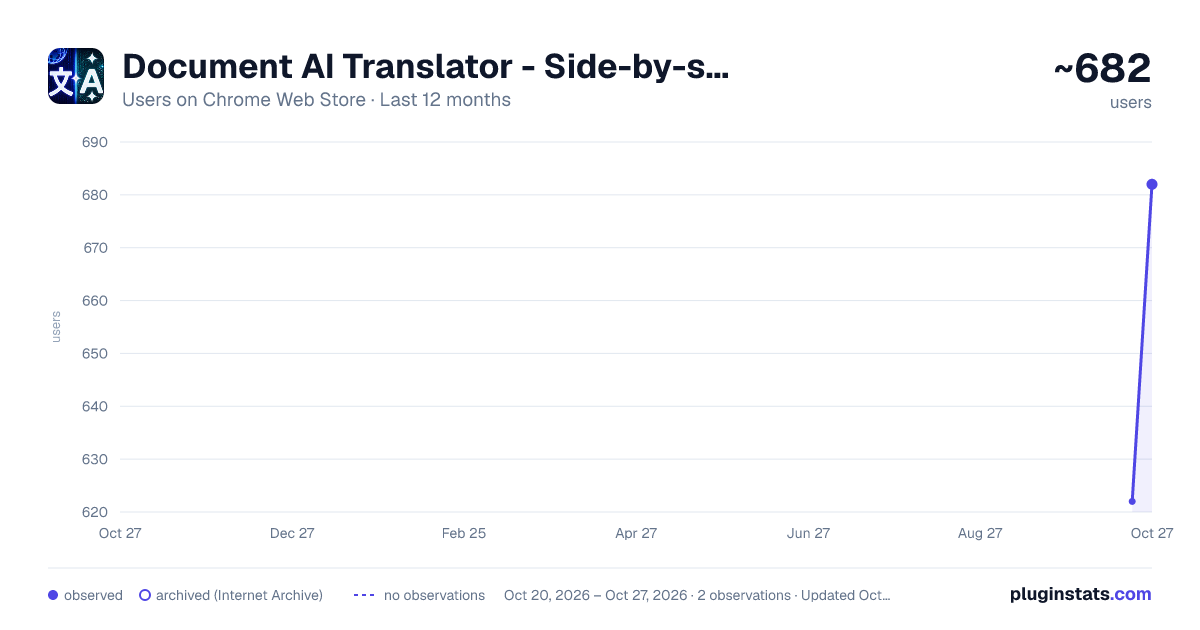
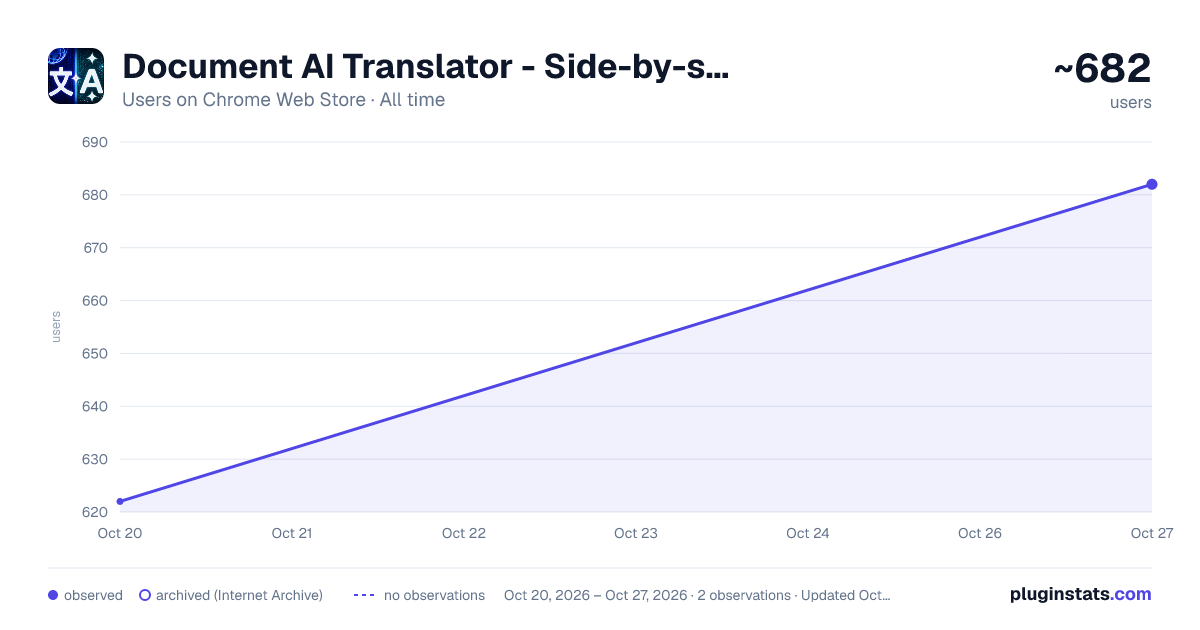
Document AI Translator - Side-by-side Translate PDF, Google Docs, Notion has approximately 622 recorded users on Chrome Web Store, ranking #1119 of 2,495 tracked listings.
Rating: 5.00 / 5 from 2 ratings
About Document AI Translator - Side-by-side Translate PDF, Google Docs, Notion
Show a live translated view of PDF, Google Docs, and Notion pages side-by-side with the original, preserving layout and scroll sync.
🚀 Getting Started
PDF: Translate PDF files opened in Chrome with a side-by-side translated view, making it easier to read foreign-language documents without switching tabs or copying text manually.
Google Drive & Google Docs: Translate PDF files and Google Docs (.docx) directly within Drive or Docs. The extension displays a side-by-side translated view while preserving the original layout as closely as possible.
Notion: When opening a Notion page, the extension automatically generates a translated version alongside the original. The layout and structure are preserved by cloning and translating visible content directly in the browser.
✨ Key features:
● Automatic translation when opening supported pages ● Side-by-side split view showing both original and translated content and preserving layout by cloning the page DOM structure ● Built-in AI Summarization for quick content overview ● Built-in AI Explanation to simplify and clarify complex content ● Optional synchronized scrolling between original and translated views ● Manual refresh button to update translations when the page content changes ● Supported websites include: drive.google.com, docs.google.com, notion.com, notion.site and PDF (.pdf) links opened in Chrome. ● Supports translation in 50 languages
🔐 Privacy & Data Usage
The extension does not modify or save document content. All processing happens locally in the browser, and translation requests are only made to perform the user-visible translation feature.
Feedback: https://documenttranslator.thegioigiandon.com/feedback
Description from the Chrome Web Store listing.
README badge
Show your rank in a README or on your website. The badge updates automatically.
Charts
Images: 30d · 1y · all time · 1600×900 dark
Adoption over time
7/30/90-day growth
Ranking history
Ratings over time
Listing placement
Listing placement
Filled points are observed values; hollow points come from Internet Archive snapshots of the listing page. Dashed segments span periods with no observations — values between points are not interpolated.
Each band is one page of 20. Users on a linear scale. Placement is projected from users, so it can differ from the marketplace's own sort order. Hover a dot to see the listing.
Recent observations
Full history (1)Similar Chrome Web Store Tools plugins
All 20 Document AI Translator - Side-by-side Translate PDF, Google Docs, Notion alternatives



Data source
Covers every Chrome Web Store extension with at least 100 users, found through the store's public sitemap. User counts are read from public listing pages. The 10% most-used extensions are refreshed daily, the next 40% weekly and the next 40% monthly; the least-used 10% are not refreshed. Google displays rounded user counts (and caps the display at 10,000,000+), so small changes may not be visible. Rating counts above 1,000 are rounded (e.g. 1.6K).
Listing: https://chromewebstore.google.com/detail/document-ai-translator-si/ljijjonpmmfgbpinakkcfoifkahjagji. First seen Oct 20, 2026; last successful collection Oct 20, 2026. See the methodology.