 PluginStats
Close & Clean users statistics
Chrome Web Store · Workflow & Planning
Close all tabs and windows and clean up Chrome in one single click
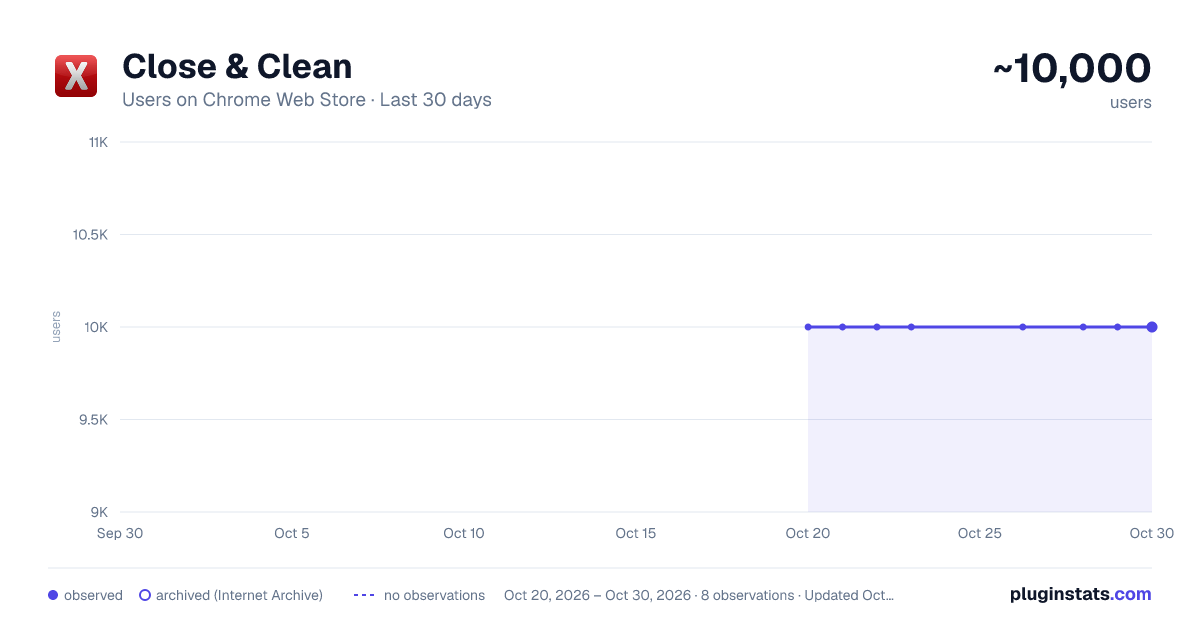
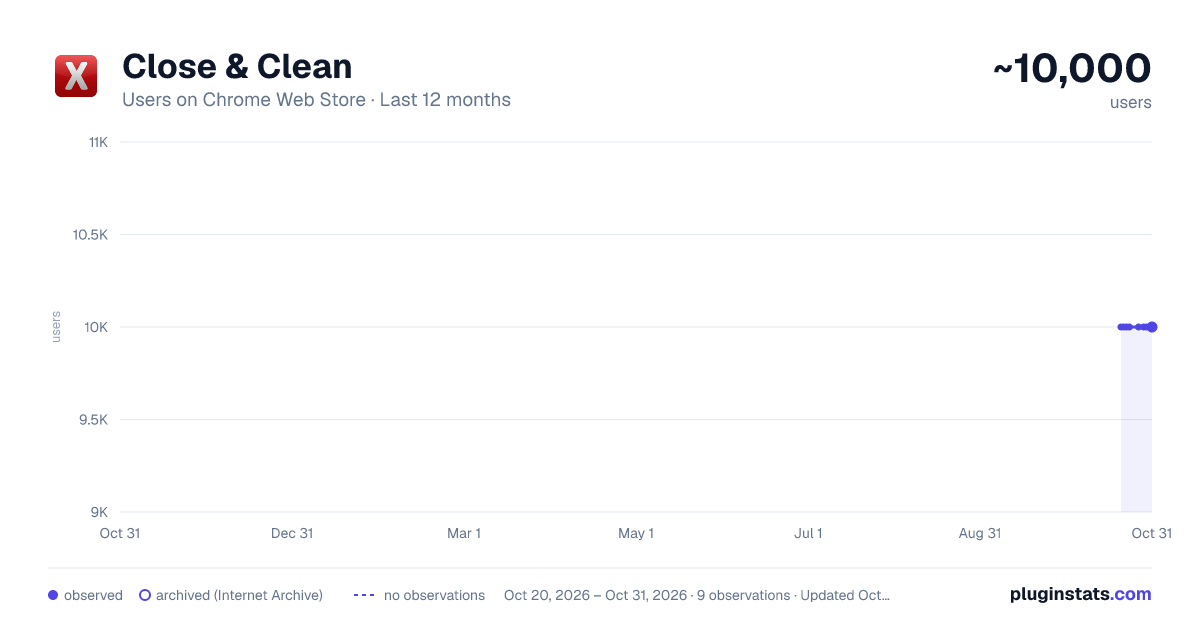
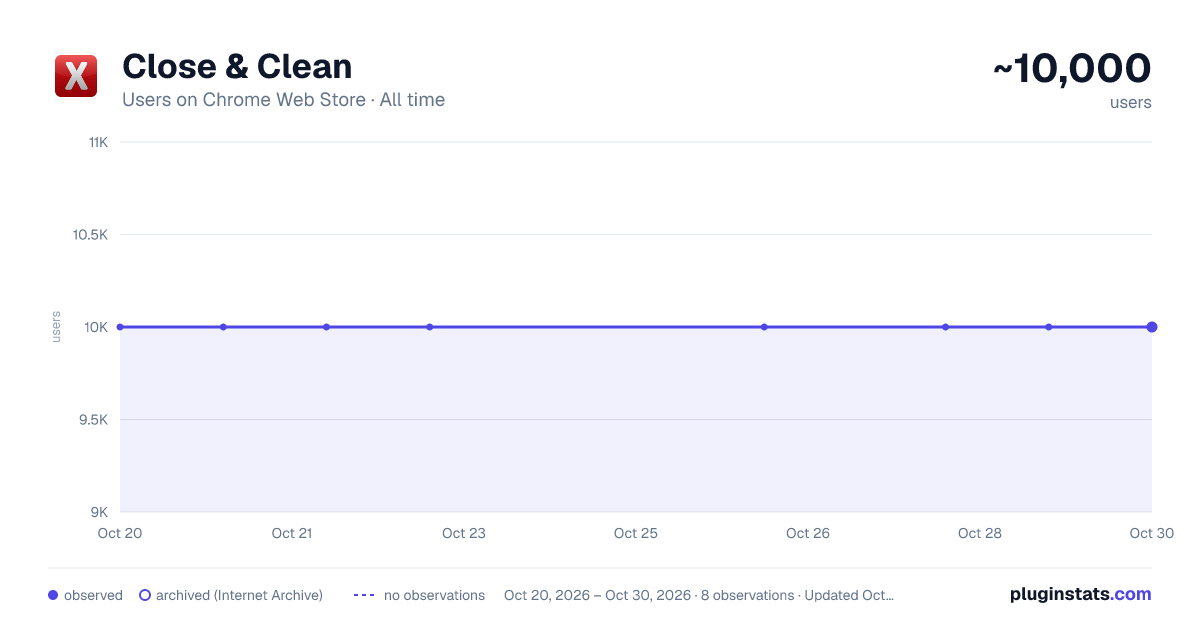
Close & Clean has approximately 10,000 recorded users on Chrome Web Store, ranking #313 of 2,495 tracked listings.
Rating: 4.30 / 5 from 36 ratings
About Close & Clean
Close all tabs and windows and clean up Chrome in one single click
Close & Clean is a convenient extension that instantly closes all your open tabs and windows while automatically cleaning your browsing data. With just one click on the toolbar button (or by pressing Ctrl+Shift+X on Windows/Linux or Cmd+Shift+X on Mac), you can clean and close the browser. Choose what to remove on the options page—delete cache, cookies, history, and more!
Key Features
- One-Click Closure: Instantly close all open tabs and windows.
- Customizable Cleaning: Select exactly what to remove – cache, cookies, download history, form data, local storage, plugin data, passwords, etc.
Options:
- Keep Current Tab: Preserve the page you’re on while closing everything else.
- Pinned Tabs: Decide whether pinned tabs stay open or get closed—and even merge them in one window if desired.
- Confirmation Prompt: Ask for a confirmation (if you want) before the cleanup.
Access all settings in the “Options” page and adjust your preferences anytime.
How It Works
-
Click the “Close & Clean” Button to cleanup whatever you set it to clean and close all tabs and windows you set it to close. By default, it closes all open tabs and clears only the browser cache.
-
Right-click the extension icon → “Options” to decide which data gets removed. You can set the extension to:
- Empty the cache
- Clear app cache
- Remove cookies
- Delete download history
- Clear file systems
- Delete saved (autofill) form data
- Clear browsing history
- Remove indexed data
- Delete local storage data
- Clear plugin data
- Delete saved passwords
- Clear WebSQL data
- Customizable Icon: Choose from several built-in icons to match your Chrome theme or even set your own 19×19 px icon.
Why Use Close & Clean?
- Protect Your Privacy: Quickly remove sensitive data before stepping away from your computer.
- Boost Performance: Clearing out cache and other data can help Chrome run faster.
- Streamlined Workflow: No more manually digging through browser settings every time you want a fresh slate.
To Get Started
- Install Close & Clean from the “Add to Chrome” button.
- Pin the extension to your toolbar if you want it always visible.
- Click the toolbar button to instantly close your tabs and optionally clear various data.
- Fine-Tune your preferences in the “Options” page to suit your workflow.
No Data Collection
Your privacy is our priority. Close & Clean does not track, collect, or store any personal information or browsing data. All cleaning tasks happen locally on your device. No information ever leaves your browser.
Permissions Needed
- tabs: Needed to close your open tabs and windows upon request.
- browsingData: Required to clear selected browsing data (e.g., cache, cookies, history) based on your preferences.
- storage: Allows saving of your custom settings (e.g., whether to clear cookies, pinned tab preferences, etc.).
We use these permissions only to fulfil the extension’s core functionality. No data is transmitted to external servers.
Description from the Chrome Web Store listing.
README badge
Show your rank in a README or on your website. The badge updates automatically.
Charts
Images: 30d · 1y · all time · 1600×900 dark
Adoption over time
7/30/90-day growth
Ranking history
Ratings over time
Listing placement
Listing placement
Filled points are observed values; hollow points come from Internet Archive snapshots of the listing page. Dashed segments span periods with no observations — values between points are not interpolated.
Each band is one page of 20. Users on a linear scale. Placement is projected from users, so it can differ from the marketplace's own sort order. Hover a dot to see the listing.
Recent observations
Full history (1)Similar Chrome Web Store Workflow & Planning plugins
All 20 Close & Clean alternatives



Data source
Covers every Chrome Web Store extension with at least 100 users, found through the store's public sitemap. User counts are read from public listing pages. The 10% most-used extensions are refreshed daily, the next 40% weekly and the next 40% monthly; the least-used 10% are not refreshed. Google displays rounded user counts (and caps the display at 10,000,000+), so small changes may not be visible. Rating counts above 1,000 are rounded (e.g. 1.6K).
Listing: https://chromewebstore.google.com/detail/close-clean/hjjlnpghgkgmnpjimgbblhggmbjlbmld. First seen Oct 20, 2026; last successful collection Oct 20, 2026. See the methodology.