 PluginStats
Code Injector users statistics
By Evgenii View Publisher · Chrome Web Store · Developer Tools
Inject custom JavaScript code into any website
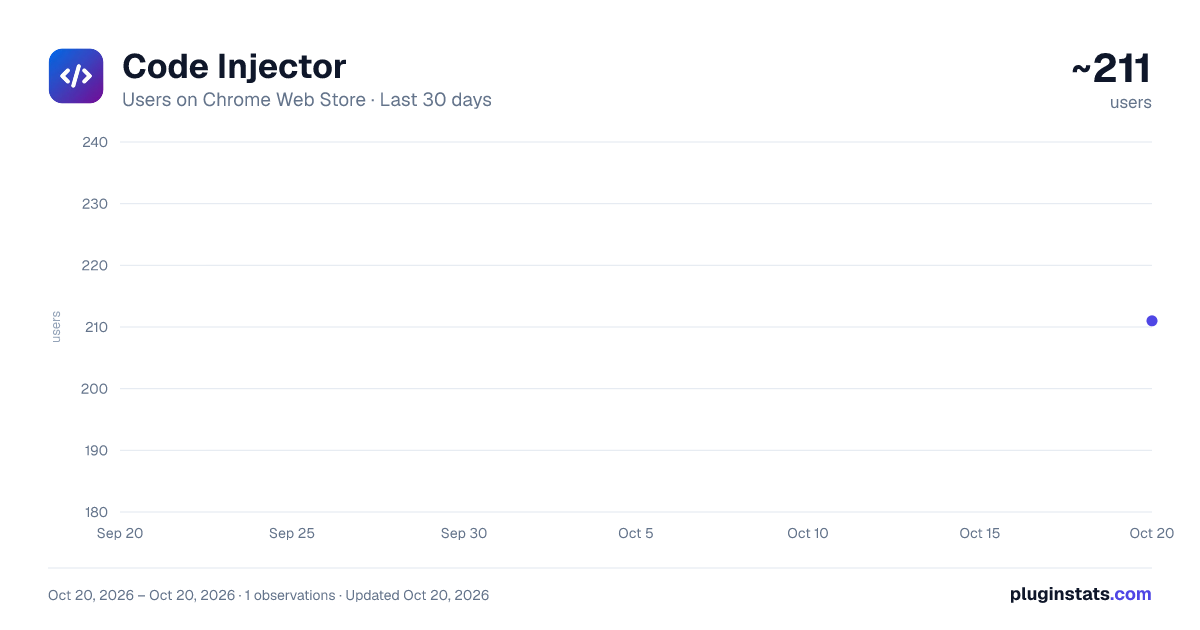
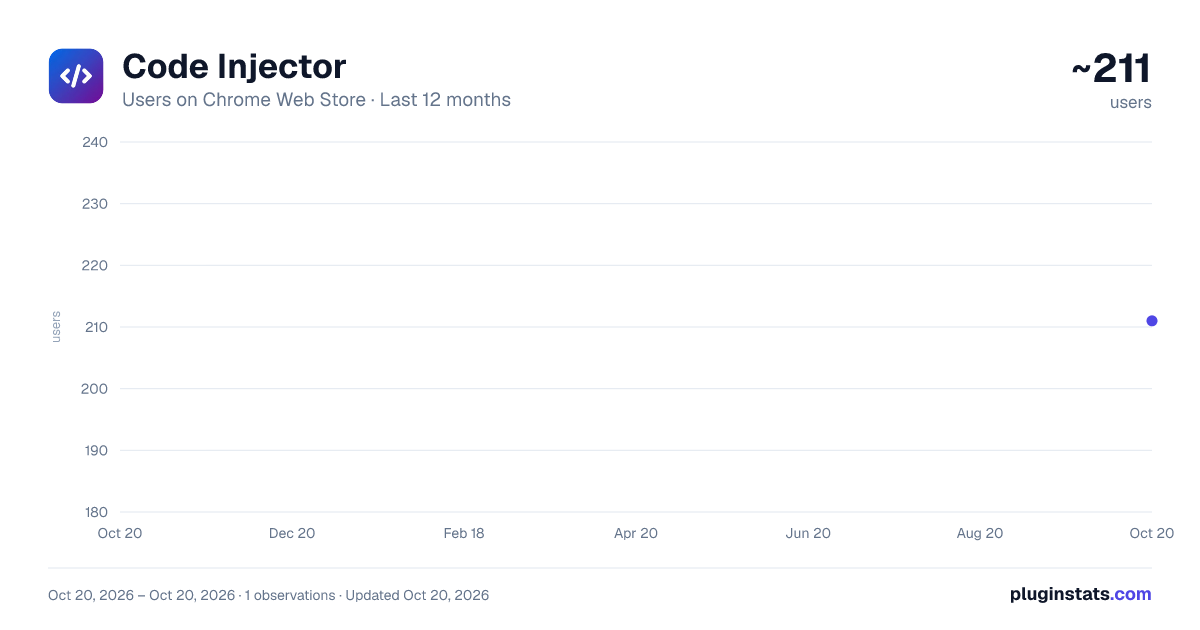
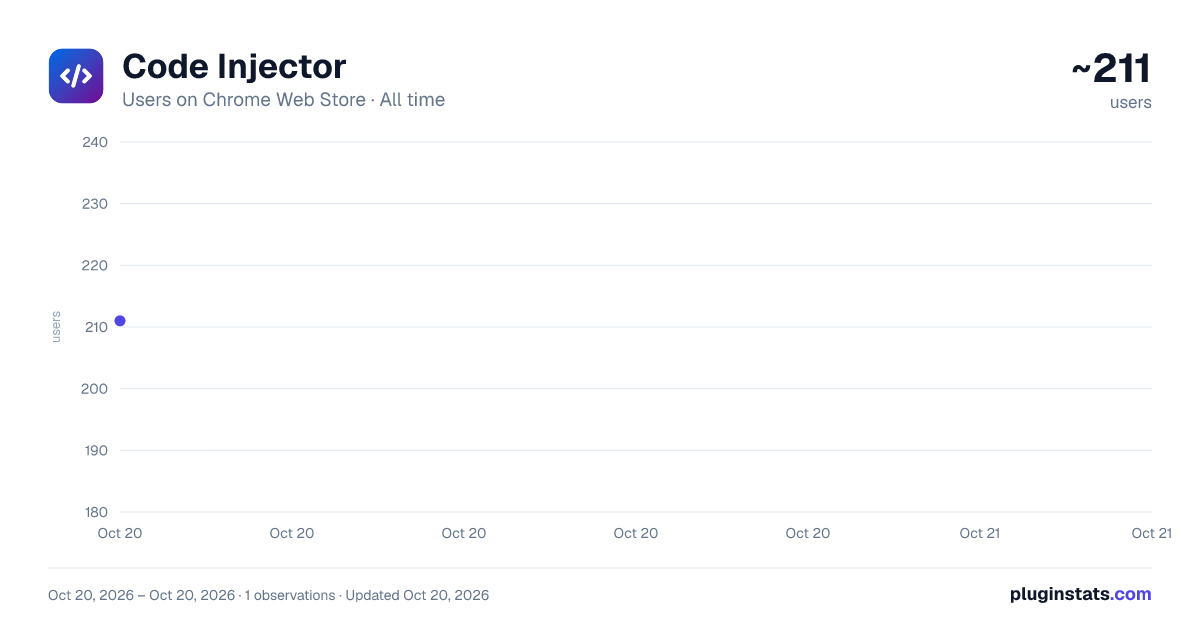
Code Injector has approximately 211 recorded users on Chrome Web Store, ranking #1809 of 2,495 tracked listings.
Rating: 3.50 / 5 from 2 ratings
About Code Injector
Inject custom JavaScript code into any website
Code Injector is a powerful userscript manager that lets you run custom JavaScript snippets and inject code on any website automatically or on demand.
KEY FEATURES
• Flexible URL patterns — match by exact domain, wildcard (*.example.com), path, port, or full URL. Use * to target all sites. • Auto and manual modes — scripts run automatically on page load, or only when you click the ▶ button. • Built-in code editor — full-featured editor with JavaScript syntax highlighting and real-time error detection. • Fullscreen editing — expand the code editor to a fullscreen overlay for comfortable work on complex scripts. • Drag & drop ordering — reorder your rules with smooth animated drag and drop. • Light and dark themes — follows your browser theme automatically, or set it manually. • 12 languages — English, Russian, Chinese, Japanese, Korean, Spanish, French, German, Arabic, Georgian, Turkish, and Kazakh. • Enable / disable rules — toggle individual rules on and off without deleting them. • Domain-aware filtering — filter your rules list to show only those matching the current site. • All data stored locally — your rules are saved in chrome.storage.local; nothing is sent to external servers.
TYPICAL USE CASES
— Add custom styles or scripts to sites that don't offer personalization. — Automate repetitive browser tasks (fill forms, click buttons, collect data). — Debug and prototype front-end changes directly on production sites. — Inject analytics, logging, or monitoring snippets for development. — Debug and prototype front-end changes, test UI variations, or fix layouts directly on production sites.
HOW IT WORKS
- Click the extension icon in the toolbar.
- Click "Add" to create a new rule.
- Enter a URL pattern (e.g. *.example.com).
- Write your JavaScript code.
- Save. The script will execute on every matching page load.
For manual rules, check the "Manual" checkbox — the script won't run automatically, but you can trigger it anytime with the ▶ button.
Built with Manifest V3, chrome.scripting API, and Vanilla JS. No external dependencies at runtime.
Description from the Chrome Web Store listing.
README badge
Show your rank in a README or on your website. The badge updates automatically.
Charts
Images: 30d · 1y · all time · 1600×900 dark
Adoption over time
7/30/90-day growth
Ranking history
Ratings over time
Listing placement
Listing placement
Filled points are observed values; hollow points come from Internet Archive snapshots of the listing page. Dashed segments span periods with no observations — values between points are not interpolated.
Each band is one page of 20. Users on a linear scale. Placement is projected from users, so it can differ from the marketplace's own sort order. Hover a dot to see the listing.
Recent observations
Full history (1)Similar Chrome Web Store Developer Tools plugins
All 20 Code Injector alternatives



Data source
Covers every Chrome Web Store extension with at least 100 users, found through the store's public sitemap. User counts are read from public listing pages. The 10% most-used extensions are refreshed daily, the next 40% weekly and the next 40% monthly; the least-used 10% are not refreshed. Google displays rounded user counts (and caps the display at 10,000,000+), so small changes may not be visible. Rating counts above 1,000 are rounded (e.g. 1.6K).
Listing: https://chromewebstore.google.com/detail/code-injector/hjkbpppcheofcfnkjhpbnmhdaaidpoia. First seen Oct 20, 2026; last successful collection Oct 20, 2026. See the methodology.