 PluginStats
FlowEngine - Bulk Flow Automation for VEO AI users statistics
Free Automate bulk video creation with Google’s Flow AI.
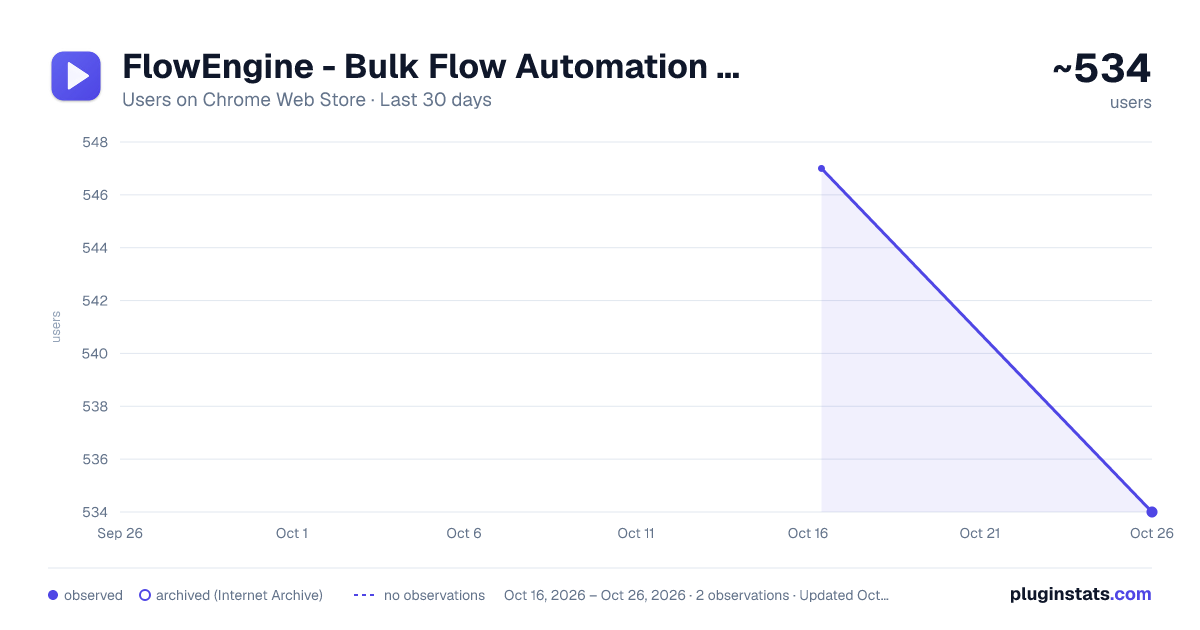
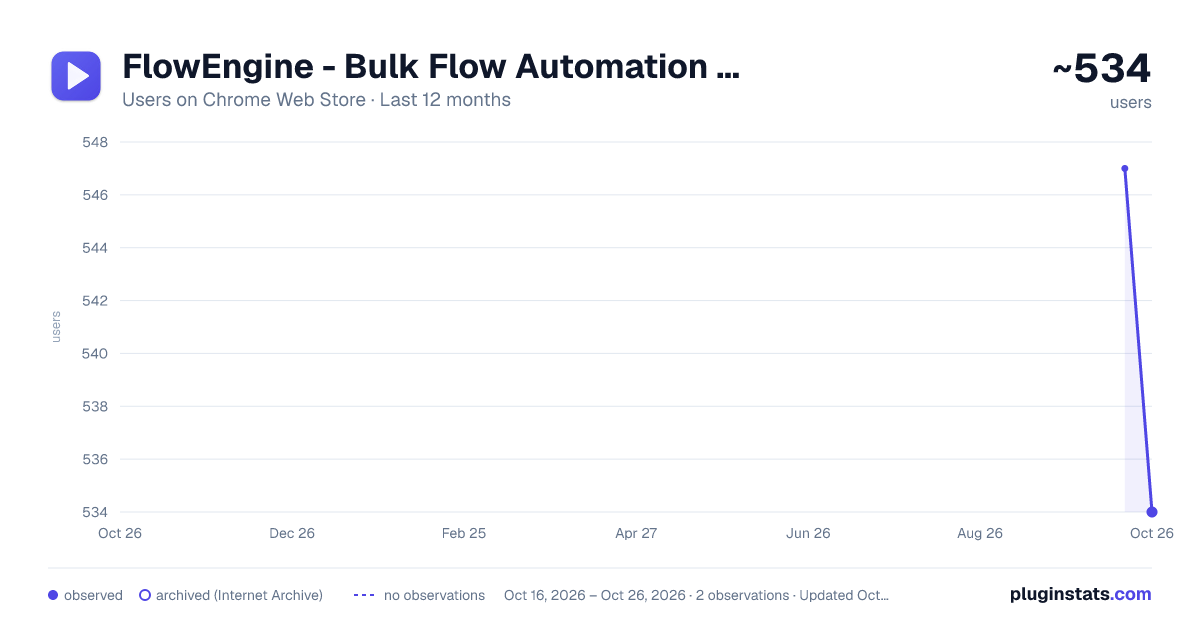
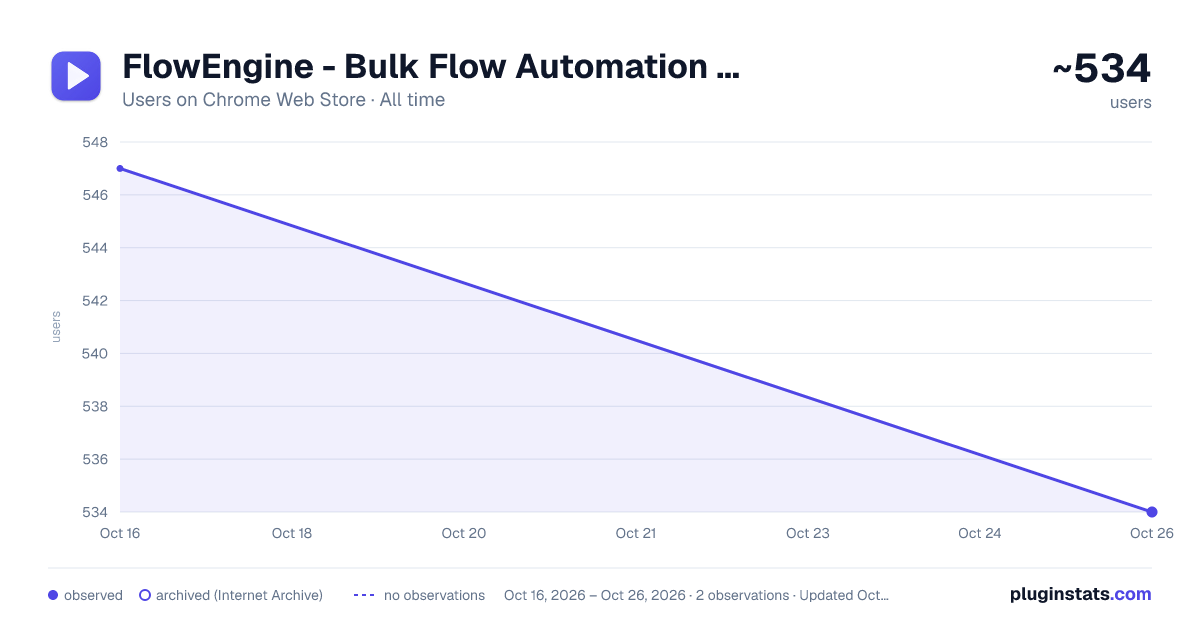
FlowEngine - Bulk Flow Automation for VEO AI has approximately 547 recorded users on Chrome Web Store.
It ranks #749 of 1,556 tracked Chrome Web Store listings by users.
It is rated 4.4 out of 5 from 7 ratings.
PluginStats has 1 daily observations since Oct 16, 2026; the latest is from Oct 16, 2026.
Rating: 4.40 / 5 from 7 ratings
About FlowEngine - Bulk Flow Automation for VEO AI
Free Automate bulk video creation with Google’s Flow AI.
FlowEngine - Bulk Flow Automation for VEO AI
📋 Update Logs
🆕 Flow Engine Update Version (08/04/2026)
Text to Video ✅ Fix 1 — Prevented sending the same prompt repeatedly ✅ Fix 2 — Enabled true batch mode ✅ Fix 3 — Fixed video download issues ✅ Fix 4 — Fixed file naming issues ✅ Fix 5 — Disabled double retry
New Feature ✨ Image to Video module added
🆕 Version 3.1 (January 15, 2026) 📁 NEW: Project Management System ✅ Projects Tab - New dedicated "Projects" tab in main navigation ✅ Create New Project - Create projects with name, download folder & prompts ✅ Project List View - View all projects with status (draft/pending/in_progress/completed) ✅ Project Queue System - Add multiple projects to queue ✅ Start All Queue - Start all queued projects sequentially with one click ✅ Auto Next Project - Automatically starts next project when current completes ✅ Auto Project Name - Automatically sets project name in Google Flow ✅ Save Custom Project Name - Save custom project name in project from Flow ✅ Auto New Project - Automatically creates new project from Flow home page ✅ Delete Project - Delete individual projects ✅ Project Progress Tracking - Track progress for each project separately
🆕 Version 3.0 (January 02, 2026) ✅ Memory Issue Resolved - Optimized memory management for stable long sessions ✅ File Naming Improved - Enhanced filename accuracy and consistency ✅ Smart Retry System - Auto-retry failed prompts after batch completion ✅ Video Upscale & Download - Improved upscaling workflow and download reliability ✅ Bulk Image Generation - Updated for better performance ✅ Image to Video - Enhanced I2V processing pipeline ✅ Image to Image - Updated transformation features
🎬 About FlowEngine Tired of manually entering prompts, uploading images, waiting for renders, and clicking download for every single video?
FlowEngine is the ultimate automation solution for Google Flow, fully supporting the latest AI models including VEO 2 and VEO 3.1. Transform hours of repetitive clicking into minutes of simple setup.
💡 Why Choose FlowEngine? AI video creation demands testing hundreds of prompt variations. Doing this manually is incredibly time-consuming and exhausting. FlowEngine liberates you from this repetitive labor.
Whether you have 10 tasks or 10,000 — simply prepare your list, click "Start", and let FlowEngine handle everything automatically.
🚀 Core Features
📄 Multi-Mode Automation: Native support for bulk Text-to-Video and Image-to-Video generation 📄 Bulk Task Submission: Import prompts from .txt files or paste directly. Select hundreds of images with rotating prompts for I2V 📄 Set It & Forget It: Auto-inputs prompts/images, configures parameters, clicks Generate, and monitors completion 📄 Auto-Scan & Download: Continuously scans for completed videos and downloads automatically 📄 Smart Error Management: Auto-retries failed tasks with detailed failure logs for easy re-submission
⚙️ Flexible & Powerful Controls 💡Batch Settings — Set Aspect Ratio (16:9, 9:16) and AI Model (Veo 2, Veo 3.1 Fast/Quality) globally 💡Image Sorting — Sort by Name (A-Z / Z-A) or Date (Newest / Oldest) 💡Resume Capability — Interrupted? Resume from the Nth task without starting over 💡Custom Wait Times — Adjust generation wait times based on AI model speed 💡Multi-Language — Clean interface in English and Vietnamese
📁 Supported File Formats 💡 Text Files — .txt (one prompt per line or single prompt per file) 💡JSON Files — .json (structured prompt data) 💡Word Documents — .docx (rich text prompts) 💡Images — .png, .jpg, .jpeg, .webp (for Image-to-Video)
🎯 Perfect For 💡 Content creators producing bulk AI videos 💡 Marketers testing multiple prompt variations 💡 Researchers exploring AI video generation 💡 Anyone tired of repetitive manual workflows
🤝 Sister Concern Faceless Clip AI — Advanced AI-powered faceless video creation software by AI Buster TEAM.
⚠️ Need Help? If you encounter any issues or have questions, please contact us:
📧 Email: ceo@hrlimon.com We typically respond within 24-48 hours.
Description from the Chrome Web Store listing.
Where FlowEngine - Bulk Flow Automation for VEO AI sits in the listing
Each band is one page of 20. Users on a log scale. Placement is projected from users, so it can differ from the marketplace's own sort order. Hover a dot to see the listing.
Charts
Images: 30d · 1y · all time · 1600×900 dark
Adoption over time
7/30/90-day growth
Ranking history
Filled points are observed values; hollow points come from Internet Archive snapshots of the listing page. Dashed segments span periods with no observations — values between points are not interpolated.
Recent observations
Full history (1)Similar Chrome Web Store Tools plugins




Data source
User counts are read from public Chrome Web Store listing pages. Google displays rounded user counts (and caps the display at 10,000,000+), so small changes may not be visible. Rating counts above 1,000 are rounded (e.g. 1.6K).
Listing: https://chromewebstore.google.com/detail/flowengine-bulk-flow-auto/kkdhfamgaidklcikcephdagccfkfhlfm. First seen Oct 16, 2026; last successful collection Oct 16, 2026. See the methodology.