 PluginStats
Event Dots for Google Calendar users statistics
By Soto Design · Chrome Web Store · Functionality & UI
Add event dots to Google Calendar's mini calendar for quick visual overview of upcoming events
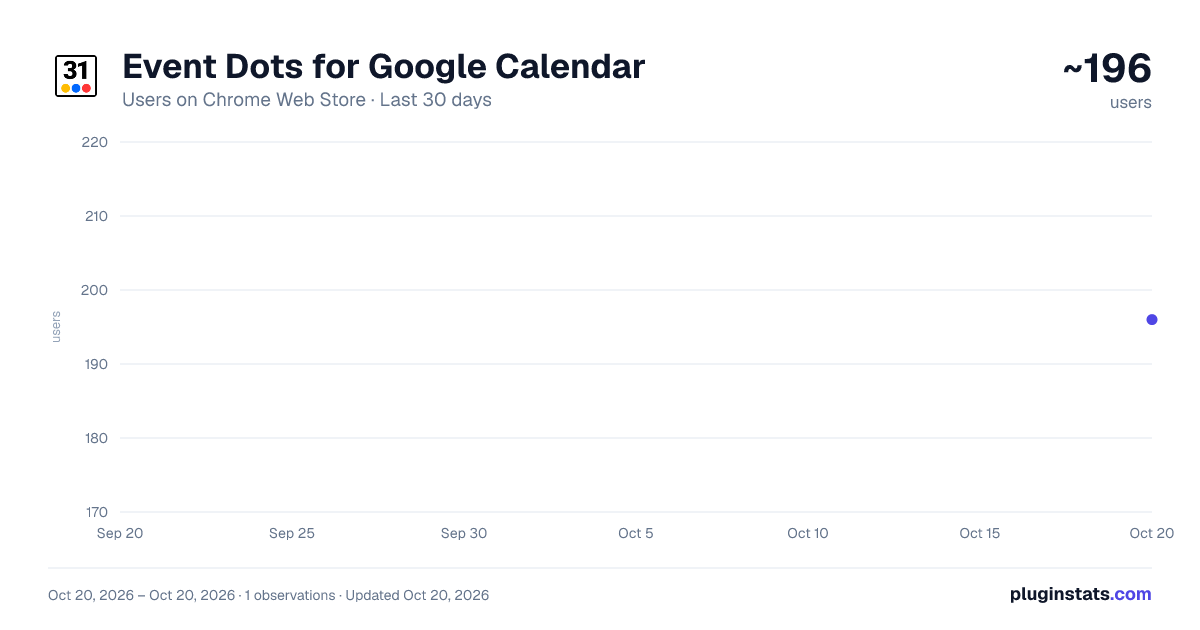
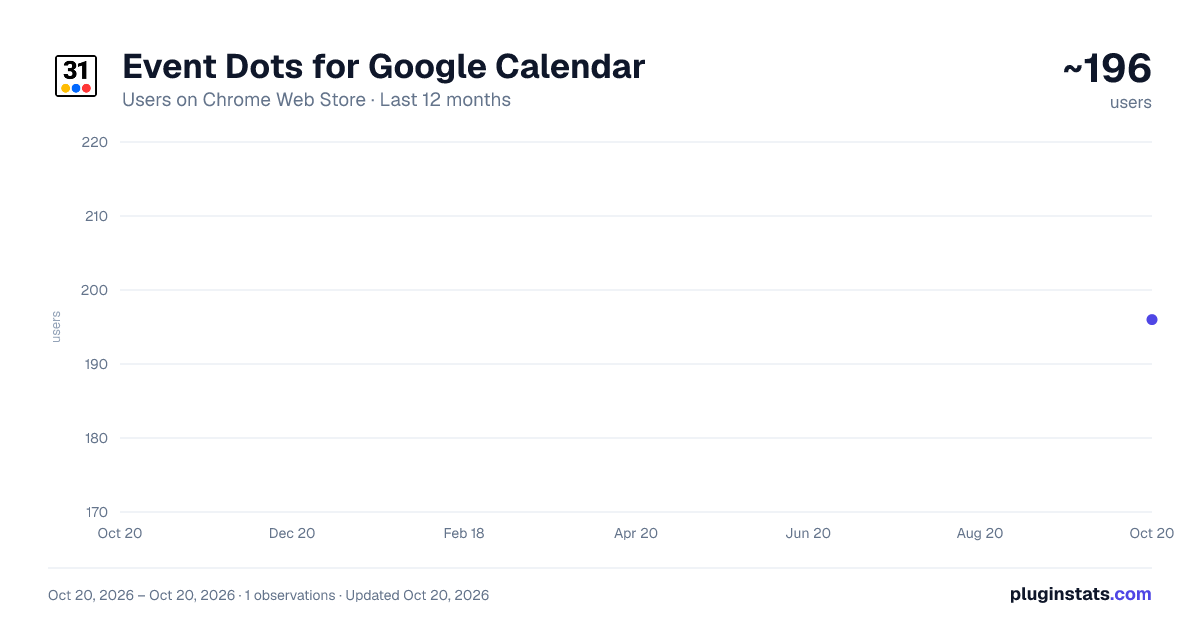
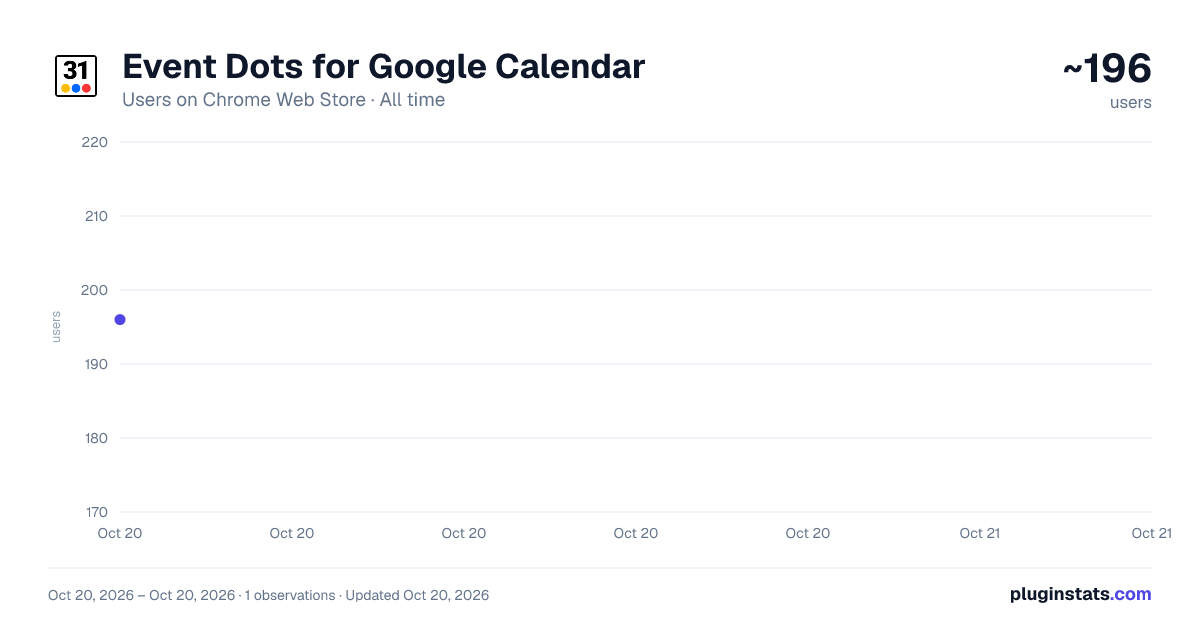
Event Dots for Google Calendar has approximately 196 recorded users on Chrome Web Store, ranking #2206 of 2,952 tracked listings.
Rating: 4.50 / 5 from 2 ratings
About Event Dots for Google Calendar
Add event dots to Google Calendar's mini calendar for quick visual overview of upcoming events
Get the visual calendar overview you've been missing on desktop! This extension adds colorful event indicators to Google Calendar's mini calendar, making it easier to see at a glance which days have scheduled events.
What it does: Transform your Google Calendar sidebar with visual event dots that appear on dates with scheduled activities. Just like the mobile app, each dot represents events from your calendars, with different colors for different calendar types.
Key Features:
Visual Event Indicators - See colored dots on dates with events in your mini calendar Multiple Calendar Support - Works with all your Google Calendars including personal, work, shared calendars, and Google Tasks Smart Calendar Detection - Automatically follows your visible calendar settings, or customize which calendars show dots Color-Coded Organization - Each calendar uses its designated color for easy identification Tasks Integration - View your Google Tasks alongside calendar events Fast & Lightweight - Minimal impact on browser performance Privacy Focused - Data stays between you and Google; no third-party servers Cross-browser support: Works in Chrome, Arc, and Brave browsers
How to use:
Install the extension and click the icon in your toolbar Sign in with your Google account (one-time setup) Choose your dot display preference:
Follow visible calendars automatically, or Select specific calendars to show dots for
Navigate your calendar normally - dots appear instantly on the mini calendar
Perfect for:
Busy professionals managing multiple calendars Students tracking assignments and deadlines Anyone who wants a quick visual overview of their schedule Users who love the mobile calendar experience on desktop
Technical Details:
Secure OAuth 2.0 authentication Works with Google Calendar and Google Tasks APIs Respects your existing calendar privacy settings Updates automatically when you change calendar visibility Compatible with all Google Calendar features
Support & Privacy: Event Dots does not collect, store, or sell your personal data. All settings are stored locally in Chrome sync storage and used only to update your Google Calendar tabs. For full details, see our Privacy Policy.
Description from the Chrome Web Store listing.
README badge
Show your rank in a README or on your website. The badge updates automatically.
Charts
Images: 30d · 1y · all time · 1600×900 dark
Adoption over time
7/30/90-day growth
Ranking history
Ratings over time
Listing placement
Listing placement
Filled points are observed values; hollow points come from Internet Archive snapshots of the listing page. Dashed segments span periods with no observations — values between points are not interpolated.
Each band is one page of 20. Users on a linear scale. Placement is projected from users, so it can differ from the marketplace's own sort order. Hover a dot to see the listing.
Recent observations
Full history (1)Similar Chrome Web Store Functionality & UI plugins
All 20 Event Dots for Google Calendar alternatives



Data source
Covers every Chrome Web Store extension with at least 100 users, found through the store's public sitemap. User counts are read from public listing pages. The 10% most-used extensions are refreshed daily, the next 40% weekly and the next 40% monthly; the least-used 10% are not refreshed. Google displays rounded user counts (and caps the display at 10,000,000+), so small changes may not be visible. Rating counts above 1,000 are rounded (e.g. 1.6K).
Listing: https://chromewebstore.google.com/detail/event-dots-for-google-cal/hjjlnloajchjbjlmdleheopcglglkjff. First seen Oct 20, 2026; last successful collection Oct 20, 2026. See the methodology.