 PluginStats
Image Size Converter users statistics
Use image size converter as an image compressor and image resizer tool. It allows to create tiny png, jpg, webp files.
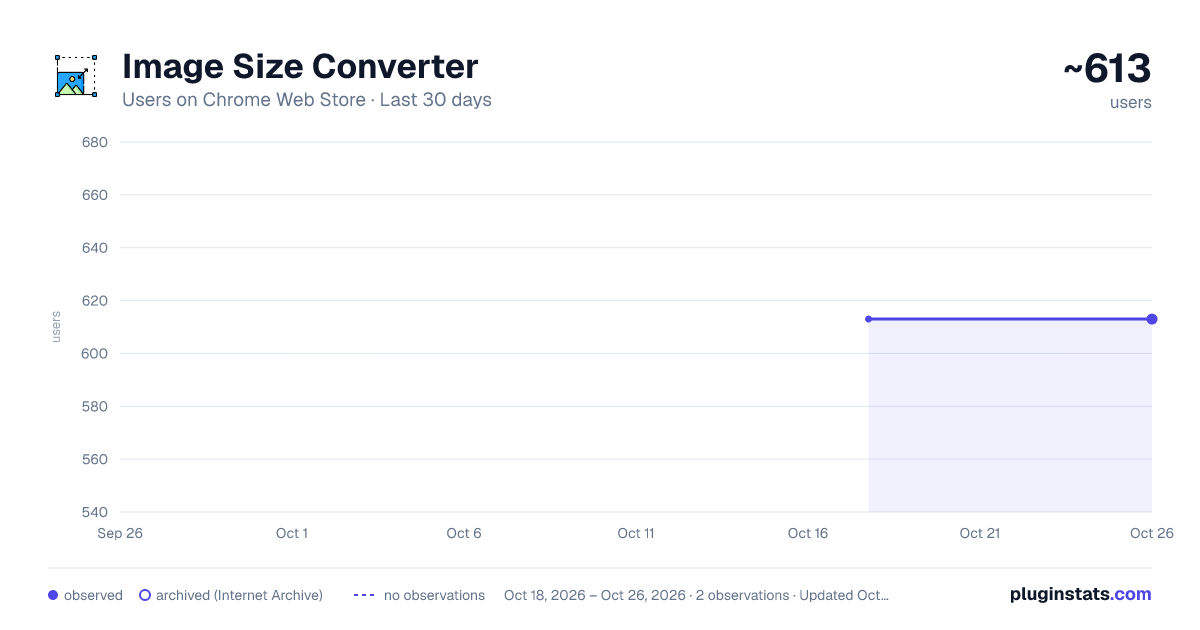
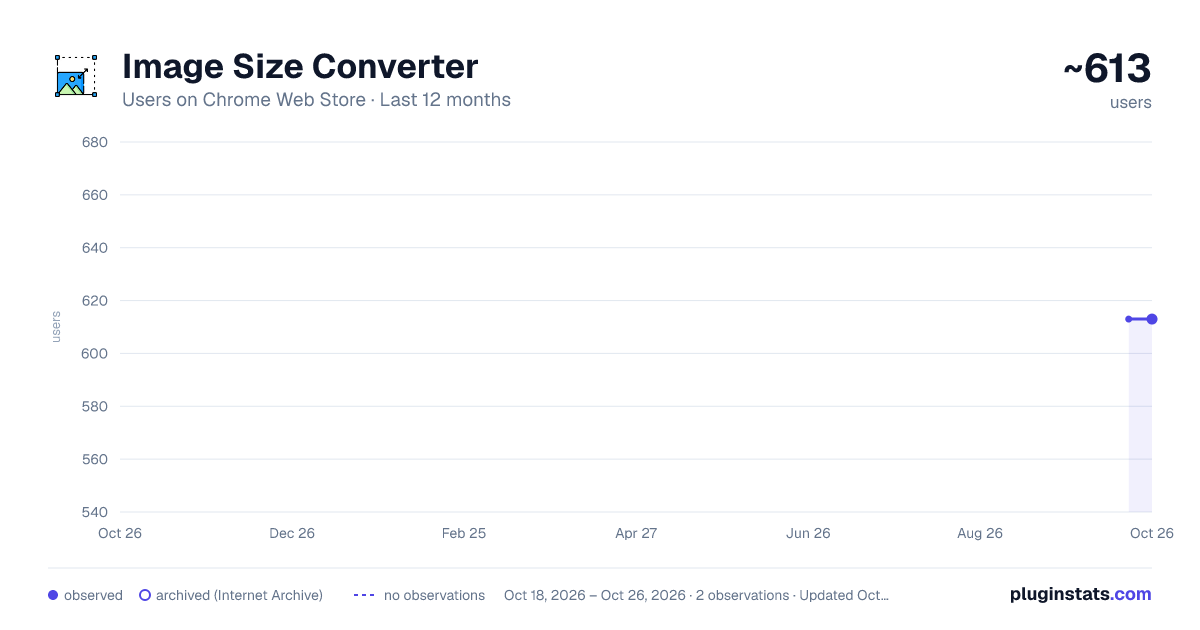
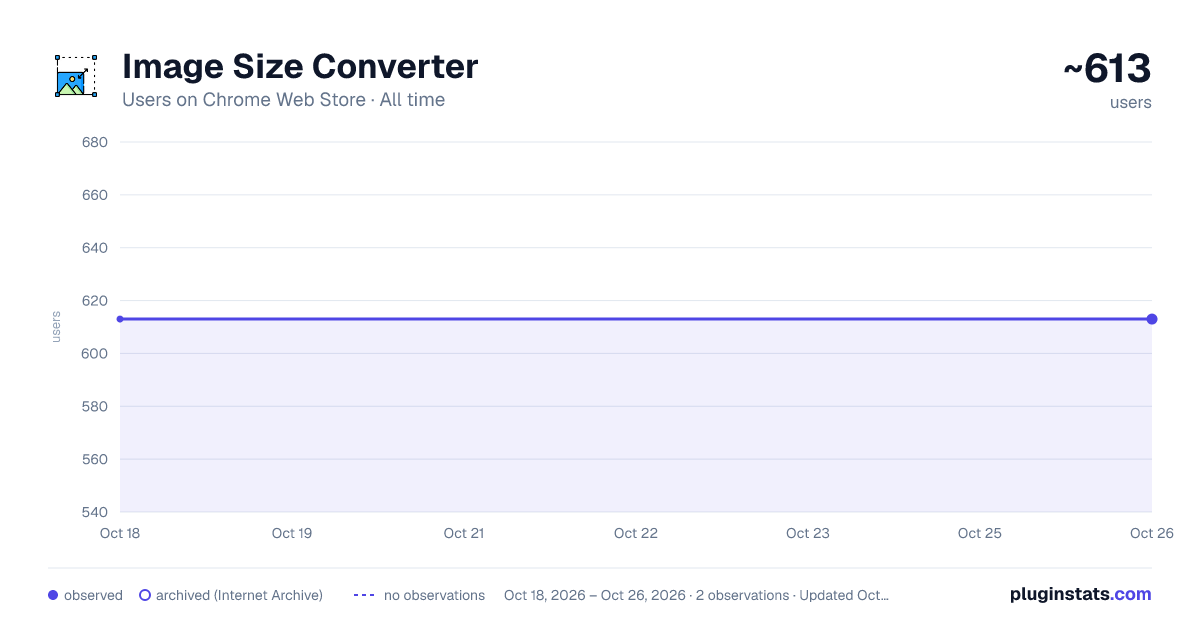
Image Size Converter has approximately 613 recorded users on Chrome Web Store.
It ranks #709 of 1,556 tracked Chrome Web Store listings by users.
It is rated 5.0 out of 5 from 2 ratings.
PluginStats has 1 daily observations since Oct 18, 2026; the latest is from Oct 18, 2026.
Rating: 5.00 / 5 from 2 ratings
About Image Size Converter
Use image size converter as an image compressor and image resizer tool. It allows to create tiny png, jpg, webp files.
Get your image conversion tasks done with image size converter and image compressor chrome extension.
Whether you need to convert image to smaller file size, tailor visuals for social network post size, or prepare a passport/id size ready photo, this chrome extension delivers flexibility, precision and speed.
Key Features 🌟 1️⃣ Image resizer: Adjust width, height, or percentage to resize image for social media, websites, or print. 2️⃣ Image compressor: Compress image to get tiny file sizes. 3️⃣ Format flexibility: Use as a png converter or gif resizer to switch formats effortlessly. 4️⃣ Predefined templates: Optimize photo size for social networks.
Perfect for Social Media & Professional Use 📱 ➤ Resize and compress png files for faster website loading. ➤ Generate social network cover photo size images that align with platform guidelines. ➤ Use the image cropper to focus on key details or adapt aspect ratios. ➤ Downsize large photos with the image downsizer to save storage space.
Effortless Compression & Conversion 🛠️ Need to convert photo size for email attachments or online forms? This image converter size tool reduces MBs to KBs while preserving clarity. Its picture compressor algorithm ensures even heavy files become tiny png that don't use much space.
Key benefits include: Faster uploads with smaller file sizes. Photo converter with different file formats like JPG, PNG, GIF e.t.c. Instant previews to fine-tune results.
Tailored Tools for Specific Needs 🎯 • Passport size image converter: Meet visa/ID photo dimension requirements in seconds. • Professional photo image size converter and file format converter: Adjust DPI for print projects or digital displays. • Tiny optimization: Mimic tinypng’s compression efficiency directly in Chrome. • Gif resizer: Trim frame sizes to share animations in messengers.
User-Friendly Interface 💡 Drag-and-drop functionality makes it easy to resize image or compress photo files. Adjust sliders for precise dimensions, apply filters, or auto-optimize with smart presets. The image converter supports real-time previews, so you never sacrifice quality unintentionally.
Privacy-First Design 🔒 All processing occurs locally—no uploads to external servers. Your sensitive files, like passport photo stay 100% private. This file converter is ideal for confidential documents or personal photos.
Why Choose This Extension? 🌍 ▸ Privacy first solution. ▸ No internet connection required - process photos in a plane or in the middle of nowhere. ▸ Faster than online photo compressor and converter tools. ▸ Eliminates the need for bulky converter software. ▸ Regular updates with new templates (e.g., social network cover photo size trends). ▸ Lightweight and integrates seamlessly with Chrome.
Ideal for Everyday Tasks 🖼️ Bloggers: Resize image thumbnails for faster page speed. Designers: Change size of photo assets for client projects. Marketers: Craft social network post size content that stands out. Students: Compress lecture slides for easy sharing and use converter to adopt them to widely used formats. Professionals: Use the image cropper to polish presentations.
Advanced Optimization Tools ⚡ The file size and resolution converter lets you tweak DPI for print-ready files, while the image downsizer ensures compatibility with storage limits. Need transparency? The png converter maintains alpha channels during compression.
Support & Updates 📬 Frequent updates add support for new formats, templates, and performance enhancements.
Get Started Now! 🎉 Install this image size converter and photo resizer to streamline your workflow. Get all benefits of built-in file compressor that makes your files like jpg and png tiny and small in size. Enjoy simple format management provided by the converter, whether you’re a casual user or a power editor, enjoy unmatched flexibility to convert image size, compress photo files, and adapt visuals effortlessly—all within Chrome. This picture compressor and file resizer is simple, flexible and easy to use with clean drag-and-drop interface. Click Add to Chrome and experience this ultimate graphics processing toolkit! 🔥
Description from the Chrome Web Store listing.
Where Image Size Converter sits in the listing
Each band is one page of 20. Users on a log scale. Placement is projected from users, so it can differ from the marketplace's own sort order. Hover a dot to see the listing.
Charts
Images: 30d · 1y · all time · 1600×900 dark
Adoption over time
7/30/90-day growth
Ranking history
Filled points are observed values; hollow points come from Internet Archive snapshots of the listing page. Dashed segments span periods with no observations — values between points are not interpolated.
Recent observations
Full history (1)Similar Chrome Web Store Tools plugins




Data source
User counts are read from public Chrome Web Store listing pages. Google displays rounded user counts (and caps the display at 10,000,000+), so small changes may not be visible. Rating counts above 1,000 are rounded (e.g. 1.6K).
Listing: https://chromewebstore.google.com/detail/image-size-converter/bfjigijjiohcohlijdlgehmakcnkeohd. First seen Oct 18, 2026; last successful collection Oct 18, 2026. See the methodology.