 PluginStats
Custom Cursor Trails users statistics
Chrome Web Store · Just for Fun
Add sparkle to your browsing experience with Custom Cursor Trails! A shiny star trail will follow your mouse cursor on the screen.
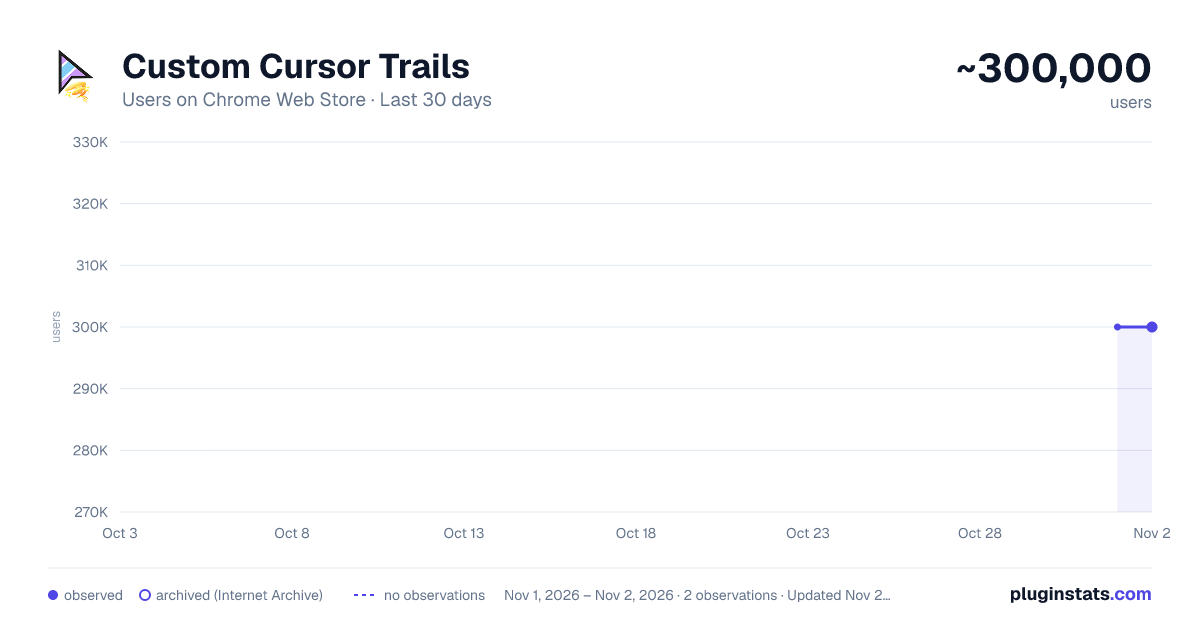
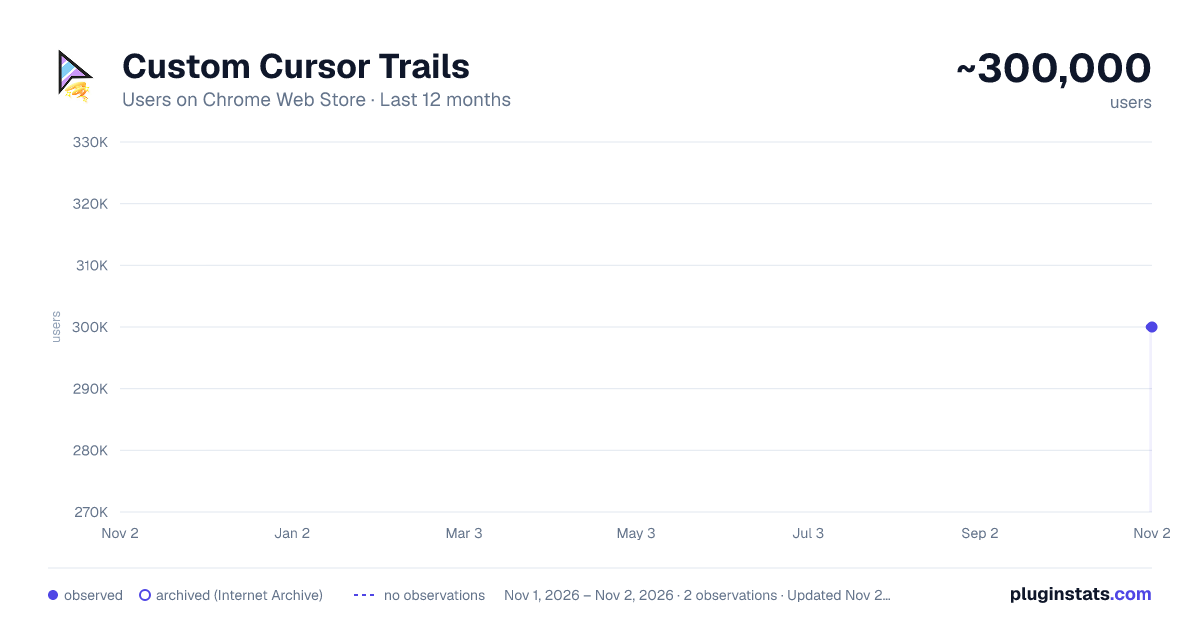
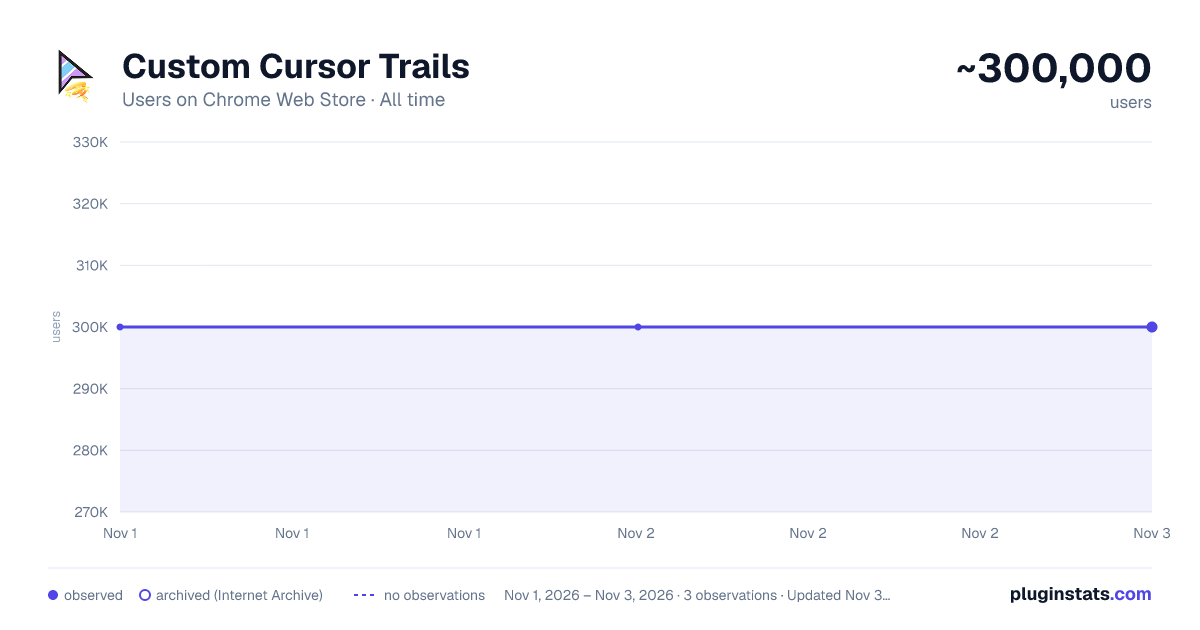
Custom Cursor Trails has approximately 300,000 recorded users on Chrome Web Store, ranking #98 of 6,300 tracked listings.
Rating: 4.40 / 5 from 1,500 ratings
About Custom Cursor Trails
Add sparkle to your browsing experience with Custom Cursor Trails! A shiny star trail will follow your mouse cursor on the screen.
Enhance your browsing experience with the fun and exciting Custom Cursor Trails browser extension, designed to add sparkle and personality to your mouse cursor. This user-friendly extension allows you to choose from an array of glitter, stars, and other unique trails to follow your cursor, making your time online more enjoyable and entertaining.
With Custom Cursor Trails, you can effortlessly customize your cursor to match your mood or style. Choose from a diverse range of options, including shimmering glitter trails, twinkling stars, and playful animations, transforming your everyday browsing into a dazzling and interactive experience.
This easy-to-use browser extension not only adds an element of excitement to your online activities but also helps you navigate through web pages with ease. The eye-catching trails make it simple to locate your cursor on busy pages or during multitasking sessions, ensuring a seamless and engaging browsing experience.
Installing the Custom Cursor Trails extension is a breeze, and with regular updates, you can always look forward to new and exciting trail designs. To get started, simply add the extension to your browser and explore the extensive collection of cursor trails available. Personalize your cursor and let it shine, making every click an adventure.
Discover the joy of adding glitter, stars, and other delightful trails to your mouse cursor with the Custom Cursor Trails browser extension – a simple yet impactful way to elevate your browsing experience and express your unique style.
! After installing the extension, refresh previously opened tabs to use it on those pages. Note that the extension may not work on Chrome Web Store pages or the home page. Open another website (e.g., google.com) to test the extension.
✨❤️ ✨❤️ ✨❤️✨
Description from the Chrome Web Store listing.
README badge
Show your rank in a README or on your website. The badge updates automatically.
Charts
Images: 30d · 1y · all time · 1600×900 dark
Adoption over time
7/30/90-day growth
Ranking history
Ratings over time
Listing placement
Listing placement
Filled points are observed values; hollow points come from Internet Archive snapshots of the listing page. Dashed segments span periods with no observations — values between points are not interpolated.
Each band is one page of 20. Users on a linear scale. Placement is projected from users, so it can differ from the marketplace's own sort order. Hover a dot to see the listing.
Recent observations
Full history (1)Similar Chrome Web Store Just for Fun plugins
All 20 Custom Cursor Trails alternatives



Data source
Covers every Chrome Web Store extension with at least 100 users, found through the store's public sitemap. User counts are read from public listing pages. The 10% most-used extensions are refreshed daily, the next 40% weekly and the next 40% monthly; the least-used 10% are not refreshed. Google displays rounded user counts (and caps the display at 10,000,000+), so small changes may not be visible. Rating counts above 1,000 are rounded (e.g. 1.6K).
Listing: https://chromewebstore.google.com/detail/custom-cursor-trails/cpofhfeclnhnhodbcabgcihloffdpgpd. First seen Nov 1, 2026; last successful collection Nov 1, 2026. See the methodology.