 PluginStats
Tiny Timer users statistics
By codiacsco · Chrome Web Store · Workflow & Planning
The Cutest Study Timer in the West
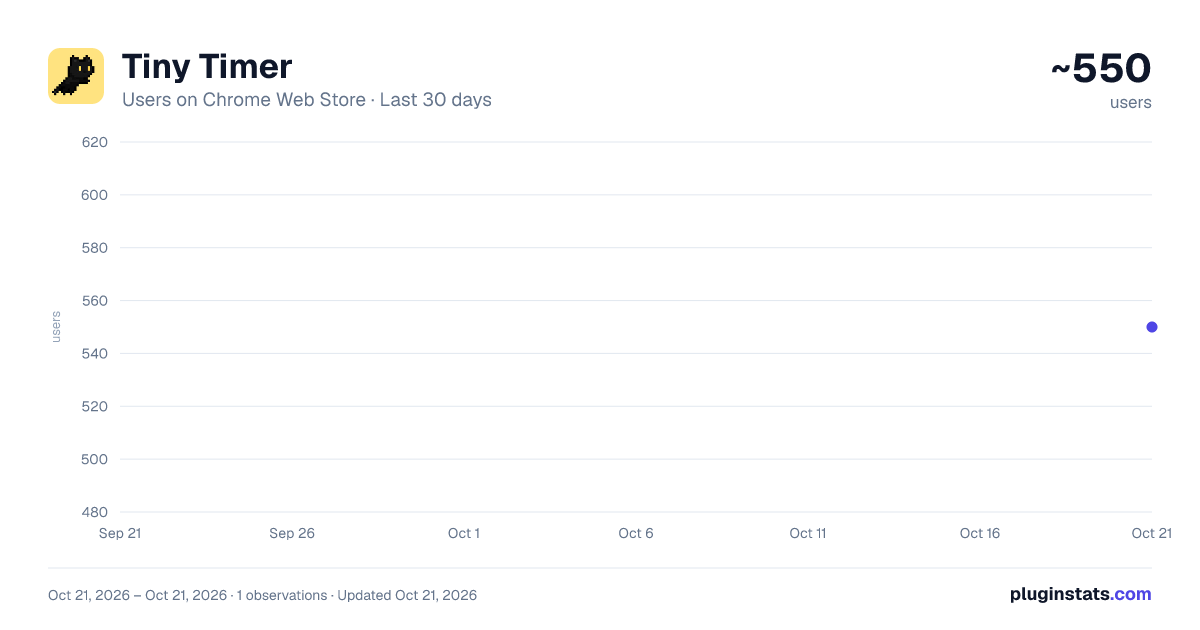
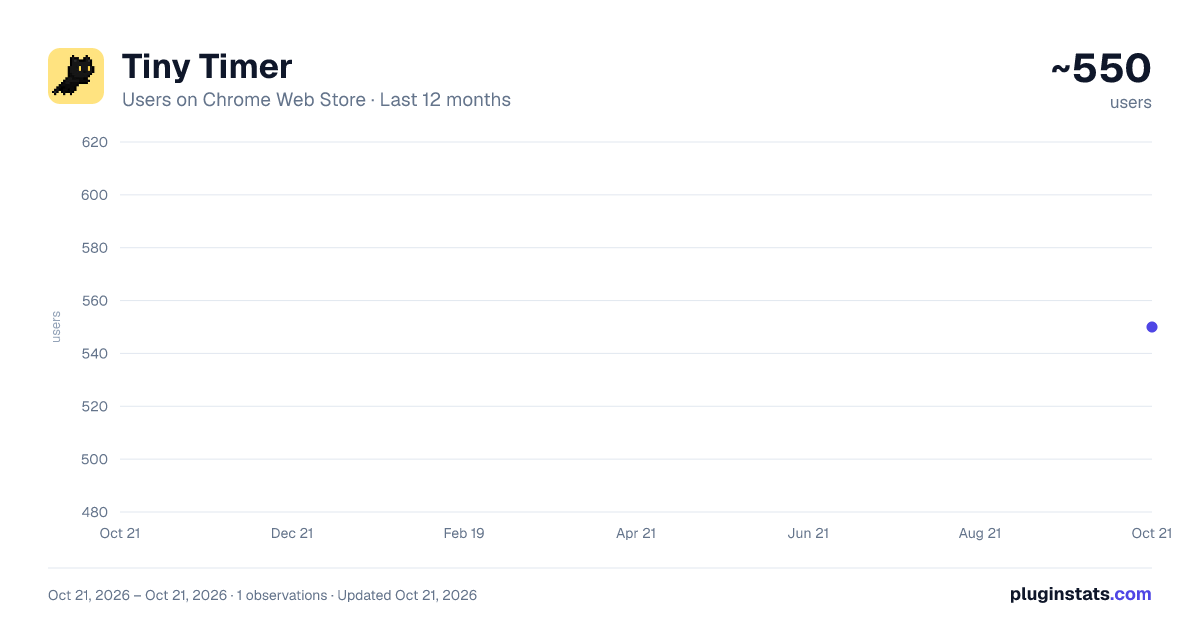
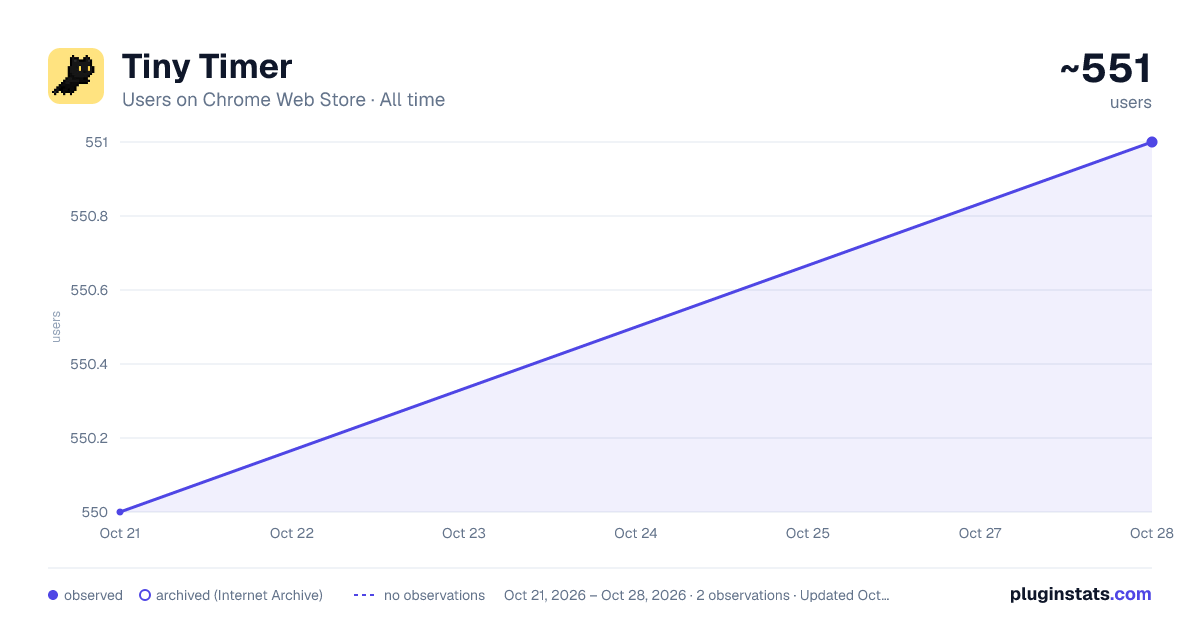
Tiny Timer has approximately 550 recorded users on Chrome Web Store, ranking #1409 of 2,952 tracked listings.
Rating: 4.50 / 5 from 13 ratings
About Tiny Timer
The Cutest Study Timer in the West
Tiny timer is a chrome extension that helps you stay focused while you get work done on your browser using the Pomodoro Technique.
Meet your new study buddy! This little guy will help you stay focused by only waking up when your Pomodoro timer goes off. Then, you can take a break together while your buddy keeps track of when you need to go back to work.
What is the Pomodoro study technique? The Pomodoro Technique is a time management method that involves breaking down work into 25-minute intervals, called Pomodoros, followed by short breaks. It aims to improve focus, productivity, and efficiency by helping individuals avoid distractions and maintain energy.
As of now, the currently available study buddies include: -Barry the Cat (Free)
Follow my twitter for updates and other news: https://twitter.com/Codiacs
Note that this chrome extension does NOT work on the "new tab" page as well as any "chrome web store" pages
Features: -Modifiable length of Pomodoro work period and break length. -Optional time in Milliseconds (For those who work better under stress). -Multiple different study buddies to choose from (Coming soon!). -Buddy visibility settings -Timer Visibility Settings -Buddy Size Scaling -Alarm sound with Volume Settings
Latest Changelog (Prerelease v0.5: Mega Update) New Features: -Implemented sound system for phase transition noises (It's an alarm sound), tentatively a meow noise --Implemented volume slider -Resizing via drag and drop with a visual indicator -Timer visibility togglable -Buddy size state and volume values retains between sessions
Bug Fixes: -Fixed bug where barry's parent div was bigger than he was, so he would (unfortuntately) dynamically change his size depending on unknown site-specific factors -Fixed bug where the first work phase used the max Sprite value from the pre-phase spritesheet -Various resizing related bugs -Various sync bugs
Previous Changelog (Prerelease v0.3) -Displaying milliseconds on timer can now be toggled on and off (maintains state between browsing sessions) -Launched companion website (www.tinytimer.ca) -New speech bubble -New font for speech bubble -Bug fixes for millisecond display and visibility settings
Description from the Chrome Web Store listing.
README badge
Show your rank in a README or on your website. The badge updates automatically.
Charts
Images: 30d · 1y · all time · 1600×900 dark
Adoption over time
7/30/90-day growth
Ranking history
Ratings over time
Listing placement
Listing placement
Filled points are observed values; hollow points come from Internet Archive snapshots of the listing page. Dashed segments span periods with no observations — values between points are not interpolated.
Each band is one page of 20. Users on a linear scale. Placement is projected from users, so it can differ from the marketplace's own sort order. Hover a dot to see the listing.
Recent observations
Full history (1)Similar Chrome Web Store Workflow & Planning plugins
All 20 Tiny Timer alternatives



Data source
Covers every Chrome Web Store extension with at least 100 users, found through the store's public sitemap. User counts are read from public listing pages. The 10% most-used extensions are refreshed daily, the next 40% weekly and the next 40% monthly; the least-used 10% are not refreshed. Google displays rounded user counts (and caps the display at 10,000,000+), so small changes may not be visible. Rating counts above 1,000 are rounded (e.g. 1.6K).
Listing: https://chromewebstore.google.com/detail/tiny-timer/epajlbjodcppohbbdggajfemjagfopnm. First seen Oct 21, 2026; last successful collection Oct 21, 2026. See the methodology.