 PluginStats
Time Calculator users statistics
By timecalculatorextension · Chrome Web Store · Tools
Time calculator for adding and subtracting hours, minutes, seconds. Duration, work time, and date calculator in your toolbar.
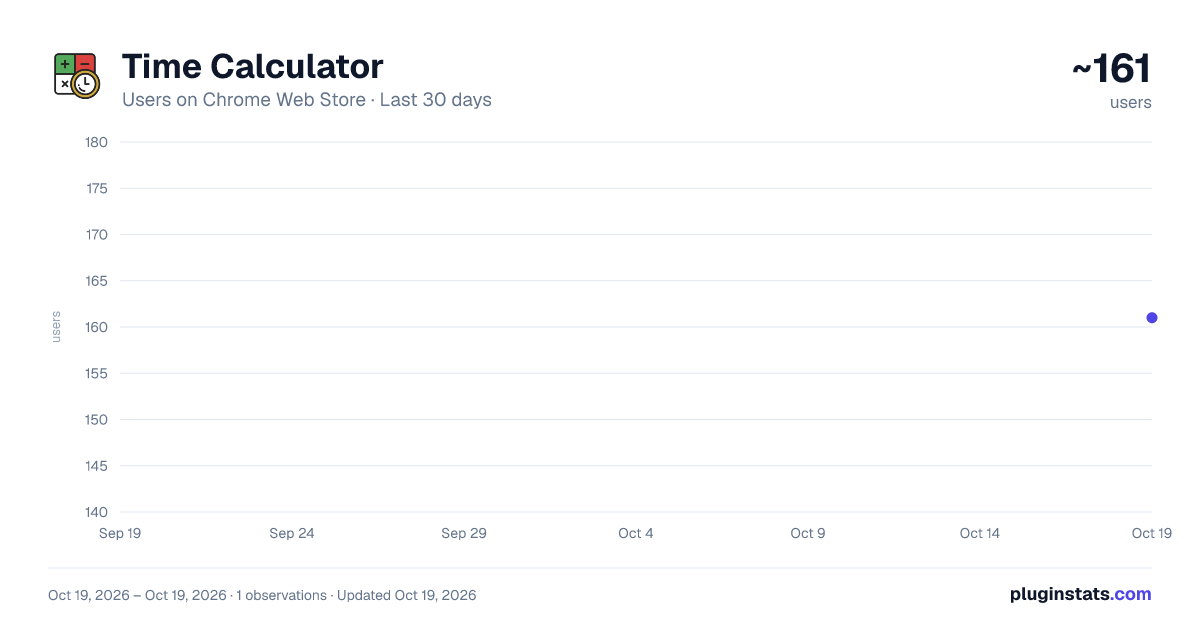
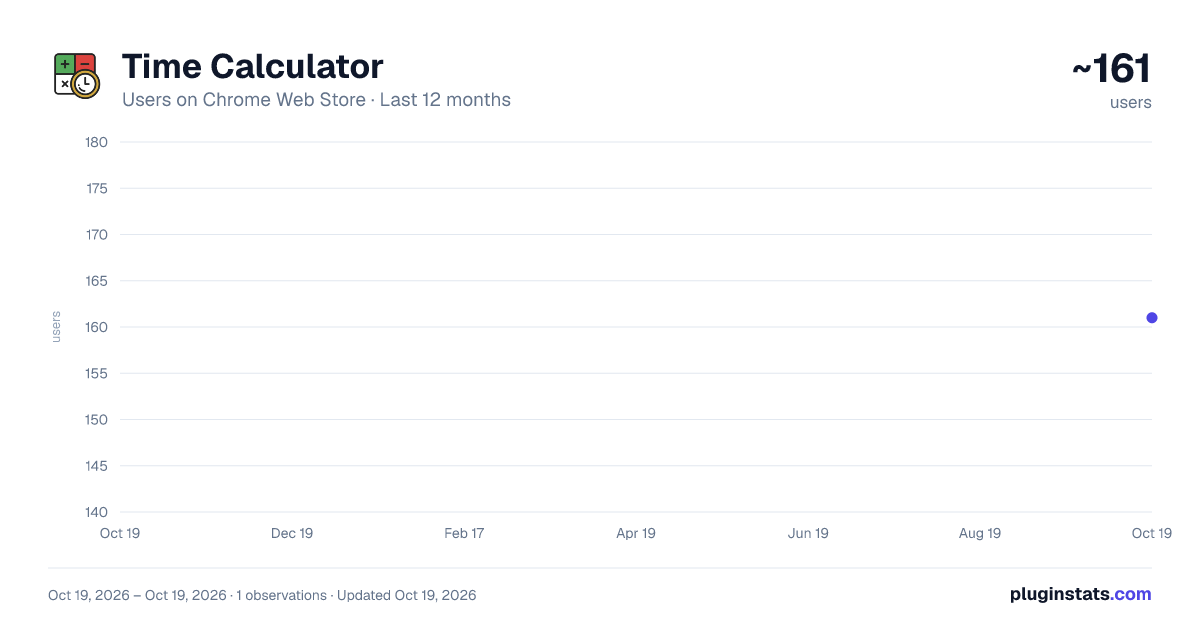
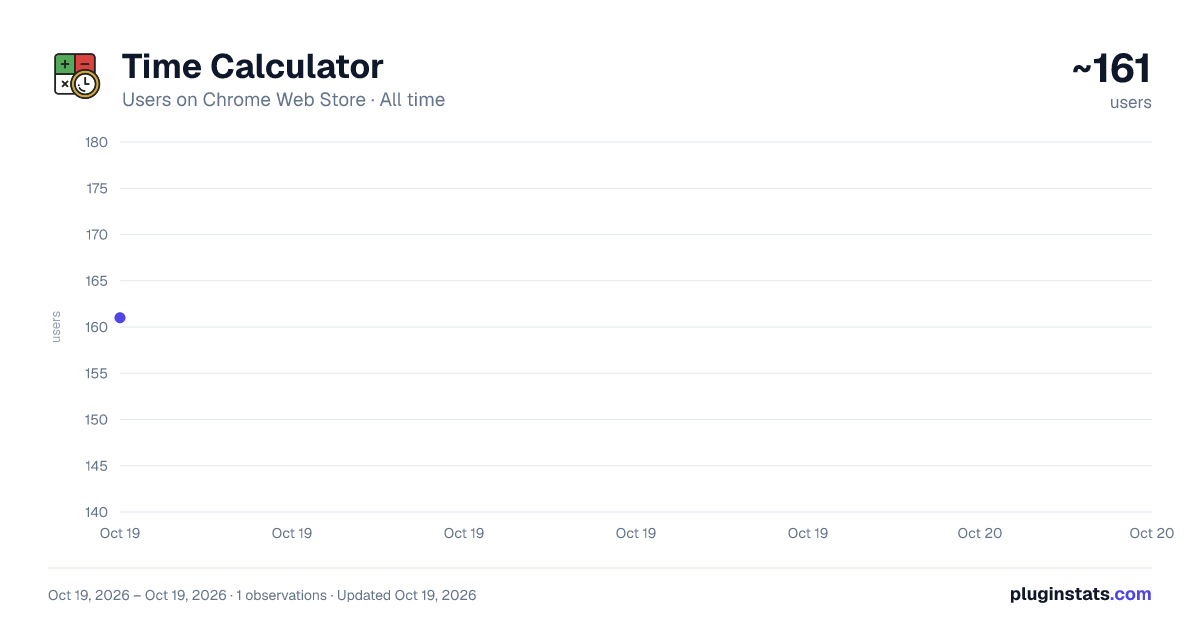
Time Calculator has approximately 161 recorded users on Chrome Web Store.
It ranks #1682 of 2,033 tracked Chrome Web Store listings by users.
It is rated 5.0 out of 5 from 5 ratings.
PluginStats has 1 daily observations since Oct 19, 2026; the latest is from Oct 19, 2026.
Rating: 5.00 / 5 from 5 ratings
About Time Calculator
Time calculator for adding and subtracting hours, minutes, seconds. Duration, work time, and date calculator in your toolbar.
Time Math Shouldn't Be This Hard
I have two engineering degrees. I can do calculus. But ask me to add up 2:45 + 3:38 + 1:52 for a client invoice and my brain just stops working.
Last month I actually grabbed a piece of paper to calculate time for my timesheet. Made a mistake. Started over. Questioned my life choices.
Why isn't there a Time Calculator that just works? Right in the browser? Without opening some random website?
So we built one.
Why This One?
Other time calculators exist. But they all have the same problem:
- You open a new tab - Type some URL - Wait for it to load - Lose your train of thought
Our Time Calculator sits in your Chrome toolbar. Click, calculate, done. Maybe 5 seconds total.
Not revolutionary. Just convenient.
What It Does
Add Time Calculator - Got multiple entries? Throw them in. The addition calculator handles it.
Tuesday I tracked: 1h 45m morning, 2h 30m afternoon, 52 minutes before a call. Typed it all in, got 5h 07m. Invoice sent.
Works with two entries or twenty. Just keep adding rows.
Time Difference Calculator - Started at 9:15, finished at 5:42, took 45 minutes for lunch. The calculator figures out 7h 42m of actual work.
I use this constantly for billable hours. Way easier than mental math.
Date and Time Calculator - "What's the date 45 days from December 15?"
Needed this for a contract deadline. The time and date calculator said January 29. No finger counting required.
Handles months with different lengths, year boundaries, all that weirdness.
Time Duration Calculator - How long did something take? Punch in start and end. Get hours and minutes, decimal hours, or full breakdown. Your choice.
Work Time Calculator - Clock in 9:15 AM. Clock out 6:42 PM. Lunch 45 minutes. Two 15-minute breaks.
The time worked calculator does the math instantly. If you bill hourly, this thing pays for itself in recovered hours you used to round down.
Time to Time Calculator - How long from 2:47 PM to 8:15 PM?
5h 28m.
Could I do that in my head? Maybe. Would I trust myself? No.
How to Use It
- Click the icon in your toolbar - Type your input - Get your answer
That's it.
You can also type expressions directly: "2h 45m + 1h 30m - 15m" and the time on calculator figures it out. Pretty handy for quick calculations.
Who Uses This
Freelancers - Track billable hours without spreadsheets. One user said they recovered $200/month in hours they used to forget. Not sure if typical, but math is math.
Students - Calculating deadlines. Planning sleep around papers due at 9 AM. The time & date calculation stuff gets weirdly useful during finals.
Travelers - Flight math is hell. Departure plus duration plus timezone changes equals confusion. The extension sorts it out.
Project Managers - Sprint planning. Deployment windows. "How many work hours until deadline?" Calculate once and move on.
Everyone Else - Cooking timers. Parking meters. "If I leave at 7:15 and it takes 47 minutes, when do I arrive?" Random stuff that pops up in life.
Why It's Good
- Lives in your toolbar. No navigating anywhere. - Works offline. Airport wifi being garbage doesn't matter. - Multiple formats. Type "2:30" or "2h30m" or "2.5 hours" - it understands. - Expression mode. Type "8h - 45m + 2h 15m" directly. - Keyboard shortcuts. Ctrl+Shift+T opens it instantly.
Common Questions
How do I use the extension? Click icon, type numbers, see result. Most people figure it out in 8 seconds.
Time clock calculator for shifts? Yep. Enter start, end, breaks. The time worked calculator handles the rest.
Works with specific dates? Full date and time calculator. Duration between March 15 at 9 AM and March 18 at 5:30 PM? No problem.
Time calculator hours or minutes? Both. Toggle precision based on what you need.
Overnight shifts? Start 10 PM, end 6 AM = 8 hours. Midnight crossings work fine.
12-hour or 24-hour? Both. Type "2:30 PM" or "14:30" - doesn't matter.
Privacy
Calculations happen in your browser. History stored locally on your device. We're not harvesting your work schedule.
Tech Stuff
- Chrome 88+ - Under 450KB - Works offline - Regular updates - Keyboard accessible - Multiple languages supported
Bottom Line
You calculate this more often than you think. Work hours. Travel. Deadlines. Random life math.
This extension puts everything in your toolbar. One click away.
Will it change your life? Probably not. But you won't do this math in your head anymore.
That's worth something.
Add to Chrome. Done.
Description from the Chrome Web Store listing.
Where Time Calculator sits in the listing
Each band is one page of 20. Users on a log scale. Placement is projected from users, so it can differ from the marketplace's own sort order. Hover a dot to see the listing.
Charts
Images: 30d · 1y · all time · 1600×900 dark
Adoption over time
7/30/90-day growth
Ranking history
Filled points are observed values; hollow points come from Internet Archive snapshots of the listing page. Dashed segments span periods with no observations — values between points are not interpolated.
Recent observations
Full history (1)Similar Chrome Web Store Tools plugins




Data source
User counts are read from public Chrome Web Store listing pages. Google displays rounded user counts (and caps the display at 10,000,000+), so small changes may not be visible. Rating counts above 1,000 are rounded (e.g. 1.6K).
Listing: https://chromewebstore.google.com/detail/time-calculator/fagadammedapogigmbjgopldefljacjg. First seen Oct 19, 2026; last successful collection Oct 19, 2026. See the methodology.