 PluginStats
ProKeys users statistics
By Aquila Softworks · Chrome Web Store · Workflow & Planning
Save time and effort in emails, etc. with ProKeys! Define snippets, do math in browser, auto complete braces, and much more.
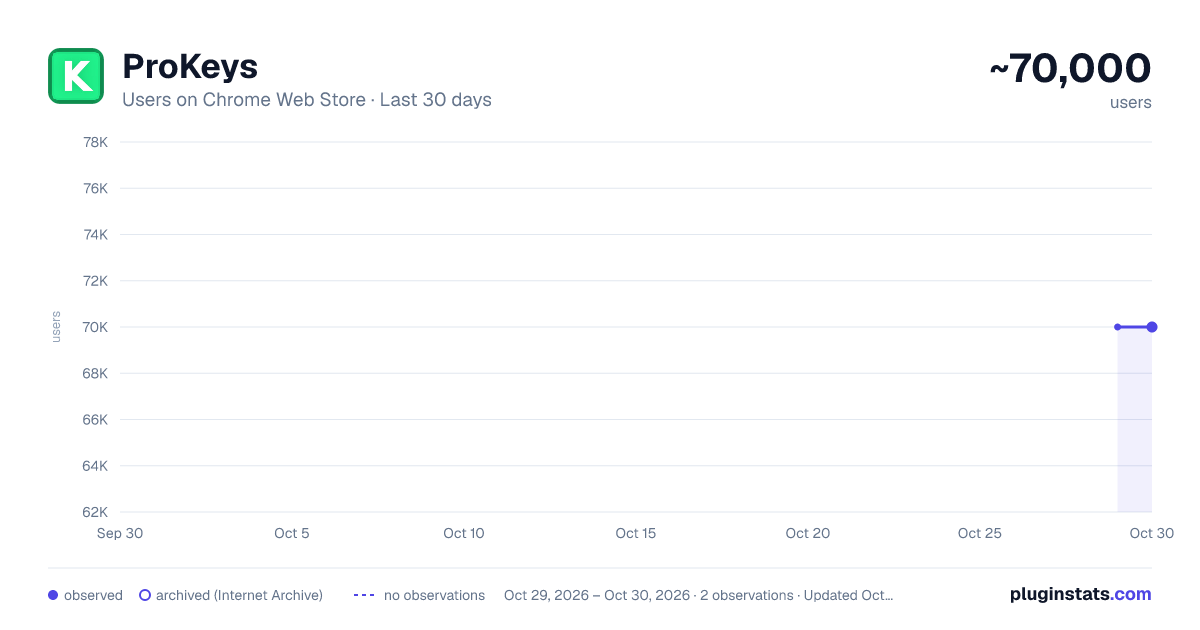
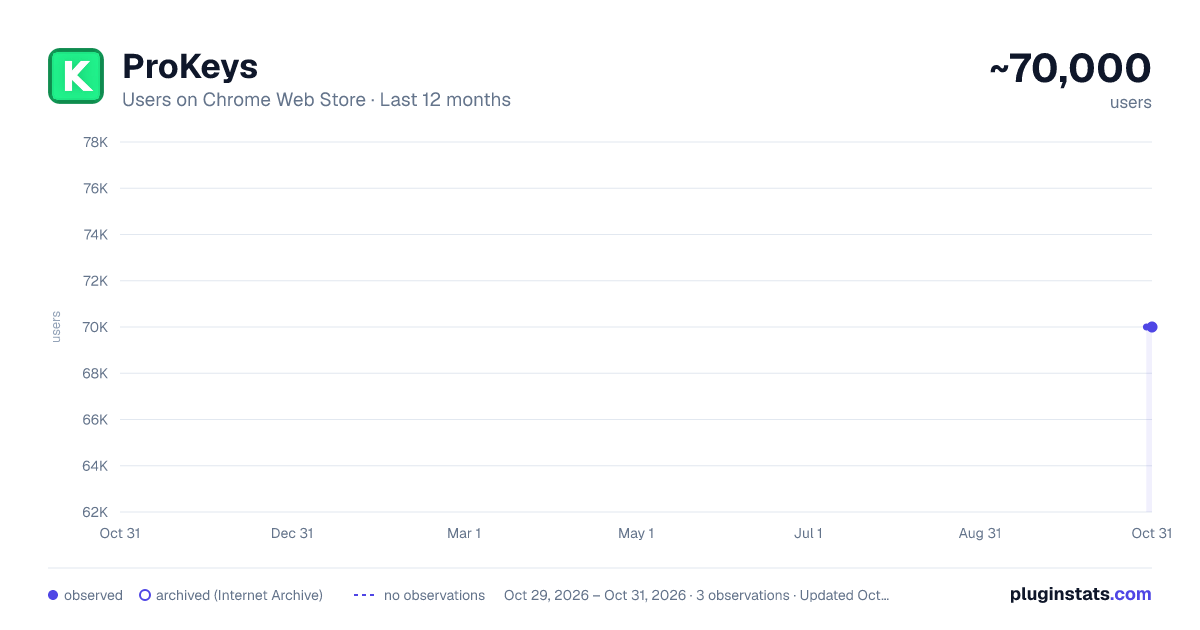
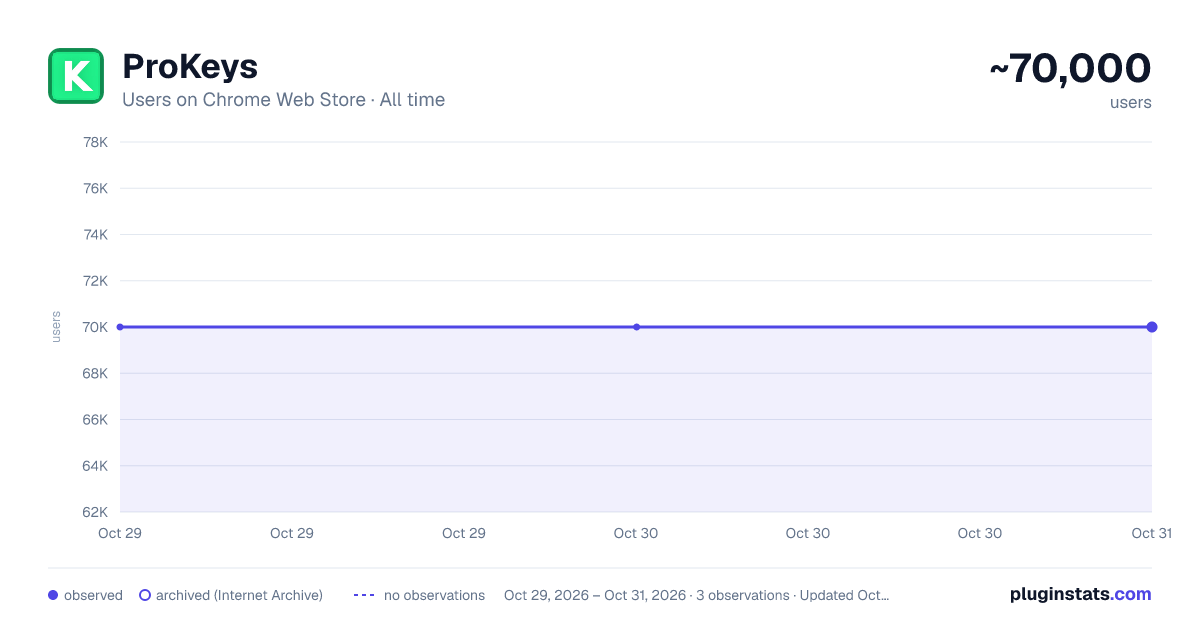
ProKeys has approximately 70,000 recorded users on Chrome Web Store, ranking #203 of 5,223 tracked listings.
Rating: 4.20 / 5 from 220 ratings
About ProKeys
Save time and effort in emails, etc. with ProKeys! Define snippets, do math in browser, auto complete braces, and much more.
Never waste a second on repetitive typing and the tedium of copy-paste again. Impress your boss and colleagues with a spike in your productivity!
This user-friendly text expander lets you save largish text expansions and associate them with short abbreviations. We support plain or styled text, local and sync browser storage, clipboard macros, date and time macros, dynamic value fields in expansions, dynamic math, omnibox support, and much more!
Your words-per-minute will skyrocket, your colleagues will swoon at your productivity, online drudgery of the corporate world won't touch you, and you'll never bother with the Herculean task of right-click, copy, go-somewhere-else, right-click...
For more info, visit the Help section inside the app, or watch the promo video on this page.
⋆Snippets⋆ - expand abbreviations Define custom abbreviations, and expand them by simply pressing the hotkey (default: Shift+Space). It can be even a full-length email to your customer! Example: "brb" can expand to "Be right back!" Think of these as "canned responses".
⋆Placeholders⋆ - fields (inside snippets) which can be given dynamic values on using the snippet. Example: snippet "wishBday", which you can use to wish your friends Happy Birthday! Since the name of the friend keeps changing, so you can add a placeholder in the snippet body, as "%name%" (without quotes). It'll be auto-highlighted whenever you use the snippet and you can type your friend's name into it.
⋆Mathomania⋆ - do math without leaving your text editor, and without calculators. Simply type the math expression inside the [[ and ]] and press = to get the results. (watch the promo video for details) Parentheses and exponentiation is also supported.
Example: "[[ 15% * 600 =]]" gives "90" and "[[ (5+6) * 15^2 =]]" gives "2475".
⋆Omnibox support⋆ - use the keyword "pk" to directly expand snippets inside of the omnibox/address bar.
⋆Clipboard access⋆ - use [[%p]] anywhere in your snippet body, it is auto-replaced with the current clipboard data.
⋆Date/Time Macros⋆ - embed short symbols (inside a snippet body) which are auto-replaced their current date and time. Multiple date and time formats are supported.
⋆Date/Time Arithmetic⋆ - can be used to move forward or backward in time in the date and time macros. Supports both relative and independent evaluation of the symbols.
⋆Variables⋆ - quickly type date, time, browser version without having to leave your text editor or look at the clock!
⋆Auto-Insert⋆ - Quotes ('"') and braces - ( { [ -are auto-completed, and you can specify your custom insert-it-for-me symbols as well (like, inserting a '>' on typing of a '<') in the settings.
⋆Tab Key⋆ - can be used to insert 4 spaces, instead of its default function, thus speeding up your work.
Notes:
- All your data is stored on your PC (or synced across your Chrome sign-ins) and nothing is sent to any external servers! Check the source code if you wish to - https://github.com/GaurangTandon/ProKeys
- You can disable ProKeys for particular websites in the Settings.
- You can take a backup of your data, restore it, and print it as well.
- You are sure of not losing your data as ProKeys stores (on your PC) past 20 revisions of your data.
- You can switch between Sync and Local storage.
Note that the following few web apps are known to be incompatible:
- Facebook (only comments and profile posts)/Messenger/Quora - uses improper text editor.
- Google Docs - as it is a full-fledged editor itself. (But Google Docs comments section works)
Contact me at prokeys.feedback@gmail.com if you know of a dynamic web app that's missing from the list above, or to give feedback.
Also note that the input of type email and number do not support caret manipulation so ProKeys can't function there (and neither does it work in password fields, for obvious reasons).
ProKeys developed with ♥ by - Gaurang Tandon and Varun Singh
Description from the Chrome Web Store listing.
README badge
Show your rank in a README or on your website. The badge updates automatically.
Charts
Images: 30d · 1y · all time · 1600×900 dark
Adoption over time
7/30/90-day growth
Ranking history
Ratings over time
Listing placement
Listing placement
Filled points are observed values; hollow points come from Internet Archive snapshots of the listing page. Dashed segments span periods with no observations — values between points are not interpolated.
Each band is one page of 20. Users on a linear scale. Placement is projected from users, so it can differ from the marketplace's own sort order. Hover a dot to see the listing.
Recent observations
Full history (1)Similar Chrome Web Store Workflow & Planning plugins
All 20 ProKeys alternatives



Data source
Covers every Chrome Web Store extension with at least 100 users, found through the store's public sitemap. User counts are read from public listing pages. The 10% most-used extensions are refreshed daily, the next 40% weekly and the next 40% monthly; the least-used 10% are not refreshed. Google displays rounded user counts (and caps the display at 10,000,000+), so small changes may not be visible. Rating counts above 1,000 are rounded (e.g. 1.6K).
Listing: https://chromewebstore.google.com/detail/prokeys/ekfnbpgmmeahnnlpjibofkobpdkifapn. First seen Oct 29, 2026; last successful collection Oct 29, 2026. See the methodology.