 PluginStats
Lazy Spy - Image Performance Analyzer users statistics
Chrome Web Store · Developer Tools
Professional image loading analyzer that visualizes lazy loading strategies and performance issues on any webpage.
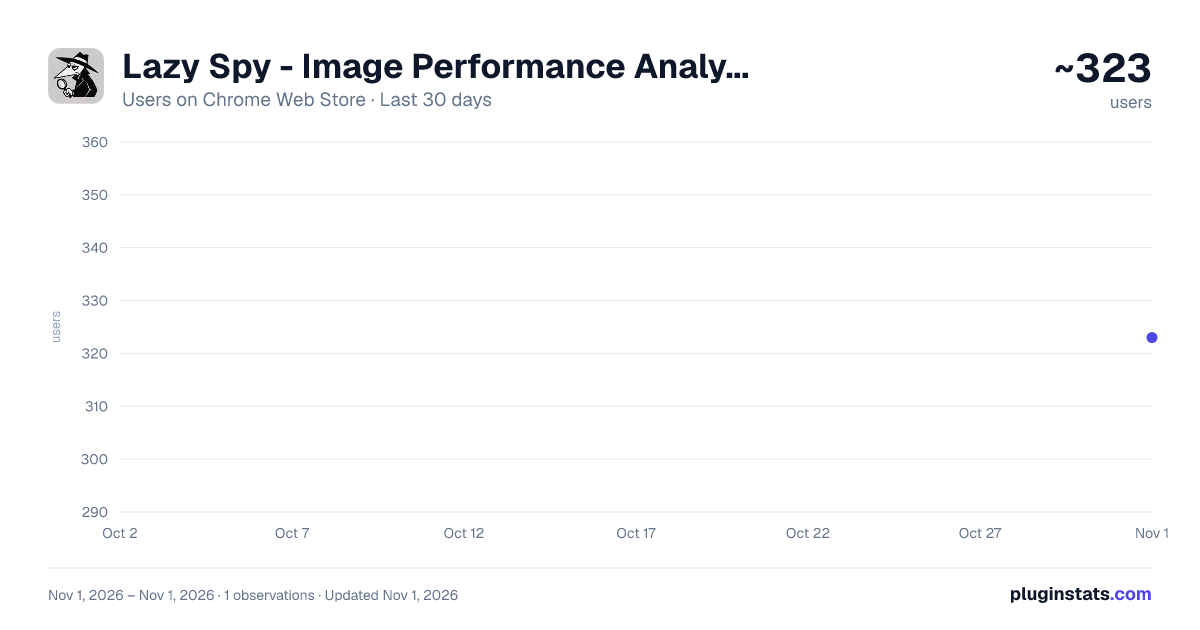
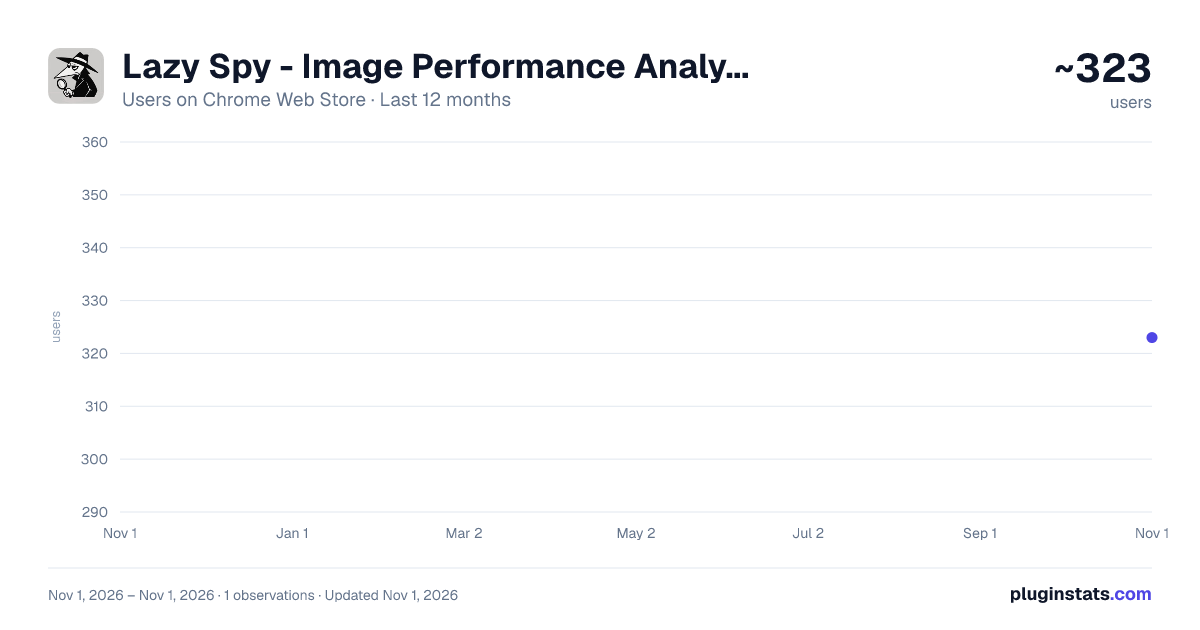
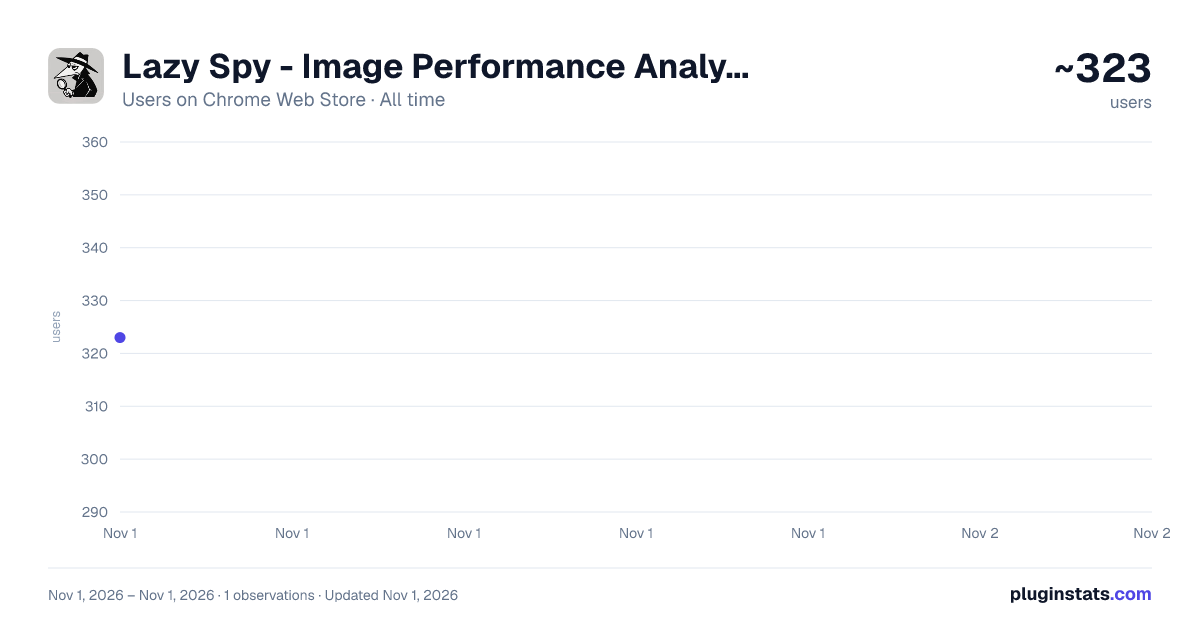
Lazy Spy - Image Performance Analyzer has approximately 323 recorded users on Chrome Web Store, ranking #3826 of 6,300 tracked listings.
Rating: 5.00 / 5 from 4 ratings
About Lazy Spy - Image Performance Analyzer
Professional image loading analyzer that visualizes lazy loading strategies and performance issues on any webpage.
Lazy Spy is the ultimate Chrome extension for web developers and performance engineers who want to optimize image loading on any webpage.
WHAT IT DOES:
- Visually highlights all images with color-coded overlays based on their loading strategy
- Detects 10+ lazy loading libraries (LazySizes, LoZad, React LazyLoad, Vue LazyLoad, etc.)
- Identifies performance issues like missing dimensions, oversized images, and LCP blockers
- Provides actionable optimization recommendations with hover tooltips
KEY FEATURES: ✅ Visual Analysis: Color-coded overlays show lazy loaded (blue), eager loaded (yellow), preloaded (teal), and problematic images (red) ✅ Smart Detection: Automatically identifies native lazy loading, JavaScript libraries, and custom implementations ✅ Performance Insights: LCP detection, fetch priority analysis, CDN identification, and Core Web Vitals impact ✅ Actionable Recommendations: Missing dimensions calculator, format conversion suggestions, preload opportunities ✅ Library Support: Detects LazySizes, LoZad, React LazyLoad, Vue LazyLoad, Intersection Observer, and custom implementations ✅ Export Reports: Generate detailed CSV reports for team analysis
HOW IT WORKS:
- Click the extension icon on any webpage
- Toggle on to see instant visual analysis
- Hover over highlighted images for detailed performance data
- Get specific recommendations to improve loading performance
Perfect for:
- Web developers optimizing site performance
- Performance engineers auditing image strategies
- Teams implementing Core Web Vitals improvements
- Anyone wanting to understand how images load on websites
No technical setup required - just install and analyze any website instantly!
TECHNICAL HIGHLIGHTS:
- Supports all modern loading strategies (native lazy, JS libraries, custom)
- Real-time performance scoring and metrics
- Framework-specific detection (React, Vue, WordPress)
- CDN optimization analysis (Cloudinary, Imgix, etc.)
- Responsive image and WebP/AVIF format suggestions
Start optimizing your website's image performance today! 🚀
Description from the Chrome Web Store listing.
README badge
Show your rank in a README or on your website. The badge updates automatically.
Charts
Images: 30d · 1y · all time · 1600×900 dark
Adoption over time
7/30/90-day growth
Ranking history
Ratings over time
Listing placement
Listing placement
Filled points are observed values; hollow points come from Internet Archive snapshots of the listing page. Dashed segments span periods with no observations — values between points are not interpolated.
Each band is one page of 20. Users on a linear scale. Placement is projected from users, so it can differ from the marketplace's own sort order. Hover a dot to see the listing.
Recent observations
Full history (1)Similar Chrome Web Store Developer Tools plugins
All 20 Lazy Spy - Image Performance Analyzer alternatives



Data source
Covers every Chrome Web Store extension with at least 100 users, found through the store's public sitemap. User counts are read from public listing pages. The 10% most-used extensions are refreshed daily, the next 40% weekly and the next 40% monthly; the least-used 10% are not refreshed. Google displays rounded user counts (and caps the display at 10,000,000+), so small changes may not be visible. Rating counts above 1,000 are rounded (e.g. 1.6K).
Listing: https://chromewebstore.google.com/detail/lazy-spy-image-performanc/cplagmcljppbpdlhccichhifgjpbpnkj. First seen Nov 1, 2026; last successful collection Nov 1, 2026. See the methodology.