 PluginStats

sourcerip: Full Page Screenshot, HTML Source & AI Export users statistics
Chrome Web Store · Developer Tools
Capture full-page screenshots and HTML source code instantly. Export directly to Google AI Studio for seamless site cloning.
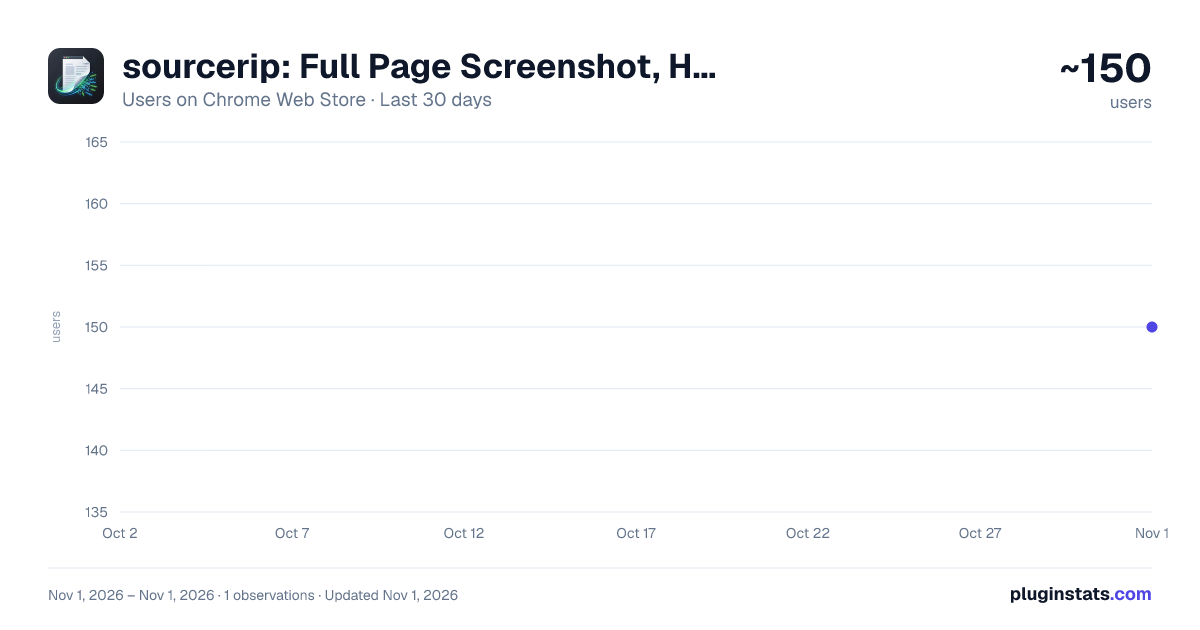
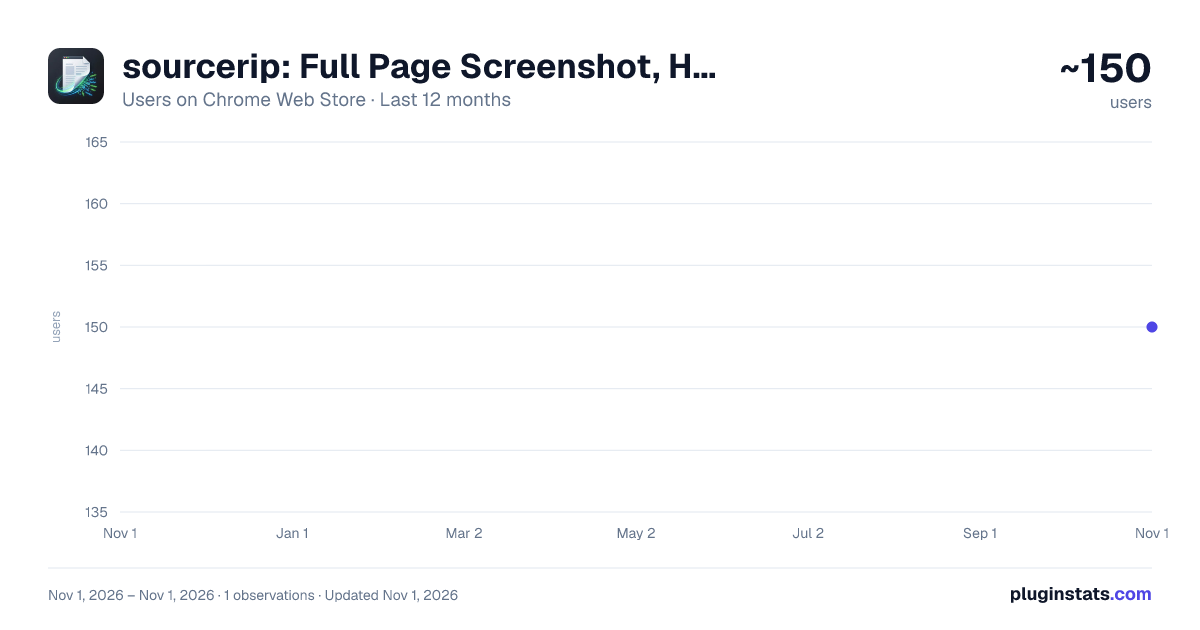
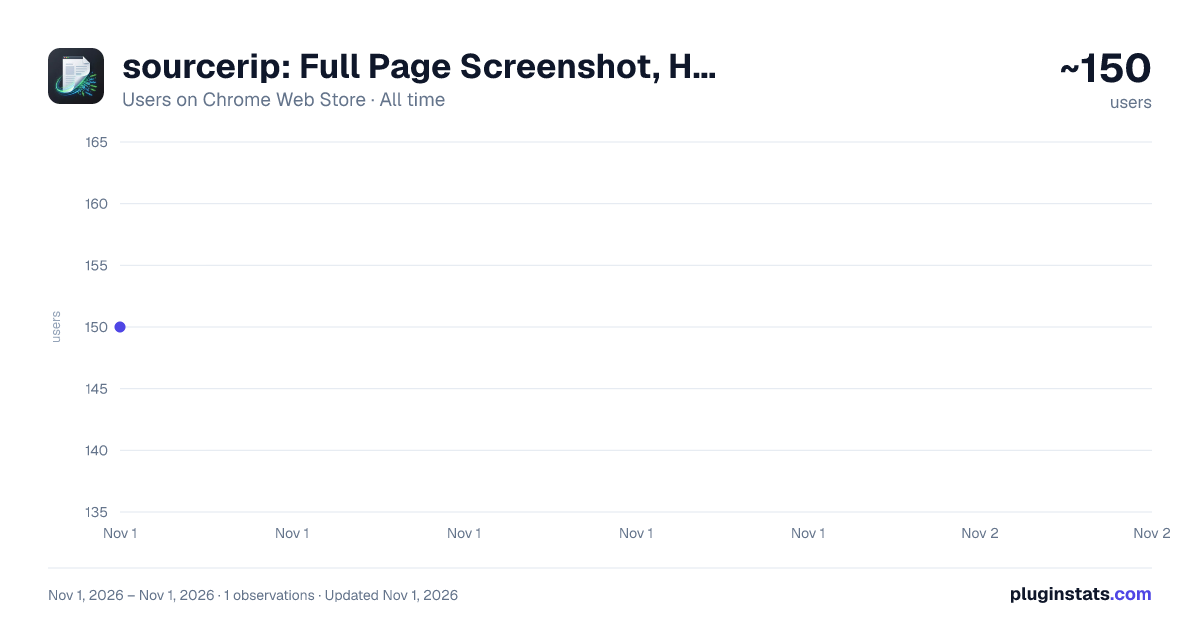
sourcerip: Full Page Screenshot, HTML Source & AI Export has approximately 150 recorded users on Chrome Web Store, ranking #5642 of 6,672 tracked listings.
Rating: 5.00 / 5 from 3 ratings
About sourcerip: Full Page Screenshot, HTML Source & AI Export
Capture full-page screenshots and HTML source code instantly. Export directly to Google AI Studio for seamless site cloning.
Stop manually cloning websites. Extract the DNA of any page in one click.
Are you a developer building clone sites, landing pages, or UI components? Don’t waste hours inspecting elements and manually copy-pasting code. sourcerip is the ultimate reverse-engineering companion that bridges the gap between a live website and your AI-driven development workflow.
With one click, sourcerip captures both the visual and the structural data of any webpage, packaging it perfectly for Google AI Studio (Gemini).
🚀 The "Clone-Ready" Power Trio:
-
Pristine Full-Page Screenshots Our smart scrolling algorithm captures the entire page from top to bottom while automatically removing "messy" elements like sticky headers, cookie banners, and floating popups. You get a clean, high-resolution visual blueprint.
-
Instant HTML Source Extraction No more digging through DevTools. sourcerip grabs the complete outerHTML of the page instantly. You get the raw structural context alongside the visual reference.
-
Direct Google AI Studio Integration The game-changer for modern developers. Send your screenshot and source code directly to Google AI Studio.
Prompt to Code: Ask Gemini to "Rebuild this section using Tailwind CSS and Next.js."
Logic Analysis: Let AI explain complex DOM structures or CSS layouts.
Rapid Prototyping: Turn any inspiration into a working scaffold in minutes.
🛠 Built for the Modern Builder: Clone Site Developers: Speed up your "Build in Public" projects by extracting layout blueprints instantly.
UI/UX Engineers: Analyze competitor designs with full access to their underlying code structure.
AI Prompt Engineers: Feed multimodal context (Image + Code) to LLMs to get 10x more accurate code generation results.
💡 How It Works: Navigate to the website you want to study or clone.
Click the sourcerip icon.
Choose "Export to AI Studio".
Your browser opens Google AI Studio with the screenshot and code already attached. Just type your prompt and start building!
Stop browsing. Start ripping. Download sourcerip and accelerate your development workflow today.
Description from the Chrome Web Store listing.
README badge
Show your rank in a README or on your website. The badge updates automatically.
Charts
Images: 30d · 1y · all time · 1600×900 dark
Adoption over time
7/30/90-day growth
Ranking history
Ratings over time
Listing placement
Listing placement
Filled points are observed values; hollow points come from Internet Archive snapshots of the listing page. Dashed segments span periods with no observations — values between points are not interpolated.
Each band is one page of 20. Users on a linear scale. Placement is projected from users, so it can differ from the marketplace's own sort order. Hover a dot to see the listing.
Recent observations
Full history (1)Similar Chrome Web Store Developer Tools plugins
All 20 sourcerip: Full Page Screenshot, HTML Source & AI Export alternatives



Data source
Covers every Chrome Web Store extension with at least 100 users, found through the store's public sitemap. User counts are read from public listing pages. The 10% most-used extensions are refreshed daily, the next 40% weekly and the next 40% monthly; the least-used 10% are not refreshed. Google displays rounded user counts (and caps the display at 10,000,000+), so small changes may not be visible. Rating counts above 1,000 are rounded (e.g. 1.6K).
Listing: https://chromewebstore.google.com/detail/sourcerip-full-page-scree/cpgnjjoolnfcbnpodgfgbohcnogjcaph. First seen Nov 1, 2026; last successful collection Nov 1, 2026. See the methodology.