 PluginStats
Auto Browser users statistics
AI agent that actually uses your browser. WebMCP-native, privacy-first, works with any AI providers.
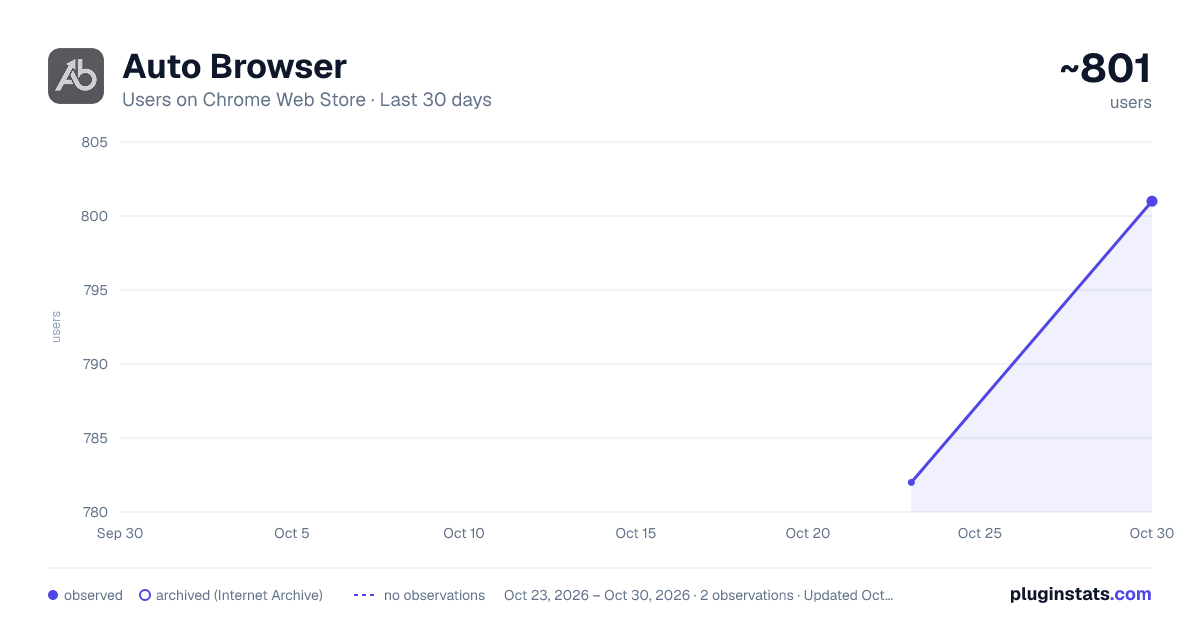
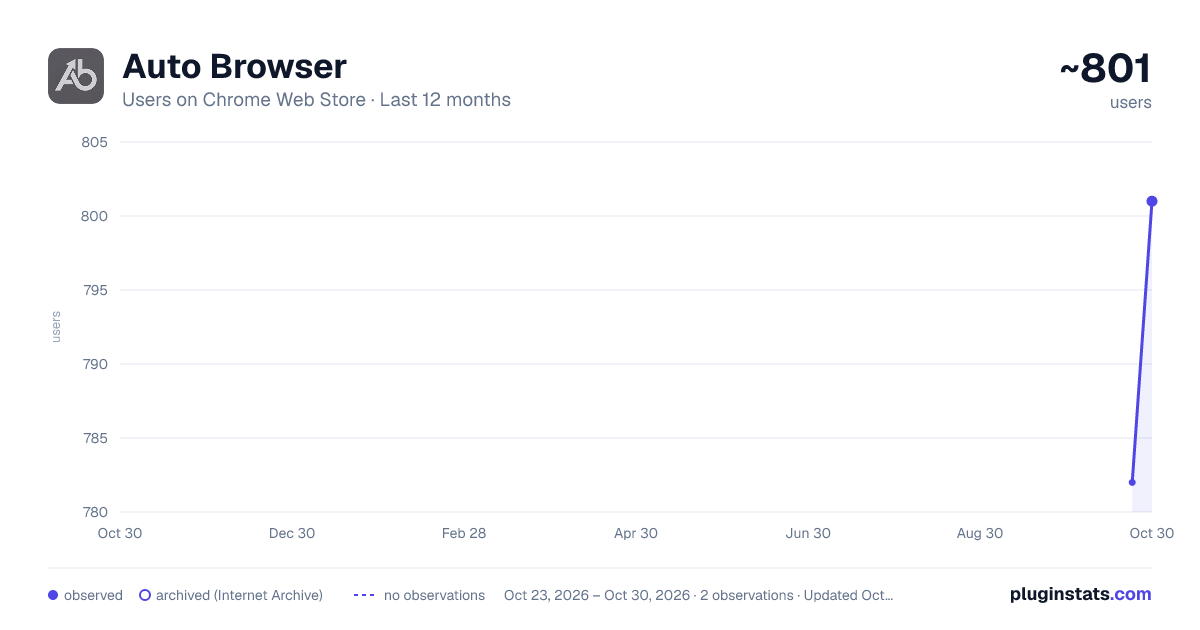
Auto Browser has approximately 782 recorded users on Chrome Web Store, ranking #1590 of 3,853 tracked listings.
Rating: 5.00 / 5 from 2 ratings
About Auto Browser
AI agent that actually uses your browser. WebMCP-native, privacy-first, works with any AI providers.
Auto Browser is an AI agent that uses your browser for you.
It sits in your Chrome side panel. You tell it what you want in plain English ("find me a flight from NYC to Tokyo next Thursday", "compare these soccer boots and pick one", "pull the top 5 rows from this table"), and it goes and does it. There are no scripts to write, no servers to set up, no per-site integrations.
It works on any website, it lets you pick which AI runs it, and it can run fully on-device if you want zero data leaving your machine.
HOW IT WORKS
You type a task. The agent reads the page through its accessibility tree (so it understands structure, not pixels) and figures out what to do. Then it clicks, types, scrolls, and navigates on your behalf. It keeps going until the job is done or it needs you to step in.
Every action that changes something on the page asks for your approval first. Reading the page never does.
BRING YOUR OWN AI
Most agent tools lock you into one model. Auto Browser doesn't. You pick from four providers in a dropdown, and you can switch mid-conversation without losing context.
-
Chrome Built-in AI (Gemini Nano). Free, on-device, private. Runs locally inside Chrome with no API key, no account, no network calls. If you pick this, zero data leaves your browser.
-
Google Gemini. Direct API access to Google's latest Gemini models. Your key, your quota.
-
OpenRouter. One key gets you every model the OpenRouter catalog like DeepSeek. Image and audio support is detected per model.
-
Local LLM. Point it at Ollama, LM Studio, or any OpenAI-compatible endpoint running on your machine. Good for air-gapped setups and custom fine-tunes.
Start a task on the on-device model, hit something hard, flip to Claude, finish, flip back. Your conversation comes with you.
WEBMCP NATIVE
Auto Browser speaks WebMCP, an open web spec that lets pages describe themselves to AI agents. When a site exposes WebMCP tools, the agent uses those tools directly instead of clicking around the DOM. It is faster, cleaner, and less likely to break when the site changes.
WebMCP is an open spec, not something we own. We just think it is the right way to build the web for agents.
PRIVACY AND SAFETY
An agent that can click anything is dangerous if you do not put guardrails on it. We put guardrails on it.
There are no analytics in this extension. No telemetry. No usage tracking. Your API keys live in Chrome's storage on your machine.
Passwords and secret tokens get redacted before they can reach the model. The agent can tell that a field has a value in it, but it never sees the value.
Banking, government, and healthcare sites are blocked by default and you cannot override that inline. If a page redirects mid-task (a login loop, a phishing hop), any approvals you already gave stop applying and the agent has to ask again for the new origin.
Running arbitrary JavaScript is the most powerful thing the agent can do, so it is the most gated. Even broad approvals never silently cover script execution.
If you want absolute privacy, run Gemini Nano. Nothing leaves Chrome.
WHAT PEOPLE ACTUALLY USE IT FOR
Comparing products across a store and getting a recommendation. Pulling structured data out of nasty HTML tables. Summarising long articles, papers, and release notes. Reading what someone is posting on X without scrolling for twenty minutes. Booking restaurant reservations and movie tickets. Filling out tedious multi-step forms. Anything you keep putting off because it is boring.
The point of a generic, app-agnostic agent is that one install handles radically different jobs.
WHO IT IS FOR
People who live in their browser. Researchers, analysts, founders, builders, operators, anyone who treats "lots of open tabs" as a permanent condition. If you spend hours a day inside Chrome, this is for you.
GETTING STARTED
Install the extension. Open the side panel on any site. Pick a provider (or stay on the free on-device one). Type what you want done. That is the whole onboarding.
Auto Browser is closed-source software built by an independent team. Privacy policy and terms are linked from the listing.
Description from the Chrome Web Store listing.
README badge
Show your rank in a README or on your website. The badge updates automatically.
Charts
Images: 30d · 1y · all time · 1600×900 dark
Adoption over time
7/30/90-day growth
Ranking history
Ratings over time
Listing placement
Listing placement
Filled points are observed values; hollow points come from Internet Archive snapshots of the listing page. Dashed segments span periods with no observations — values between points are not interpolated.
Each band is one page of 20. Users on a linear scale. Placement is projected from users, so it can differ from the marketplace's own sort order. Hover a dot to see the listing.
Recent observations
Full history (1)Similar Chrome Web Store Tools plugins
All 20 Auto Browser alternatives




Data source
Covers every Chrome Web Store extension with at least 100 users, found through the store's public sitemap. User counts are read from public listing pages. The 10% most-used extensions are refreshed daily, the next 40% weekly and the next 40% monthly; the least-used 10% are not refreshed. Google displays rounded user counts (and caps the display at 10,000,000+), so small changes may not be visible. Rating counts above 1,000 are rounded (e.g. 1.6K).
Listing: https://chromewebstore.google.com/detail/auto-browser/fkjcmkggkjkgacmkpnjmkodhgogjgeoo. First seen Oct 23, 2026; last successful collection Oct 23, 2026. See the methodology.