 PluginStats
Sheet Viewer users statistics
Auto-render markdown from Lark Sheet/Google Sheets/Tencent Docs cells in the side panel.
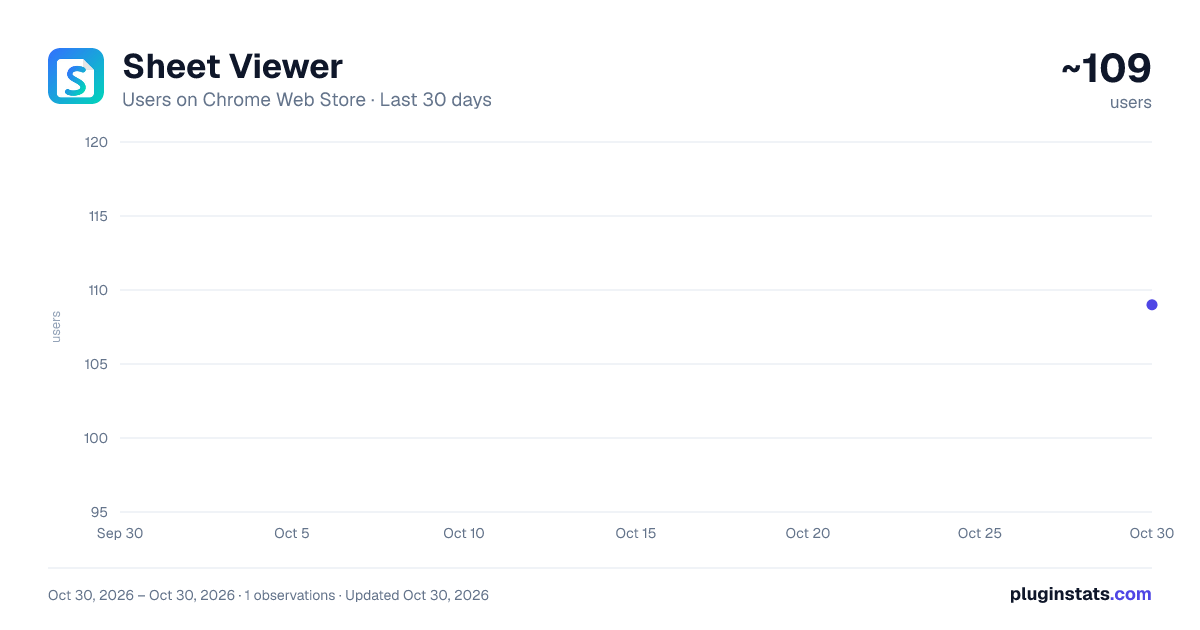
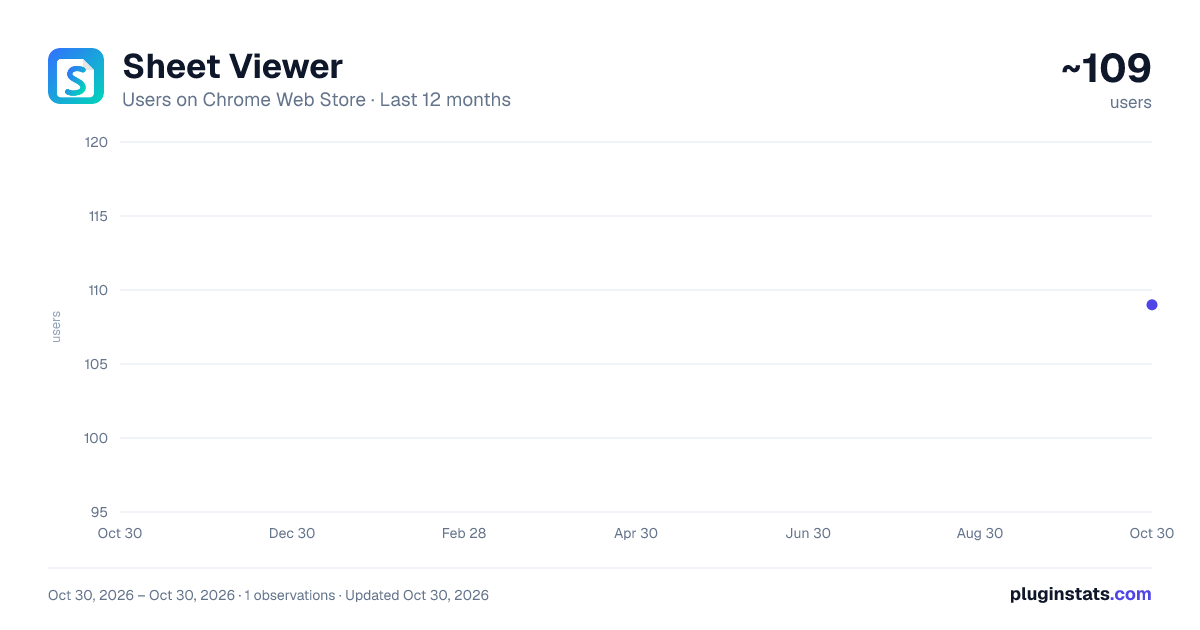
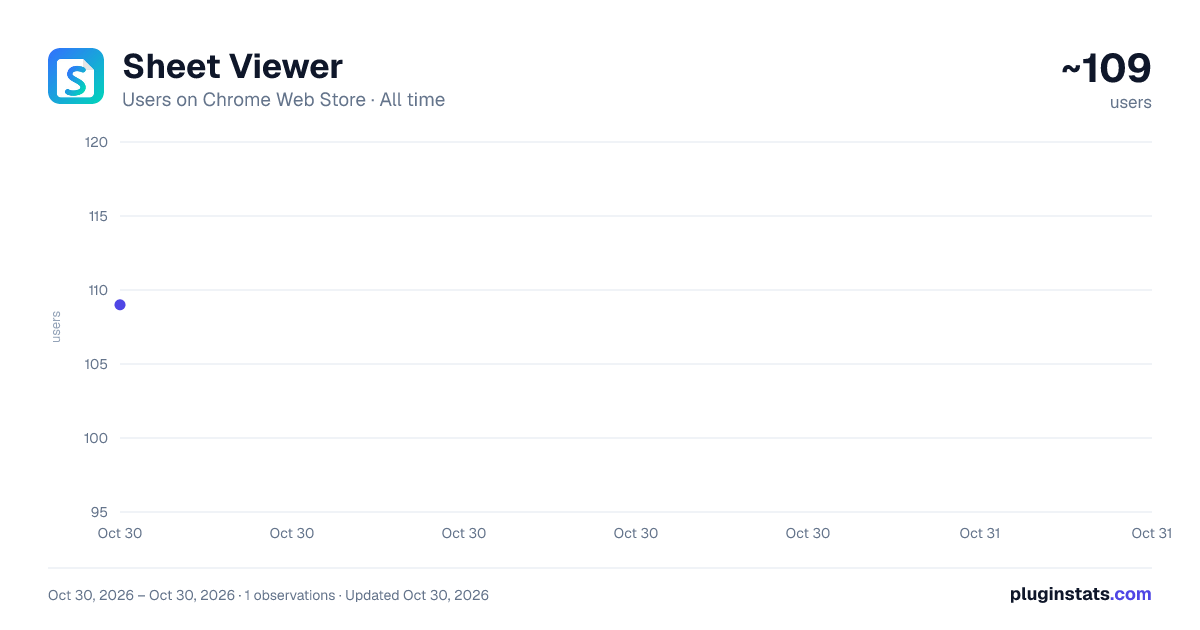
Sheet Viewer has approximately 109 recorded users on Chrome Web Store, ranking #5360 of 5,550 tracked listings.
About Sheet Viewer
Auto-render markdown from Lark Sheet/Google Sheets/Tencent Docs cells in the side panel.
Sheet Viewer renders rich content from spreadsheet cells directly in the Chrome side panel.
Supported platforms:
- Lark Sheets and Feishu Sheets
- Google Sheets
- Tencent Docs
- Supported Doubao spreadsheet pages
Features:
- Render Markdown headings, lists, tables, links, code blocks, and other common syntax
- Render LaTeX formulas and multi-line equations with KaTeX
- Explore JSON data with expandable and collapsible sections
- Preview images and external content
- Automatically read copied cell content when clipboard monitoring is enabled
- Switch between desktop and mobile preview modes
- Display images and text simultaneously in independently updated areas
- Resize the image and text areas by dragging the divider
- Synchronize rendered content to a user-configured phone on the local network
- Use the default Markdown style or the AiXue Markdown style
- Render AiXue information cards and mind maps, including formulas inside mind-map nodes
- Render canvas-svg, canvas-html, and canvas-dsl blocks in AiXue Markdown
- Display canvas planning content in a dedicated collapsible panel
- Run interactive canvas content inside an isolated sandbox
- Use the interface in English or Chinese
Phone synchronization is disabled by default. When enabled, content is sent only to the local-network address explicitly entered by the user. Sheet Viewer does not upload rendered content to a third-party cloud service.
WHAT'S NEW IN VERSION 2.8
- Added mixed Markdown and HTML rendering to the AiXue Markdown style
- Added support for canvas-svg, canvas-html, and canvas-dsl blocks
- Added dedicated rendering for cvs-plan and sandboxed cvs-content sections
- Added mind-map rendering with LaTeX formula support
- Added the info-card-v1 content card
- Improved formula overflow detection so scrollbars appear only when required
- Reduced the size of formula scrollbars
- Improved Markdown rendering and mobile layout
Description from the Chrome Web Store listing.
README badge
Show your rank in a README or on your website. The badge updates automatically.
Charts
Images: 30d · 1y · all time · 1600×900 dark
Adoption over time
7/30/90-day growth
Ranking history
Ratings over time
Listing placement
Listing placement
Filled points are observed values; hollow points come from Internet Archive snapshots of the listing page. Dashed segments span periods with no observations — values between points are not interpolated.
Each band is one page of 20. Users on a linear scale. Placement is projected from users, so it can differ from the marketplace's own sort order. Hover a dot to see the listing.
Recent observations
Full history (1)Similar Chrome Web Store Tools plugins
All 20 Sheet Viewer alternatives



Data source
Covers every Chrome Web Store extension with at least 100 users, found through the store's public sitemap. User counts are read from public listing pages. The 10% most-used extensions are refreshed daily, the next 40% weekly and the next 40% monthly; the least-used 10% are not refreshed. Google displays rounded user counts (and caps the display at 10,000,000+), so small changes may not be visible. Rating counts above 1,000 are rounded (e.g. 1.6K).
Listing: https://chromewebstore.google.com/detail/sheet-viewer/ddnfbnbndbhcaobjgkphlejmopphpfcf. First seen Oct 30, 2026; last successful collection Oct 30, 2026. See the methodology.