 PluginStats
Turbo Downloader for Instagram users statistics
By igdownloader2023 · Chrome Web Store · Social Networking
Download photos, videos and Reels from Instagram.
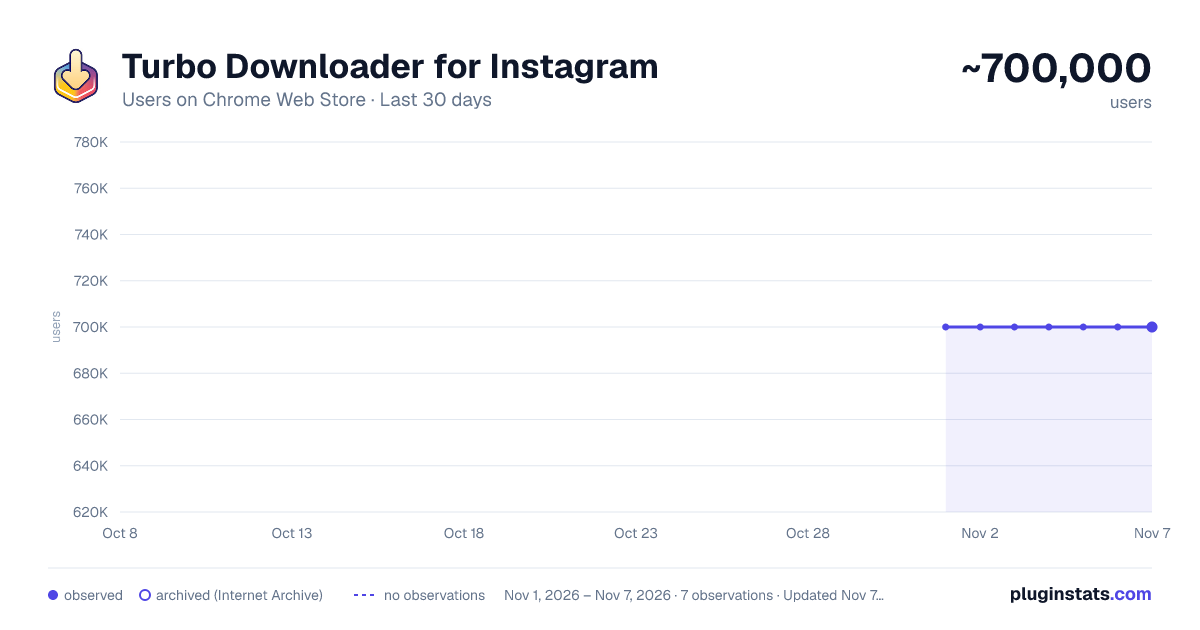
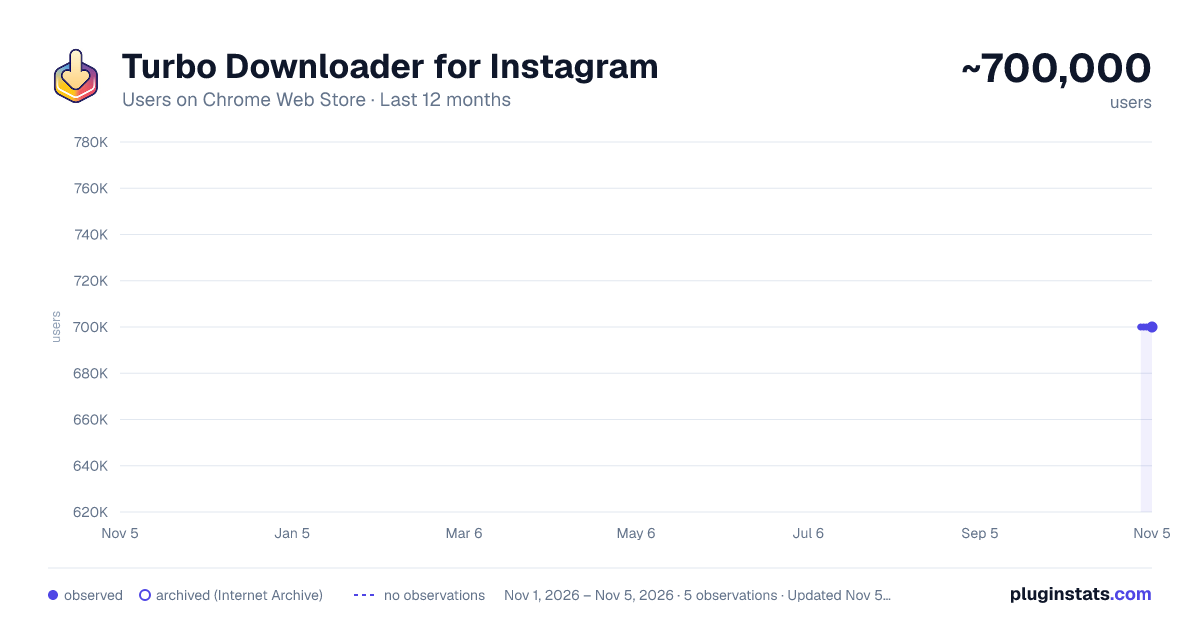
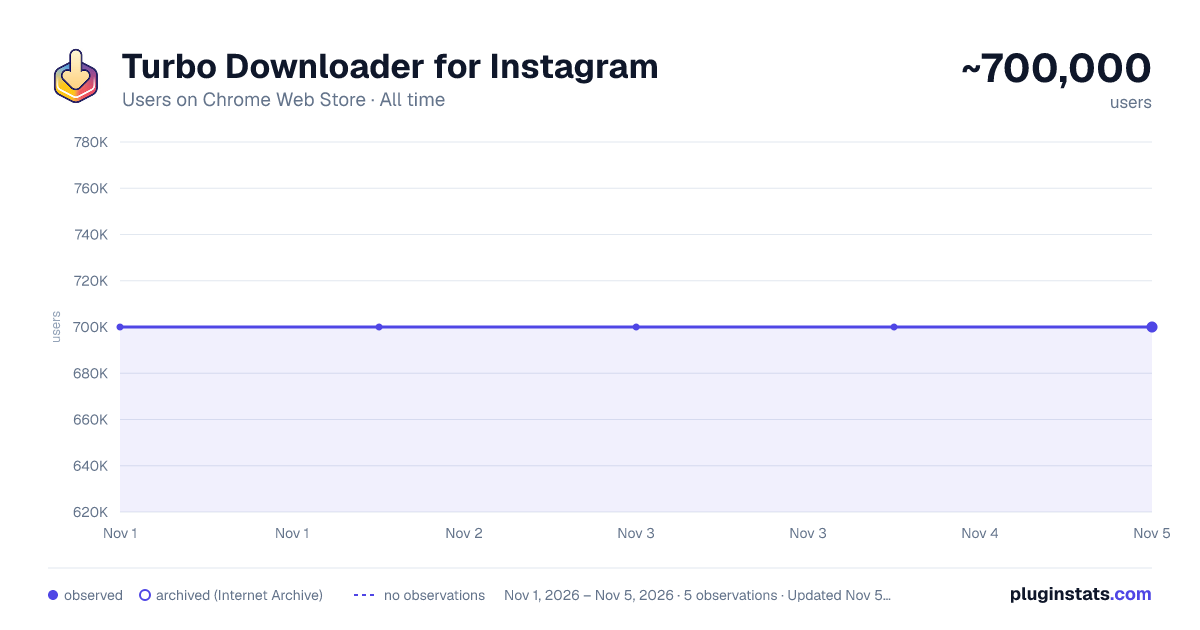
Turbo Downloader for Instagram has approximately 700,000 recorded users on Chrome Web Store, ranking #66 of 6,300 tracked listings.
Rating: 2.20 / 5 from 1,700 ratings
About Turbo Downloader for Instagram
Download photos, videos and Reels from Instagram.
Turbo Downloader for Instagram adds a button to every Instagram post, Reel, and Story so you can quickly and easily download anything while browsing Instagram. The “Download All” button added to Instagram accounts lets you bulk download all their posts in one click.
NOTE: Please reload your Instagram tabs after installing or updating to load the extension.
While browsing Instagram, just hover over a post preview and click the download button to save it. If there are multiple images/videos in the post, they’ll all be saved.
If you’re looking at a post or Reel, check next to the bookmark and share icons for the download button, or try the hotkey Ctrl + Shift + D or Cmd + Shift + D.
A story can be saved with the download button in the top right corner.
When downloading an entire Instagram account, you’ll be prompted to choose a folder. A new folder will be created inside that folder with the name of the account being downloaded. Images and videos will appear in that folder as soon as they get downloaded. For future account downloads, files with the same name in that folder will be skipped.
As of February 21, 2026, version 4.12.16 of Turbo Downloader is up and running. Feel free to reach out to igdownload2023@gmail.com if you have questions.
Version 4.12.16 changes: -Fixed download icon not appearing on posts with multiple images/videos.
Version 4.12.15 changes: -Fixed download icon not appearing on stories from the home page
Version 4.12.14 changes: -Added a download all button for stories and highlights -Fixed "Could not find post" for stories and highlights -Fixed "Download all" button not appearing on profiles
Version 4.12.13 changes: -Changed name to Turbo Downloader -We were required to change our name due to Chrome Web Store policies
Version 4.12.12 changes: -Fixed download icon not appearing on bookmarked/saved posts -Fixed download icon not appearing on some highlights
Version 4.12.11 changes: -Fixed "Could not find post" in some cases -Fixed download icon not appearing beside the bookmark icon on some posts -Fixed download icon not appearing in some places when not signed in -Fixed some images being cropped or downloaded in a lower resolution than available
Version 4.12.9 changes: -Fixed download icon not appearing while hovering Instagram posts in a grid -Added a tip for Brave users who are unable to select an accounts download folder
Version 4.12.8 changes: -Fixed download icon not appearing on some Stories (again)
Version 4.12.7 changes: -Fixed download icon not appearing on Stories
Version 4.12.6 changes: -Remove downloads permission
Version 4.12.5 changes: -Account download folder is now saved. -Added option to change your account download folder -Fixed "Could not find post" for some users.
Version 4.12.4 changes: -Added options page. -Posts with multiple images/videos now show a download icon by default. Please use the options page if you would like to change this behavior. -Fixed download icon sometimes appearing in places it shouldn't. -Fixed "Could not find post" for some users.
Version 4.12.2 changes: -Fixed download icon sometimes not appearing on Stories.
Version 4.12.1 changes: -Fixed download icon over carousel media for some users -Fixed “Could not find post” for most users
Version 4.11.2 changes: -Download icon on posts with multiple images/videos now downloads everything -Added a download icon when hovering the image/video of a carousel for only that item -Fixed “Could not find account” for some users
Version 4.11.1 changes: -Fixed download icon for some users with dark mode off -Fixed “Could not find post” for some users
Version 4.11.0 changes: -New bulk account download now saves files as they're downloaded instead of all at the end -Fixes bulk account downloads sometimes failing to start -Fixes bulk account downloads sometimes failing to complete
Version 4.10.5 changes: -Fixes Reels downloads sometimes downloading a profile picture -Fixes for smaller screen sizes
Version 4.10.4 changes: -Fixes "Cannot find post" for some users -Fixes for some Stories
Version 4.10.0 changes: -Adds hover downloader -Fixes for feed downloads
Version 4.9.0 changes: -Migrated to MV3 -Fixed Feed post downloads -Updated progress bar for bulk downloads -Added progress bar for reel/video post downloads
Description from the Chrome Web Store listing.
README badge
Show your rank in a README or on your website. The badge updates automatically.
Charts
Images: 30d · 1y · all time · 1600×900 dark
Adoption over time
7/30/90-day growth
Ranking history
Ratings over time
Listing placement
Listing placement
Filled points are observed values; hollow points come from Internet Archive snapshots of the listing page. Dashed segments span periods with no observations — values between points are not interpolated.
Each band is one page of 20. Users on a linear scale. Placement is projected from users, so it can differ from the marketplace's own sort order. Hover a dot to see the listing.
Recent observations
Full history (1)Similar Chrome Web Store Social Networking plugins
All 20 Turbo Downloader for Instagram alternatives



Data source
Covers every Chrome Web Store extension with at least 100 users, found through the store's public sitemap. User counts are read from public listing pages. The 10% most-used extensions are refreshed daily, the next 40% weekly and the next 40% monthly; the least-used 10% are not refreshed. Google displays rounded user counts (and caps the display at 10,000,000+), so small changes may not be visible. Rating counts above 1,000 are rounded (e.g. 1.6K).
Listing: https://chromewebstore.google.com/detail/turbo-downloader-for-inst/cpgaheeihidjmolbakklolchdplenjai. First seen Nov 1, 2026; last successful collection Nov 1, 2026. See the methodology.