 PluginStats
Breeze: Website Management Tool users statistics
Chrome Web Store · Developer Tools
All-in-one tools for website migration project, operating website and SEO tools.
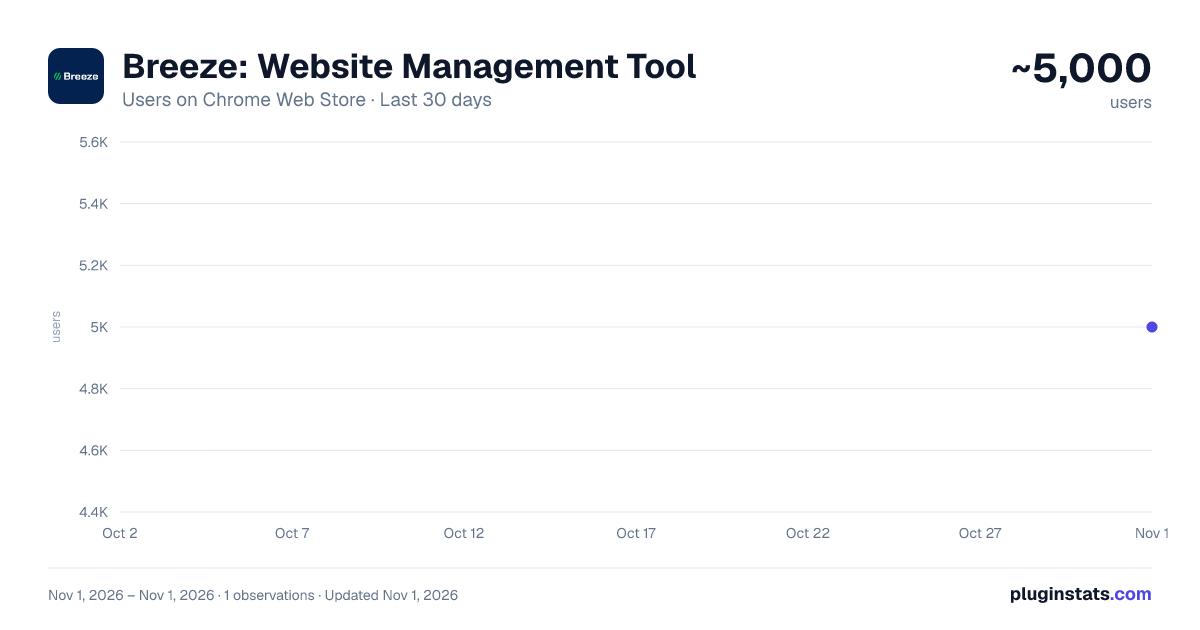
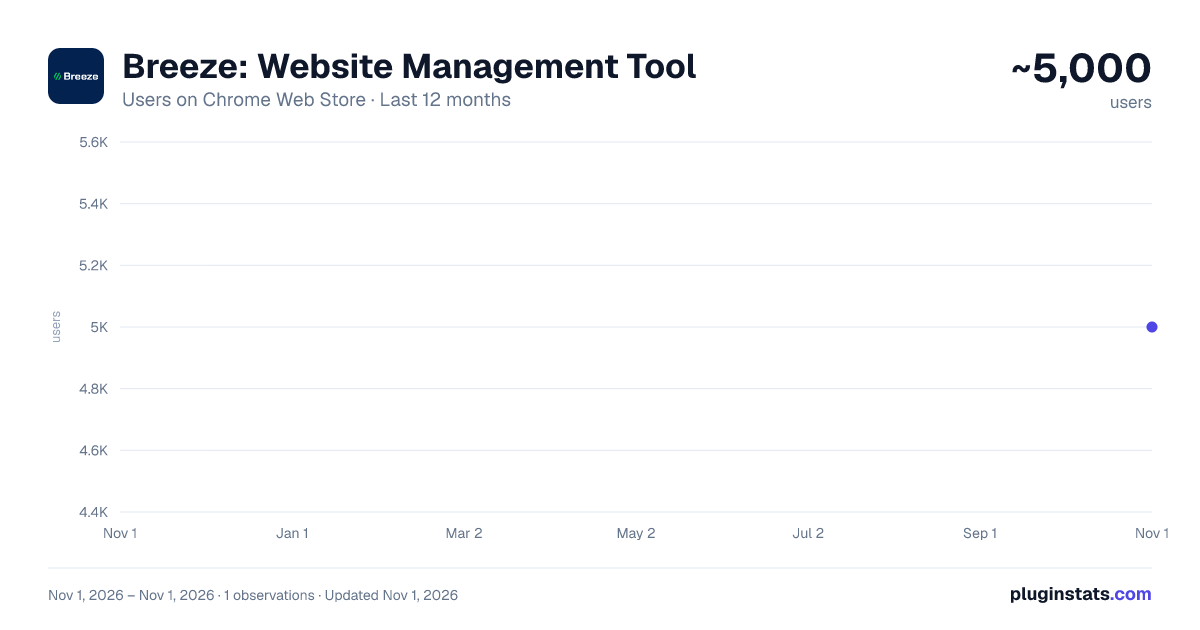
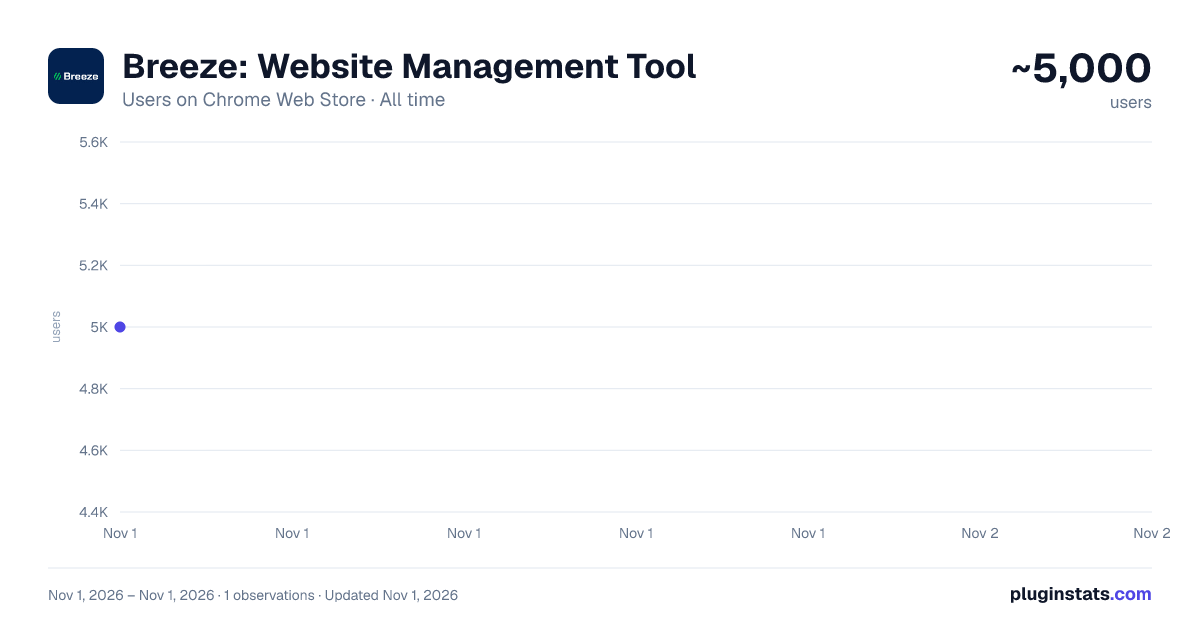
Breeze: Website Management Tool has approximately 5,000 recorded users on Chrome Web Store, ranking #1066 of 6,300 tracked listings.
Rating: 3.10 / 5 from 7 ratings
About Breeze: Website Management Tool
All-in-one tools for website migration project, operating website and SEO tools.
Welcome to Breeze: The All-In-One Chrome Extension for Website Management If you manage websites, it's time to declutter your extensions and simplify your workflow with Breeze.bar. This chrome extension is packed with essential tools for managing everything from website structure to SEO, all in one place. Whether you're clearing cache, editing live text, or checking meta descriptions, Breeze makes it easy.
Out of the Box with Breeze: Clear Cache & Cookies: The clear cache extension helps you clear cookies, local storage, and cache—either for a specific website or across your entire browser. Choose from custom time ranges like "Last Hour," "7 Days," or "All Time."
SEO Panel: Easily check the meta title and meta description of any website, with a character count feature to ensure they fit Google’s standards. Ideal for content managers and marketers who need to review titles without using complex tools.
Download Media: Download images, videos, fonts, and brand colors directly from a webpage. The tool even lets you extract SVG icons and hosted MP4 files (except from YouTube).
Mobile View Switcher: Quickly toggle between mobile and desktop views without resizing your browser window. This feature allows you to check website responsiveness across multiple breakpoints, ensuring your site is optimized for different devices.
LiveEdit: Edit visible text and see changes in real-time without needing CMS access. Perfect for testing content updates before going live.
Take Screenshots + Annotate: Capture full-page or focused screenshots and add annotations. Developers will love the added debug info, including page size, resolution, and more.
Cookie & Cache Clear Extension The Breeze clear cache chrome extension lets you remove cookies, cache, and local data with a single click. Whether you're troubleshooting a website or performing GDPR compliance checks, Breeze gives you full control over what’s stored on your browser. You can even export cookies as a CSV, Excel, or PDF file to document the dropped cookies for compliance purposes.
SEO Information at Your Fingertips Forget about diving into source code or using expensive SEO tools to check page titles or descriptions. Breeze’s meta title checker and meta description checker let you see on-page SEO instantly. Plus, a handy character count tool ensures your meta tags won’t get cut off in Google search results.
Download Media from Web Pages No need for separate tools to download media files. With Breeze, you can grab images, videos, and icons directly from any page. Whether it's a JPG, PNG, SVG, or hosted MP4, Breeze makes downloading media a breeze (pun intended!).
Mobile Responsive Layout Checker Test how your website looks across devices with the mobile view extension. You can toggle between desktop and mobile views to check layout responsiveness without needing access to physical devices. Future updates will include Google Analytics data for top device sizes, making it even easier to optimize your site.
LiveEdit: Edit Text on Any Page For marketers and content editors, the LiveEdit feature is a game-changer. Edit visible text on any page without logging into a CMS. Once you're happy with the changes, share the updated content with developers to implement. Plus, Breeze’s built-in page grid outlines the structure of your page, ensuring every element is perfectly aligned.
Screenshot + Debug Information for Developers Go beyond a simple screenshot with Breeze's screenshot tool. Capture the entire page or a specific area, and add annotations such as arrows, numbers, or text. Share detailed debug info, including page size, resolution, and browser data to help your development team address any issues quickly.
Breeze Chrome Extension: Key Features Clear Cookies & Cache: Efficiently clear browser data, including specific cookies, cache, and local storage. SEO Panel: Instantly check meta titles, meta descriptions, and character limits. Media Download: Download images, videos, fonts, and brand colors directly from the webpage. Mobile View Switcher: Test website responsiveness across different breakpoints. LiveEdit: Visually edit webpage text without CMS access. Screenshot Tool: Take annotated screenshots with debug information for developers.
Why Choose Breeze? With Breeze, you don’t need multiple extensions cluttering your toolbar. From clearing cookies and cache to checking website meta data, Breeze is the ultimate chrome extension for website management. Plus, with additional features like LiveEdit and the mobile view switcher, it’s built for marketing and non-technical teams—but even developers will appreciate its versatility.
Breeze is the only website migration and operation tool designed specifically for agencies and marketing teams, helping you stay productive and ahead of the curve.
Get Started with Breeze Visit www.breeze.bar to learn more and start managing your websites with ease. Don't forget to install the clear cache extension and mobile view extension for an all-in-one solution.
Description from the Chrome Web Store listing.
README badge
Show your rank in a README or on your website. The badge updates automatically.
Charts
Images: 30d · 1y · all time · 1600×900 dark
Adoption over time
7/30/90-day growth
Ranking history
Ratings over time
Listing placement
Listing placement
Filled points are observed values; hollow points come from Internet Archive snapshots of the listing page. Dashed segments span periods with no observations — values between points are not interpolated.
Each band is one page of 20. Users on a linear scale. Placement is projected from users, so it can differ from the marketplace's own sort order. Hover a dot to see the listing.
Recent observations
Full history (1)Similar Chrome Web Store Developer Tools plugins
All 20 Breeze: Website Management Tool alternatives



Data source
Covers every Chrome Web Store extension with at least 100 users, found through the store's public sitemap. User counts are read from public listing pages. The 10% most-used extensions are refreshed daily, the next 40% weekly and the next 40% monthly; the least-used 10% are not refreshed. Google displays rounded user counts (and caps the display at 10,000,000+), so small changes may not be visible. Rating counts above 1,000 are rounded (e.g. 1.6K).
Listing: https://chromewebstore.google.com/detail/breeze-website-management/gedoaajonjaiigaefeaanpfmhnadkgkm. First seen Nov 1, 2026; last successful collection Nov 1, 2026. See the methodology.