 PluginStats
Cookie.txt Export — LOCALLY users statistics
By avayeerfan · Chrome Web Store · Developer Tools
Export browser cookies in Netscape cookies.txt format — fully local, no data ever leaves your browser.
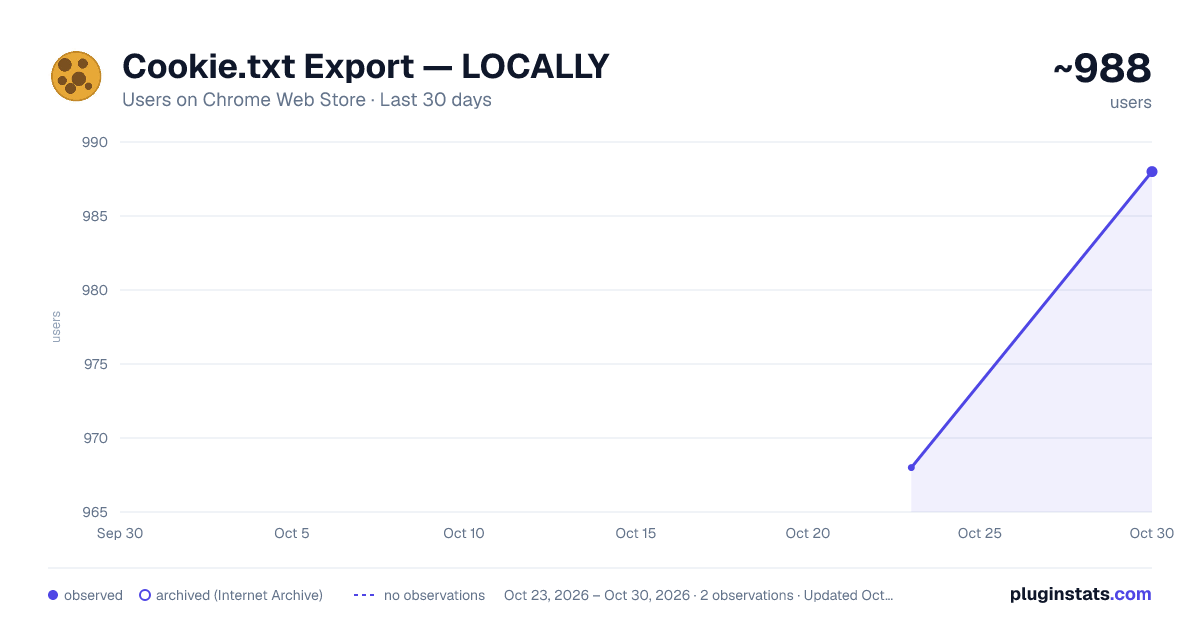
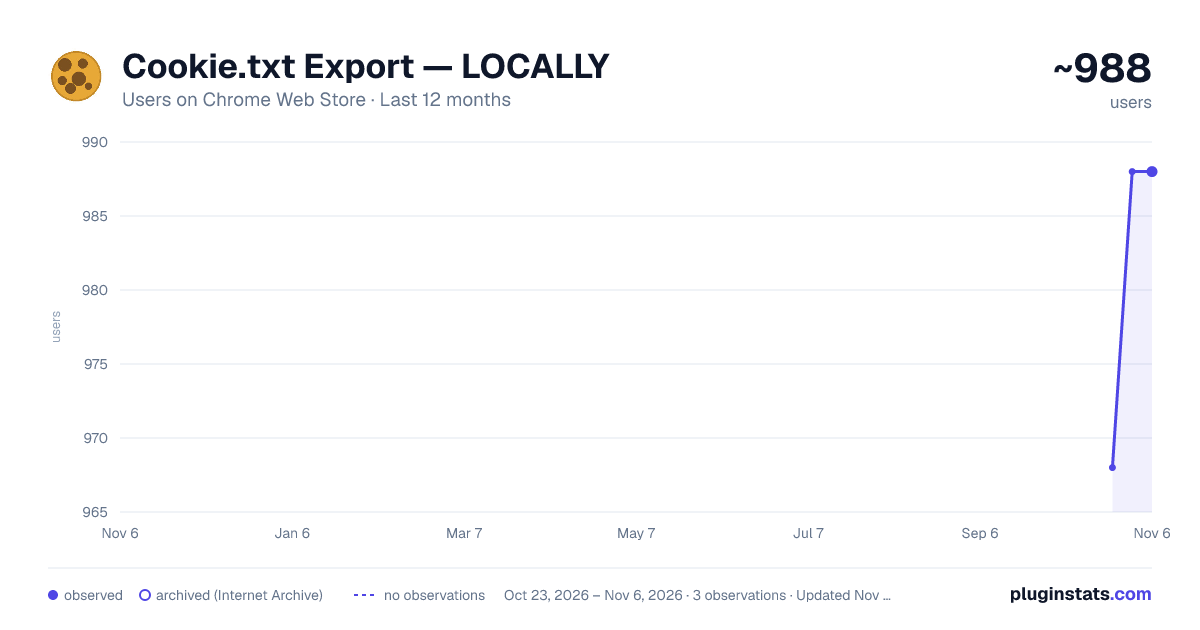
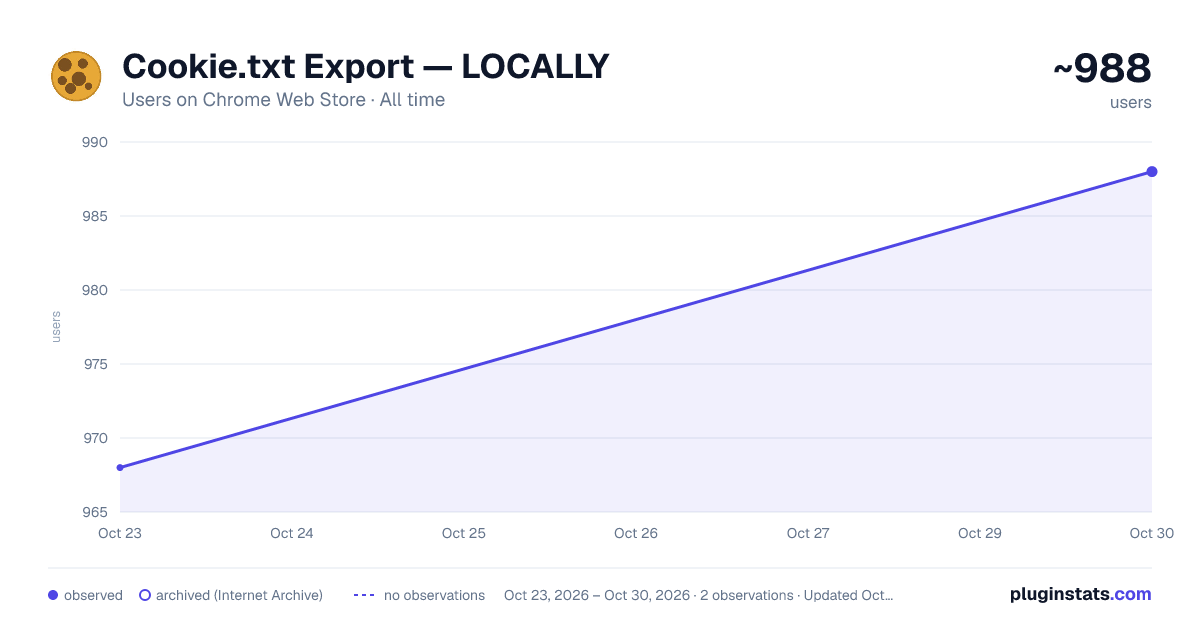
Cookie.txt Export — LOCALLY has approximately 968 recorded users on Chrome Web Store, ranking #1446 of 3,853 tracked listings.
About Cookie.txt Export — LOCALLY
Export browser cookies in Netscape cookies.txt format — fully local, no data ever leaves your browser.
Cookie.txt Export — LOCALLY lets you export your browser cookies in the standard Netscape cookies.txt format with a single click. Everything runs 100% locally in your browser — no data is ever sent anywhere.
FEATURES
- Export Current Site — download cookies for the domain you're currently visiting
- Export All Cookies — download cookies from every domain stored in your browser
- Copy to Clipboard — copy cookies as text and paste directly into your terminal
- Sorted output by domain for clean, readable files
- Live display of current domain and cookie count
WHAT IS cookies.txt? The Netscape cookies.txt format is the universal standard used by command-line tools to authenticate requests. If you've ever needed to download members-only content or access authenticated pages from the terminal, this is the file format you need.
WORKS WITH YOUR FAVORITE TOOLS
- yt-dlp — download age-restricted or members-only videos
- curl — make authenticated API requests
- wget — download files behind login walls
- aria2 — accelerated authenticated downloads
- gallery-dl — download from authenticated gallery sites
- httpie — human-friendly authenticated HTTP requests
HOW TO USE
- Click the cookie icon in your toolbar
- Choose "Export Current Site" or "Export All Cookies"
- A cookies.txt file downloads instantly
- Use it: yt-dlp --cookies cookies.txt URL
PRIVACY & SECURITY This extension: ✓ Runs entirely in your browser ✓ Makes zero network requests ✓ Stores no data whatsoever ✓ Contains no analytics or tracking ✓ Is fully open source
Your cookies never leave your device. Period.
PERMISSIONS EXPLAINED
- "cookies" — required to read cookie values for export
- "activeTab" — required to detect which site you're currently on
- "host_permissions" — required to access cookies from any domain
Built for developers, by a developer. Simple, fast, pri
Description from the Chrome Web Store listing.
README badge
Show your rank in a README or on your website. The badge updates automatically.
Charts
Images: 30d · 1y · all time · 1600×900 dark
Adoption over time
7/30/90-day growth
Ranking history
Ratings over time
Listing placement
Listing placement
Filled points are observed values; hollow points come from Internet Archive snapshots of the listing page. Dashed segments span periods with no observations — values between points are not interpolated.
Each band is one page of 20. Users on a linear scale. Placement is projected from users, so it can differ from the marketplace's own sort order. Hover a dot to see the listing.
Recent observations
Full history (1)Similar Chrome Web Store Developer Tools plugins
All 20 Cookie.txt Export — LOCALLY alternatives



Data source
Covers every Chrome Web Store extension with at least 100 users, found through the store's public sitemap. User counts are read from public listing pages. The 10% most-used extensions are refreshed daily, the next 40% weekly and the next 40% monthly; the least-used 10% are not refreshed. Google displays rounded user counts (and caps the display at 10,000,000+), so small changes may not be visible. Rating counts above 1,000 are rounded (e.g. 1.6K).
Listing: https://chromewebstore.google.com/detail/cookietxt-export-—-locall/colenanmocikpcfnjgpdaglneaceamfc. First seen Oct 23, 2026; last successful collection Oct 23, 2026. See the methodology.