 PluginStats
Classroom Pro Downloader users statistics
Download and organize Google Classroom materials into ZIP files. Integrates date filters and smart metadata shortcuts.
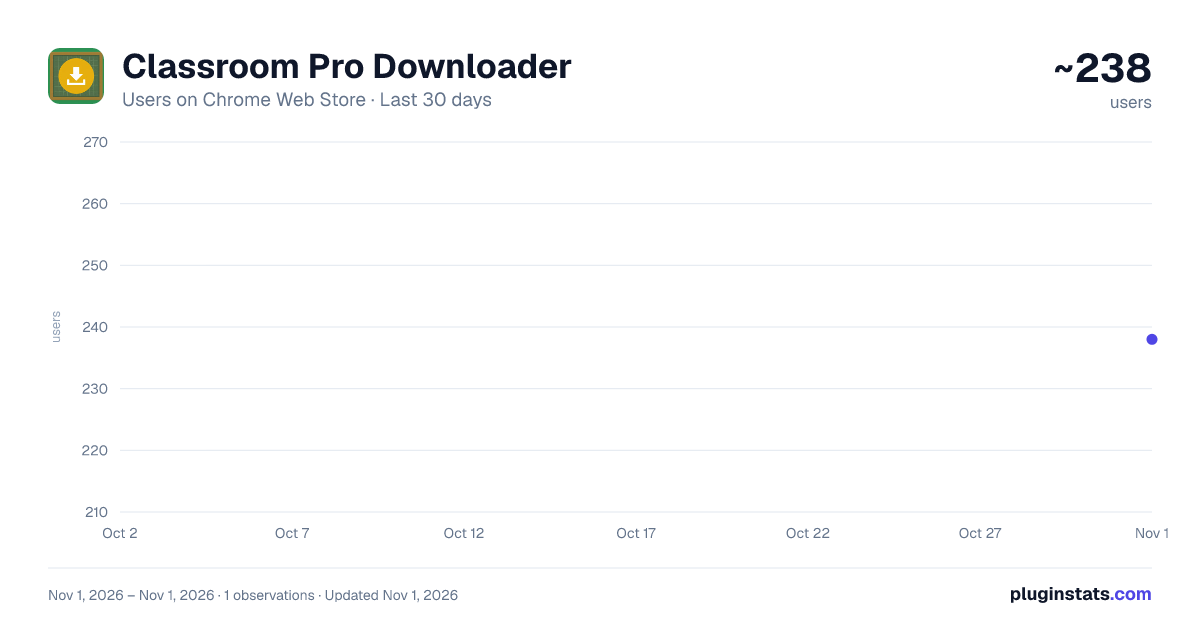
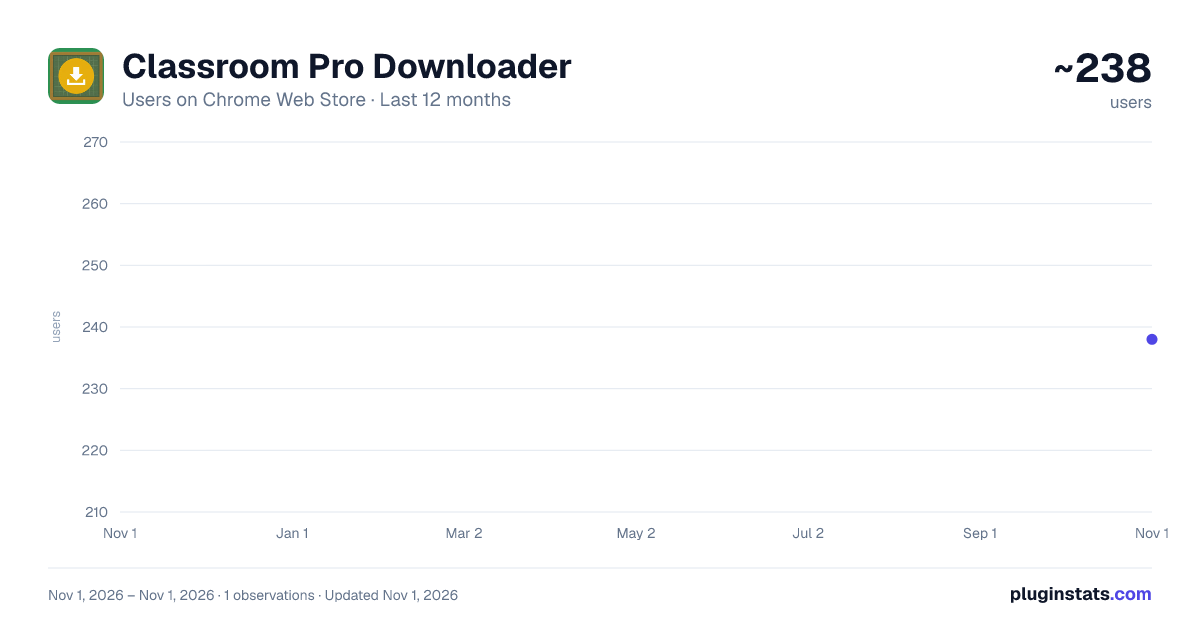
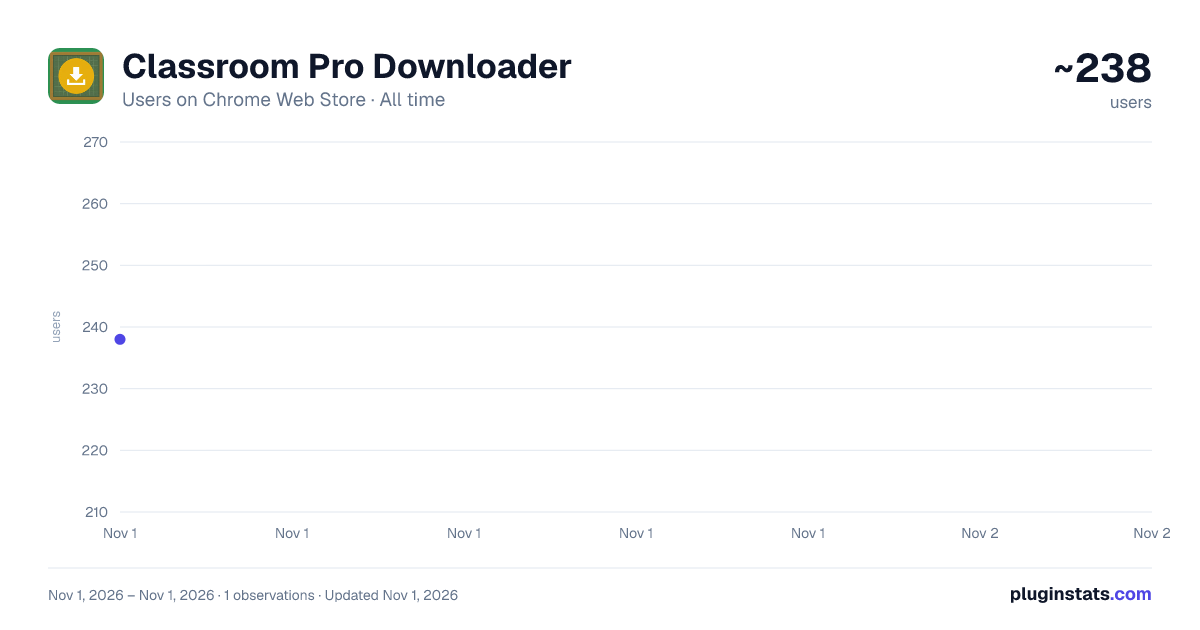
Classroom Pro Downloader has approximately 238 recorded users on Chrome Web Store, ranking #4376 of 6,300 tracked listings.
Rating: 4.80 / 5 from 6 ratings
About Classroom Pro Downloader
Download and organize Google Classroom materials into ZIP files. Integrates date filters and smart metadata shortcuts.
⚡ 𝗖𝗟𝗔𝗦𝗦𝗥𝗢𝗢𝗠 𝗣𝗥𝗢 𝗗𝗢𝗪𝗡𝗟𝗢𝗔𝗗𝗘𝗥 — 𝗕𝘂𝗹𝗸 𝗗𝗼𝘄𝗻𝗹𝗼𝗮𝗱 & 𝗢𝗿𝗴𝗮𝗻𝗶𝘇𝗲 Tired of clicking on every single file, worksheet, and announcement in Google Classroom just to save them to your computer? Classroom Pro Downloader is the ultimate productivity companion for students, teachers, and educators. With just a single click, you can scan, organize, and compile all your Google Classroom attachments, workspace documents, and reference links directly into a single, structured ZIP file.Save hours of tedious clicking and keep your course materials organized exactly the way you want! ⭐ 𝗞𝗘𝗬 𝗙𝗘𝗔𝗧𝗨𝗥𝗘𝗦 ● 📚 𝗦𝗺𝗮𝗿𝘁 𝗖𝗹𝗮𝘀𝘀 𝗦𝗲𝗹𝗲𝗰𝘁𝗼𝗿: Choose exactly which active courses you want to download. Scan one specific class or batch-download multiple classrooms at the same time. ● 📦 𝗢𝗿𝗴𝗮𝗻𝗶𝘇𝗲𝗱 𝗙𝗼𝗹𝗱𝗲𝗿 𝗟𝗮𝘆𝗼𝘂𝘁𝘀: Downloads files into a beautifully structured directory tree matching your Classroom structure: Class Name ➔ Assignment/Topic Name ➔ Worksheets/Files. ● 📕 𝗔𝘂𝘁𝗼𝗺𝗮𝘁𝗶𝗰 𝗪𝗼𝗿𝗸𝘀𝗽𝗮𝗰𝗲-𝘁𝗼-𝗣𝗗𝗙 𝗖𝗼𝗻𝘃𝗲𝗿𝘀𝗶𝗼𝗻: Convert Google Docs, Sheets, Slides, and Drawings into clean PDF files on the fly. Prefer the original formats? You can toggle between PDF and original downloads with one click. ● 🔗 𝗗𝘆𝗻𝗮𝗺𝗶𝗰 𝗪𝗲𝗯 𝗦𝗵𝗼𝗿𝘁𝗰𝘂𝘁 𝗖𝗼𝗺𝗽𝗶𝗹𝗲𝗿 (.𝘂𝗿𝗹): Never lose your reference links! The extension scans assignment posts and announcement texts to package YouTube links, Google Forms, and external websites into ready-to-click shortcut files. ● 📋 𝗜𝗻𝘁𝗲𝗿𝗮𝗰𝘁𝗶𝘃𝗲 𝗙𝗶𝗹𝗲 𝗣𝗿𝗲𝘃𝗶𝗲𝘄 𝗣𝗮𝗻𝗲𝗹: Review your files before downloading! Search, filter, select, or exclude specific files in real time using our interactive preview window. ● 📅 𝗔𝘂𝘁𝗼𝗺𝗮𝘁𝗶𝗰 𝗗𝗮𝘁𝗲 𝗙𝗶𝗹𝘁𝗲𝗿𝘀: Only need recent materials? Filter your downloads to only sync items posted after a specific date. ● 🔒 𝗣𝗿𝗶𝘃𝗮𝗰𝘆-𝗙𝗶𝗿𝘀𝘁 & 𝗟𝗼𝗰𝗮𝗹 𝗖𝗼𝗺𝗽𝗶𝗹𝗮𝘁𝗶𝗼𝗻: Your files are zipped entirely inside your browser's memory. Your coursework and documents are NEVER uploaded to external servers or third-party scrapers. ● 🔄 𝗔𝘂𝘁𝗼𝗺𝗮𝘁𝗶𝗰 𝗗𝘂𝗽𝗹𝗶𝗰𝗮𝘁𝗲 𝗥𝗲𝘀𝗼𝗹𝘃𝗲𝗿: No overwritten files. The extension automatically detects files with identical names and renames them sequentially (e.g., Homework (1).pdf). ● ⏳ 𝗥𝗮𝘁𝗲-𝗟𝗶𝗺𝗶𝘁 𝗣𝗿𝗼𝘁𝗲𝗰𝘁𝗶𝗼𝗻: Built-in smart retry logic handles connection hiccups and API limits seamlessly. 🚀 𝗛𝗢𝗪 𝗧𝗢 𝗨𝗦𝗘 𝗜𝗧 𝗜𝗡 𝟯 𝗘𝗔𝗦𝗬 𝗦𝗧𝗘𝗣𝗦 𝟭. Install the extension and navigate to classroom.google.com. 𝟮. Click the Classroom Pro widget overlay in the bottom right corner. 𝟯. Select your classes, filter by date (optional), preview your files, and click "Download as ZIP"! 🛡️ 𝗦𝗘𝗖𝗨𝗥𝗘 & 𝗟𝗜𝗚𝗛𝗧𝗪𝗘𝗜𝗚𝗛𝗧 ● 𝗟𝗲𝗮𝘀𝘁 𝗣𝗿𝗶𝘃𝗶𝗹𝗲𝗴𝗲 𝗦𝗰𝗼𝗽𝗲𝘀: We only request the minimum required permissions to read your course materials and download your Drive files. ● 𝗭𝗲𝗿𝗼 𝗕𝗹𝗼𝗮𝘁: Our compiled package is under 100KB, utilizing native Chrome APIs to save battery and memory. ● 𝗡𝗼 𝗕𝗮𝗰𝗸𝗴𝗿𝗼𝘂𝗻𝗱 𝗧𝗿𝗮𝗰𝗸𝗶𝗻𝗴: The extension service worker only runs when you are actively managing your downloads. Transform your Google Classroom experience today. Get organized. Get Classroom Pro Downloader!
Description from the Chrome Web Store listing.
README badge
Show your rank in a README or on your website. The badge updates automatically.
Charts
Images: 30d · 1y · all time · 1600×900 dark
Adoption over time
7/30/90-day growth
Ranking history
Ratings over time
Listing placement
Listing placement
Filled points are observed values; hollow points come from Internet Archive snapshots of the listing page. Dashed segments span periods with no observations — values between points are not interpolated.
Each band is one page of 20. Users on a linear scale. Placement is projected from users, so it can differ from the marketplace's own sort order. Hover a dot to see the listing.
Recent observations
Full history (1)Similar Chrome Web Store Education plugins
All 20 Classroom Pro Downloader alternatives



Data source
Covers every Chrome Web Store extension with at least 100 users, found through the store's public sitemap. User counts are read from public listing pages. The 10% most-used extensions are refreshed daily, the next 40% weekly and the next 40% monthly; the least-used 10% are not refreshed. Google displays rounded user counts (and caps the display at 10,000,000+), so small changes may not be visible. Rating counts above 1,000 are rounded (e.g. 1.6K).
Listing: https://chromewebstore.google.com/detail/classroom-pro-downloader/cplfjpflnhfaggaaakihddomjkhikgik. First seen Nov 1, 2026; last successful collection Nov 1, 2026. See the methodology.