 PluginStats
CSEnter for AI Chat users statistics
Chrome Web Store · Accessibility
Change the send trigger key in Claude, ChatGPT, Gemini, Copilot, Grok, etc.
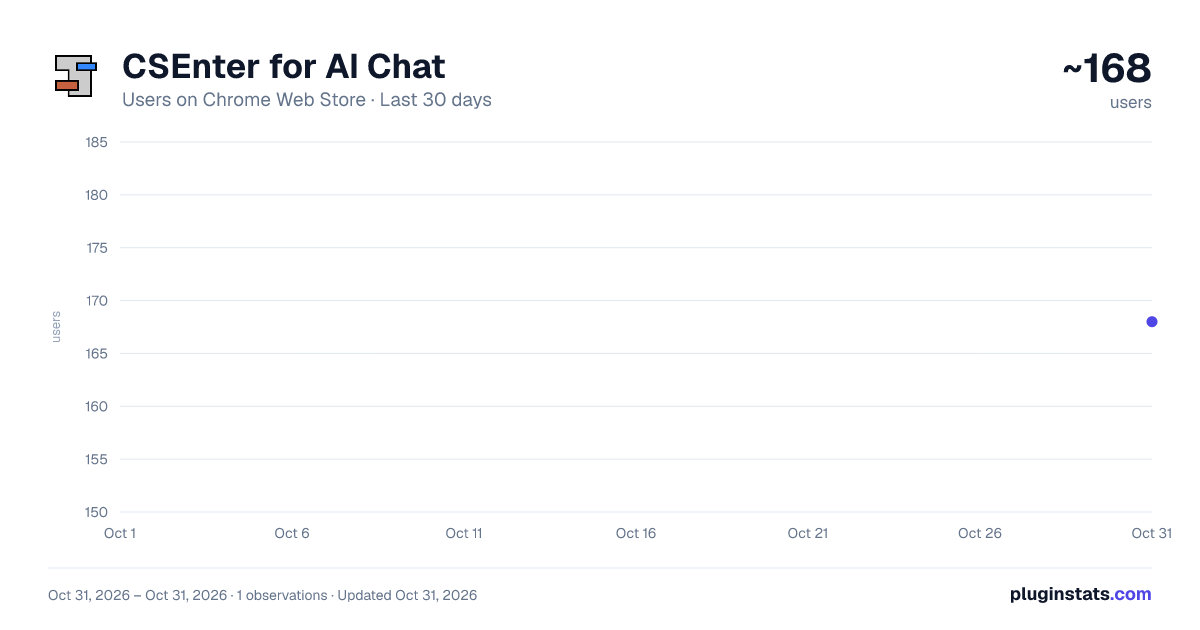
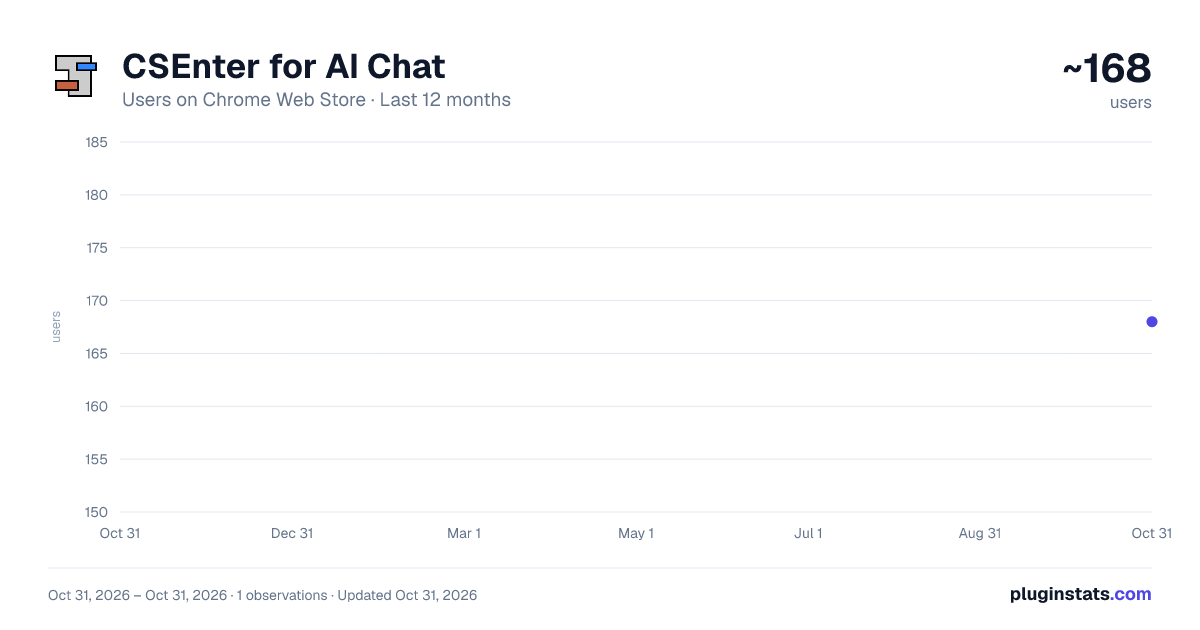
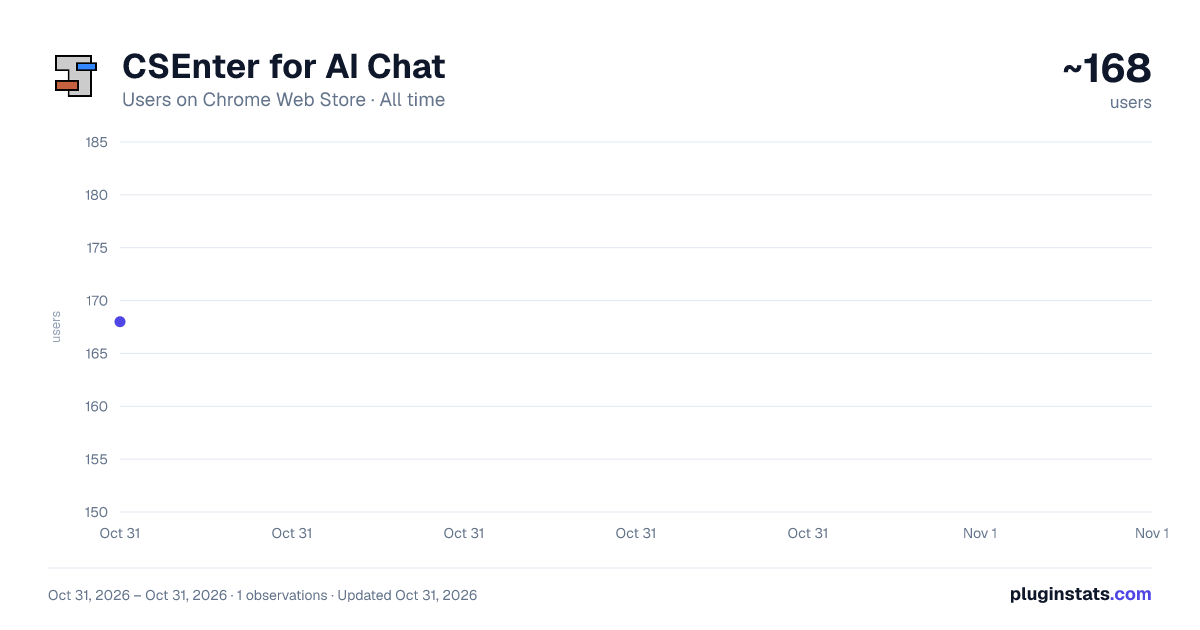
CSEnter for AI Chat has approximately 168 recorded users on Chrome Web Store, ranking #5061 of 6,300 tracked listings.
Rating: 5.00 / 5 from 1 ratings
About CSEnter for AI Chat
Change the send trigger key in Claude, ChatGPT, Gemini, Copilot, Grok, etc.
Have you ever accidentally sent a message you were in the middle of writing because you pressed the Enter key, intending to confirm the converted text?
In many languages — especially those using IME-based input like Japanese — the Enter key is pressed frequently during text composition to confirm character conversions. This makes accidental sends an everyday frustration.
On top of that, in most text editors, Enter means "new line" — not "send." Having Enter trigger a send goes against the mental model most people already have. For users with upper limb disabilities, tremor conditions, or those less familiar with keyboard shortcuts, an accidental send can be especially disruptive.
CSEnter for AI Chat is a Chrome extension that lets you add your own modifier keys to the send trigger. Freely combine Shift, Ctrl, and Alt (Shift, Command, and Option on macOS).
Once you add any of them, pressing Enter alone inserts a new line — just like in a text editor, so you can use AI chat the way you're already used to.
Key features:
- Prevents accidental sends triggered by Enter alone
- Saves time and avoids wasting conversation context
- Settings apply instantly — no page reload needed
- Settings are synced across devices via your browser account
- Supports major AI chat services
Source code, the full list of supported services, and the changelog are available on GitHub: https://github.com/securecat/csenter
Description from the Chrome Web Store listing.
README badge
Show your rank in a README or on your website. The badge updates automatically.
Charts
Images: 30d · 1y · all time · 1600×900 dark
Adoption over time
7/30/90-day growth
Ranking history
Ratings over time
Listing placement
Listing placement
Filled points are observed values; hollow points come from Internet Archive snapshots of the listing page. Dashed segments span periods with no observations — values between points are not interpolated.
Each band is one page of 20. Users on a linear scale. Placement is projected from users, so it can differ from the marketplace's own sort order. Hover a dot to see the listing.
Recent observations
Full history (1)Similar Chrome Web Store Accessibility plugins
All 20 CSEnter for AI Chat alternatives



Data source
Covers every Chrome Web Store extension with at least 100 users, found through the store's public sitemap. User counts are read from public listing pages. The 10% most-used extensions are refreshed daily, the next 40% weekly and the next 40% monthly; the least-used 10% are not refreshed. Google displays rounded user counts (and caps the display at 10,000,000+), so small changes may not be visible. Rating counts above 1,000 are rounded (e.g. 1.6K).
Listing: https://chromewebstore.google.com/detail/csenter-for-ai-chat/glkdanbnmpbdmljmcglcadpcdkehgfpn. First seen Oct 31, 2026; last successful collection Oct 31, 2026. See the methodology.