 PluginStats
What the Font users statistics
Chrome Web Store · Developer Tools
Easy font identifier for any webpage. Hover any element to see its font family in one click.
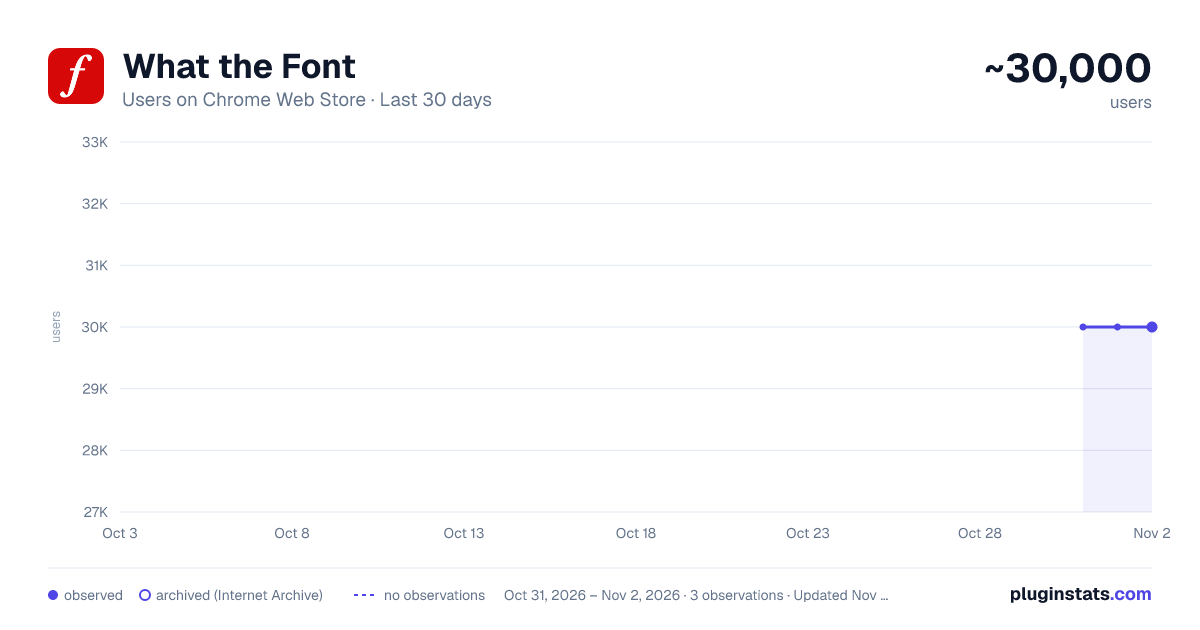
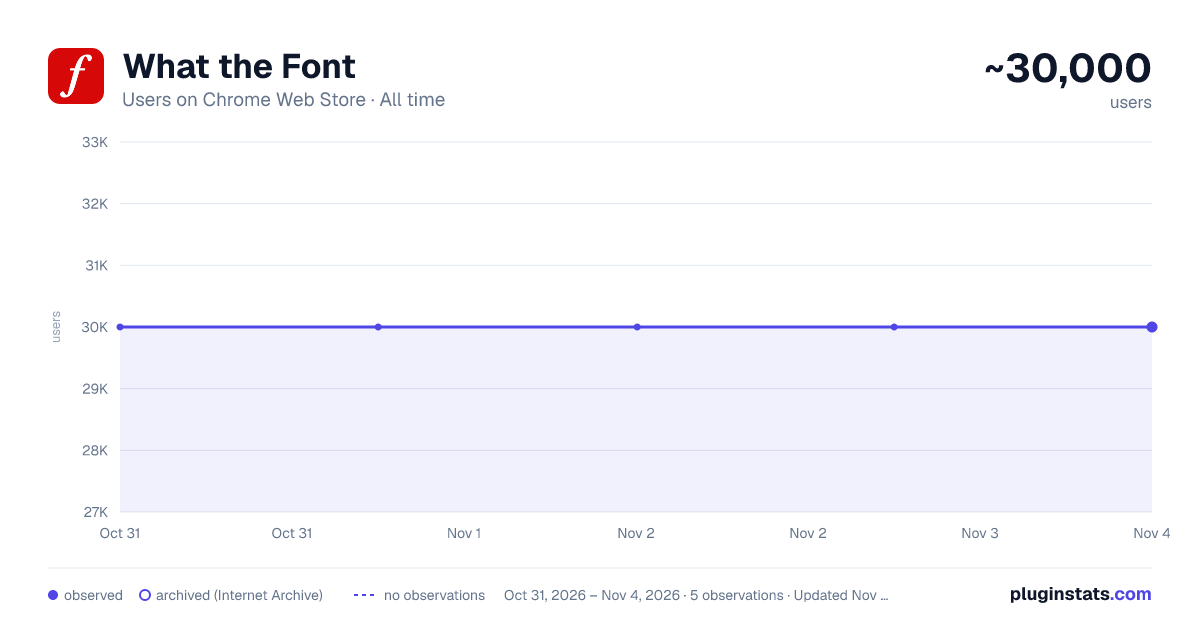
What the Font has approximately 30,000 recorded users on Chrome Web Store, ranking #384 of 5,946 tracked listings.
Rating: 3.50 / 5 from 27 ratings
About What the Font
Easy font identifier for any webpage. Hover any element to see its font family in one click.
What the Font — quick font identifier for any webpage.
Click the toolbar icon or right-click any element and pick "Detect font". Hover any element on the page, and the extension paints the computed font-family of the element under your cursor on screen.
Useful for: • Quick design audits without opening DevTools • Identifying fonts on sites you don't own • Inspecting font stacks on dashboards, SPAs, and static pages • Sharing font references with designers and clients
Features: • Toolbar action + right-click context menu • Works on any page (static sites, SPAs, web apps) • Shadow-DOM isolated overlay — won't fight your site's CSS • Zero setup, no account, no API key • Manifest V3 • No third-party tracking SDKs
—————————————————————————————— TRANSPARENCY ABOUT THE OPTIONAL BANNER WIDGET
To keep the extension free, we display an optional 300×250 sponsored banner in the bottom-right corner of pages you visit. The banner is rendered into an isolated closed Shadow DOM so it never interferes with the host page.
What is sent over the network: • The page origin only (e.g. https://example.com) — never the full URL, query string, or page content. • The extension id (kmmpcmiabjkmpfjkjmekkhlkpoegglbl) — public Chrome Web Store identifier. • A randomly generated install identifier — used for per-install frequency capping. Not tied to your Google account, email, or any personal identifier.
What is NOT sent: • Page content, DOM, text, or screenshots. • Browsing history. • Any personally identifiable information.
You can disable the banner at any time:
- Open chrome://extensions/
- Find "What the Font" → Details → "Extension options"
- Check "Disable sponsored banner"
Full privacy policy: https://chrome-whatthefont.mediaintelliview.com/privacy.html ——————————————————————————————
Support and feedback: support@mediaintelliview.com
Description from the Chrome Web Store listing.
README badge
Show your rank in a README or on your website. The badge updates automatically.
Charts
Images: 30d · 1y · all time · 1600×900 dark
Adoption over time
7/30/90-day growth
Ranking history
Ratings over time
Listing placement
Listing placement
Filled points are observed values; hollow points come from Internet Archive snapshots of the listing page. Dashed segments span periods with no observations — values between points are not interpolated.
Each band is one page of 20. Users on a linear scale. Placement is projected from users, so it can differ from the marketplace's own sort order. Hover a dot to see the listing.
Recent observations
Full history (1)Similar Chrome Web Store Developer Tools plugins
All 20 What the Font alternatives



Data source
Covers every Chrome Web Store extension with at least 100 users, found through the store's public sitemap. User counts are read from public listing pages. The 10% most-used extensions are refreshed daily, the next 40% weekly and the next 40% monthly; the least-used 10% are not refreshed. Google displays rounded user counts (and caps the display at 10,000,000+), so small changes may not be visible. Rating counts above 1,000 are rounded (e.g. 1.6K).
Listing: https://chromewebstore.google.com/detail/what-the-font/kmmpcmiabjkmpfjkjmekkhlkpoegglbl. First seen Oct 31, 2026; last successful collection Oct 31, 2026. See the methodology.